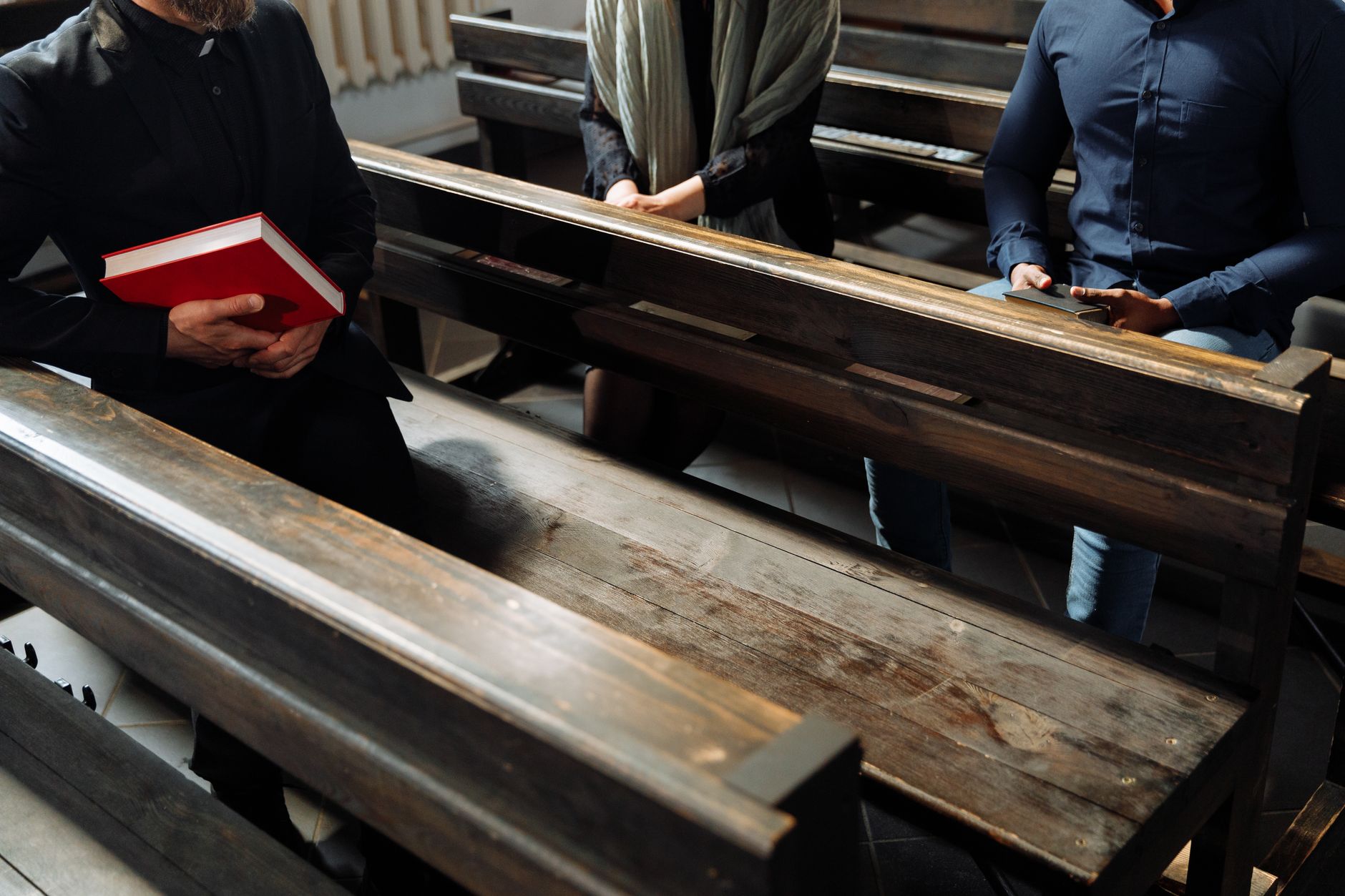
The Friction of Spiritual Access
I have spent years observing the operational bottlenecks in church administration, and the most persistent pain point is always the 'access gap.' This is the frustrating space between a member's urgent need for spiritual guidance and the actual moment they sit across from their leader. In my experience working with various ministries, I've seen pastors spend up to 15 hours a week simply coordinating dates via text, email, and handwritten notes, only to have 20% of those appointments result in no-shows because there was no formal confirmation system. This inefficiency doesn't just hurt the schedule; it hurts the ministry.
For a comprehensive overview of how to modernize your church's booking process, explore our guide on schedule with pastor.
When a member needs to schedule with pastor for an emergency counseling session or a baptism request, every hour of delay feels like a day of spiritual isolation. The traditional method of "send an email and wait for a reply" is no longer sufficient in 2026. We are living in an era where artificial intelligence and seamless scheduling software have redefined expectations for accessibility. If your church is still relying on a paper calendar in the office, you are creating an accidental barrier between the shepherd and the sheep.

What Does It Mean to Effectively Schedule with Pastor?
📚
Definition
Scheduling with a pastor is the systematic process of managing a minister's availability to ensure that pastoral care, spiritual counseling, and administrative meetings are distributed efficiently without leading to burnout.
To schedule with pastor effectively is to move beyond simple appointment setting and into the realm of strategic ministry management. It involves creating a transparent, easy-to-navigate portal where members of the congregation can see available windows of time and book them based on the nature of their need. This is not about treating the church like a business; it is about using professional tools to remove administrative noise so that the pastor can focus entirely on the soul of the person in front of them.
In the modern church, this process must be multifaceted. A pastor's time is split between sermon preparation, leadership meetings, home visits, and crisis intervention. A truly effective scheduling system doesn't just pick a time; it categorizes the request. For example, a request for a "Wedding Consultation" requires a different time block and set of prerequisites than a "Crisis Counseling" session. By implementing structured scheduling, the ministry can prioritize urgent needs while maintaining a healthy boundary for the pastor's study and family time.
💡
Key Takeaway
Effective scheduling is a tool for stewardship. By managing time precisely, a pastor maximizes their capacity for pastoral care while protecting their mental health and sermon quality.
Why Improving the Ability to Schedule with Pastor Matters for Your Ministry
Improving the way members schedule with pastor is not a matter of convenience; it is a matter of ministry health. According to research from the Barna Group, pastoral burnout is at an all-time high, often driven by the blurring of boundaries between professional ministry and personal life. When there is no clear system for booking, the pastor's phone becomes a 24/7 open door, leading to exhaustion and a decrease in the quality of the weekly sermon.
1. Reduction of Administrative Fatigue
The mental load of "calendar Tetris"—the act of emailing back and forth to find a mutually agreeable time—is an invisible drain on productivity. When you implement a dedicated system to schedule with pastor, you eliminate the middleman. Instead of a church secretary spending three hours a day playing phone tag, the member simply clicks a link, selects a slot, and receives an automated confirmation. This shifts the administrative burden from the staff to the system.
2. Increased Accessibility for the Congregation
Many members, particularly younger generations or those struggling with anxiety, find the prospect of calling a church office intimidating. Providing a digital way to schedule with pastor removes this friction. It allows a member to seek help at 2:00 AM when they are in crisis, knowing that their appointment is secured for the following Tuesday. This immediate confirmation provides a psychological sense of relief and support before the meeting even begins.
3. Better Data for Ministry Planning
When scheduling is handled through a platform like Pastor Agenda, the church gains valuable data. You can see trends in why people are booking. Are there more requests for grief counseling in November? Is there a surge in new member orientations in January? This data allows the leadership to allocate resources better, perhaps by bringing in additional lay counselors or adjusting the sermon series to address common struggles appearing in the scheduling logs.
4. Professionalism and Trust
While the church is a spiritual home, a lack of organization can be perceived as a lack of care. When a member schedules with pastor and receives a professional calendar invite with a Zoom link or a physical office location, it signals that the pastor values their time. It creates an atmosphere of stability and reliability, which is essential for someone seeking counseling during a volatile period of their life.
How to Implement a Modern System to Schedule with Pastor
Transitioning from a manual system to a digital one requires more than just software; it requires a shift in culture. You cannot simply post a link and expect everything to work. You must design the workflow around the unique needs of a ministry.
Step 1: Define Availability Tiers
Not all hours are created equal. I recommend that pastors categorize their time into "Open," "Protected," and "Emergency" blocks.
- Open Blocks: These are the windows where anyone can schedule with pastor (e.g., Tuesdays from 1 PM to 5 PM).
- Protected Blocks: These are for sermon study, prayer, and family. These should be hidden from the public view to prevent burnout.
- Emergency Blocks: These are slots reserved specifically for crisis intervention, which can be unlocked by the pastor or a senior elder.
Step 2: Create Categorized Appointment Types
To avoid the ambiguity of a generic "meeting," create specific options. This allows the pastor to prepare mentally for the session. Examples include:
- First-Time Visitor Meeting (30 mins): Focused on welcoming and integration.
- Pastoral Counseling (60 mins): Focused on spiritual and emotional support.
- Wedding/Funeral Planning (90 mins): Focused on logistics and ceremony structure.
- Leadership Sync (45 mins): Focused on church operations.
Step 3: Integrate with Existing Calendars
One of the biggest mistakes I see is the use of a separate "church calendar" that doesn't sync with the pastor's personal calendar. If a pastor has a doctor's appointment on their Google Calendar but the scheduling software doesn't know about it, you'll end up with a double-booking. Your system must have two-way synchronization. When a member chooses to schedule with pastor, the system should automatically check all connected calendars to ensure the slot is truly vacant.
Step 4: Establish a Confirmation and Reminder Workflow
No-shows are a plague in ministry. A simple "see you then" is not enough. An automated workflow should include:
- Immediate Confirmation: An email and SMS confirming the date and time.
- 24-Hour Reminder: A nudge reminding them of the appointment and providing directions or a link.
- Post-Meeting Follow-up: An automated message asking if they have any further needs or if they'd like to schedule a follow-up session.

Comparing Scheduling Approaches for the Modern Church
To understand why a specialized tool is necessary, we must compare it to the alternatives. Most churches start with the traditional approach, then move to generic tools, before finally realizing the need for a ministry-focused solution.
| Feature | Traditional Approach (Manual) | Generic AI/Booking Tools | Pastor Agenda Approach |
|---|---|---|---|
| Booking Speed | Slow (Days of back-and-forth) | Fast (Instant) | Fast & Contextual |
| Boundary Control | Poor (Constant interruptions) | Basic (Time blocking) | Advanced (Ministry-specific tiers) |
| Congregation Experience | High friction/Intimidating | Impersonal/Corporate | Welcoming & Structured |
| Admin Overhead | Very High (Manual entry) | Low (Automated) | Lowest (Integrated Ministry Flow) |
| Data Insights | None (Scattered notes) | Basic (Number of bookings) | Deep (Need-based trends) |
As the table shows, while generic tools solve the speed problem, they often lack the nuance required for pastoral care. A corporate booking tool doesn't understand the difference between a "sales call" and a "soul-care session." Pastor Agenda is designed specifically to bridge this gap, ensuring that the technology serves the ministry, not the other way around.
Common Mistakes to Avoid When Setting Up Your Schedule
In my experience, the transition to digital scheduling often fails not because of the software, but because of poor implementation. Here are the most frequent errors I encounter when helping churches set up their systems to schedule with pastor.
1. Making Everything "Public"
The most dangerous mistake a pastor can make is opening their entire calendar to the public. While the desire to be available is noble, it is unsustainable. I have seen pastors enter deep depression because they felt they could never "turn off." You must set strict boundaries. If you don't protect your time for prayer and study, you will eventually have nothing of value to give to the people who schedule with you.
2. Ignoring the "Buffer Time"
Back-to-back counseling sessions are a recipe for disaster. Spiritual counseling is emotionally taxing. If a pastor finishes a heavy session on grief at 2:00 PM and starts a joyful wedding planning session at 2:01 PM, they cannot effectively pivot. Always implement a 15-to-30 minute "buffer" between appointments. This allows the pastor to pray, stretch, and mentally reset for the next person.
3. Over-complicating the Booking Form
While it's tempting to ask a dozen questions to "screen" the member, this creates a barrier. If a person is in a crisis, they will not fill out a 10-field form. Keep the initial booking simple: Name, Email, Phone, and Reason for Meeting. You can collect more detailed information in a follow-up email or during the first five minutes of the actual appointment.
4. Failing to Communicate the Change
You cannot simply put a link in the footer of your website and expect people to use it. You must preach the change from the pulpit. Explain to the congregation: "We want to make sure we give you our full attention, so we've moved to a new system to schedule with pastor. This ensures no one is forgotten and every appointment is honored." When members understand that the system exists to increase care, they will embrace it.
5. Neglecting the Mobile Experience
Over 70% of church members will attempt to schedule with pastor from their smartphones. If your booking page is not mobile-responsive or requires a complex login, they will simply call the office or send a text, returning you to the manual chaos. Ensure the interface is lean, fast, and accessible in three clicks or less.
Deep Dive: The Psychology of Scheduling in Ministry
There is a hidden psychological layer to how people interact with their clergy. For many, the act of scheduling is the first step in a healing process. When a member decides to schedule with pastor, they are often admitting a vulnerability.
If the process is clunky or cold, it can inadvertently signal that the pastor is "too busy" or that the member is an "interruption." Conversely, a smooth, welcoming scheduling process signals: "I have made space for you. You are a priority." This is why the user experience (UX) of your scheduling tool is actually a form of ministry. It is the digital "front porch" of your pastoral care.
Furthermore, the use of scheduling software reduces the "guilt factor" for the member. Many people hesitate to call a pastor because they don't want to "bother" them. A public calendar removes this guesswork. The member can see, "Oh, the pastor is free on Thursday at 3 PM," and they can book it without feeling like they are imposing. This democratizes access to spiritual leadership.
Implementation Guide for Church Staff
If you are the administrator tasked with setting this up, follow this tactical checklist to ensure a smooth rollout.
Week 1: Audit and Analysis
- Track every single request to schedule with pastor for seven days.
- Categorize these requests (Counseling, Admin, Visitation, etc.).
- Identify the "Peak Hours" when the pastor is most frequently interrupted.
Week 2: Configuration
- Set up the account on Pastor Agenda.
- Sync the pastor's primary calendar (Google/Outlook).
- Create the 4-5 most common appointment types with specific durations.
- Set the "Buffer Time" to 20 minutes between all slots.
Week 3: Beta Testing
- Have three trusted elders or staff members attempt to schedule with pastor using different devices.
- Check if the notifications are arriving via SMS and Email.
- Ensure the calendar blocks are correctly hiding the pastor's private time.
Week 4: Launch
- Add the booking link to the church website, social media bios, and email signatures.
- Make a formal announcement during the Sunday service.
- Provide a brief tutorial video or PDF for the older members of the congregation.
Frequently Asked Questions
Is it unspiritual to use software to schedule with pastor?
Absolutely not. Technology is a tool for stewardship. In the Bible, we see the importance of order and organization in the early church (Acts 6), where deacons were appointed to handle administrative tasks so the apostles could focus on prayer and the ministry of the word. Using scheduling software is the 2026 equivalent of appointing deacons; it removes the administrative noise so the pastor can focus on the spiritual needs of the people. When a system handles the logistics, the pastor can be more present and attentive during the actual meeting.
What happens if a member isn't tech-savvy?
No system should ever replace the human touch entirely. While the goal is to move most people to the digital system, you should still maintain a "concierge" option. The church secretary can use the same Pastor Agenda link to book on behalf of the member. This keeps all appointments in one central source of truth while still providing accessibility for those who prefer a phone call. The software serves as the backend engine, regardless of whether the member or the secretary is the one clicking the button.
How do we handle emergency pastoral needs?
Scheduling software is for planned appointments, not crises. You should clearly state on your booking page: "For immediate emergencies or life-threatening crises, please call [Emergency Number] or contact the on-call elder." I recommend creating a specific "Urgent" category in your system that has more frequent availability, but keep the primary emergency line separate. This ensures that someone in a genuine crisis isn't waiting for a calendar slot to open up on Tuesday.
Will this make the pastor seem less approachable?
On the contrary, it makes the pastor more approachable by removing the anxiety of the "ask." Many people avoid seeking help because they don't know the pastor's schedule or fear they are interrupting. A clear, open booking system says, "I am available for you during these times." It transforms the perception from "I hope the pastor has time for me" to "I know exactly when I can connect with my pastor." It replaces uncertainty with clarity.
How do we prevent people from booking too many slots?
Most professional scheduling tools allow you to set limits. You can limit the number of appointments per day or the number of times a single email address can book within a week. This prevents a single individual from monopolizing the pastor's time. Additionally, you can require a brief reason for the visit, which allows the pastor to review and, if necessary, reschedule or redirect the request to a lay leader or professional counselor.
Can we use this for group sessions or family meetings?
Yes, by creating a specific appointment type for "Family Counseling" or "Group Study," you can adjust the duration and the required information. Some advanced systems allow multiple people to join a single booking. If you are using Pastor Agenda, you can set up these specific categories so the pastor knows to book a larger room or prepare more materials for a group setting rather than a one-on-one session.
How does this integrate with our church's privacy policies?
Privacy is paramount in pastoral care. A professional system ensures that the identity of the person scheduling with pastor is kept secure and is not public. Unlike a shared Google Calendar where others might see who is booked, a proper scheduling portal only shows "Busy" or "Available" to the public. The detailed information (reason for visit, contact info) is only visible to the pastor and authorized administrative staff, ensuring confidentiality is maintained.
What is the ROI of investing in scheduling software?
The return on investment is measured in "recovered hours" and "ministry impact." If a pastor and secretary save 10 hours a week combined, that is 40 hours a month of reclaimed time. This time can be reinvested into sermon research, visiting the sick, or spending time with family. When you calculate the hourly value of a pastor's time, the software pays for itself in the first few days. More importantly, the increase in member engagement and the reduction in burnout are priceless assets for the church's long-term health.
Recommended Readings
To deepen your understanding of these topics, we recommend reading the following articles:
- How to Schedule Meetings with a Pastor
- Church appointment booking
- Online Appointment Booking for Modern Churches
- Church management software
Reference Sources
For deeper context on this topic, these sources provide additional authoritative perspectives:
- Wikipedia — general knowledge reference
- GitHub — development and technology documentation
- The New York Times — news and journalistic updates
These references help establish a complete view of the subject matter.
Conclusion
Moving your church toward a systematic approach to schedule with pastor is one of the most impactful administrative decisions you can make in 2026. It is not about adding technology for the sake of technology; it is about removing every possible barrier between your leadership and your congregation. When you eliminate the friction of booking, you open the door for more healing, more guidance, and more growth within your ministry.
Remember that the goal is balance. Use the tools to protect the pastor's rest and study time, while simultaneously making the "Open" windows as accessible as possible for the members. By treating time as a sacred resource, you ensure that the ministry remains sustainable for the leader and supportive for the people.
If you are ready to stop the calendar chaos and start focusing on what truly matters, it's time to modernize your approach. Explore our comprehensive guide on schedule with pastor to see how to implement these strategies in your local church.
For a professional, ministry-focused solution that understands the unique needs of the clergy, visit Pastor Agenda and start streamlining your pastoral care today.
Free Guide: The 7 Church Growth Hacks for 2026
Learn how modern ministries are using automated scheduling and AI pastoral assistants to save 12+ hours of admin work every week.