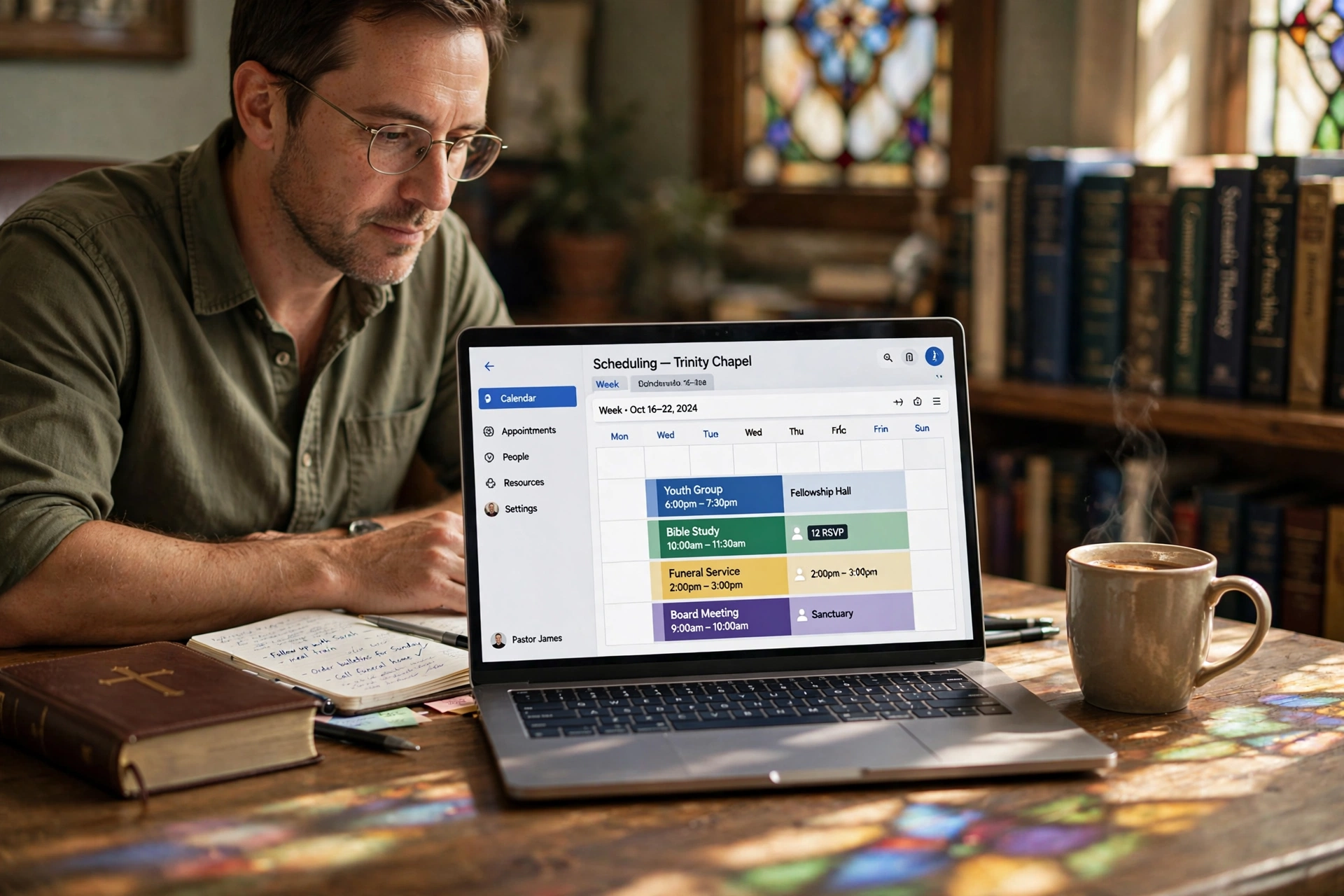
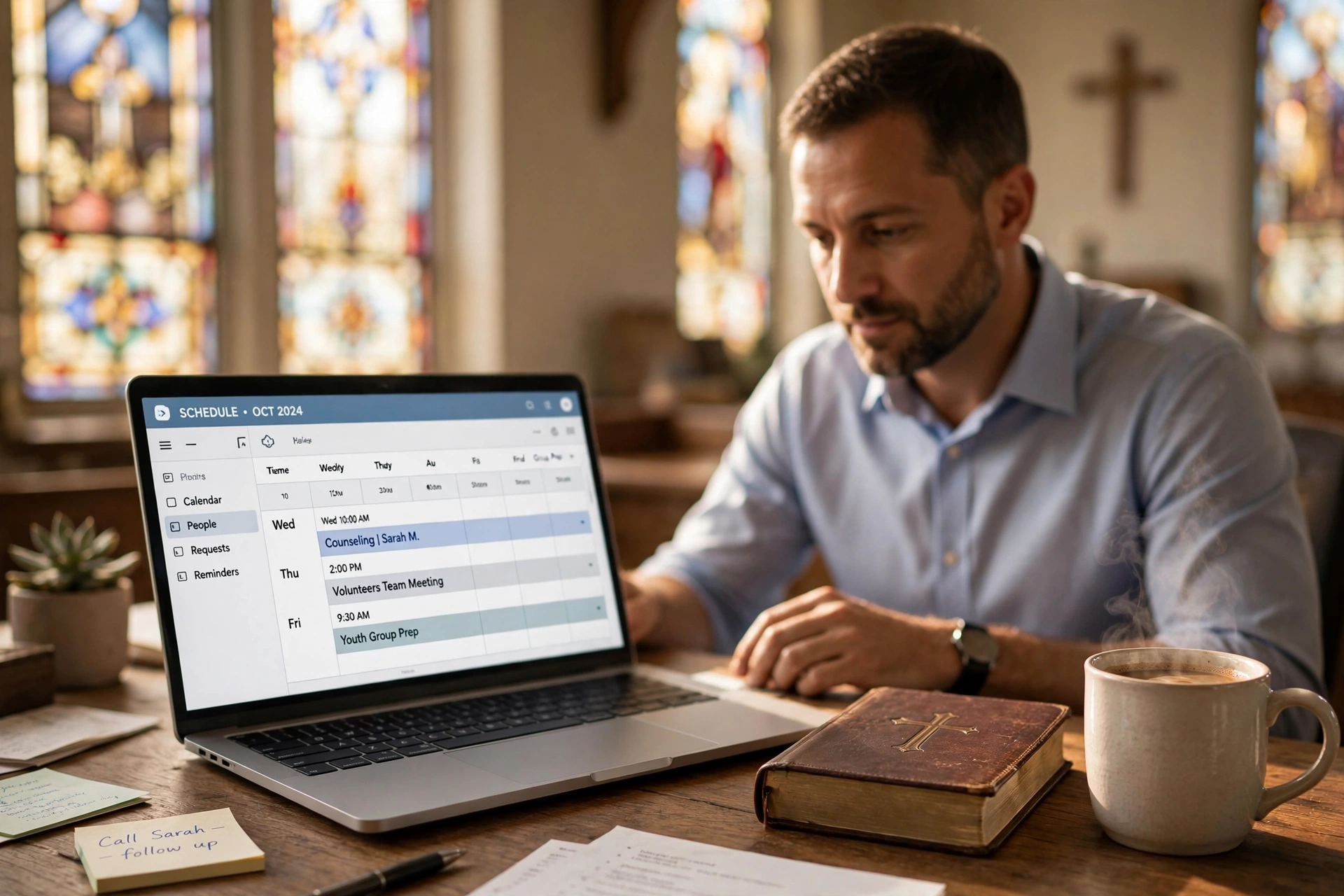
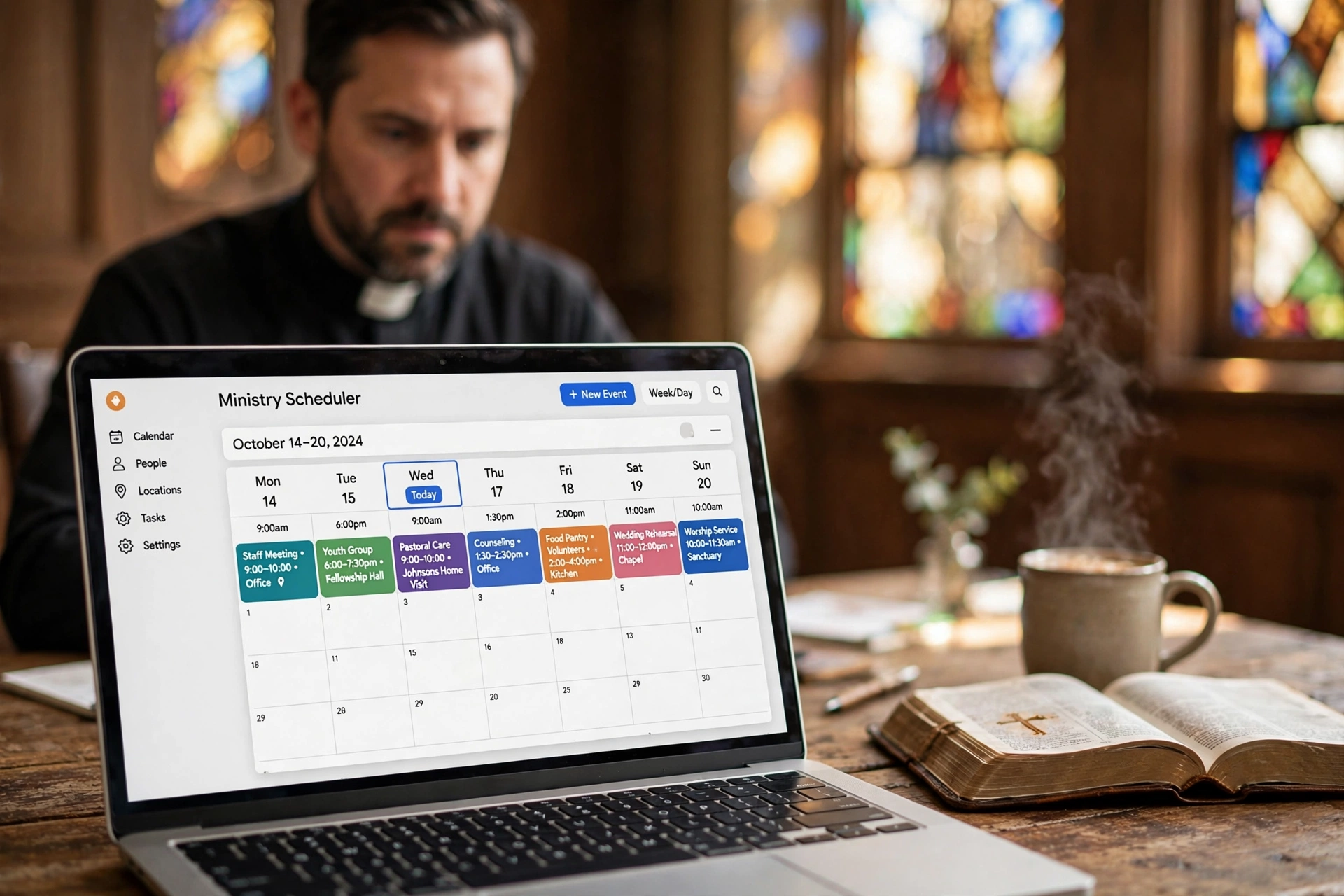
Which Pastor Scheduling Software Should You Choose?
The administrative burden of a modern ministry often outweighs the actual time spent in pastoral care, leaving many leaders burnt out by the sheer volume of manual coordination. When deciding which pastor scheduling software to implement, the choice typically falls between three categories: generic appointment tools, all-in-one church management systems (ChMS), or dedicated ministry-specific scheduling platforms. For a leader who needs to balance sermon preparation with crisis counseling and administrative meetings, a dedicated platform like Pastor Agenda is the most efficient choice because it eliminates the friction of generic tools that aren't designed for the nuances of spiritual leadership.
What Exactly is Pastor Scheduling Software?
At its core, this technology is designed to bridge the gap between a leader's availability and a congregation's need for access. It isn't merely a digital calendar; it is a gateway for pastoral care that manages boundaries while ensuring no one in the congregation feels ignored.
📚
Definition
Pastor scheduling software is a specialized digital tool that allows clergy to set specific availability windows, automate the booking of appointments (such as counseling, weddings, or house visits), and synchronize these events across multiple devices to prevent double-booking and burnout.
In my experience working with dozens of ministry leaders, the biggest struggle isn't the lack of a calendar—everyone has a calendar—but the lack of a "buffer." Most pastors operate on an "always-on" mentality, which leads to rapid emotional exhaustion. A professional scheduling system allows a minister to designate "Sermon Study Blocks" that are invisible to the public, ensuring that the intellectual and spiritual work of the ministry is protected from the chaos of last-minute requests.
According to Barna Group, a significant percentage of pastors report high levels of stress and loneliness, often exacerbated by the inability to disconnect from their role. Implementing a structured scheduling system transforms the pastor's role from a "reactive" responder to a "proactive" leader. When a member of the congregation can book a time for pastoral counseling online, it removes the anxiety of the "phone tag" game and creates a professional boundary that actually enhances the quality of the interaction.
Why Does the Right Tool Matter for Ministry Health?
The implications of using the wrong tool—or no tool at all—extend far beyond a messy calendar. When a pastor manages their time via fragmented emails, text messages, and handwritten notes, the risk of "scheduling leakage" occurs. This is where appointments are forgotten, or worse, overlapping commitments lead to a perceived lack of care for the congregant.
The data suggests that administrative inefficiency is a leading cause of ministerial turnover. While specific software ROI is hard to quantify in a non-profit setting, the "time-back" metric is staggering. If a pastor spends just 4 hours a week coordinating appointments via text and email, that equates to over 200 hours a year. According to research by Christianity Today, the health of a church is directly tied to the health of its leader; therefore, reducing administrative friction is a strategic investment in the church's growth.
When we analyze the impact of automated scheduling, we see a shift in how the congregation perceives the ministry. A clear, accessible booking link signals that the pastor is organized and values the congregant's time. Conversely, a pastor who is "always available" but constantly rescheduling is perceived as overwhelmed. By using a dedicated system, the ministry establishes a culture of respect for time, which is a biblical principle of stewardship.
How to Implement a Scheduling System in Your Ministry
Transitioning from a manual system to a digital one requires more than just signing up for an account; it requires a change in the church's communication culture. If you simply post a link without guidelines, you may find your calendar flooded with non-essential requests.
First, you must define your "Appointment Types." Not every meeting is the same. A "Crisis Counseling" slot should be different from a "New Member Orientation" or a "Business Meeting." Each should have a different duration and a different "buffer time" (the gap between meetings to allow for prayer or notes).
Second, integrate the tool into your existing touchpoints. Place the scheduling link in your email signature, on the "Contact the Pastor" page of your church website, and within your church's member app.
Third, communicate the "Why" to your congregation. Explain that this new system is being implemented not to create distance, but to ensure that when you are with someone, you are fully present and not distracted by the next looming appointment.
When using Pastor Agenda, this process is streamlined because the platform is built specifically for the rhythm of ministry. Unlike generic tools, it understands that a pastor's day isn't 9-to-5; it's a blend of office hours, home visits, and sacred study time.
💡
Key Takeaway
Effective scheduling is not about restriction, but about liberation. By automating the "how" and "when" of appointments, the pastor is freed to focus entirely on the "who" and "why" of pastoral care.
Comparing the Options: Which Software Fits Your Needs?
Not all scheduling tools are created equal. I often see pastors make the mistake of using a high-end corporate tool that asks for too much information from the congregant, or a free tool that lacks the privacy controls necessary for sensitive counseling sessions.
Now here's where it gets interesting: the "free" option often costs the most in terms of time and frustration. Below is a framework to help you decide which path to take.
| Option | Pros | Cons | Best For |
|---|---|---|---|
| Generic Tools (e.g., Calendly) | Fast setup, widely known, integrates with Google/Outlook. | Lacks ministry context, feels corporate, no congregation management. | Small plants or bi-vocational pastors with very few appointments. |
| All-in-One ChMS (e.g., Planning Center) | Centralized data, connects to giving and membership. | Overwhelming interface, scheduling is often a secondary feature. | Large churches with full-time administrative staff to manage the system. |
| Dedicated Ministry Tools (Pastor Agenda) | Built for pastoral rhythms, intuitive for clergy, respects ministry boundaries. | Focused specifically on scheduling rather than full church accounting. | Pastors who want a professional, streamlined care system without the bloat. |
That said, the choice depends on your specific "pain point." If your main issue is that you don't know who is coming to the meeting, a ChMS might help. But if your main issue is that your personal life is being swallowed by your ministry, a dedicated scheduling tool like Pastor Agenda is the only real solution. It allows you to protect your family time and your study time with a level of precision that generic tools simply don't offer.
Common Misconceptions About Digital Scheduling in the Church
Most guides on church technology get this wrong: they suggest that automation makes the ministry feel "cold" or "robotic." This is a myth. In reality, the opposite is true.
Myth 1: "My congregants will think I'm too busy for them if I use a link."
The correction: People actually prefer the certainty of a confirmed appointment over the uncertainty of a "I'll call you back" promise. According to Lifeway Research, modern congregants—especially Millennials and Gen Z—prefer digital interaction for administrative tasks so that the face-to-face time can be more meaningful.
Myth 2: "I can just use a shared Google Calendar."
The correction: A shared calendar is a map, not a gate. It tells people when you are busy, but it doesn't manage the request process. You still end up spending hours texting back and forth to find a time that works. A true pastor scheduling software acts as the gatekeeper, ensuring only valid appointments make it onto your calendar.
Myth 3: "Automation replaces the Holy Spirit's leading in scheduling."
The correction: The Holy Spirit often works through order and peace, not chaos and stress. When a pastor is not stressed about a double-booked Tuesday, they are more spiritually available to the person sitting across from them. Automation handles the logistics so the pastor can handle the ministry.
Frequently Asked Questions
How does pastor scheduling software differ from a standard digital calendar?
A standard digital calendar, like Google Calendar or Apple Calendar, is a passive recording tool; it simply marks a spot of time as "busy" or "free." In contrast, pastor scheduling software is an active coordination tool. It provides a public-facing interface where congregants can see available slots and book them based on rules the pastor has set. For example, while a calendar shows you are free at 2 PM, a scheduling tool can ensure that no one books a "New Member" meeting during that time because that slot is reserved for "Pastoral Counseling." It manages the logic of the schedule, not just the entries.
Will using an online booking system alienate older members of my congregation?
This is a common concern, but the data suggests it is rarely an issue if implemented with a "hybrid" approach. While younger generations will flock to the digital link, older members may still prefer a phone call. The secret is that the pastor (or secretary) can use the same software to book the appointment on behalf of the older member. When the senior member calls, the pastor simply opens their Pastor Agenda dashboard and slots them in. The result is that the pastor's schedule remains synchronized regardless of how the appointment was made, ensuring that the "digital divide" doesn't lead to scheduling errors.
Can these tools help with the boundary issues common in full-time ministry?
Absolutely. One of the most destructive patterns in ministry is the "open-door policy" that never closes. This leads to burnout and family strain. Professional scheduling software allows a pastor to set "hard boundaries" and "soft boundaries." You can set your availability to end strictly at 5 PM on Fridays to protect your Sabbath or family time. Because the system manages the expectations of the congregation, the pastor no longer feels the guilt of saying "no" to a request; the system simply shows that no slots are available, shifting the interaction from a personal rejection to a scheduling reality.
Is the data in these scheduling tools secure for confidential counseling?
Security is a fundamental requirement for any clergy tool. While the scheduling tool handles the time and date of the meeting, it should not be used to store sensitive session notes. Most reputable software uses SSL encryption and complies with basic data privacy standards to ensure that the list of who is meeting with the pastor remains private. When choosing a tool, ensure it doesn't require the congregant to create a complex account just to book a time, as this creates friction and may discourage those in genuine crisis from reaching out for help.
How do I handle emergency pastoral visits in an automated system?
Automation is for the planned ministry, not the urgent ministry. In every scheduling setup, I recommend adding a clear note on the booking page: "For immediate emergencies or crisis situations, please call [Phone Number] directly." This ensures that a grieving family or someone in a medical emergency doesn't try to find a slot for next Thursday. By separating "Urgent Care" from "Scheduled Care," you create a professional workflow that protects your time while still remaining accessible to those in desperate need.
Final Thoughts on Choosing the Right System
Selecting the right pastor scheduling software is not about finding the most features; it is about finding the tool that most closely aligns with the rhythm of your specific calling. If you spend your days juggling the needs of a growing congregation while trying to maintain your own spiritual health, the manual way is no longer sustainable.
The transition to a system like Pastor Agenda allows you to reclaim hours of your week and, more importantly, your mental headspace. When the logistics are handled, you can stop being a secretary and start being a shepherd again. Don't let administrative friction be the ceiling that limits your ministry's impact in 2026.
Recommended Readings
To deepen your understanding of these topics, we recommend reading the following articles:
- Ensuring Absolute Privacy in Church Booking Systems
- Church appointment booking
- Online Appointment Booking for Modern Churches
- Church management software
Free Guide: The 7 Church Growth Hacks for 2026
Learn how modern ministries are using automated scheduling and AI pastoral assistants to save 12+ hours of admin work every week.