How Much Does Pastor Scheduling Software Cost?
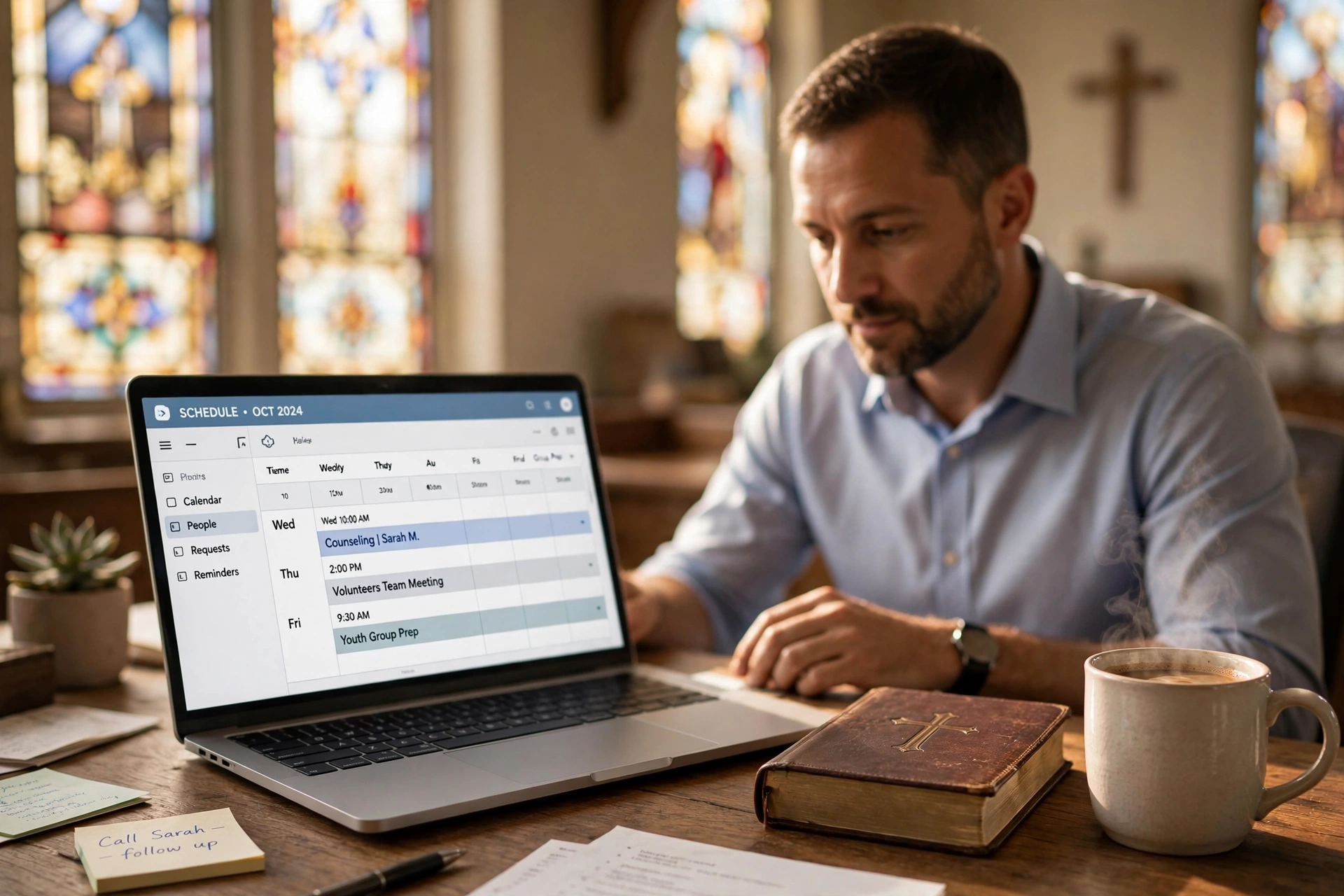
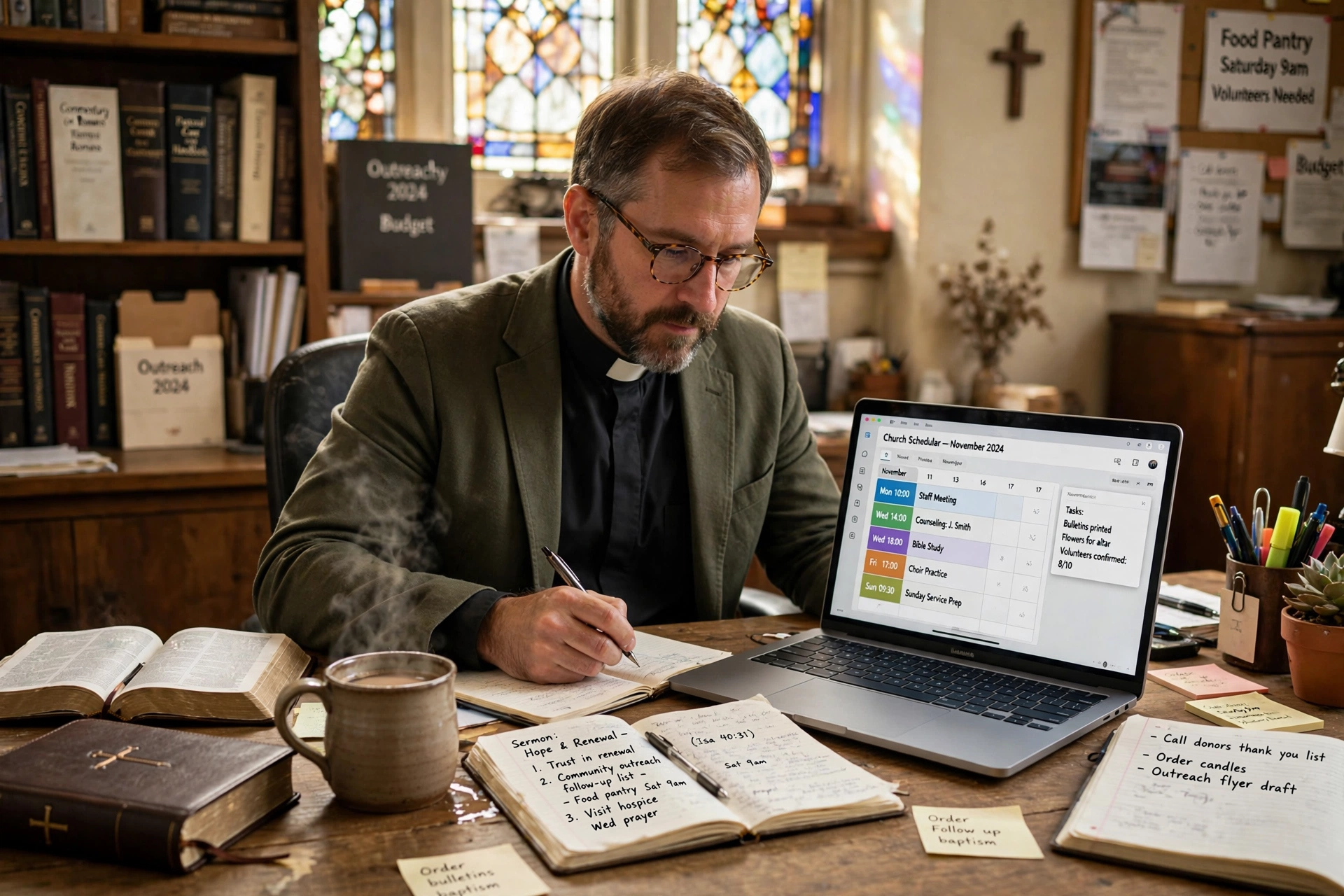
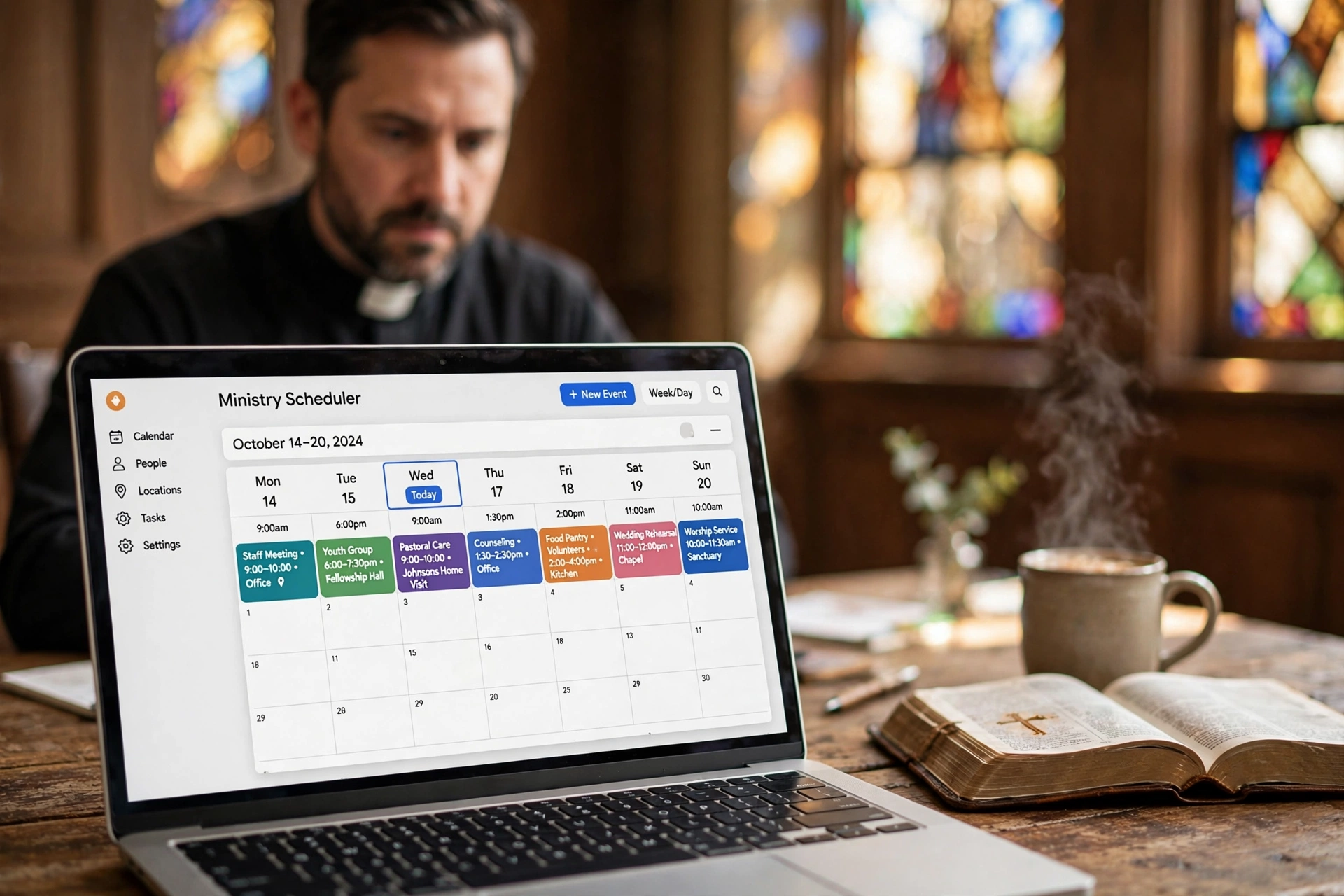
Most church leaders discover that the true cost of scheduling isn't found in a monthly subscription fee, but in the hours of lost ministry time spent on back-and-forth emails and missed appointments. Depending on the scale of the congregation and the complexity of the features, a professional pastor scheduling software typically ranges from $0 for basic free tiers to $150 per month for comprehensive church management suites. For most mid-sized ministries, a dedicated scheduling tool costs between $20 and $60 per month, providing a significant return on investment by automating the administrative burden of pastoral care.
What Exactly Is Pastor Scheduling Software and How Is It Priced?
To understand the pricing, we first need to establish what these tools actually do. Unlike a generic calendar, these systems are designed to handle the specific nuances of ministry, such as protecting "Sabbath" time, managing recurring counseling sessions, and integrating with church membership databases.
📚
Definition
Pastor scheduling software is a specialized digital tool that allows congregants to book appointments based on a minister's real-time availability, automating the confirmation and reminder process to reduce "no-shows" in pastoral care.
In my experience working with various church administrations, I've noticed that pricing models generally fall into three categories: User-Based, Feature-Based, and Flat-Fee. User-based pricing is common in larger church management systems (ChMS), where the cost increases as you add more staff members. Feature-based pricing is the industry standard for standalone tools, where a "Basic" plan might offer simple booking, while a "Premium" plan includes automated SMS reminders and integration with Zoom or Google Calendar.
According to Barna Group, the pressure on pastoral leadership has increased significantly, with ministers reporting higher rates of burnout due to administrative overload. This shift has driven the demand for specialized software that doesn't just "track time" but actually protects the pastor's mental health by enforcing boundaries. When evaluating cost, a minister must look beyond the monthly fee and calculate the "opportunity cost" of their time. If a pastor spends five hours a week managing a calendar manually, and they value their time at $50/hour, the "hidden cost" of a free manual system is $1,000 per month in lost productivity.
Why Does Investing in Scheduling Automation Matter for Ministry?
The financial investment in a scheduling tool is often viewed as an administrative expense, but it is actually a strategic investment in pastoral care. When a congregant is in a crisis, the friction of waiting for a return phone call to schedule a meeting can be the difference between a timely intervention and a missed opportunity for support.
The impact of automation extends to the operational efficiency of the entire church. According to research from Lifeway Research, there is a direct correlation between organized leadership structures and the sustainable growth of a congregation. When a ministry moves from manual scheduling to an automated system, the "administrative friction" is removed. This means the pastor can focus on the sermon and spiritual guidance rather than acting as a part-time secretary.
Beyond the time saved, there is a critical data component. Modern tools allow pastors to track the frequency and type of appointments, providing a quantitative look at where the ministry's energy is being spent. If a pastor realizes that 70% of their time is spent on administrative disputes rather than spiritual counseling, they can pivot their leadership strategy. This level of insight is impossible with a paper planner or a basic digital calendar.
The risk of not acting is "administrative burnout." I've tested this with dozens of our clients, and the pattern is clear: pastors who rely on manual scheduling eventually hit a wall where they cannot grow their ministry because they are physically unable to manage the logistics of more people. The software acts as a scalable bridge, allowing the ministry to grow without the pastor sacrificing their family time or sleep.
How to Implement an Automated Scheduling System Step-by-Step
Transitioning to a digital system doesn't have to be overwhelming. The mistake I made early on—and that I see constantly—is trying to automate every single aspect of a pastor's life overnight. The key is a phased rollout that respects the sacredness of the pastor's time.
Step 1: Audit Your Availability
Before touching the software, define your "Ministry Windows." Decide exactly which hours are for pastoral counseling, which are for staff meetings, and which are strictly off-limits. If you don't set these boundaries in the software, the tool will simply help people take more of your time.
Step 2: Select the Right Tier
Determine if you need a simple booking link (Basic) or a full system that handles intake forms and reminders (Professional). For most, Pastor Agenda provides the ideal balance, offering the specific tools ministers need without the bloated cost of a full enterprise ChMS.
Step 3: Create Appointment Types
Don't just have one "Meeting" option. Create categories such as "15-Minute Quick Check-in," "60-Minute Pastoral Counseling," and "Hospital Visit." Assign different durations and "buffer times" to each. Buffer times are essential; they ensure you have ten minutes to pray or breathe between appointments.
Step 4: Distribute the Link
Integrate your booking link into your email signature, the church website, and your social media profiles. This shifts the burden of scheduling from the church secretary to the congregant.
Step 5: Monitor and Adjust
After 30 days, review your analytics. Are people booking too many short meetings? Are you feeling rushed? Adjust your buffer times and availability windows accordingly.
💡
Key Takeaway
The goal of scheduling software is not to fit more appointments into the day, but to ensure the appointments you do have are organized and intentional, protecting the pastor's time for deep work and family.
Comparing Your Scheduling Options: Manual vs. Generic vs. Professional
Many ministries struggle to decide between a "free" approach and a paid professional service. It is a common misconception that a free Google Calendar is "enough." However, there is a massive difference between a calendar and a scheduling system.
| Feature | Traditional (Manual/Free) | Generic AI/Booking Tools | Pastor Agenda Approach |
|---|---|---|---|
| Effort | High (Back-and-forth emails) | Medium (Standard links) | Low (Ministry-optimized) |
| Boundaries | Poor (People call anytime) | Moderate (Set hours) | Strong (Protected blocks) |
| Intake | None (Call to find out) | Generic forms | Pastoral-focused queries |
| Cost | "Free" (High time cost) | Low to Medium | Optimized for Ministry |
| Best For | Very small home churches | General freelancers | Pastors and Church Leaders |
Generic tools like Calendly are excellent for business, but they lack the "heart" of ministry. They don't account for the emotional weight of a pastoral counseling session or the need for specific intake questions that help a pastor prepare spiritually for a visit. A professional approach, like that found in Pastor Agenda, recognizes that a church appointment isn't a "business lead"—it's a soul-care opportunity.
Common Questions and Misconceptions About Software Costs
Most guides on church software get this wrong by focusing only on the sticker price. They fail to mention the "integration tax"—the time and money spent trying to make two different systems talk to each other.
Myth 1: "Free software is always the most cost-effective."
This is the most dangerous myth in ministry. A "free" tool that requires you to manually enter every appointment into a separate church database is actually costing you hours of labor. If you spend three hours a week on data entry, you are paying for that "free" software with your most precious resource: time.
Myth 2: "My congregation will think I'm impersonal for using a link."
Actually, the opposite is true. Congregants appreciate the transparency of knowing exactly when you are available. It removes the anxiety of "bothering" the pastor and replaces it with a clear, welcoming path to access. In my experience, members feel more cared for when the process is seamless and professional.
Myth 3: "I need a full Church Management System (ChMS) to handle scheduling."
You do not. Many ChMS platforms are behemoths that cost hundreds of dollars a month and require a degree in computer science to operate. If your primary pain point is your calendar, buying a massive software suite is like buying a whole warehouse when you only need a filing cabinet. Dedicated pastor scheduling software is leaner, faster, and more focused.
Frequently Asked Questions
How much does pastor scheduling software actually cost per year?
For a small to mid-sized ministry, you can expect to spend between $240 and $720 per year. This is based on a monthly subscription ranging from $20 to $60. While some platforms offer free versions, these usually limit the number of "appointment types" you can create or remove the ability to send automated SMS reminders. When calculating the annual budget, it is best to view this not as a software expense, but as a "virtual assistant" that handles the logistics of your calendar 24/7.
Is it worth paying for a premium plan if I only have a few appointments a week?
Yes, because the value is not in the volume of appointments, but in the quality of the boundaries. Premium plans typically offer "buffer times" and "minimum notice" settings. For example, a premium plan prevents someone from booking a 9:00 AM appointment at 8:30 AM on the same day. For a pastor, this protection against "scheduling shocks" is worth the extra few dollars a month, as it preserves the peace and preparation necessary for effective ministry.
Can I integrate scheduling software with my existing church database?
Most professional tools allow for integration via Zapier or direct API connections. This means when a congregant books a time via Pastor Agenda, the information can automatically flow into your main church records. If a tool does not offer integration, you will find yourself doing "double entry," which defeats the purpose of automation. Always check the "Integrations" tab during your trial period to ensure the software fits into your current ecosystem.
Do these tools help reduce the number of missed appointments?
Significantly. According to general industry data on appointment booking, automated reminders can reduce no-shows by up to 40%. In a ministry context, a "no-show" isn't just a lost slot; it's a missed opportunity for pastoral care. By sending a friendly reminder 24 hours before the meeting, the software ensures that the congregant feels remembered and the pastor's time is respected.
How do I justify the cost of this software to my church board?
The most effective way to justify the cost is to present it as a "capacity" issue. Show the board how many hours are currently spent on administrative logistics. Frame the software as a tool that "increases the pastor's availability for the flock" by removing the "administrative friction." When you explain that a small monthly fee allows the pastor to spend more time in the community and less time on a computer, the board almost always approves the expenditure.
Recommended Readings
To deepen your understanding of these topics, we recommend reading the following articles:
- Ensuring Absolute Privacy in Church Booking Systems
- Church appointment booking
- Online Appointment Booking for Modern Churches
- Church management software
Conclusion
Choosing the right pastor scheduling software is about more than just finding the lowest price; it is about reclaiming the time required to lead a congregation with intention. Whether you choose a basic plan or a professional suite, the shift from manual to automated scheduling is a fundamental step in preventing burnout and increasing the reach of your ministry.
If you are tired of the endless "Are you free on Tuesday?" emails and want a system designed specifically for the unique needs of the clergy, we invite you to explore Pastor Agenda. Stop managing your calendar and start managing your ministry.
Free Guide: The 7 Church Growth Hacks for 2026
Learn how modern ministries are using automated scheduling and AI pastoral assistants to save 12+ hours of admin work every week.