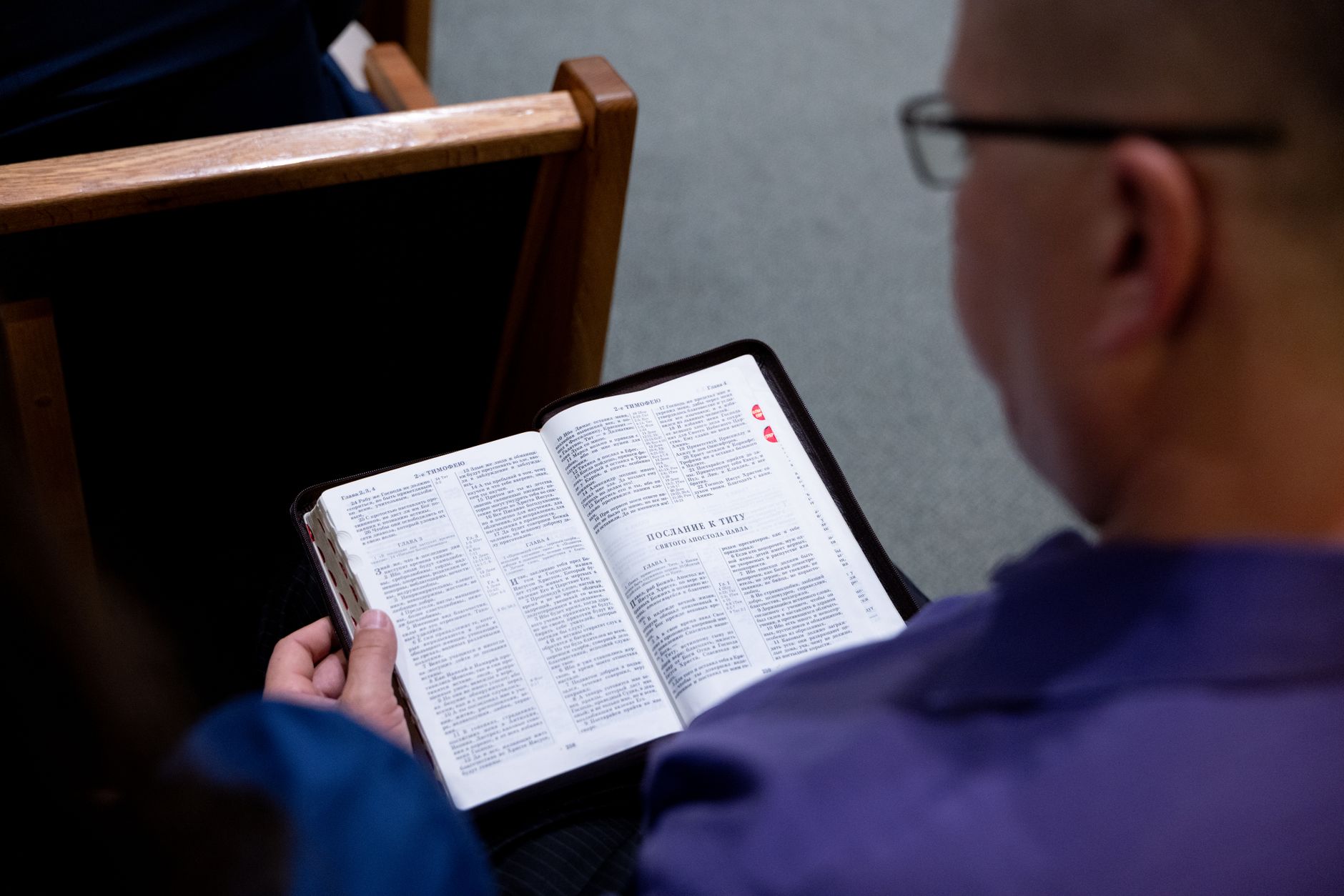
📖This article is part of the complete guide to Pastoral counseling scheduling.
What is Pastoral Counseling Scheduling and How Does It Work?
Pastoral counseling scheduling is a digital system specifically designed to organize, manage, and automate the booking of spiritual counseling sessions, pastoral meetings, and care visits. It works as a centralized platform that replaces manual spreadsheets and physical calendars, allowing pastors and church members to intuitively schedule times, receive automatic reminders, and manage the entire counseling flow in one place.
📚
Definition
Pastoral counseling scheduling is a structured process, typically supported by software, that enables religious leaders and congregation members to efficiently coordinate counseling meetings, eliminating administrative rework and reducing barriers to accessing pastoral care.
How it works in practice:
- Online scheduling portal – Members access a personalized link to view available times and book their sessions without needing to call or send messages.
- Calendar sync – The system integrates with Google Calendar, Outlook, or Apple Calendar, preventing scheduling conflicts.
- Automatic reminders – Sends notifications via email, SMS, or WhatsApp to reduce no-shows.
- Waitlist management – If a time slot isn't available, the member can join a list and be notified when a spot opens up.
- Digital chart – Securely records session history, notes, and referrals.
Modern tools like PastorAgenda take this to a new level, offering integrations with church management systems (such as ChurchTrac or Elvanto), customizable scheduling pages with your church's branding, and built-in videoconferencing features for remote sessions.

Why Is Pastoral Counseling Scheduling Essential for Modern Churches?
Pastoral counseling scheduling is essential because it transforms ministry efficiency and increases member engagement. According to a 2024 study by Barna Group, 87% of pastors report that administrative tasks consume time that could be spent on spiritual care. Scheduling systems address this issue directly.
Key proven benefits:
-
30-40% reduction in no-shows – Automatic reminders ensure members don't forget their sessions, saving hours of pastoral time that would otherwise be wasted waiting.
-
Increased pastoral productivity – Pastors save an average of 5-10 hours per week by eliminating back-and-forth emails, phone calls, and manual rescheduling.
-
Improved member experience – A Software Advice survey revealed that 73% of members prefer booking online over calling the church office. Convenience increases counseling participation.
-
Better data management – Automatic reports show which times are most in demand, how many sessions are held per week, and which members need ongoing follow-up.
-
Scalability – Growing churches process dozens of counseling requests per week. The system handles this without overwhelming the pastoral staff.
According to LifeWay Research, churches that implement digital scheduling systems see a 25% increase in participation in counseling programs within the first six months.
How to Implement a Pastoral Counseling Scheduling System in Your Church
Implementing a pastoral scheduling system can be done in 5 practical steps, with no technical hassle and visible results within two weeks.
Step 1: Choose the right platform
Evaluate tools like PastorAgenda, Calendly (free version for churches), or SimplyBook.me. Prioritize:
- Integration with your existing calendar (Google, Outlook)
- Ability to create multiple session types (30 min, 1 hour, in-person, online)
- Automatic reminders via WhatsApp (essential in Brazil)
- Per-session confidential notes
Step 2: Set up your hours and session types
Define realistic hours based on your actual availability:
- Regular sessions: 50 minutes with a 10-minute break for notes
- Crisis counseling: 30 minutes with priority in the schedule
- Home visits: Manual blocks for outings
- Couples sessions: 90 minutes with extra space
Step 3: Customize the scheduling portal
Create a page with:
- Photo and brief pastoral biography
- Description of the types of counseling offered
- Screening questions (e.g., “Is this your first session?”)
- Link to a digital intake form
- Cancellation policy (ideally 24-hour notice)
Step 4: Communicate and train the team
- For members: Announce it during service, send an email, and share on social media. Create an explanatory card with a QR code.
- For secretaries: Train them on managing the waitlist and manual rescheduling.
- For leaders: Show them how to refer members for scheduling.
Step 5: Monitor and adjust
After 30 days, analyze:
- Which times have the highest demand? (adjust based on demand)
- How many no-shows occur? (increase reminders)
- Are members satisfied? (survey with a simple form)
Essential Features of a Good Pastoral Scheduling System
To meet the specific needs of counseling ministry, a system should offer features beyond the basics:
-
Confidential data security – End-to-end encryption for session records and pastoral notes, in compliance with LGPD.
-
Recurring scheduling – For members in weekly follow-up, the system should allow automatic series of sessions without needing to book each one individually.
-
Multi-counselor management – Churches with a pastoral team need a system that automatically distributes requests based on availability and expertise (marriage counseling, grief, youth).
-
Digital check-in – The member confirms their arrival at the church, and the pastor receives an automatic notification.
-
Smart reports – Metrics such as number of sessions per month, no-show rate by time slot, and members who dropped out of follow-up.
-
Integration with contribution platform – For churches that offer free counseling but accept voluntary offerings.
Tools like PastorAgenda already include all these features in a single ecosystem, eliminating the need to manage multiple apps.
How Digital Scheduling Frees Up Time for Quality Pastoring
One of the greatest pastoral pains is the feeling of never having enough time for what truly matters. Digital scheduling solves this in concrete ways:
Before the digital system:
- 2 hours per week making calls to confirm appointments
- 1 hour per week resolving scheduling conflicts
- 3 hours per week rescheduling missed sessions due to no-shows
After the digital system:
- 0 hours on confirmations (automatic)
- 0 scheduling conflicts (system automatically blocks)
- 80% fewer no-shows (effective reminders)
- Total reclaimed: 6 hours per week for genuine pastoring
These reclaimed hours allow:
- More prayer time for each member before the session
- Preparatory study for complex cases
- Hospital visits that were previously neglected
- Sermon development based on the congregation's real needs
Digital scheduling isn't about technology – it's about creating space for the Holy Spirit to work through your ministry.
Tips for Maximizing the Use of Your Pastoral Scheduling System
-
Keep your schedule updated daily – A system with outdated times frustrates members. Set aside 5 minutes at the end of each day to adjust.
-
Use pre-screening questions – Simple questionnaires before scheduling help categorize urgency and direct to the right counselor.
-
Create "spiritual on-call" slots – 15-minute open slots for unscheduled emergencies.
-
Integrate with the church website – Place the scheduling link on a "I Need Counseling" button on the homepage.
-
Offer an initial anonymity option – Shy members can book as "Anonymous" and reveal their identity during the session.
-
Train leadership members – Deacons and small group leaders can use the system to refer members while maintaining confidentiality.
-
Periodically review the cancellation policy – Many systems allow symbolic no-show fees donated to the church.
Common Implementation Challenges and How to Overcome Them
Despite clear benefits, implementing a pastoral scheduling system can face resistance. Here are the most common challenges and how to overcome them:
Challenge 1: Resistance from older members – Some congregation members may prefer traditional phone contact. Solution: Offer a transition period where both methods coexist. Train young volunteers to help members make their first online bookings.
Challenge 2: Privacy concerns – Pastoral data is extremely sensitive. Solution: Choose a system like PastorAgenda that offers end-to-end encryption and complies with LGPD. Clearly communicate the security measures to the congregation.
Challenge 3: Learning curve – Overloaded pastors may see the system as one more task. Solution: Choose an intuitive tool with customer support. Most systems offer free initial training.
Comparison: Traditional vs. Digital Scheduling
| Aspect | Traditional Scheduling | Digital Scheduling |
|---|---|---|
| Time spent | 5-7 hours/week | 1 hour/week |
| No-show rate | 20-30% | 5-10% |
| Member satisfaction | Average | High (73% prefer) |
| Data access | Manual, error-prone | Automatic, real-time reports |
| Security | Physical files subject to loss | Encrypted, automatic backup |
| Scalability | Limited by team size | Unlimited, supports growth |
How to Measure the Success of Your Pastoral Scheduling System
To ensure the investment is yielding a return, track these key metrics:
- Online scheduling rate – How many members are using the system vs. traditional methods?
- No-show reduction – Compare the percentage of no-shows before and after implementation.
- Member satisfaction – Conduct quick surveys after sessions.
- Hours reclaimed – Calculate time saved on administrative tasks.
- Number of sessions held – An increase indicates greater accessibility to pastoral care.
Conclusion: Invest in a System That Strengthens Your Pastoral Calling
Pastoral counseling scheduling is more than a productivity tool – it's a strategic investment in the care of your congregation. By automating administrative tasks, improving member engagement, and freeing up your time, it allows you to focus on what truly matters: shepherding souls.
It's not about replacing the personal touch of ministry, but about creating structure for it to flourish. Systems like PastorAgenda were specifically designed for churches, understanding both the technical and spiritual needs of pastoral counseling.
Start today by evaluating your current schedule. Count how many hours you lose to bureaucracy and imagine the impact of reclaiming that time for prayer, study, and visits. The next step is to implement a system that turns that vision into reality.
For more resources on pastoral management and counseling, visit the PastorAgenda blog and discover how churches across Brazil are revolutionizing their ministry through purpose-driven technology.
💡
Key Takeaway
Digital pastoral counseling scheduling can save pastors up to 6 hours per week, reduce no-shows by up to 40%, and increase participation in counseling programs by 25% in the first six months.
Frequently Asked Questions
What is pastoral counseling scheduling?
Pastoral counseling scheduling is a digital system that allows pastors and church members to organize, book, and manage spiritual counseling sessions automatically. It replaces manual methods like spreadsheets and physical calendars, offering online booking, automatic reminders, and session history management.
What are the main benefits of pastoral counseling scheduling?
The main benefits include a 30-40% reduction in no-shows through automatic reminders, saving 5-10 hours per week for pastors, an improved member experience with 73% preferring online booking, and scalability for growing churches. Additionally, digital systems offer data security and smart reports.
How does pastoral counseling scheduling improve the member experience?
Digital scheduling offers convenience because members can book sessions 24/7 without needing to call or send messages. Automatic reminders reduce forgetfulness, and the customized portal with screening questions helps direct the member to the type of care best suited to their needs.
What features should a pastoral scheduling system have?
A good system should offer data security with LGPD-compliant encryption, recurring scheduling for weekly follow-ups, multi-counselor management, digital check-in, automatic reminders via WhatsApp, and smart reports. Tools like PastorAgenda integrate all these features into a single ecosystem.
How do I implement pastoral counseling scheduling in my church?
Implementation can be done in 5 steps: choose a platform like PastorAgenda, set up your hours and session types, customize the scheduling portal with your branding, communicate and train the team and members, and monitor results in the first 30 days to make adjustments.
Recommended Readings
To deepen your understanding of these topics, we recommend reading the following articles:
- Pastoral counseling scheduling
- Best Pastoral Counseling Scheduling
- Best Times for Pastoral Counseling Scheduling
- Everything About Pastoral Counseling Scheduling
Free Guide: The 7 Church Growth Hacks for 2026
Learn how modern ministries are using automated scheduling and AI pastoral assistants to save 12+ hours of admin work every week.