How Do You Set Up Effective Online Booking for Pastors?
Managing a ministry often means battling a calendar that never seems to stop growing. After years of observing how leadership burnout happens, I have found that the primary culprit is not the work itself, but the administrative friction of coordinating it. Implementing online booking for pastors transforms a chaotic back-and-forth email chain into a structured, self-service system where congregants can request counseling, weddings, or home visits without interrupting the minister's study time. To do this effectively, you must define your available windows, integrate a digital calendar, and use a specialized tool like Pastor Agenda to handle the intake process.

What is the Core Framework of Digital Scheduling for Ministry?
At its heart, digital scheduling for clergy is the process of moving appointment management from a manual "request and confirm" model to a "select and book" model. This shift removes the cognitive load from the pastor and places the agency in the hands of the congregant. In my experience working with various church leaders, the biggest hurdle isn't the technology, but the fear that automation feels impersonal. However, the opposite is true: when you remove the stress of scheduling, you have more emotional energy for the actual pastoral care.
📚
Definition
Online booking for pastors is a specialized application of appointment scheduling software that allows church members to book time slots based on the minister's predefined availability, typically integrated with a synchronized calendar to prevent double-booking.
Now, here is where it gets interesting: a successful system is not just a link to a calendar. It is an intake funnel. A professional setup includes a qualifying form where the user specifies the reason for the meeting (e.g. crisis counseling, baptism inquiry, or general fellowship). This allows the pastor to prepare mentally and spiritually before the meeting even begins. According to the Barna Group, pastors are increasingly reporting higher levels of stress and burnout, making the "protection of time" a spiritual necessity rather than just an administrative preference. By automating the logistics, the minister can focus on the ministry of presence.
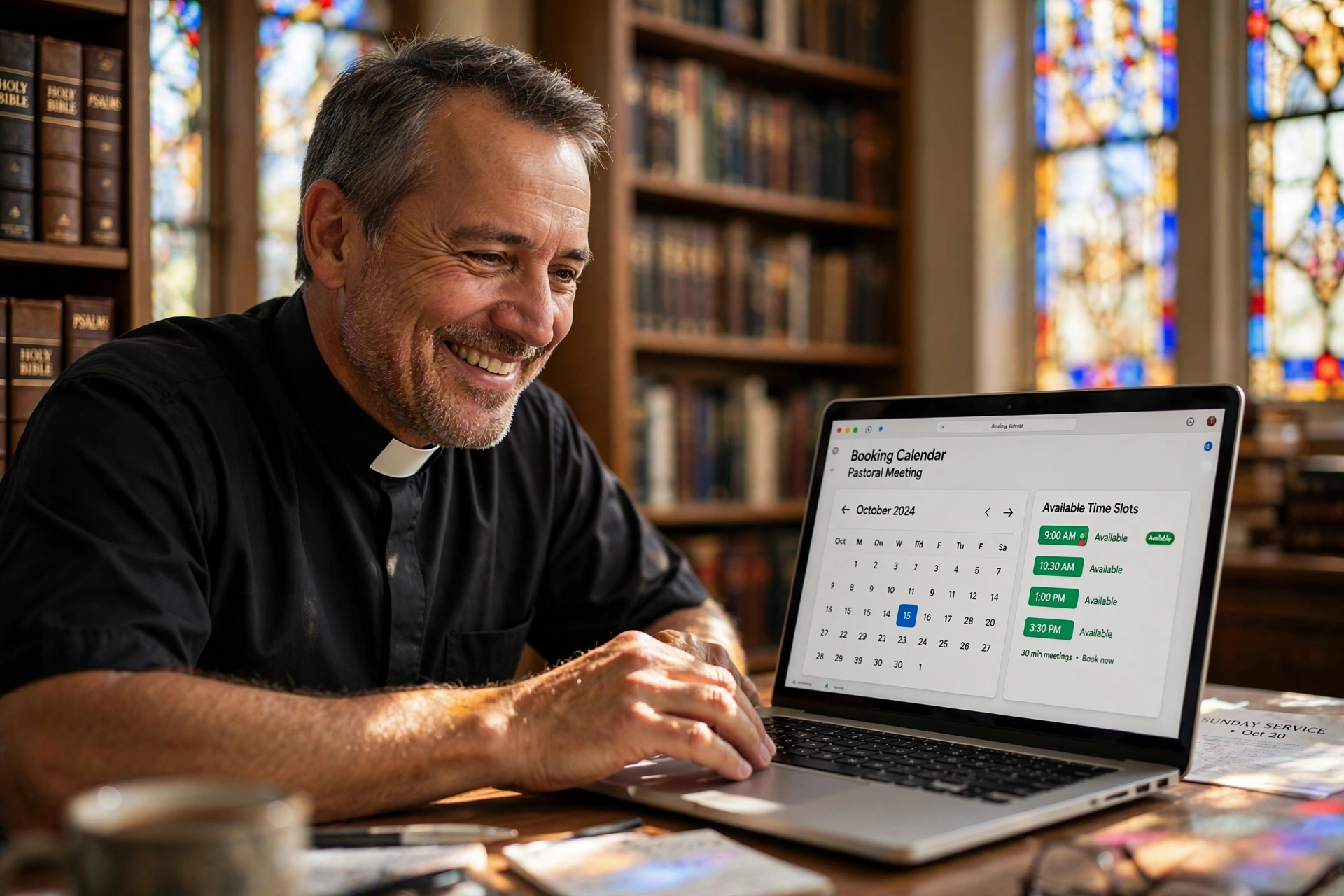
The technical layer requires three components: a public-facing booking page, a backend calendar synchronization (like Google Calendar or Outlook), and a notification system that alerts both parties. Without these, you are simply replacing one manual process with another digital headache.
Why Does Online Booking Matter for Church Growth and Health?
The administrative burden on a pastor is often invisible until it becomes unsustainable. When a minister spends four hours a week playing "calendar tag" via text and email, those are four hours stolen from sermon preparation or deep pastoral care. The impact is not just on the pastor's schedule, but on the congregation's experience. A member in crisis cannot wait three days for a pastor to check their calendar and reply to an email; they need to see a window of availability immediately.
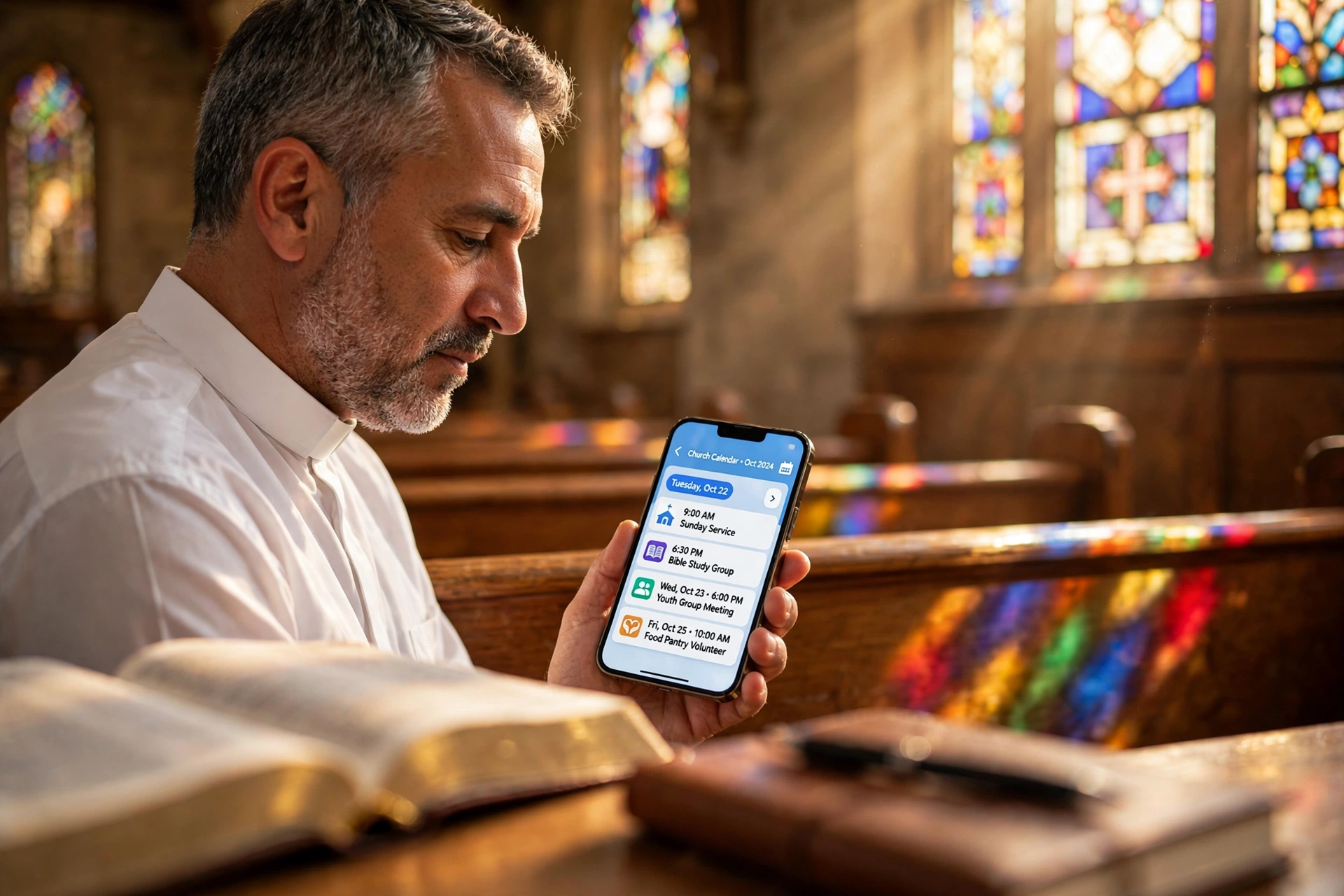
Data suggests that the "friction to access" is a major deterrent in modern engagement. While specific data on clergy is niche, general organizational trends from McKinsey indicate that digital transformation in service-oriented roles can increase operational efficiency by over 20%. In a church context, this means a 20% increase in the time available for high-impact ministry. When a member sees that they can book a 30-minute slot for prayer on Tuesday at 2:00 PM, the barrier to seeking help is lowered significantly.
Furthermore, the lack of a system leads to "boundary erosion." Without a clear set of available slots, pastors often find themselves taking calls at 11:00 PM or during their designated family time. A booking system creates a healthy, transparent boundary. It tells the congregation: "I am available and eager to serve you, and here are the specific times I can give you my undivided attention." This transparency actually builds trust and respect for the pastor's role. According to Lifeway Research, the health of a church is directly tied to the health and sustainability of its leadership. If the leader is burnt out by administrative chaos, the entire organization suffers.
How to Implement Online Booking for Pastors Step-by-Step
Setting up a professional booking system requires a strategic approach to avoid the common mistake of over-scheduling. The mistake I made early on, and that I see constantly with new users, is opening too many slots. If you open your entire calendar, you will be overwhelmed. You must treat your "available time" as a curated product.
Step 1: Define Your "Ministry Windows"
Do not sync your entire life. Instead, create specific blocks of time. For example, Tuesday mornings from 9:00 AM to 12:00 PM for counseling, and Thursday afternoons for home visits. By clustering your appointments, you protect your "deep work" time for sermon study and prayer.
Step 2: Select a Specialized Tool
While generic tools exist, using a platform like PastorAgenda Blog is the superior choice because it is built for the specific nuances of church life. You need a tool that understands the difference between a "quick check-in" and a "formal counseling session," allowing you to set different durations for different types of appointments.
Step 3: Build Your Intake Form
Your booking link should lead to a form. Ask the essential questions:
- What is the primary nature of the visit?
- Is this an urgent crisis? (If yes, provide an alternative emergency contact).
- How long do you anticipate needing?
- Which location is preferred (Office, Zoom, or Home)?
Step 4: Synchronize and Test
Connect your professional calendar to ensure that if you add a doctor's appointment to your private calendar, that slot automatically disappears from the public booking page. Test the flow from a mobile device, as most congregants will be booking from their phones.
Step 5: Communicate the Change
Announce the new system during a Sunday service or in the church newsletter. Frame it not as "I'm using a robot now," but as "I want to make sure I can give you my full, uninterrupted attention, so I've created a way for you to pick the time that works best for you."

💡
Key Takeaway
The secret to successful online booking is not the software, but the boundaries you set. Cluster your appointments into specific "ministry windows" to prevent your entire week from becoming fragmented.
Comparing Booking Approaches for Ministry
Not all scheduling methods are created equal. Many pastors start with a manual approach, move to a generic tool, and eventually realize they need a dedicated solution. The following table compares these trajectories.
| Approach | Pros | Cons | Best For |
|---|---|---|---|
| Manual (Email/Text) | Personal touch, no cost | High friction, time-consuming, easy to double-book | Very small churches (<50 members) |
| Generic AI/Free Tools | Fast setup, free versions | Impersonal, lacks ministry-specific intake, high noise | Solo practitioners or consultants |
| Pastor Agenda | Tailored for clergy, professional intake, protects boundaries | Requires a small setup time | Growing churches and professional ministries |
Most guides get this wrong by suggesting any free tool will work. The reality is that generic tools often lack the "buffer time" settings necessary for ministry. A pastor cannot jump from a grieving family's home visit directly into a budget meeting without 15 to 30 minutes of mental transition. Professional tools allow you to automate these buffers, ensuring you arrive at each appointment centered and prepared.
Common Misconceptions About Digital Scheduling
There are several myths that prevent pastors from adopting these systems. Let's address them with a contrarian perspective.
Myth 1: "It's too impersonal for a spiritual relationship."
This is a common fallacy. What is more "impersonal" than a pastor who is distracted during a meeting because they are stressed about their schedule, or a member who feels ignored because their email request went unanswered for a week? Digital scheduling is the infrastructure that allows the personal relationship to flourish. By handling the logistics efficiently, the actual face-to-face time becomes more sacred and focused.
Myth 2: "My congregation is too old for technology."
In my experience, this is almost never the case. Grandparents are using smartphones to FaceTime their grandchildren; they can certainly click a link to book a prayer meeting. If there are truly tech-averse members, the church secretary can simply use the same booking link on their behalf. The system benefits the organization, regardless of who clicks the button.
Myth 3: "I'll lose control of my time."
Actually, you gain total control. When you use a manual system, you are reactive. You react to whoever texts you last. With a system like Pastor Agenda, you are proactive. You decide exactly when you are available, and the system enforces those rules. You are no longer "asking" for your time back; you are defining it from the start.
Frequently Asked Questions
How do I handle emergency pastoral care with an online booking system?
An online booking system is for scheduled appointments, not for crises. You should never use your booking link as the only way to reach you. In your booking page description and on your church website, clearly state: "For non-urgent appointments, please use the booking link. For immediate crises or emergencies, please call [Phone Number] or contact the deacon on call." This ensures that someone in a spiritual or physical crisis isn't searching for a Tuesday afternoon slot when they need help right now.
Will this system integrate with the calendars I already use?
Yes, any professional system, including Pastor Agenda, is designed to integrate via API with major providers like Google Calendar, Outlook, and Apple Calendar. The goal is a "single source of truth." When you add an event to your personal calendar, the booking system sees that the time is occupied and removes it from the public view. This prevents the nightmare of double-booking a wedding and a funeral in the same time slot.
Can I set different durations for different types of meetings?
Absolutely, and you should. A "first-time visitor greeting" might only need 15 minutes, while "marriage counseling" typically requires 60 to 90 minutes. In your settings, create different "Appointment Types." When the user clicks the link, they first select the type of meeting, and the system then only shows slots that can accommodate that specific duration. This prevents your day from being chopped into unusable fragments.
How do I prevent people from booking appointments last minute?
You can implement "Minimum Notice" settings. For instance, you can set a rule that no appointment can be booked less than 24 hours in advance. This prevents the shock of opening your calendar at 8:00 AM and finding a 9:00 AM appointment you didn't know about. It gives you the necessary time to prepare your notes, pray for the person, and organize your travel if it's a home visit.
Is it possible to offer group bookings or family sessions?
Yes. Many ministry needs involve more than one person, such as a couple's counseling session or a leadership team meeting. You can configure your settings to allow multiple participants for a single slot. The system will still mark that time as "busy" on your calendar, but the intake form will collect the names and contact details for all attendees, ensuring you know exactly who will be in the room.
Final Thoughts on Online Booking for Pastors
Transitioning to a digital system is not about replacing the "shepherd's heart" with a piece of software; it is about building a fence around your time so that the heart can beat steadily. When you implement professional online booking for pastors, you are declaring that your time is a resource that must be stewarded wisely. By reducing administrative friction, you reduce the risk of burnout and increase the quality of your presence with those who need you most.
If you are tired of the endless "Does next Thursday work for you?" emails and want to reclaim your study time, it is time to modernize. Start by defining your boundaries, selecting a tool that understands the unique needs of the church, and inviting your congregation into a more organized way of connecting.
To get started with a system designed specifically for the unique demands of ministry, visit PastorAgenda Blog and discover how to automate your administration while deepening your pastoral care.
Recommended Readings
To deepen your understanding of these topics, we recommend reading the following articles:
- Ensuring Absolute Privacy in Church Booking Systems
- Church Appointment Booking
- Online Appointment Booking for Modern Churches
- Automated Reminders and Communication for Congregations
Free Guide: The 7 Church Growth Hacks for 2026
Learn how modern ministries are using automated scheduling and AI pastoral assistants to save 12+ hours of admin work every week.