📖This article is part of the complete guide to Ensuring Absolute Privacy in Church Booking Systems.
Many pastors have experienced the hesitation in a congregant's voice when they ask to schedule a meeting about a deeply personal crisis. The fear isn't just about the conversation itself, but about the digital trail it leaves behind. In my experience working with church leadership, I've seen how a standard 'Name and Email' form can become a psychological barrier that prevents people from seeking help when they are most vulnerable. When a person is dealing with marital strife, addiction, or grief, the requirement to leave a permanent digital footprint can feel like a risk they aren't willing to take.
For a comprehensive overview of the broader security landscape, explore our guide on church booking system privacy.
What is an Anonymous Booking Link?
📚
Definition
An anonymous booking link is a specialized scheduling URL that allows a user to reserve a time slot without requiring the submission of personally identifiable information (PII) such as full names, email addresses, or phone numbers.
An anonymous booking link functions by decoupling the appointment slot from the identity of the requester. In a traditional scheduling setup, the system creates a record linked to a specific user profile. In contrast, an anonymous approach creates a 'placeholder' in the pastor's calendar. The identity of the congregant is either withheld entirely or managed through a temporary alias or a unique session ID that does not map back to a permanent database record unless the user chooses to reveal it during the actual meeting.
From a technical standpoint, this requires a scheduling system that allows for "optional" fields or "guest checkout" modes. Many generic tools force the user to provide an email for confirmation, which immediately kills the anonymity. A true anonymous booking link ensures that the metadata collected is limited to the time and date, leaving the identity of the seeker protected by design. This is particularly essential for pastoral care, where the trust between the minister and the congregant is the foundation of the entire ministry.

Why Does Anonymous Scheduling Matter for Pastoral Care?
Offering an anonymous booking link is not merely a convenience; it is a critical component of psychological safety within a congregation. When a member of the church is in a state of crisis, the perceived risk of a data breach or an accidental disclosure by staff can be paralyzing. By removing the requirement for identification, the church signals that the priority is the person's well-being, not their administrative record.
According to the Barna Group, trust in institutional leadership is a fluctuating metric, and the way a church handles sensitive personal data can either strengthen or sever that trust. When a pastor provides a way to seek help without an immediate digital trail, they are practicing "privacy by design," a concept that reduces the friction between a person in pain and the help they need.
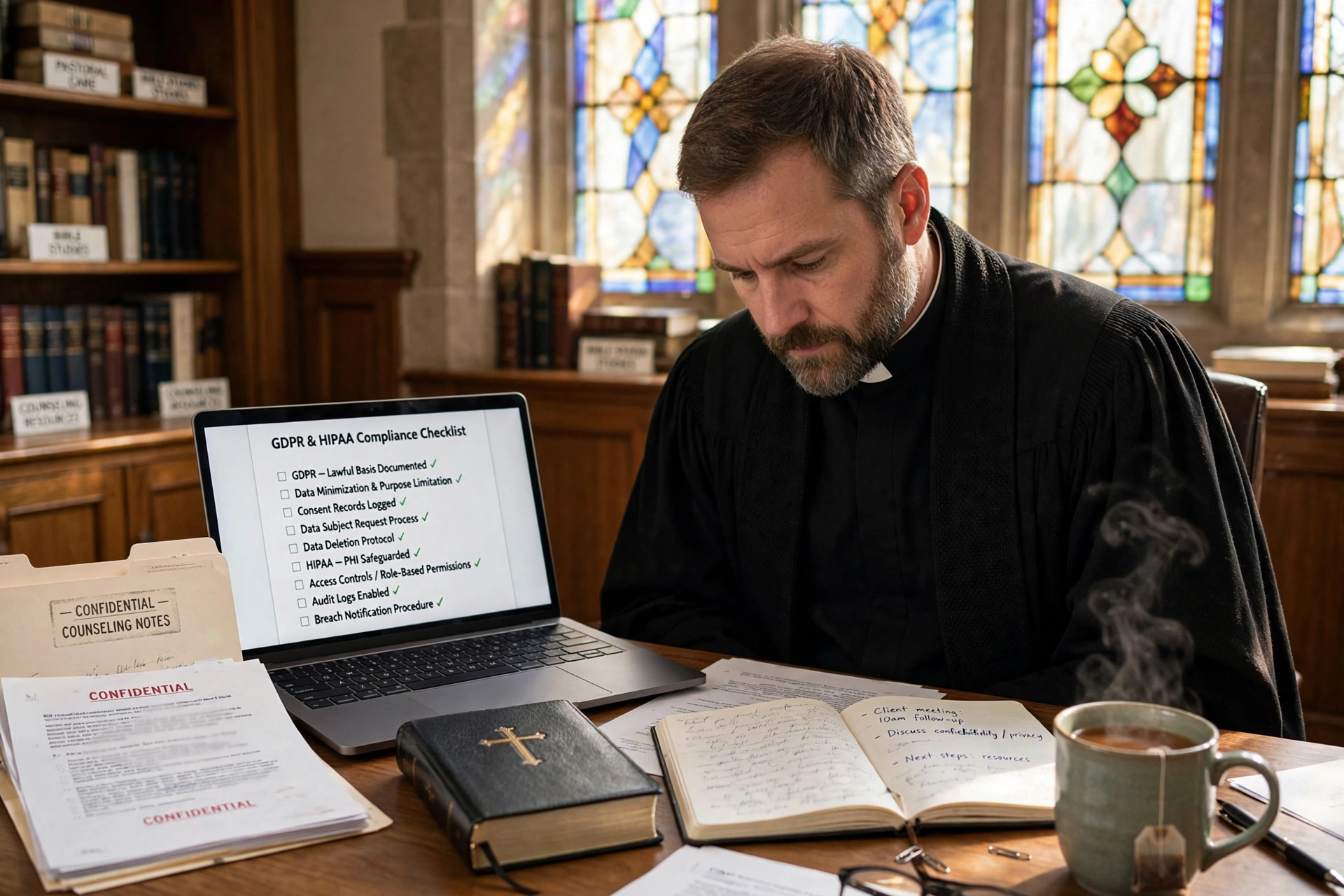
Furthermore, the legal landscape regarding sensitive data is tightening. While clergy often have privileged communication protections, the digital storage of those requests can sometimes fall into a gray area of data governance. Using anonymous links reduces the amount of sensitive data being stored in the first place, which naturally lowers the risk of compliance failures. If you are managing a larger organization, you might also want to investigate GDPR and HIPAA considerations in pastoral counseling data storage to ensure your backend systems are as secure as your front-end links.
Consider the impact on the "silent" portion of your congregation. There are often individuals who attend worship but never engage in small groups because they are hiding a struggle. An anonymous booking link provides a low-friction entry point for these individuals to initiate pastoral care without the fear of being "on a list."
How to Implement Anonymous Booking Links Effectively
Implementing this system requires a shift in how you think about your calendar. You cannot simply turn off a field; you must create a workflow that supports the anonymity of the guest while maintaining the organization of the pastor.
Step 1: Configure Optional Fields
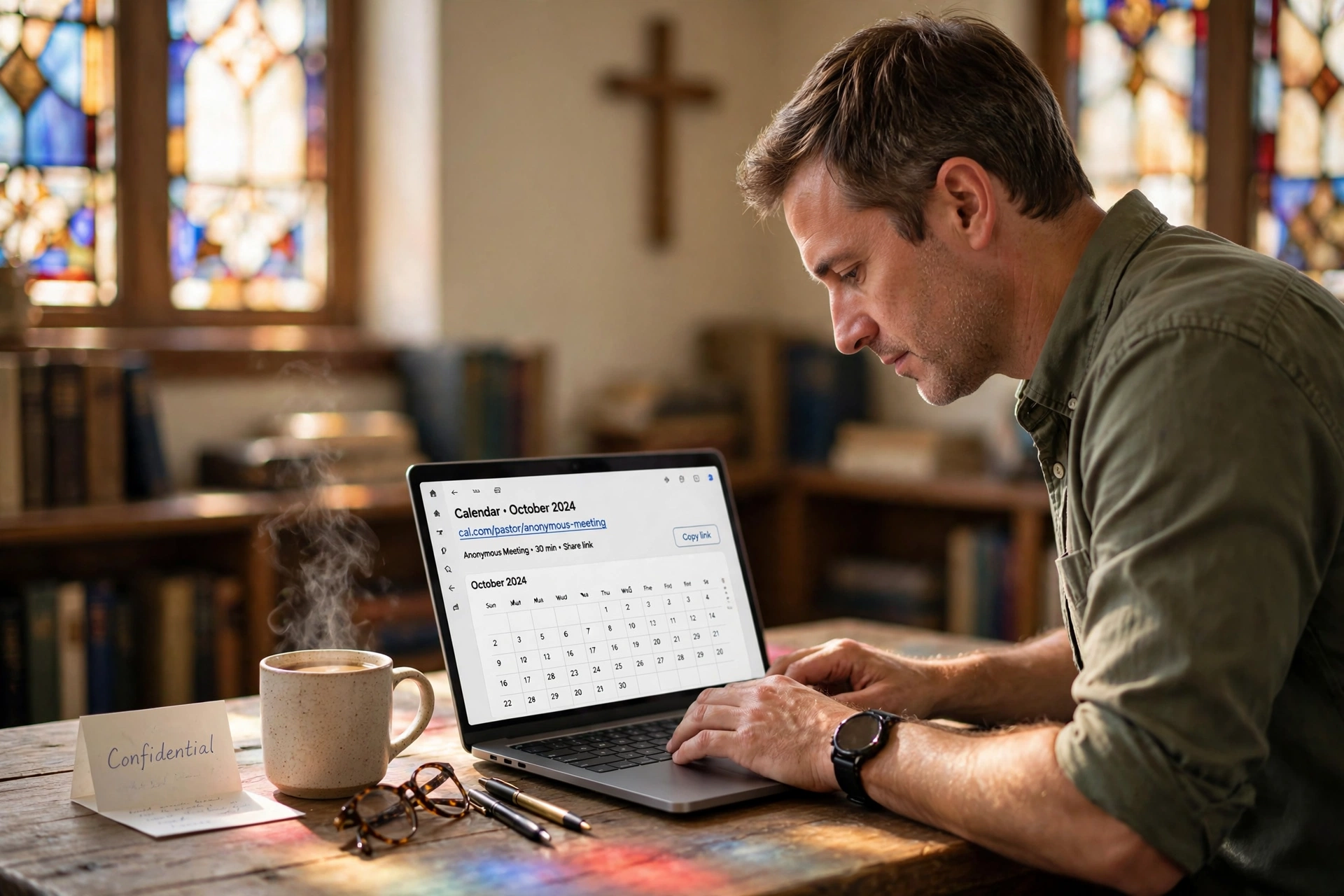
Set up a specific scheduling page dedicated to confidential meetings. In the settings of your scheduling software, mark all identity fields (Name, Email, Phone) as "Optional." If the system requires an email for the appointment to be saved, use a "placeholder" or a system that generates a unique confirmation code for the user instead of an email receipt.
Step 2: Create a Unique "Confidential" URL
Do not put your anonymous link on the main church homepage where everyone sees it. Instead, provide it via a QR code in the church bulletin, a link in a private text message, or a specific section of your member portal. This prevents the link from being indexed by search engines and keeps it within the community.
Step 3: Establish an Identity Protocol
Since the pastor won't know who is coming, you need a protocol for the start of the meeting. I've found that the most effective method is to tell the congregant: "I have your time slot reserved. When we meet, you can choose to identify yourself or remain anonymous for as long as you feel comfortable." This places the power back in the hands of the seeker.
Step 4: Sync with Secure Calendars
Ensure the booking link syncs to a calendar that is not accessible to the church secretary or administrative staff. The appointment should appear as "Confidential Pastoral Meeting" rather than "John Doe - Counseling." You can learn more about this in our guide on how to protect congregant privacy in digital booking platforms.
Step 5: Use Pastor Agenda for Seamless Integration
While generic tools like Calendly are popular, they often struggle with true anonymity because they are built for business lead generation. Pastor Agenda is designed specifically for the nuances of ministry. It allows you to create booking flows that prioritize the sacred nature of the pastor-congregant relationship, ensuring that the scheduling process doesn't undermine the trust you've spent years building.
Anonymous Scheduling vs. Traditional Methods
To understand the value of this approach, we must compare it to the traditional ways churches handle sensitive appointments.
| Feature | Traditional (Phone/Email) | Generic AI/Cheap Tool | Pastor Agenda Approach |
|---|---|---|---|
| Privacy Level | Low (Staff may overhear/see) | Medium (Stored in cloud) | High (Privacy-first design) |
| Friction | High (Requires live talk) | Low (Quick clicks) | Low (Tailored for faith) |
| Data Trail | Manual/Paper logs | Permanent PII storage | Minimal/Anonymous options |
| Accessibility | Business hours only | 24/7 | 24/7 with Pastoral Nuance |
As shown above, the traditional approach often involves a church secretary acting as a gatekeeper. While well-intentioned, the secretary becomes a point of potential privacy leakage. Generic tools often focus on "capturing the lead," which is the opposite of what you want in pastoral care. The modern approach focuses on the sanctity of the appointment, not the capture of the data.

Common Mistakes to Avoid When Using Anonymous Links
In my years of consulting for ministries, I've seen several recurring errors that can compromise the very anonymity the pastor is trying to provide.
Mistake 1: Using the Same Link for All Meetings
Using one general link for both "Coffee with the Pastor" and "Crisis Counseling" is a mistake. If a congregant sees that a link is used for casual meetings, they may feel the "confidential" nature of the tool is not taken seriously. Create separate URLs for different levels of sensitivity.
Mistake 2: Automatic Email Notifications to Staff
Many systems are set to notify the administrative team whenever a new appointment is booked. If an anonymous link is used, but the notification goes to the church office, the
Free Guide: The 7 Church Growth Hacks for 2026
Learn how modern ministries are using automated scheduling and AI pastoral assistants to save 12+ hours of admin work every week.