
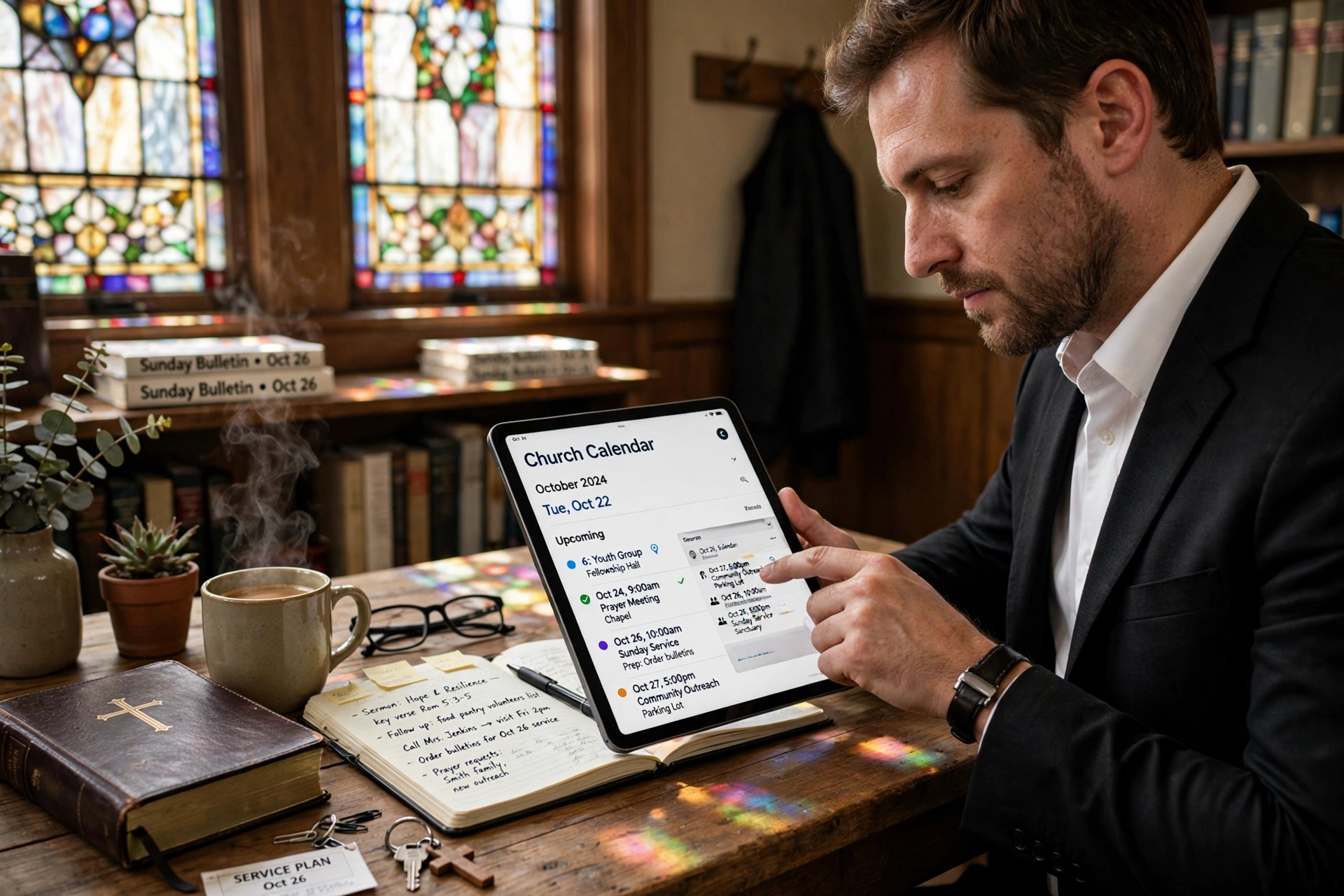
Managing a growing congregation often leads to a breaking point where the secretary's notebook or a shared Google Calendar simply cannot keep up with the complexity of ministry. The ideal time to implement a church calendar app is the moment your administrative friction starts impacting your spiritual output, typically when you have more than three concurrent ministries or a staff of three or more people coordinating schedules. For a comprehensive overview of optimizing your ministry, explore our complete guide to pastoral management.
When is the Right Time to Transition to a Church Calendar App?
The trigger for upgrading your scheduling process is rarely a single event, but rather a series of "administrative leaks." In my experience working with dozens of faith leaders, the most common signal is the "double-booking disaster," where two separate ministries claim the sanctuary or the fellowship hall for the same Tuesday evening. When the cost of coordination, the endless emails, the phone calls to verify availability, and the manual updates, takes more than five hours of your staff's week, you have reached the threshold for automation.
📚
Definition
A church calendar app is a specialized digital coordination tool designed to manage the intersecting schedules of clergy, lay leaders, and facility usage, often integrating appointment booking for pastoral care and event management for the congregation.
Most leaders wait too long to make this shift. They rely on "tribal knowledge," where only one person (usually the church secretary) knows the actual state of the calendar. This creates a dangerous single point of failure. According to Barna Group, digital transformation in the church is no longer about "modernizing" but about sustaining leadership health. When your administrative systems are fragmented, burnout rates among clergy increase because they spend more time acting as project managers than as spiritual shepherds.
The specific timing for a transition usually aligns with these three growth phases:
- The Complexity Phase: You have moved from a single weekly service to multiple mid-week gatherings, small groups, and outreach programs.
- The Facility Phase: You are managing multiple rooms (sanctuary, classrooms, gym) and need to prevent resource conflicts.
- The Access Phase: Your members are demanding a way to see events and book appointments without calling the office during the pastor's day off.
Why Does Timing Your Digital Transition Matter for Ministry Health?
Delaying the adoption of a structured scheduling system doesn't just cause scheduling errors; it erodes the trust of your volunteers. When a volunteer coordinator spends three weeks planning a youth retreat only to find the dates were already taken by a regional conference, the resulting frustration is a direct result of systemic failure. The impact is measurable. In professional organizational management, "coordination waste" can consume up to 20% of a team's productive capacity. In a church setting, this is time stolen from pastoral counseling and sermon preparation.
According to Church Law & Tax, proper administrative oversight, including the tracking of facility use and volunteer hours, is essential for maintaining legal compliance and insurance requirements. If you cannot prove who was using a facility at a specific time or who was supervising a youth event, you face significant liability risks. The "when" of implementation should therefore be tied to your risk management strategy.
Furthermore, the psychological burden on the pastor is immense. I have seen countless ministers struggle with "decision fatigue" because they are the same person who approves every single room request. Transitioning to a church calendar app moves the pastor from the role of "gatekeeper" to "overseer." By delegating the scheduling process through a digital portal, you remove the bottleneck.
Research from Lifeway Research indicates that congregations with high levels of organized communication report higher levels of member engagement. When members know exactly when and where an event is happening without having to "ask the office," the barrier to participation drops. If your members are frequently asking "When is that happening again?" or "Is the room available?", you are already in the window where a digital solution is required to prevent stagnation.
Practical Application: Implementing a Scheduling System in Your Ministry
Once you identify that the time is right, the implementation must be strategic. The mistake I made early on, and that I see constantly, is trying to move the entire church's history into a new system overnight. This leads to "data bloat" and user frustration. Instead, the transition should happen in three distinct waves.
First, digitize the "Fixed Constants." These are the events that never change: Sunday services, Wednesday night prayers, and monthly board meetings. This creates a baseline of truth that everyone can see. Second, open the "Request Portal." Instead of allowing people to email you requests, require them to use the scheduling feature within a tool like Pastor Agenda. This forces the user to provide all necessary details (time, room, expected attendance) upfront, eliminating the back-and-forth email chain.
Third, implement "Pastoral Boundaires." This is where the church calendar app becomes a tool for mental health. By setting specific "office hours" and "counseling blocks" in the app, you communicate your availability to the congregation without having to say "no" manually.
💡
Key Takeaway
The goal of a digital calendar is not just to list dates, but to protect the pastor's time and ensure the facility is used to its maximum spiritual potential.
For those using Pastor Agenda, the setup is designed to bypass the steep learning curve of generic business tools. Because it is built specifically for ministry, you don't have to build "custom fields" for things like "Ministry Area" or "Member Status", they are already there. This allows a church to move from a chaotic paper system to a streamlined digital one in a matter of days rather than months.
Comparing Your Scheduling Options
When deciding which tool to use, most leaders fall into the trap of using "free" generic tools. While these seem cost-effective, they often lack the privacy controls and ministry-specific logic required for a church environment.
| Option | Pros | Cons | Best For |
|---|---|---|---|
| Manual/Paper | No learning curve, zero cost | High error rate, zero visibility, slow updates | Very small house churches (< 30 members) |
| Generic Digital (Google/Outlook) | Familiar interface, free versions | No appointment logic, privacy risks, hard to manage facility requests | Small teams with no external booking needs |
| Professional Church App (Pastor Agenda) | Ministry-specific, automated booking, facility management | Requires initial setup time, subscription cost | Growing churches with multiple ministries and staff |
The "Generic Digital" approach often fails because it doesn't account for the "pastoral" side of the calendar. A standard calendar tells you when a meeting is, but it doesn't manage the intake process. A professional church calendar app handles the request, checks the room's availability, and sends a confirmation to the member and the pastor simultaneously.
Common Questions & Misconceptions about Church Scheduling
Most guides get this wrong by suggesting that a digital calendar is just about "being organized." In reality, it is about power dynamics and boundaries.
Myth 1: "Our church is too small for an app."
The truth is that small churches often need these tools more because they lack a full-time secretary. When the pastor is the admin, the secretary, and the preacher, an app acts as a virtual assistant. If you are spending more than two hours a week manually coordinating dates, you are too "big" for a paper system, regardless of your membership count.
Myth 2: "Our members prefer the phone call; they don't like apps."
This is a common misconception. While some older members prefer calls, the younger generation of parents, the ones actually running the youth and children's ministries, find phone calls a barrier to entry. By providing a digital option, you are not removing the personal touch; you are removing the administrative friction that prevents people from volunteering.
Myth 3: "A digital calendar will make the ministry feel impersonal."
The opposite is true. When the administrative side of the church is handled efficiently, the pastor has more emotional and mental energy to spend on people. When you aren't stressed about a double-booked room, you are more present during a counseling session. Efficiency in administration is the fuel for intimacy in ministry.
Frequently Asked Questions
When should I switch from a shared Google Calendar to a dedicated church calendar app?
You should switch when you begin to experience "permission fatigue" or "resource conflicts." Google Calendars are excellent for listing events, but they are poor at managing requests. If you find yourself manually approving room usage or spending hours coordinating the "who, what, where" of an event via email, it is time to move to a dedicated system. A dedicated app allows for a structured request process where the user provides the data, and the administrator simply clicks "Approve," rather than managing a chaotic thread of messages.
How does a church calendar app help with pastoral burnout?
Burnout often stems from the "death by a thousand cuts", the endless stream of small administrative requests that interrupt deep work. By using a tool like Pastor Agenda to set specific appointment windows, you shift the burden of scheduling from your brain to the software. Instead of a member texting you "When are you free next week?", they see your available slots and book one. This protects your "Sabbath" and study time, ensuring that your administrative duties do not bleed into your spiritual preparation.
Can a church calendar app actually increase member engagement?
Yes, because it eliminates the "information gap." Many members want to serve or attend events but don't because the information is buried in a printed bulletin or a verbal announcement. A digital calendar provides a single source of truth that is accessible 24/7. According to the National Association of Evangelicals, clarity in leadership and communication is a primary driver of volunteer retention. When the "when" and "where" are crystal clear, the friction to participate is removed.
What is the risk of staying with a manual scheduling system in 2026?
The primary risk is "organizational amnesia." In a manual system, the knowledge of why a certain room is blocked off or who approved a specific event lives in one person's head. If that person leaves the church or falls ill, the administrative system collapses. Furthermore, in an era of increased transparency, having a digital audit trail of facility use is essential for insurance and safety compliance. Relying on a notebook in 2026 is not just inefficient; it is a liability risk for the organization.
How do I handle members who are resistant to using digital tools?
The key is to implement a "hybrid" approach. You do not need to force every member to use the app. Instead, the staff uses the app as the master record, and the secretary can enter the requests for the members who prefer the phone. This ensures the data is centralized and the calendar is accurate, while still providing a high-touch experience for those who need it. The app serves as the "back end" of the operation, while the "front end" remains as personal as your congregation requires.
Final Thoughts on Your Church Calendar App
Knowing when to transition to a church calendar app is the difference between a ministry that scales and one that plateaus. The trigger is simple: when the system starts serving the schedule rather than the schedule serving the ministry. If you find that your time is being consumed by the logistics of "when" and "where," you are losing the opportunity to focus on the "who" and "why" of your calling.
Implementing a professional system through PastorAgenda Blog allows you to reclaim your time, protect your boundaries, and provide your congregation with the clarity they deserve. Don't wait for a total administrative collapse to make the change. The best time to optimize your scheduling was yesterday; the second best time is today.
Recommended Readings
To deepen your understanding of these topics, we recommend reading the following articles:
- Ensuring Absolute Privacy in Church Booking Systems
- Church Appointment Booking
- Online Appointment Booking for Modern Churches
- Automated Reminders and Communication for Congregations
Free Guide: The 7 Church Growth Hacks for 2026
Learn how modern ministries are using automated scheduling and AI pastoral assistants to save 12+ hours of admin work every week.



