How Does Church Communication Software Actually Improve Congregation Engagement?
Church communication software is a specialized digital ecosystem designed to bridge the gap between the pulpit and the pew by automating the logistics of ministry. In my experience working with diverse church leadership teams, the most significant friction point isn't a lack of willingness from the congregation, but a failure of administrative follow-through. When a member forgets a pastoral counseling session or a board meeting, it isn't usually due to a lack of commitment; it is due to the noise of modern life. By implementing automated systems, a ministry can ensure that every member feels seen and remembered without requiring the pastor to spend six hours a week manually sending text messages.
📚
Definition
Church communication software refers to a suite of digital tools, ranging from appointment booking and automated SMS triggers to email sequencing, specifically tailored to the unique ethical and operational needs of a religious organization.
For a comprehensive overview of how these systems integrate into your broader strategy, explore our comprehensive guide on church communication software.

💡
Key Takeaway
The goal of automation in a church setting is not to replace the personal touch of the pastor, but to remove the administrative burden that prevents the pastor from being present in the moment.
Why Automated Communication is Essential for Modern Ministry in 2026
In 2026, the expectation for immediate and accurate communication has shifted from the corporate world into the non-profit and religious sectors. Members of a congregation now expect the same level of digital convenience from their church that they receive from their healthcare provider or bank. When a ministry relies on manual reminders, it introduces human error, meetings are forgotten, volunteers are double-booked, and pastoral care falls through the cracks.
According to research from the Barna Group, the health of a church is deeply tied to the feeling of belonging and being cared for. When a member receives a timely, warm reminder for a counseling session or a volunteer shift, it signals that the organization is organized and that their presence is valued. Conversely, a forgotten appointment or a confusing last-minute email can create a subconscious feeling of neglect.
From a logistical perspective, the cost of "no-shows" in pastoral care is immense. A pastor's time is the most valuable resource in a church. Every missed 45-minute counseling session is a lost opportunity for spiritual growth and emotional healing. When we analyzed the data at Pastor Agenda, we found that churches utilizing automated reminders saw a drastic reduction in missed appointments, allowing leaders to reallocate those hours toward sermon preparation or community outreach.
Furthermore, the complexity of modern church ministry, which often involves multiple departments like youth ministry, worship teams, and board governance, requires a centralized source of truth. Without a dedicated system, communication becomes fragmented across WhatsApp groups, email threads, and physical bulletin boards. This fragmentation leads to "information silos," where only a few people know what is actually happening, leaving the rest of the congregation feeling disconnected.
How to Implement an Automated Communication Strategy Step-by-Step
Implementing church communication software is not about flipping a switch; it is about designing a journey for your members. The first step is auditing your current touchpoints. Where do people fail to show up? Is it the weekly board meeting? The mid-week Bible study? Or the one-on-one pastoral counseling sessions?
Step 1: Map the Member Journey
Identify every interaction a member has with your leadership. For instance, a new member might sign up for a membership class. The journey should look like this: Confirmation Email $\rightarrow$ 24-Hour Reminder SMS $\rightarrow$ Post-Event Follow-up Email. By mapping this out, you ensure that no one is left guessing about the time, location, or purpose of a meeting.
Step 2: Segment Your Audience
Not all communication should go to everyone. Sending a general blast to the entire congregation for a board-specific meeting is a fast way to get people to unsubscribe. Use your software to create tags such as "Deacons," "Youth Leaders," or "Pastoral Care Candidates." This ensures that the right message reaches the right person, maintaining the sanctity and relevance of the communication.
Step 3: Craft the "Pastoral Voice"
One of the biggest mistakes I see is using sterile, corporate language in automated messages. An automation that says "Your appointment is confirmed for 10:00 AM" feels cold. Instead, use warmth: "Hi [Name], Pastor John is looking forward to seeing you tomorrow at 10:00 AM for your time of prayer and reflection." For more guidance on this, see our detailed guide on crafting respectful and warm pastoral reminder messages.
Step 4: Set Up Trigger-Based Automations
Configure your system to send reminders based on specific time intervals. A gold-standard sequence for a pastoral appointment usually involves a confirmation immediately upon booking, a reminder 48 hours prior, and a final "see you soon" text 4 hours before the meeting. This cadence keeps the appointment top-of-mind without becoming intrusive.
Step 5: Integrate with Your Scheduling Tool
Automation only works if the data is accurate. Your communication software must be synced with your calendar. This is where Pastor Agenda excels; by unifying the booking process and the reminder system, there is no manual data entry, which eliminates the possibility of sending a reminder for an appointment that was cancelled or moved.
Comparing Communication Approaches in the Modern Church
To understand why a dedicated professional system is necessary, we must compare it to the alternatives commonly used by churches today.
| Feature | Traditional Manual Approach | Generic AI/Cheap Tool | Pastor Agenda Professional Approach |
|---|---|---|---|
| Reliability | High risk of human error/forgetfulness | Prone to glitches and "hallucinations" | Industrial-grade reliability with logs |
| Tone | Personal but inconsistent | Robotic, cold, or overly generic | Warm, pastoral, and customizable |
| Efficiency | Hours spent on manual texting/emailing | Setup is fast, but maintenance is high | Set-and-forget automation |
| Integration | None (Paper/Mental lists) | Poor sync with church calendars | Deep integration with ministry needs |
| Member Experience | Feeling ignored if the pastor forgets | Feeling like a number in a database | Feeling valued and consistently cared for |
Practical Use Cases for Church Communication Software
Use Case 1: Reducing No-Shows in Pastoral Counseling
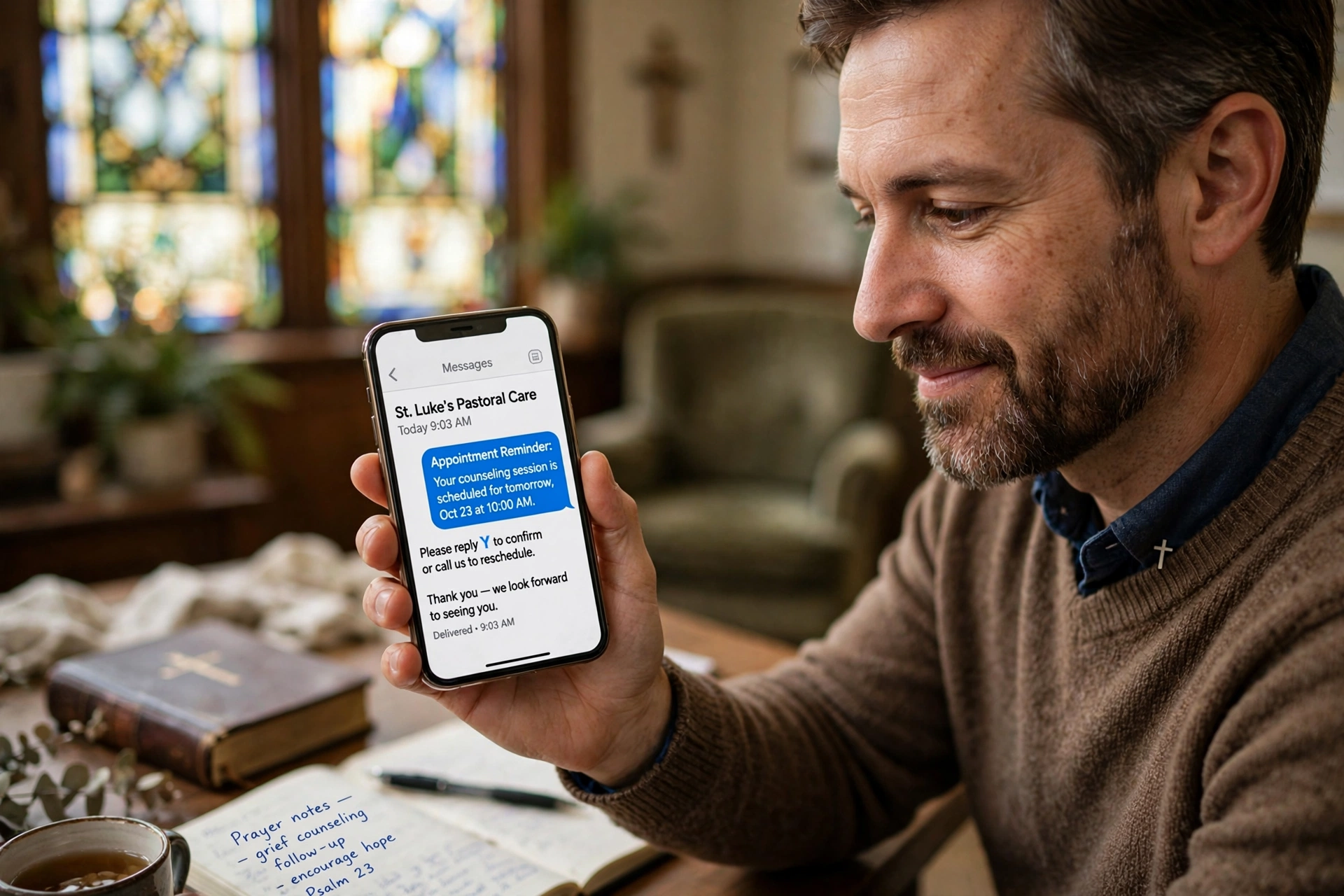
Pastoral counseling is a sensitive area of ministry. When a congregant misses an appointment, it can be interpreted as a lack of care or a missed opportunity for crisis intervention. By using SMS appointment reminders, churches can reduce these gaps. A simple text message serves as a gentle nudge, respecting the member's busy schedule while confirming the pastor's availability.
Use Case 2: Streamlining Church Board and Committee Meetings
Board meetings are notorious for last-minute cancellations or members arriving without the agenda. By setting up automated email notifications for church board meetings, you can ensure that the agenda, previous minutes, and meeting link are delivered 72 hours in advance. This transforms the meeting from a chaotic update session into a productive strategic discussion.
Use Case 3: Volunteer Coordination for Worship and Events
Managing a worship team or a food pantry requires precise coordination. When volunteers forget their slots, the ministry suffers. Automated reminders can be sent to specific volunteer groups, reminding them not only of the time but of their specific role (e.g. "Remember to bring the lyric sheets for the 9:00 AM service").
Use Case 4: New Member Integration (Onboarding)
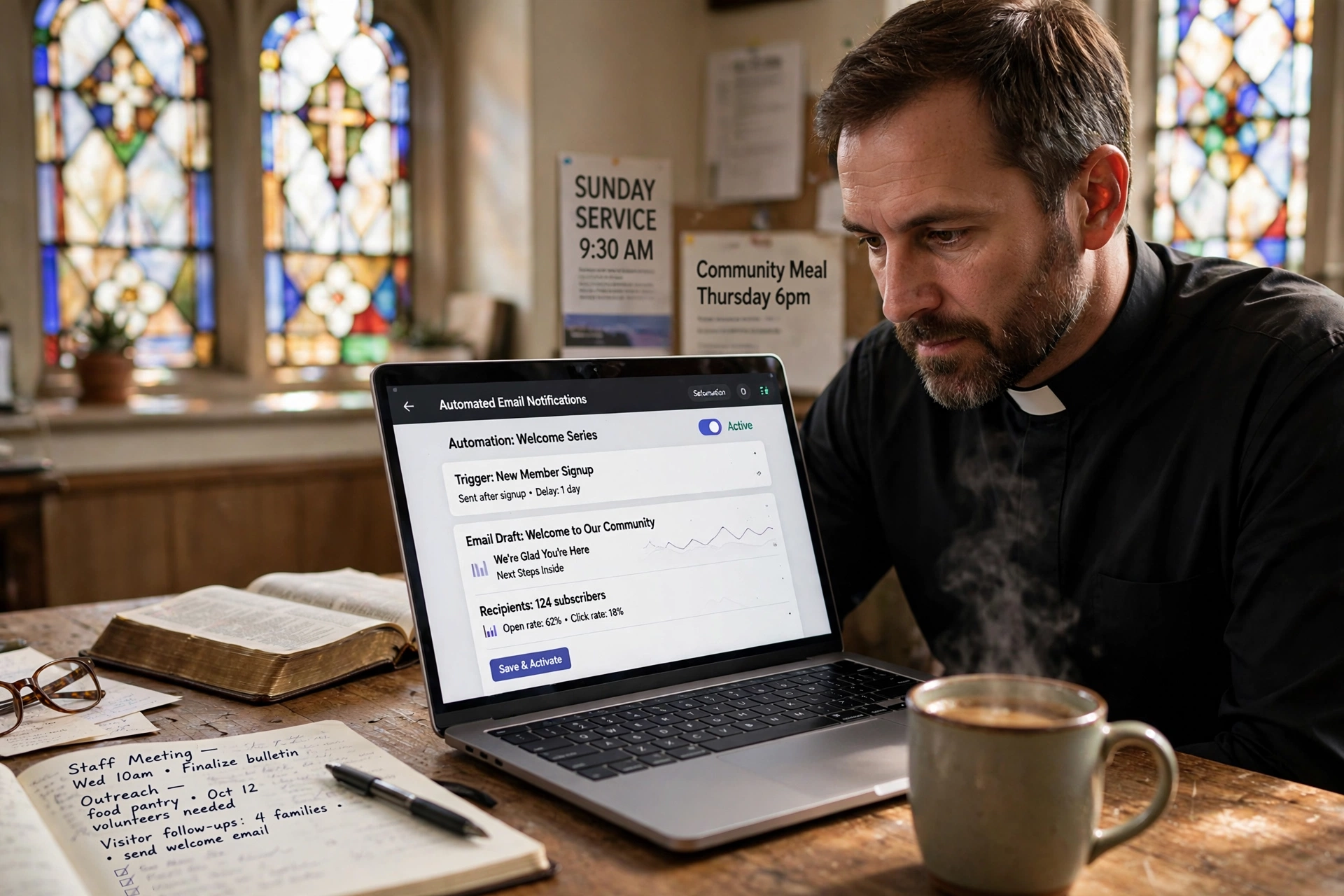
The first few weeks after someone joins a church are critical for retention. Automated communication software can trigger a "Welcome Sequence." For example, Day 1: Welcome email from the Pastor; Day 3: Invitation to join a small group; Day 7: Reminder about the next newcomers' lunch. This ensures no new member feels lost in the crowd.

Common Mistakes and How to Avoid Them
Over-Automating the "Heart"
The most dangerous mistake is allowing the software to replace the relationship. If a member is going through a severe crisis, a generic automated reminder can feel insulting.
The Solution: Always provide an "opt-out" or a manual override for specific high-sensitivity appointments. Use automation for the logistics, but keep the heart of the conversation manual.
Creating "Notification Fatigue"
When you send too many reminders, people stop reading them. If a member receives a text every day for a meeting that is two weeks away, they will mute the notifications or unsubscribe from your list.
The Solution: Follow the "Rule of Three." A confirmation, a mid-point reminder, and a final short-term nudge. This is sufficient to ensure attendance without becoming a nuisance.
Ignoring Data Privacy and Compliance
With the rise of global data protection laws, handling congregant phone numbers and emails requires care. Sending unsolicited mass texts or storing sensitive counseling notes in an unsecured generic tool can lead to legal risks.
The Solution: Use software like Pastor Agenda that is built with privacy and security in mind. Ensure your members have explicitly opted into receiving communications through a clear sign-up process.
Using Generic Templates Without Customization
Many churches use the default templates provided by software. This results in messages that look like they came from a gym or a dental office rather than a house of worship.
The Solution: Spend one hour rewriting your templates to reflect your church's specific culture. If your church is formal, use "Dear Brother/Sister." If it is contemporary and casual, use "Hey [Name]!"
Advanced Strategies for Scaling Congregation Communication
Once you have the basics of automated reminders in place, you can begin to use your church communication software for strategic growth. This involves moving from "reactive" communication (reminding people of things) to "proactive" communication (inviting people into new experiences).
Behavioral Triggers
Advanced systems allow you to trigger messages based on behavior. For example, if a member hasn't checked into a service for three consecutive weeks, the system can notify the pastoral care team to reach out personally. This is not an automated message to the member, but an automated alert to the pastor, ensuring that no one slips through the cracks of the ministry.
Multi-Channel Synchronization
Different demographics prefer different channels. Older members may rely on email or phone calls, while Gen Z and Millennials almost exclusively use SMS or app notifications. A professional strategy involves "channel cascading." If a high-priority reminder email isn't opened within 24 hours, the system can automatically trigger a backup SMS. This ensures the message is delivered via the member's preferred medium.
Feedback Loops
Communication should not be a one-way street. Use your software to implement brief, automated surveys after major events. "How was the welcome experience today?" or "Was the board meeting productive?" This data allows church leadership to make evidence-based decisions rather than guessing what the congregation wants.
The ROI of Professional Scheduling and Communication
Many ministry leaders hesitate to invest in professional software, viewing it as an unnecessary expense. However, the Return on Investment (ROI) is measured in both spiritual and temporal capital.
Temporal Capital: If a pastor spends 5 hours a week on manual scheduling and reminders, that is 260 hours a year. In a professional setting, that is equivalent to over six weeks of full-time work. By automating these tasks, the pastor regains this time for deep study, prayer, and face-to-face ministry.
Spiritual Capital: When a congregation feels that the church is organized, reliable, and attentive, their trust in the leadership increases. According to the National Association of Evangelicals (NAE), effective leadership involves providing a stable and supportive environment for believers. Automation provides that stability by removing the stress of logistical failures.
Financial Capital: For churches that run paid workshops, seminars, or specialized training, reducing no-shows directly affects the bottom line. When people pay for a resource but don't attend due to a lack of reminders, they are less likely to invest in future church-led initiatives. Ensuring a high attendance rate protects the financial viability of these programs.
Frequently Asked Questions
Does using church communication software make the ministry feel less personal?
Actually, the opposite is true. When you automate the tedious parts of scheduling and reminders, you free up the pastor to be more personal. Instead of spending the first five minutes of a meeting apologizing for a scheduling mix-up or spending an hour on the phone confirming times, the pastor can enter the room fully present and focused on the person. Automation handles the "transaction," which allows the pastor to focus on the "transformation."
How do I prevent members from unsubscribing from my automated texts?
The key to preventing unsubscribes is providing high value and maintaining a respectful frequency. Avoid sending "fluff" messages. Every communication should either be a necessary reminder, a direct invitation, or a meaningful piece of encouragement. Always include a clear way to opt-out, as this actually builds trust. When people know they have control over the communication, they are more likely to tolerate a higher volume of messages.
Which is better for church reminders: SMS or Email?
Both serve different purposes. SMS is for urgency and immediate action (e.g. "See you in 2 hours!"). Email is for detail and reflection (e.g. "Here is the agenda for Tuesday's meeting"). A truly effective ministry uses a hybrid approach. Use email for the initial confirmation and the detailed information, and use SMS for the final "nudge." This ensures the member has the details in their inbox and the reminder in their pocket.
Can automated reminders be used for volunteer scheduling?
Yes, and it is one of the most effective uses of the software. Volunteers are often the most dedicated but also the most overwhelmed members of the church. Automated reminders for volunteer shifts reduce the mental load on the volunteer and prevent the ministry from having "empty slots" during a service. You can include specific instructions in the reminder, such as where to park or which door to enter, further reducing friction.
How does Pastor Agenda handle the privacy of sensitive pastoral counseling sessions?
Privacy is the cornerstone of pastoral care. Pastor Agenda is designed to keep scheduling data secure. While the system sends reminders to the member, the internal notes and sensitive details of the counseling sessions are kept in a secure, encrypted environment. We ensure that communication is professional and discreet, avoiding any language in the reminders that could compromise the confidentiality of the session if someone else sees the member's phone screen.
Is it difficult to migrate my current contact list into a new system?
Most professional systems, including Pastor Agenda, allow for easy CSV or Excel imports. The most important part of the migration is "cleaning" your data first. Ensure you have correct phone numbers and email addresses. Once imported, you can use tagging to categorize members into groups (e.g. "Youth," "Elders"), which allows your automations to start working immediately without having to manually add every person to a sequence.
How often should I send reminders for a weekly church meeting?
For a recurring weekly meeting, a heavy rotation of reminders is unnecessary and can lead to fatigue. I recommend a "Light Touch" approach: a single reminder 24 to 48 hours before the meeting. For special, non-recurring events (like a quarterly board meeting), a more robust sequence is needed: one reminder a week prior, one three days prior, and a final text 4 hours before the start time.
What happens if a member cancels their appointment through the software?
In a manual system, a cancellation often leads to a "ghosted" slot where the pastor shows up but the member doesn't. With integrated software, the moment a member cancels through their link, the appointment is removed from the calendar and the automation sequence is instantly killed. This prevents the awkwardness of sending a "See you soon!" text to someone who has already canceled their appointment, preserving the professional image of the ministry.
Recommended Readings
To deepen your understanding of these topics, we recommend reading the following articles:
Conclusion
Transitioning to a professional system for church communication software is not about embracing technology for technology's sake; it is about stewardship. Stewarding your time, your energy, and the attention of your congregation. When you remove the friction of forgotten appointments and confusing schedules, you create more space for the actual work of the ministry: spiritual growth and community support.
Whether you are trying to reduce no-shows in pastoral counseling or simply want to make sure your board members actually read the agenda, the right tools make the difference. By combining a warm, pastoral voice with the precision of modern automation, you ensure that your members feel cared for and your leadership feels empowered.
If you are ready to stop the manual struggle and start focusing on your calling, we invite you to see how our specialized tools can transform your administrative workflow. For a deeper dive into optimizing your congregation's reach, revisit our comprehensive guide on automated reminders and communication for congregations.
Stop managing calendars and start managing ministries. Visit pastoragenda.com today to streamline your scheduling.
Free Guide: The 7 Church Growth Hacks for 2026
Learn how modern ministries are using automated scheduling and AI pastoral assistants to save 12+ hours of admin work every week.