The High Cost of Manual Coordination in Ministry
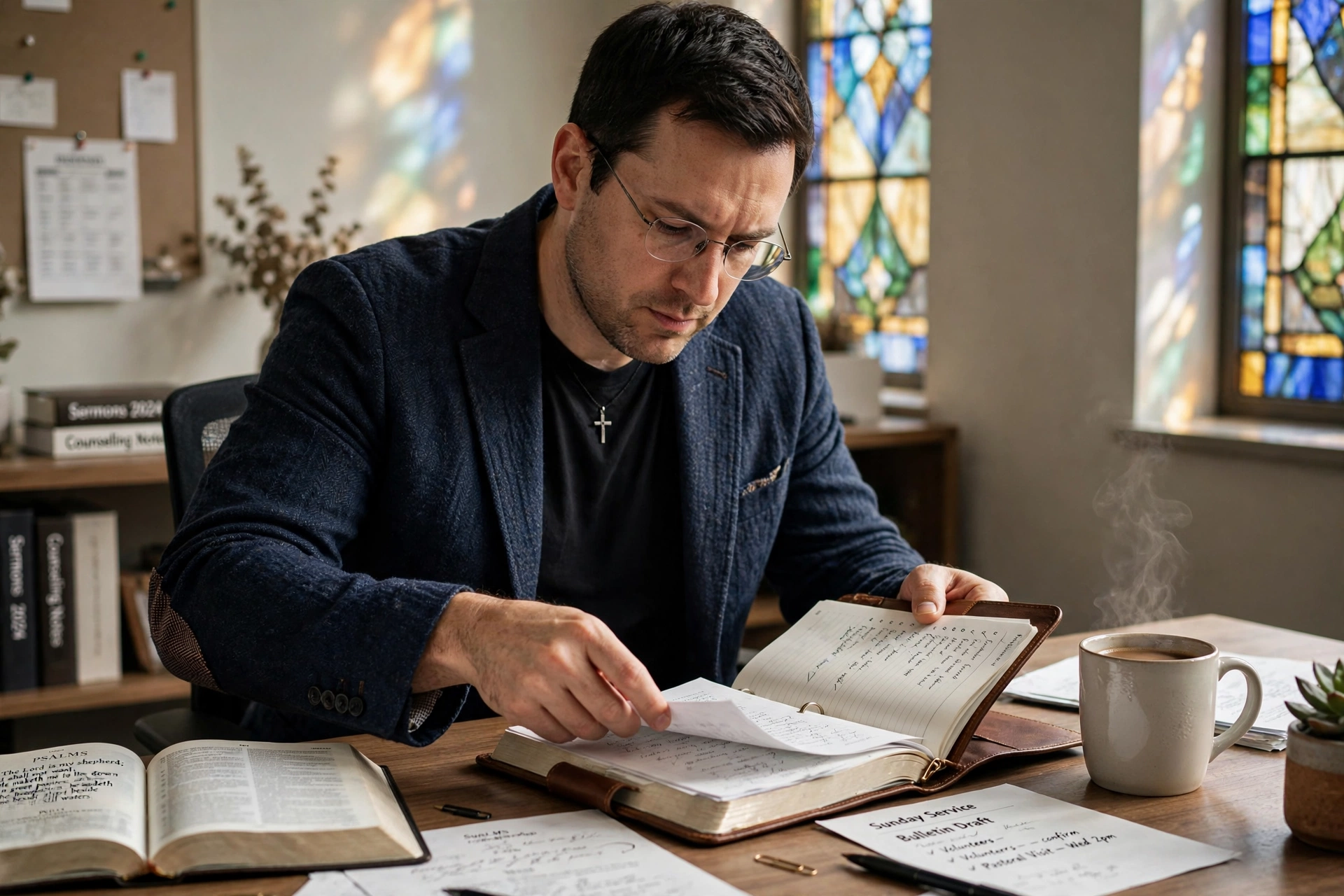
In my experience working with growing congregations, the most common point of failure isn't a lack of vision, but a breakdown in coordination. I have seen devoted pastors spend more time managing spreadsheets and texting volunteers than they do in prayer or study. When a church relies on a physical calendar or a disjointed set of group chats, the result is inevitable: double-booked sanctuaries, forgotten equipment, and exhausted ministry leaders. The friction of manual church event management creates a hidden tax on the spiritual health of the church, leading to administrative burnout that often goes unnoticed until a key leader leaves.
For a comprehensive overview of these strategies, explore our Organizing Church Events and Services Efficiently guide, which serves as the foundation for optimizing every aspect of your ecclesiastical operations.
Managing a church in 2026 requires a shift from 'survival mode' administration to strategic oversight. Whether you are coordinating a weekly worship service, a monthly potluck, or a complex annual conference, the objective is the same: remove the administrative noise so the ministry can flourish. This requires a centralized system where every stakeholder, from the senior pastor to the youth leader, has a single source of truth.

What is Church Event Management?
📚
Definition
Church event management is the systematic process of planning, scheduling, coordinating, and executing all religious services, community outreach programs, and internal congregational activities within a faith-based organization.
Church event management is not merely about picking a date on a calendar; it is the orchestration of human resources, physical spaces, and spiritual objectives. It encompasses the entire lifecycle of an event, from the initial vision and budget approval to the post-event debrief and data analysis. In a modern ministry context, this involves integrating digital tools for registration, volunteer coordination, and communication to ensure that the focus remains on the mission rather than the logistics.
Effective management distinguishes between 'recurring services' (like Sunday worship) and 'special events' (like revival weekends or holiday services). While recurring services require consistency and stability, special events require agility and scalability. When these two streams are managed in separate silos, conflict is inevitable. A unified approach to church event management ensures that a special mid-week prayer meeting doesn't clash with the preparation for a Sunday sermon or the setup for a youth group event.
💡
Key Takeaway
Professional church event management transforms the administrative process from a chore into a tool for stewardship, ensuring that time and resources are used to maximize spiritual impact.
Why Does Efficient Church Event Management Matter for the Congregation?
Efficient coordination is the invisible backbone of a healthy church. When events are poorly managed, the congregation feels it through inconsistent communication, chaotic registration processes, and a general sense of instability. Conversely, a well-organized event signals a culture of excellence and care, telling the congregant that their time and presence are valued.
According to research by the Barna Group, there is a direct correlation between organized leadership structures and the long-term retention of new visitors. When a first-time guest arrives at a church event and finds a clear path from the parking lot to the seat, and a seamless registration process for a children's program, their cognitive load is reduced, allowing them to focus on the spiritual message rather than the logistical chaos.
Furthermore, the health of the clergy is intrinsically linked to the efficiency of these systems. A Lifeway Research study indicates that administrative burden is one of the leading causes of pastoral burnout. By automating the repetitive parts of scheduling and registration, a pastor can reclaim hours of their week. This isn't just about productivity; it's about pastoral care. A pastor who isn't fighting with a calendar is a pastor who can spend more time in one-on-one pastoral counseling.
From a financial perspective, efficient management reduces waste. Double-booked rooms lead to wasted energy, forgotten catering orders result in lost funds, and poor volunteer coordination often means paying for external contractors when internal resources were available but uncoordinated. In a non-profit environment, every dollar saved on administrative inefficiency is a dollar that can be redirected toward missions or community outreach.
How to Implement a Professional Event Management System
Implementing a professional system requires moving away from fragmented tools, like a mix of WhatsApp, email, and paper notes, and moving toward a centralized hub. The goal is to create a 'digital sanctuary' where all event data resides.
Step 1: Audit Your Current Event Cycle
Before implementing software, you must understand your patterns. List every recurring service and every annual event. Identify the 'bottlenecks', where do communications usually fail? Is it the volunteer sign-up phase? Is it the room allocation? Understanding the pain points allows you to configure your system to solve specific problems rather than just adding another layer of complexity.
Step 2: Centralize the Master Calendar
Eliminate all 'shadow calendars.' There should be one single source of truth. This calendar must be accessible to all key leaders and integrated with their personal devices. When using a tool like Pastor Agenda, this means setting up clear permissions so that while anyone can see the event, only authorized leaders can modify the schedule.
Step 3: Automate the Registration and Onboarding Process
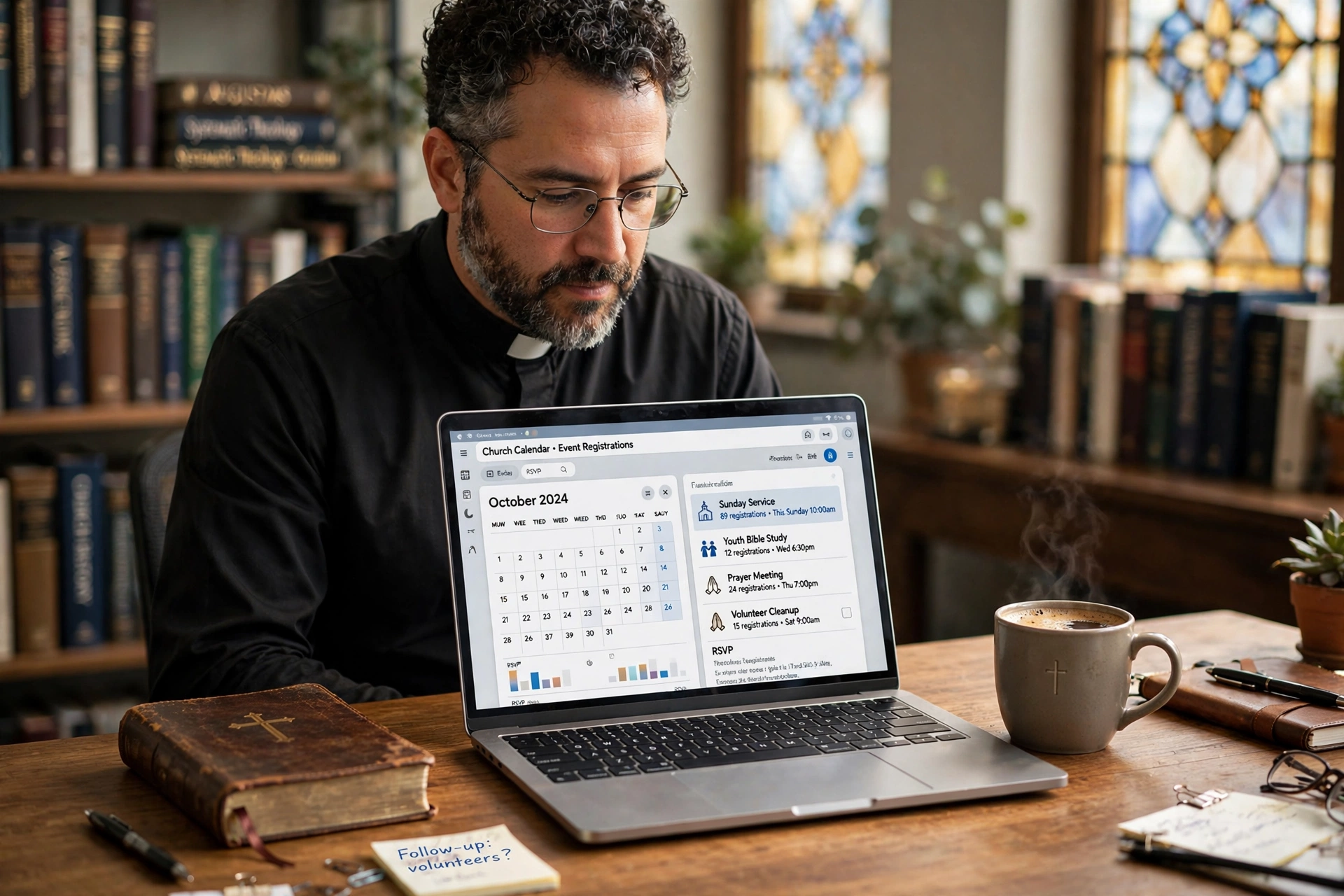
Manual registration is the enemy of growth. Instead of having people sign up on a sheet of paper in the lobby, use digital registration forms that feed directly into your management system. This allows for real-time tracking of attendee numbers, which informs your catering and seating requirements. For those looking to scale, we highly recommend learning how to integrate event registrations directly with pastor calendars to eliminate the gap between a sign-up and a scheduled appointment.
Step 4: Build a Volunteer Coordination Workflow
Events fail when volunteers are confused. Move beyond the 'all-call' email. Create specific roles for each event (e.g. Ushers, Audio/Visual, Hospitality) and assign individuals to these roles within the system. Use automated reminders to notify volunteers 48 hours before the event, reducing the need for the pastor to send manual 'reminder' texts.
Step 5: Establish a Post-Event Review Loop
An event isn't finished when the last person leaves. It's finished when the data is reviewed. Track attendance, gather feedback via digital surveys, and document what worked and what didn't. Store these notes within the event record in your system so that next year's planning starts with a blueprint, not a blank page.

Comparing Coordination Approaches
To understand why a specialized system is necessary, we must compare it to the common alternatives used in many ministries.
| Feature | Traditional Manual Approach | Generic AI/Cheap Software | Modern Approach (Pastor Agenda) |
|---|---|---|---|
| Scheduling | Paper calendars, verbal agreements | Basic digital calendar, no context | Unified ministry-centric scheduling |
| Communication | Phone calls, random texts | Generic email blasts | Targeted, role-based notifications |
| Registration | Sign-up sheets in the lobby | Basic Google Forms (disconnected) | Integrated registration $\rightarrow$ Calendar |
| Reliability | High risk of double-booking | Risk of 'hallucinated' dates/errors | Verified, real-time availability |
| Burnout Risk | Extremely high (manual labor) | Medium (tool fatigue) | Low (automated workflows) |
Common Mistakes to Avoid in Church Event Management
In my experience, most churches make the same three to five mistakes when trying to organize their services. Recognizing these patterns is the first step toward fixing them.
1. The 'Single Point of Failure' Syndrome
Many churches rely on one 'super-admin', usually a secretary or a dedicated volunteer, who keeps the entire schedule in their head. If that person gets sick or leaves the ministry, the church loses its operational memory. You must move the knowledge from a person's head into a shared system. Documentation is the only way to ensure ministry continuity.
2. Over-Complicating the Tooling
I have seen churches implement enterprise-level project management software that requires a certification to use. When a tool is too complex, volunteers stop using it, and the system reverts to chaos. The best tool is the one that your least tech-savvy volunteer can navigate. This is why Pastor Agenda focuses on intuitive design over unnecessary complexity.
3. Ignoring the 'Buffer' Period
A common error is scheduling events back-to-back without considering the 'reset' time. If a youth event ends at 7:00 PM and a board meeting starts at 7:00 PM in the same room, the transition is always stressful. A professional system allows you to bake 'buffer' time into the scheduling process to ensure rooms are cleaned and reset.
4. Lack of Role Clarity
Assuming that 'everyone knows what to do' is a recipe for disaster. Every event needs a designated lead for every function. When these roles are clearly assigned in the scheduling software, it eliminates the 'I thought someone else was doing it' excuse that plagues many church events.
5. Failing to Sync with the Pastoral Calendar
This is the most frequent mistake. The church events calendar and the pastor's personal appointment calendar are often treated as two different worlds. When an event is scheduled that requires the pastor's presence, but their personal calendar is blocked for a funeral, a crisis ensues. Integration is not a luxury; it is a necessity for sanity.
Pro Tip: The 'Rule of Three' for Event Communication
To ensure maximum attendance and volunteer reliability, I recommend the 'Rule of Three.' Never rely on a single announcement. An event should be communicated via three distinct channels: the pulpit (verbal), the digital newsletter (email/text), and the physical bulletin/social media. When using a scheduling system, you can automate the timing of these three touchpoints so they hit the congregation at the optimal intervals (e.g. 2 weeks before, 1 week before, and 48 hours before).
Deep Dive: Handling High-Pressure Seasons
Holiday seasons, specifically Christmas and Easter, test every church event management system to its limit. These periods are not just about more events; they are about higher stakes and larger crowds. During these times, the complexity of scheduling increases exponentially.
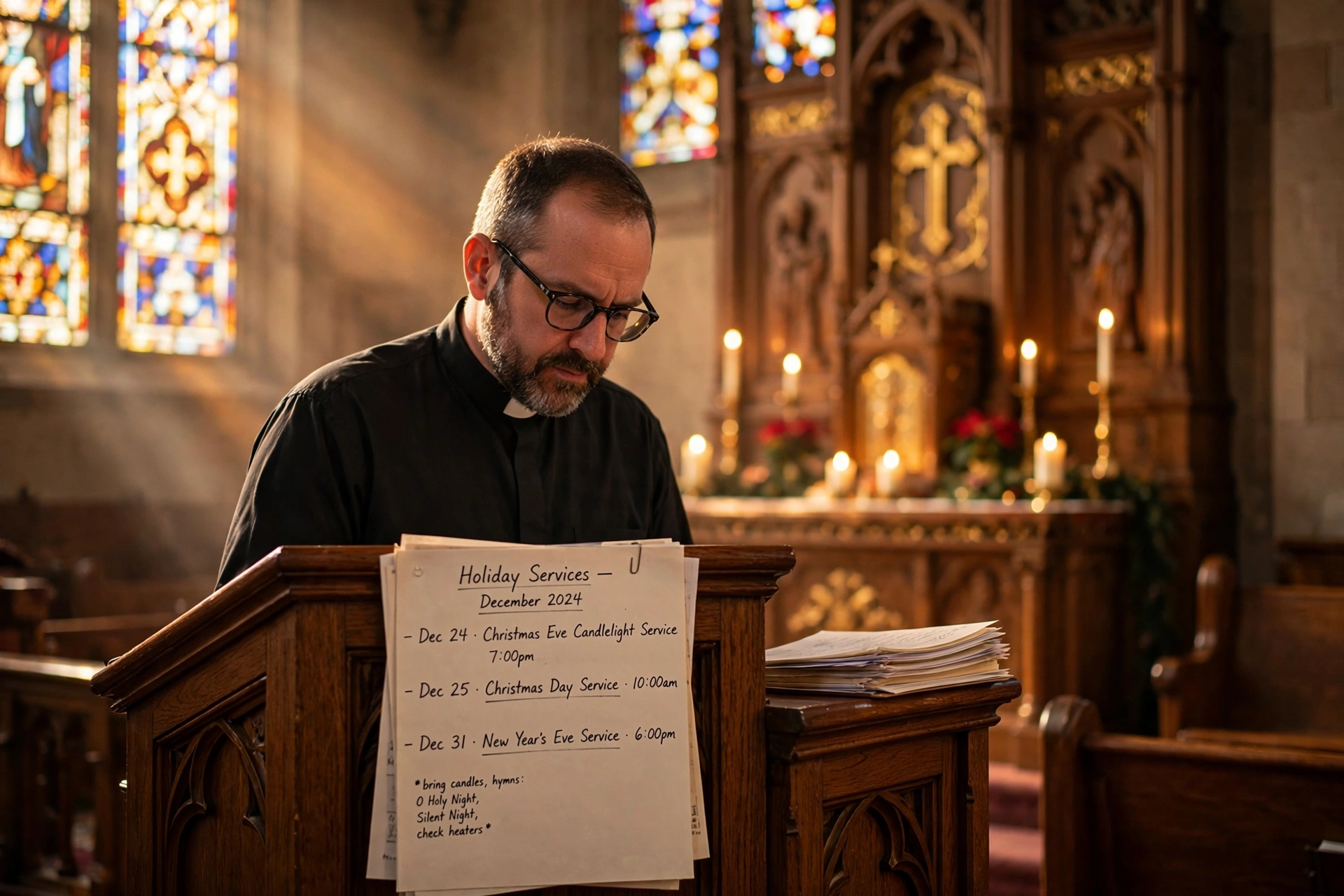
For those dealing with the seasonal rush, we strongly suggest reading our guide on Best Practices for Scheduling Special Church Services during Holiday Seasons. The strategy changes during these windows: you move from a 'maintenance' mindset to a 'surge' mindset. This means implementing stricter deadlines for volunteer sign-ups and using more aggressive automated reminders.
One technical detail often overlooked during surge periods is 'Resource Contention.' This occurs when multiple ministries need the same resource (the sanctuary, the sound system, the parking lot) at the same time. A robust management system allows you to tag resources, not just rooms. By tagging the 'Sound System' as a resource, the system can prevent two different events from being scheduled if they both require the same audio engineer, even if they are in different rooms.
Frequently Asked Questions
How do I handle overlapping events in the same facility?
Overlapping events are best managed through a combination of 'Resource Tagging' and 'Buffer Scheduling.' In your management system, do not just book a room; book the specific resources needed for that room. If you have a shared space, implement a mandatory 30-minute buffer between events to allow for transition. Use a centralized calendar where all leaders have visibility, so conflicts are spotted during the planning phase rather than the execution phase.
What is the best way to manage volunteers for large events?
The most effective method is to move away from generic 'help wanted' requests and toward 'Role-Based Assignments.' Define exactly what is needed (e.g. 4 Greeters, 2 Techs, 1 Coordinator) and allow volunteers to claim these specific slots within your scheduling software. This creates accountability. When a volunteer signs up for a specific role, they are more likely to show up than if they simply 'offered to help' in a general sense.
How can I reduce the administrative time spent on event planning?
Automation is the primary lever for reducing admin time. Use templates for recurring events so you don't have to recreate the logistics every week. Implement digital registration that automatically syncs with your calendars and mailing lists. By using a specialized platform like Pastor Agenda, you eliminate the manual entry of data between different apps, which is where most of the administrative time is wasted.
Should I use a general calendar app or specialized church software?
General apps (like Google Calendar) are great for personal use, but they lack the 'Ministry Context.' They don't handle volunteer roles, registration integration, or resource contention. Specialized software is designed for the specific workflow of a church, ensuring that the pastor's needs and the congregation's needs are both met without the need for complex third-party integrations or manual workarounds.
How do I ensure that visitors feel welcome during events?
Welcome starts with the logistics. Ensure your event management includes a 'Guest Journey' map. This means scheduling specific volunteers for parking and greeting, and having a seamless digital check-in process for children's ministry. When the logistics are smooth, the guest feels cared for. Use your management system to assign a 'Guest Experience Lead' for every event to oversee this specific journey.
What is the most common cause of event failure in churches?
Communication breakdown is the leading cause. This usually manifests as a gap between the decision (planning the event) and the execution (notifying the people). When the 'plan' lives in a document that only the board has seen, the volunteers and staff are left guessing. A centralized, transparent system ensures that the plan is visible to everyone who needs to execute it.
How do I integrate event registrations with my personal calendar?
Integration is achieved by using a system that offers a direct API or sync feature between the registration form and the calendar. Instead of manually adding a person to your schedule after they sign up, a modern system automatically creates a calendar event upon registration. For a detailed walkthrough on this, see our guide on integrating event registrations with pastor calendars.
How do I manage calendars for sensitive events like funerals and weddings?
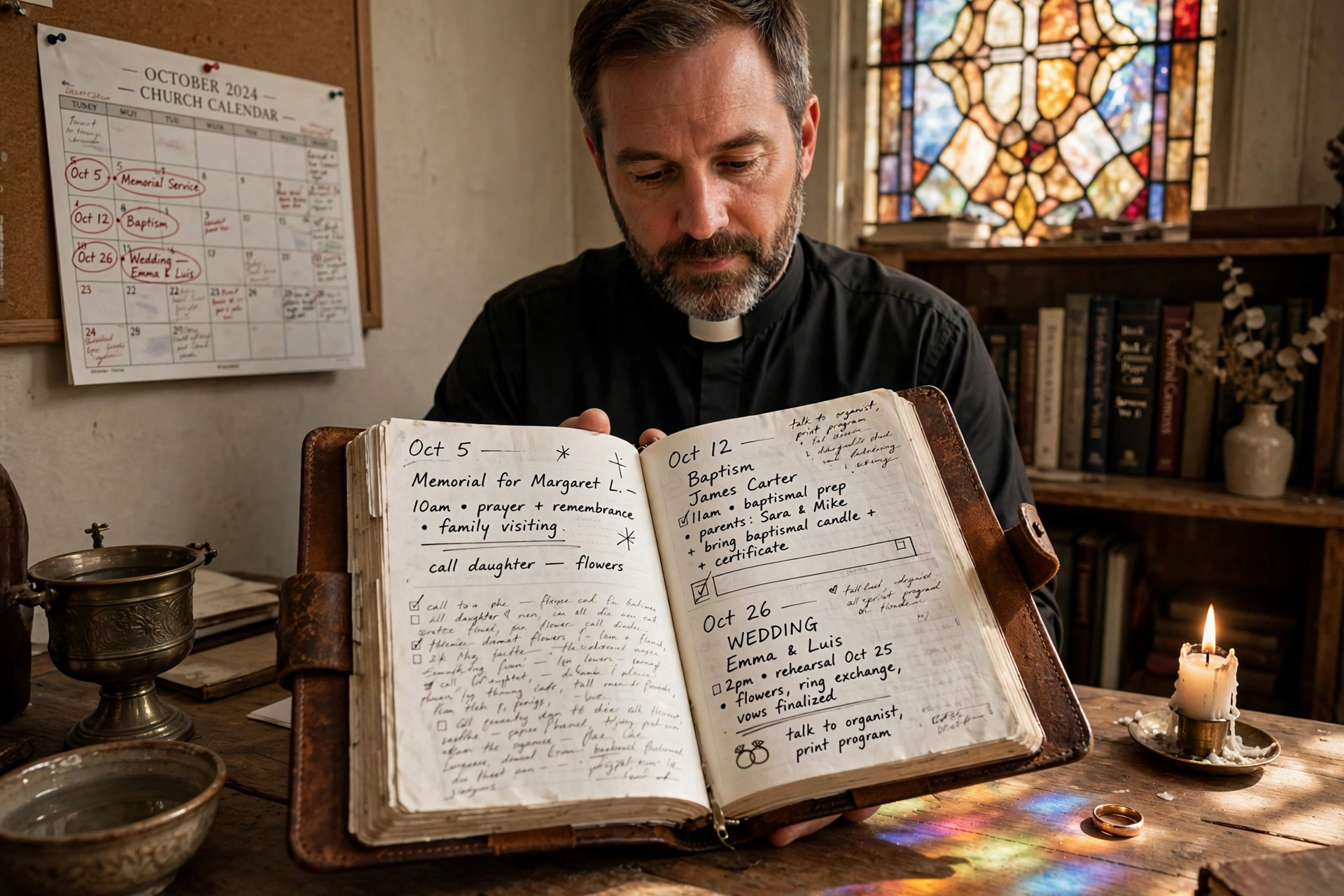
Sensitive events require a higher level of flexibility and priority. These should be managed as 'Priority Overrides' in your system. Because these events are often unplanned (funerals) or high-stakes (weddings), you need a system that allows you to quickly shift other events to accommodate these needs. We recommend a dedicated approach to this, which you can find in our guide on how to manage calendars for baptisms, weddings, and funerals.
Recommended Readings
To deepen your understanding of these topics, we recommend reading the following articles:
Conclusion
Efficient church event management is not about bureaucracy; it is about creating space for the Holy Spirit to move without the distraction of administrative chaos. When you move your ministry from manual spreadsheets to a professional, integrated system, you aren't just 'organizing events', you are stewarding the time and energy of your leaders and the experience of your congregation.
In 2026, the difference between a thriving ministry and a burnt-out one often comes down to the tools they use. By centralizing your calendar, automating your registrations, and clarifying your volunteer roles, you remove the friction that hinders growth. Stop letting the 'business' of the church get in the way of the 'mission' of the church.
To further refine your operational excellence, return to our comprehensive Organizing Church Events and Services Efficiently pillar and start implementing these systems today. Your calling is to lead people, not to manage calendars. Let technology handle the logistics so you can handle the ministry.
Ready to eliminate the administrative stress from your ministry? Experience the power of streamlined scheduling with PastorAgenda Blog. Visit pastoragenda.com to see how we can help you reclaim your time and focus on what truly matters: your congregation.
Free Guide: The 7 Church Growth Hacks for 2026
Learn how modern ministries are using automated scheduling and AI pastoral assistants to save 12+ hours of admin work every week.