How Do Church Technology Tools Actually Transform Ministry Engagement?
Many religious leaders view technology as a barrier to spiritual intimacy, but the data suggests the opposite. When implemented correctly, church technology tools act as a bridge, removing the administrative friction that prevents a congregant from seeking pastoral care or joining a small group. In my experience working with medium-to-large congregations, the biggest hurdle isn't the tech itself, but the "digital divide" between the leadership's vision and the members' technical literacy. The goal is not to replace the handshake with a screen, but to use the screen to ensure the handshake happens more often and more efficiently.
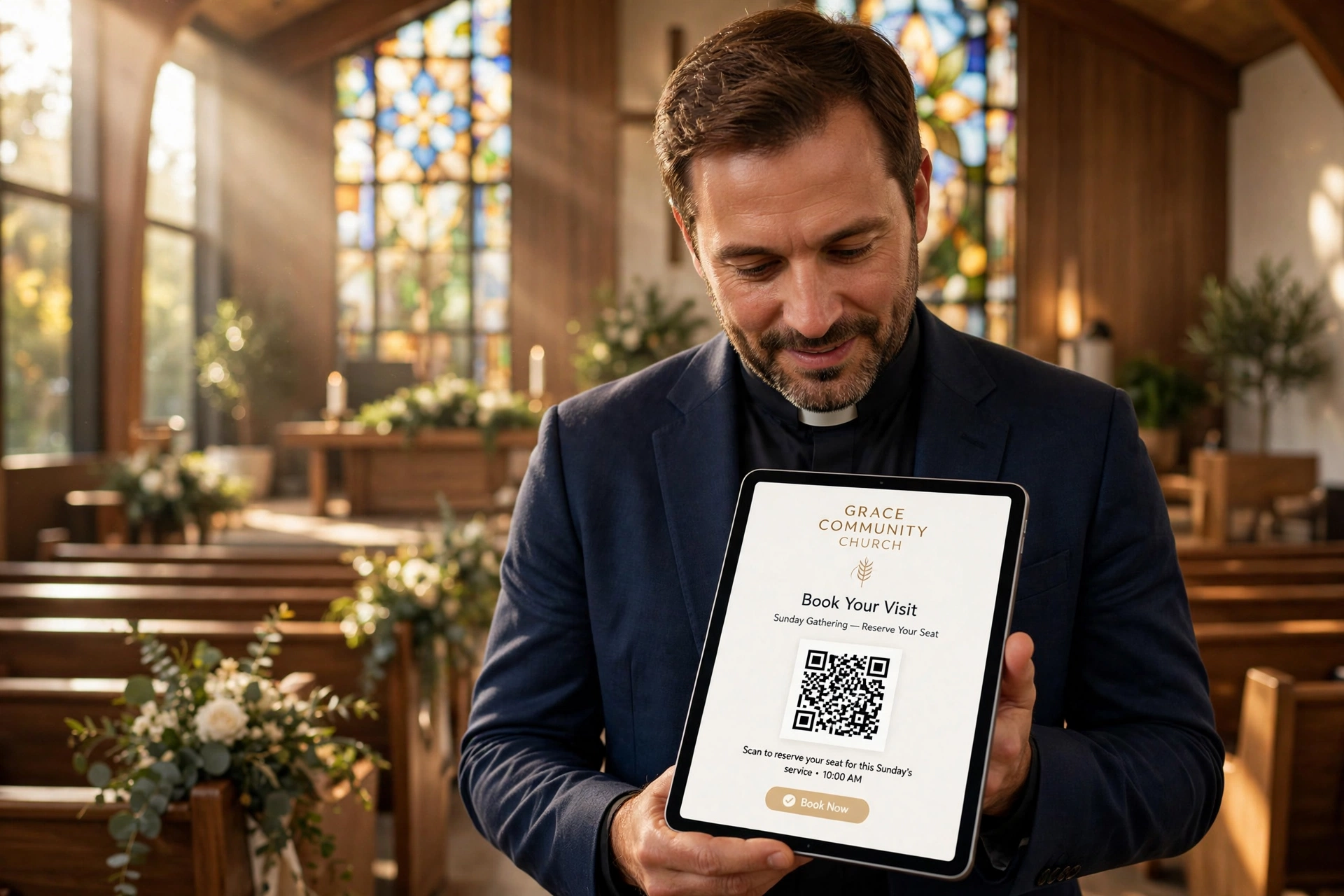
Integrating technology into a faith community means moving from reactive administration to proactive ministry. For instance, instead of a member emailing a pastor and waiting three days for a reply regarding a counseling session, a well-placed QR code in the church bulletin allows them to book a slot instantly. This immediate action captures the spiritual impulse at its peak, ensuring that the need for pastoral care is met while the urgency is highest. In 2026, the expectation for seamless digital interaction has moved from the corporate world into the sanctuary; members now expect the same ease of booking a spiritual appointment as they do a doctor's visit.
📚
Definition
Church technology tools are a suite of software and hardware solutions, ranging from appointment scheduling systems and mobile apps to QR code generators, specifically designed to automate administrative tasks within a religious organization to free up clergy for direct ministry.
💡
Key Takeaway
Technology in the church should never be the destination; it is the vehicle that facilitates more meaningful, face-to-face human connection.
Why is Technology Integration Essential for Modern Congregations?
The primary reason technology integration is essential is the drastic shift in how people manage their time and seek support. According to research by the Barna Group, the health of a church is increasingly tied to how well it meets the practical needs of its members in a digitally-saturated environment. When a church relies solely on manual processes, like paper sign-up sheets or phone tag, it creates an invisible barrier to entry for younger generations and busy families who are accustomed to instant accessibility.
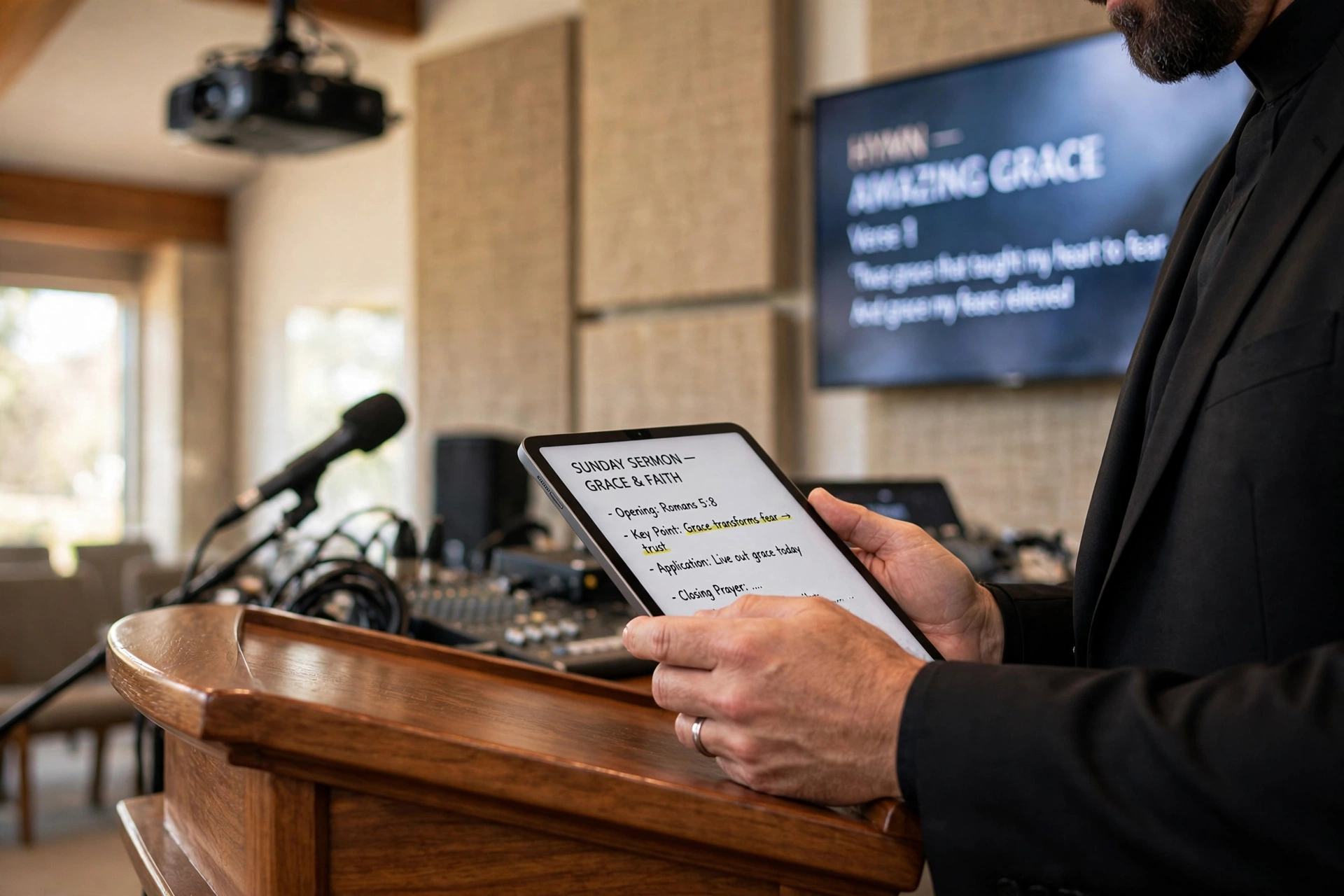
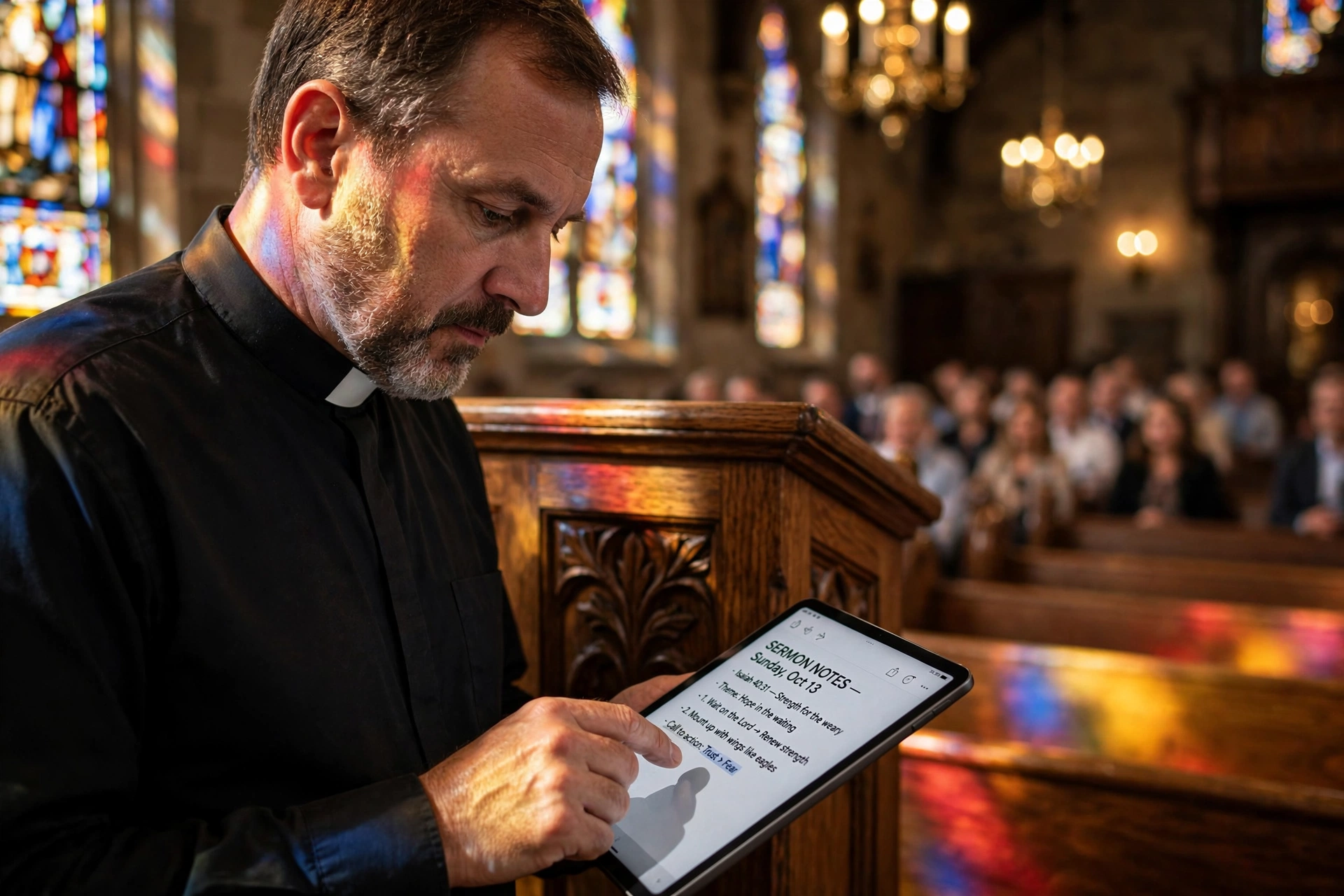
From a leadership perspective, the burnout rate among clergy is often exacerbated by "administrative drag." When a pastor spends four hours a week managing a calendar via email, that is four hours taken away from sermon preparation or home visits. By implementing dedicated scheduling software, the administrative burden shifts from the pastor to the system. This allows the minister to focus on the actual pastoral care rather than the logistics of scheduling it. This shift is not just about efficiency; it is about stewardship of the leader's emotional and spiritual energy.
Furthermore, technology provides a level of data visibility that manual systems cannot match. When you use integrated tools, you can identify patterns: Are requests for pastoral counseling spiking on Tuesday nights? Is there a specific demographic that is not utilizing the booking system? This data allows leadership to make informed decisions about resource allocation. For example, if the data shows a surge in youth-related appointment requests, the church can proactively create a youth-focused support group rather than reacting to individual crises one by one.
Moreover, the legal and organizational complexities of modern ministry require better record-keeping. As noted by Church Law & Tax, proper documentation and governance are fundamental to protecting the organization from liability. Digital tools provide an immutable audit trail of appointments and communications, ensuring that the church maintains professional standards of governance while continuing its spiritual mission.
How to Implement Church Technology Tools Step-by-Step
Implementing new technology in a faith community requires a balanced approach: it must be technically sound but pastorally sensitive. You cannot simply launch an app and expect a 100% adoption rate. The process must be iterative and inclusive.
Step 1: Audit the Current Friction Points
Before buying any software, identify where the "leak" is in your current process. Do people forget their appointments? Is the pastor overwhelmed by random text messages for scheduling? Is the sign-up process for the annual retreat too cumbersome? By mapping the user journey, you can determine if you need a simple QR code for booking, a full-featured mobile app, or a combination of both. I've found that most churches try to solve every problem with one "giant app," which often leads to low adoption. It is better to solve one specific friction point first.
Step 2: Select the Right Toolset
Avoid generic tools that require extensive customization. Look for platforms that understand the specific needs of a ministry. For example, Pastor Agenda is designed specifically for the unique cadence of pastoral work, where boundaries between "office hours" and "emergency care" are often blurred. Ensure your choice integrates with the tools you already use (like Google Calendar or Outlook) to avoid creating a new silo of information.
Step 3: Create a Hybrid Access Strategy
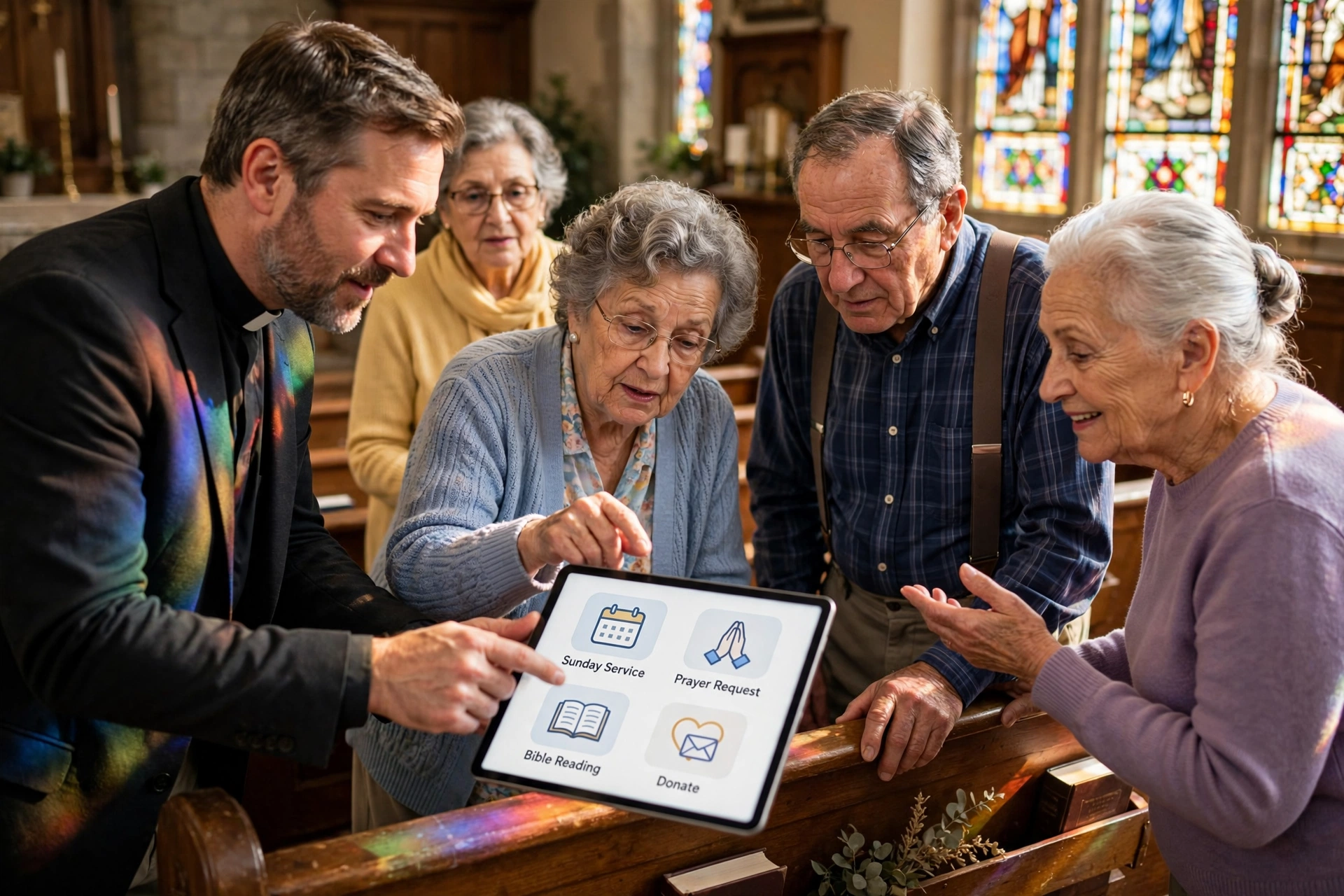
Not everyone will use an app. To ensure no one is left behind, implement a hybrid strategy. This means providing a mobile app for the tech-savvy, a web-based booking portal for those on desktops, and physical QR codes printed on banners and bulletins for those currently in the building. This "omnichannel" approach ensures that the path to the pastor is always open, regardless of the member's technical proficiency.
Step 4: The "Champion" Rollout
Identify five to ten influential members of the congregation, across different age groups, and have them beta-test the tools. When the rest of the church sees a respected elder or a young adult leader using the tool successfully, the perceived risk of the technology vanishes. These "digital champions" provide the peer-to-peer support that the church office cannot provide on a large scale.
Step 5: Constant Feedback and Iteration
Technology is not a "set it and forget it" solution. Every quarter, review your booking data. Are people dropping off at the confirmation page? Is the booking window too narrow? Use the feedback from your champions to refine the experience. If you notice older members are struggling, this is the time to launch a specific workshop on how to use the digital booking tools.

Comparing Technical Approaches to Church Management
When deciding how to integrate technology, many leaders fall into the trap of choosing the cheapest option or sticking to the old way. Neither is ideal for long-term growth. Here is how the different approaches compare in a real-world ministry setting.
| Feature | Traditional Manual Approach | Generic AI/Cheap Software | Modern Integrated Approach (Pastor Agenda) |
|---|---|---|---|
| Scheduling Speed | Days (Phone tag/Email) | Minutes (Self-service) | Seconds (Instant Sync) |
| User Experience | High friction, manual entry | Cold, robotic, generic | Personalized and ministry-focused |
| Clergy Burnout | High (Admin overload) | Medium (Tech frustration) | Low (Automated workflows) |
| Data Insight | None (Paper files) | Basic (List of names) | Deep (Trends and patterns) |
| Accessibility | Limited to office hours | 24/7 but confusing | 24/7 and intuitive |
Common Mistakes to Avoid When Integrating Tech
In my years of consulting for faith communities, I have seen the same three or four mistakes repeated. Avoiding these will save you months of frustration and potential congregational pushback.
1. Over-Engineering the Solution
Many churches try to build a "super app" that handles tithing, event registration, sermon notes, and booking all in one place. This often results in a cluttered interface that confuses the user. The most successful integrations follow the principle of "one tool, one primary purpose." If the goal is to increase pastoral care access, focus on a dedicated scheduling tool first before adding complex social features.
2. Ignoring the 'Digital Divide'
It is a mistake to assume that everyone in your congregation has a smartphone or knows how to use one. When you move a process entirely online, you accidentally marginalize your most vulnerable members, often the elderly, who may need pastoral care the most. Always maintain a non-digital pathway, but make the digital pathway so efficient that it frees up the staff to manually help those who cannot use the tech.
3. Lack of Boundary Setting
Technology can be a double-edged sword. While it makes booking easier, it can make the pastor feel "on call" 24/7. A common mistake is providing a booking link without setting strict availability windows. If a pastor allows bookings at 2:00 AM on a Sunday, they are inadvertently signaling that they are available at that time. Use software like Pastor Agenda to set clear, automated boundaries that protect the leader's Sabbath and family time.
4. Failing to Promote the Tool
"If you build it, they will come" does not apply to church software. You must actively promote the tools from the pulpit, in the bulletins, and through social media. If the congregation doesn't know the QR code exists, it's just an ink blot on a piece of paper. Integration is 20% technical setup and 80% cultural communication.
Pro Tip: The Power of Contextual QR Codes
Don't just put one giant QR code at the back of the church. Use contextual QR codes. Place a QR code on the pulpit for "Sermon Feedback or Questions," one in the counseling office for "Immediate Appointment Booking," and one in the lobby for "New Member Integration." By directing people to specific landing pages based on where they are in the building, you reduce the number of clicks needed to reach the goal, which significantly increases conversion rates.
Deep Dive: The Psychology of Digital Adoption in Faith Communities
Adopting technology in a church isn't just a technical shift; it's a psychological one. For many, the church is the last bastion of the "analog world." When you introduce a digital booking system, some members may feel that the relationship is becoming transactional. To counter this, the communication around the tool must be framed as a way to increase intimacy, not replace it.
Instead of saying, "We are moving to an app to be more efficient," say, "We are implementing this tool so that our pastors can spend less time on the computer and more time in your living rooms." When the value proposition is shifted from efficiency to availability, the congregation is much more likely to embrace the change. This is why we emphasize the human element in every part of the Pastor Agenda experience; the tech exists to serve the spirit, not the other way around.
Frequently Asked Questions
Will using church technology tools make my ministry feel less personal?
Actually, the opposite is usually true. By automating the tedious parts of scheduling, like the back-and-forth emails and manual calendar entries, you remove the administrative noise that often distracts from the actual conversation. When a member can book a time that works for them instantly, they feel valued and seen. The "personal" part of the ministry happens during the appointment, not during the scheduling process. Technology simply ensures that the appointment happens without unnecessary friction, allowing the pastor to enter the meeting fully present and focused on the person, rather than the logistics.
How do I get older members to use a booking app?
The key is a combination of simplification and peer support. Avoid using jargon like "interface" or "syncing." Instead, describe it as a "digital appointment book." Start by having a "Tech Sunday" where younger members spend 15 minutes helping older members scan a QR code and set up their first appointment. When an older member sees a peer of their own age successfully using the tool, the fear is replaced by curiosity. Additionally, always keep a physical alternative available so they don't feel forced or shamed into using the tech, which ironically makes them more likely to try it eventually.
Is it safe to store congregational appointment data on a cloud platform?
Security is paramount in ministry. Any tool you use must be compliant with modern data protection standards (such as GDPR or local privacy laws). Look for platforms that offer end-to-end encryption and two-factor authentication. In the context of pastoral care, confidentiality is a sacred trust. Ensure that your scheduling software allows you to control who sees the notes associated with an appointment. Professional tools like Pastor Agenda are built with these privacy concerns in mind, providing a secure environment that protects the sensitive nature of the clergy-member relationship.
Do QR codes really work better than just putting a link in a bio?
In a physical environment like a church, yes. Asking someone to open Instagram, go to a profile, and click a link while they are standing in a lobby is too many steps. A QR code reduces that entire process to a single action: scan and click. According to general digital marketing trends, reducing the number of steps to a goal (friction) exponentially increases the completion rate. For a faith community, a QR code on a physical banner is the fastest way to convert a moment of inspiration (during a sermon) into a scheduled action (a booking).
How do I handle emergency appointments with an automated system?
Automation is for routine care, not crises. Your digital booking system should be clearly labeled for "Scheduled Appointments." In your app or on your booking page, provide a very clear, separate instruction for emergencies (e.g. "For immediate pastoral crises, please contact the church emergency line or on-call pastor directly"). This ensures that the automation doesn't become a barrier to urgent care. A professional setup in Pastor Agenda allows you to categorize appointment types, so you can distinguish between a "routine check-in" and an "urgent need,' providing different instructions for each.
Can these tools help with member retention and growth?
Yes, significantly. New visitors are often intimidated by the prospect of reaching out to a pastor they don't know. A digital booking tool lowers the social anxiety of the first contact. It's much easier for a visitor to click a button for a "15-minute introductory chat" than it is to walk up to a pastor in a crowded lobby. By lowering the barrier to entry, you increase the number of first-time connections, which is the first step in long-term retention and integration into the church body.
What is the cost-benefit analysis of switching to professional scheduling software?
While there is a monthly cost for professional software, the ROI is measured in "recovered hours." If a pastor earns a salary and spends 5 hours a week on scheduling, the church is paying a significant amount of money for a clerical task. When you calculate the cost of the software versus the value of those 20 hours a month being redirected toward sermon research, visiting the sick, or community outreach, the software pays for itself almost instantly. Beyond the money, the reduction in clergy burnout is an invaluable benefit to the church's long-term stability.
Do I need a dedicated mobile app, or is a web-based tool enough?
For most churches, a high-quality, mobile-responsive web tool is sufficient. A dedicated app is useful if you plan to send push notifications or provide a central hub for a large amount of content. However, the friction of asking someone to download an app from the App Store is much higher than asking them to click a link. We recommend starting with a web-based booking system (like Pastor Agenda) that works perfectly on mobile browsers and using QR codes to bridge the gap. This gives you the benefits of an app without the adoption hurdle.
Recommended Readings
To deepen your understanding of these topics, we recommend reading the following articles:
Conclusion
Integrating church technology tools is not about chasing a trend; it is about removing the obstacles that stand between a pastor and their congregation. Whether through the instant accessibility of QR codes or the organized structure of a booking app, the goal remains the same: more meaningful connections and a more focused ministry. When you move the logistics of scheduling into the background, the actual work of the gospel moves to the foreground.
As you evaluate your current systems, ask yourself if your administrative processes are serving your mission or hindering it. If you are spending more time managing your calendar than you are managing your care, it is time to evolve. By implementing a strategic mix of digital tools and pastoral sensitivity, you can ensure that your faith community remains accessible, organized, and spiritually vibrant in 2026.
To start transforming your administrative workflow and reclaim your time for what truly matters, explore our comprehensive guide on church technology tools and see how Pastor Agenda can streamline your ministry. Visit pastoragenda.com to discover a scheduling experience designed specifically for the calling of a pastor.
Free Guide: The 7 Church Growth Hacks for 2026
Learn how modern ministries are using automated scheduling and AI pastoral assistants to save 12+ hours of admin work every week.