📖This article is part of the complete guide to Integrating Tech: QR Codes and Apps in Faith Communities.
I remember a specific Sunday morning a few years ago when the foyer of a growing congregation was absolute chaos. A dozen members were trying to coordinate counseling sessions with the lead pastor, some using scraps of paper, others trying to shout over the worship music. The friction was palpable. We realized then that the gap between a member's desire for pastoral care and the actual scheduling of that appointment is where many people fall through the cracks. In 2026, the solution isn't just having a digital calendar; it is placing the gateway to that calendar physically within the sanctuary.
For a comprehensive overview of how these tools fit into your broader strategy, explore our guide on church technology tools.
What is Church QR Code Booking?
📚
Definition
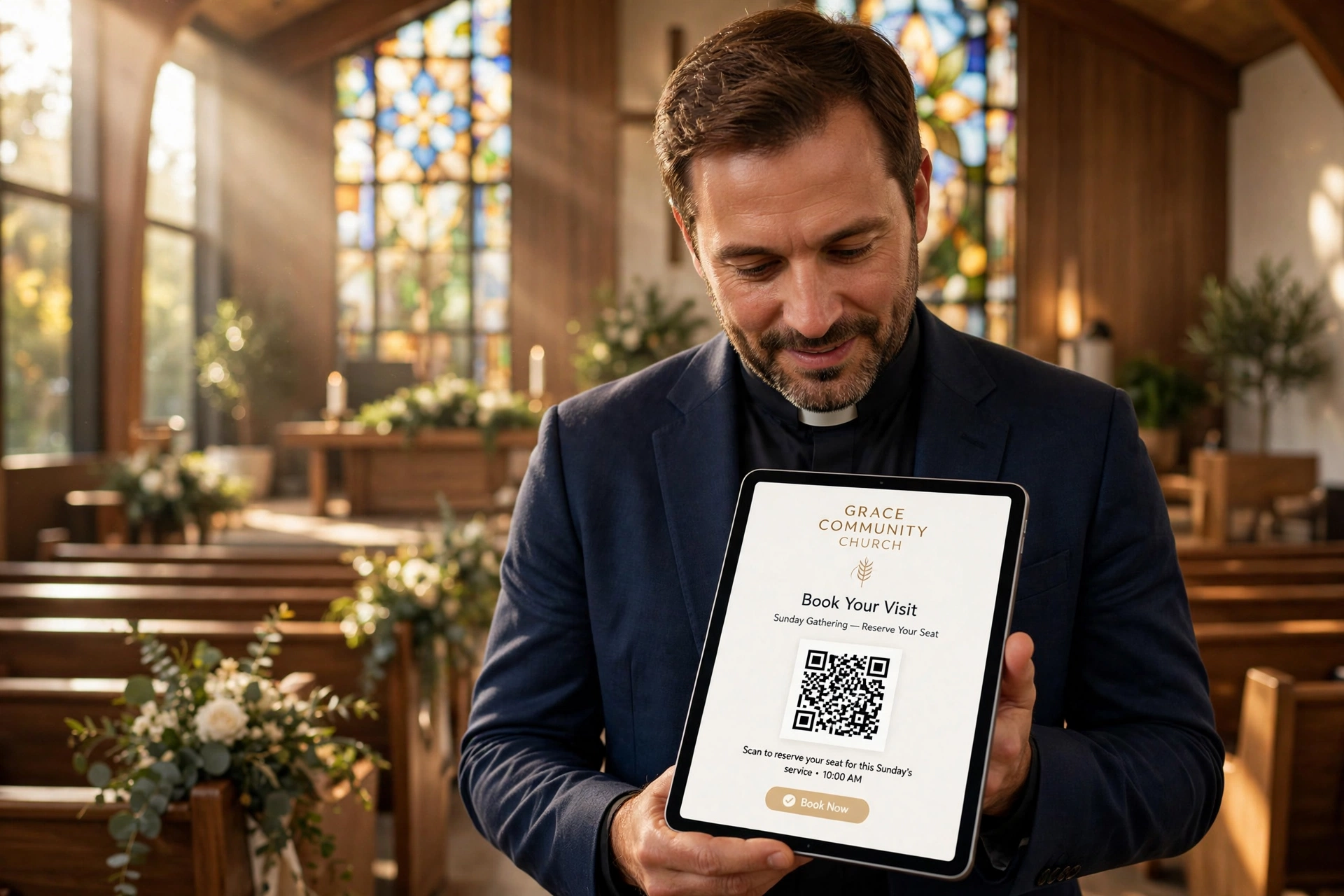
Church QR code booking is the practice of using Quick Response (QR) codes printed on physical banners or signage that, when scanned by a smartphone camera, direct a congregant instantly to a digital appointment scheduling page.
When we talk about church QR code booking, we aren't just talking about a link on a piece of paper. We are talking about a strategic bridge between the physical environment of the church and the digital administration of the ministry. In the past, a member would have to remember to go home, find the church website, navigate to the 'Contact' page, and then look for a booking link. By the time they do that, the urgency of the need, whether it is a request for pastoral counseling or a baptism inquiry, often fades.
By implementing a dedicated booking banner, you remove every single point of friction. The member sees the banner in the lobby or on the screen during announcements, scans the code, and is immediately presented with the pastor's available time slots. This transition from physical presence to digital action happens in seconds. For the administrative team, it means no more manual data entry from handwritten notes or endless back-and-forth emails to confirm a time. Everything is synchronized in real-time with the minister's actual availability.

Why Does a Booking Banner Matter for Your Ministry?
Integrating a visual booking system matters because it democratizes access to pastoral care. When the process of requesting a meeting is invisible or cumbersome, the most vulnerable members of the congregation, those who are struggling and may not be tech-savvy or proactive, are the ones who miss out. By making the invitation to book an appointment a physical part of the church environment, you are signaling that the leadership is accessible and organized.
From an operational perspective, the efficiency gains are staggering. According to research by the Barna Group, modern congregants expect a level of digital seamlessness in their interactions that mirrors their professional and commercial lives. If a member can book a doctor's appointment in three clicks, they subconsciously expect the same efficiency when seeking spiritual guidance. When the church fails to provide this, it doesn't just create an administrative headache; it creates a perceived barrier to care.
Furthermore, the use of QR codes provides the church leadership with a new set of data. Unlike a general website visit, a scan from a specific banner in the foyer tells you exactly where your members are engaging. If the banner near the youth room is getting more hits than the one in the main sanctuary, you know exactly where to focus your communication efforts. This allows the ministry to be proactive rather than reactive.
In my experience working with various ministries, the biggest win isn't just the time saved for the pastor; it's the psychological safety it provides the member. Many people feel an inherent shame or hesitation in asking for help. A QR code allows them to initiate that request privately, in their own time, without having to stand in a line and explain their crisis to a receptionist or a volunteer in a crowded room.
How to Set Up a Custom Church QR Code Booking Banner
Setting up a professional booking banner requires a combination of the right software and thoughtful physical placement. You cannot simply print a black-and-white square on a piece of A4 paper and expect a professional result. To truly optimize church QR code booking, you need a system that is both visually inviting and technically flawless.
First, you must establish your digital destination. Using a dedicated tool like Pastor Agenda is essential here because it handles the complex logic of time zones, buffer times between appointments, and automatic reminders. If you link a QR code to a generic contact form, you haven't solved the problem; you've just moved the friction to the email inbox. You need a direct link to a scheduling page where the member can see a calendar and pick a slot immediately.
Once your scheduling page is live, you need to generate a "Dynamic QR Code." This is a critical technical distinction. Static QR codes cannot be changed once printed. If you change your booking URL, a static code becomes a dead link, and your expensive banners become trash. A dynamic QR code allows you to change the destination URL in the backend without ever changing the physical code on the banner. This is essential for 2026 standards of agility.
Next, move to the design phase. A booking banner should follow the 'Three-Second Rule': a person walking by should understand what it is, what it's for, and how to use it within three seconds. The banner should feature a clear headline (e.g. "Request Pastoral Care"), a high-contrast QR code, and a simple instruction ("Scan to Schedule"). Avoid cluttering the design with too much text or overly complex graphics that distract from the code itself.
Finally, placement is everything. Do not hide your banners in a corner. The most effective placements are high-traffic areas where people have a moment of pause: near the coffee station, at the exit of the sanctuary, or on the digital screens during the final announcements. When you combine these physical touchpoints with the digital ease of Pastor Agenda, you create a frictionless ecosystem of care.
Comparing Booking Methods: Traditional vs. Modern
To understand why the shift to QR-driven scheduling is so effective, we have to look at the friction points of older methods. Most churches have traditionally relied on a mix of "mention it to the pastor after service" and "send an email to the secretary."\n
| Feature | Traditional Method (Manual) | Generic AI/Free Tools | Pastor Agenda Approach |
|---|---|---|---|
| Speed of Access | Slow (Days of waiting) | Medium (Form submission) | Instant (Real-time booking) |
| User Friction | High (Requires conversation) | Medium (Filling forms) | Low (Scan and click) |
| Admin Effort | Very High (Manual entry) | Medium (Checking emails) | Zero (Auto-sync to calendar) |
| Privacy | Low (Public requests) | High (Digital) | High (Direct & Secure) |
| Professionalism | Varies by person | Low (Generic look) | High (Customized for ministry) |
As the table shows, the traditional method relies heavily on the social courage of the member and the memory of the administrator. Generic tools often fail because they aren't built for the specific nuances of ministry, such as the need for "buffer time" for a pastor to prepare spiritually between sessions. Pastor Agenda solves this by combining the speed of a QR code with a backend specifically tuned for pastoral workflows.
Common Mistakes to Avoid with QR Booking
One of the most frequent mistakes I see is the "Low Contrast Error." Designers often try to make the QR code match the church's aesthetic by using light colors or brand-specific pastels. However, QR scanners rely on high contrast (typically black on white). If the contrast is too low, the phone's camera won't recognize the code, leading to immediate user frustration. Always keep the QR code area clean and high-contrast, regardless of the banner's overall color scheme.
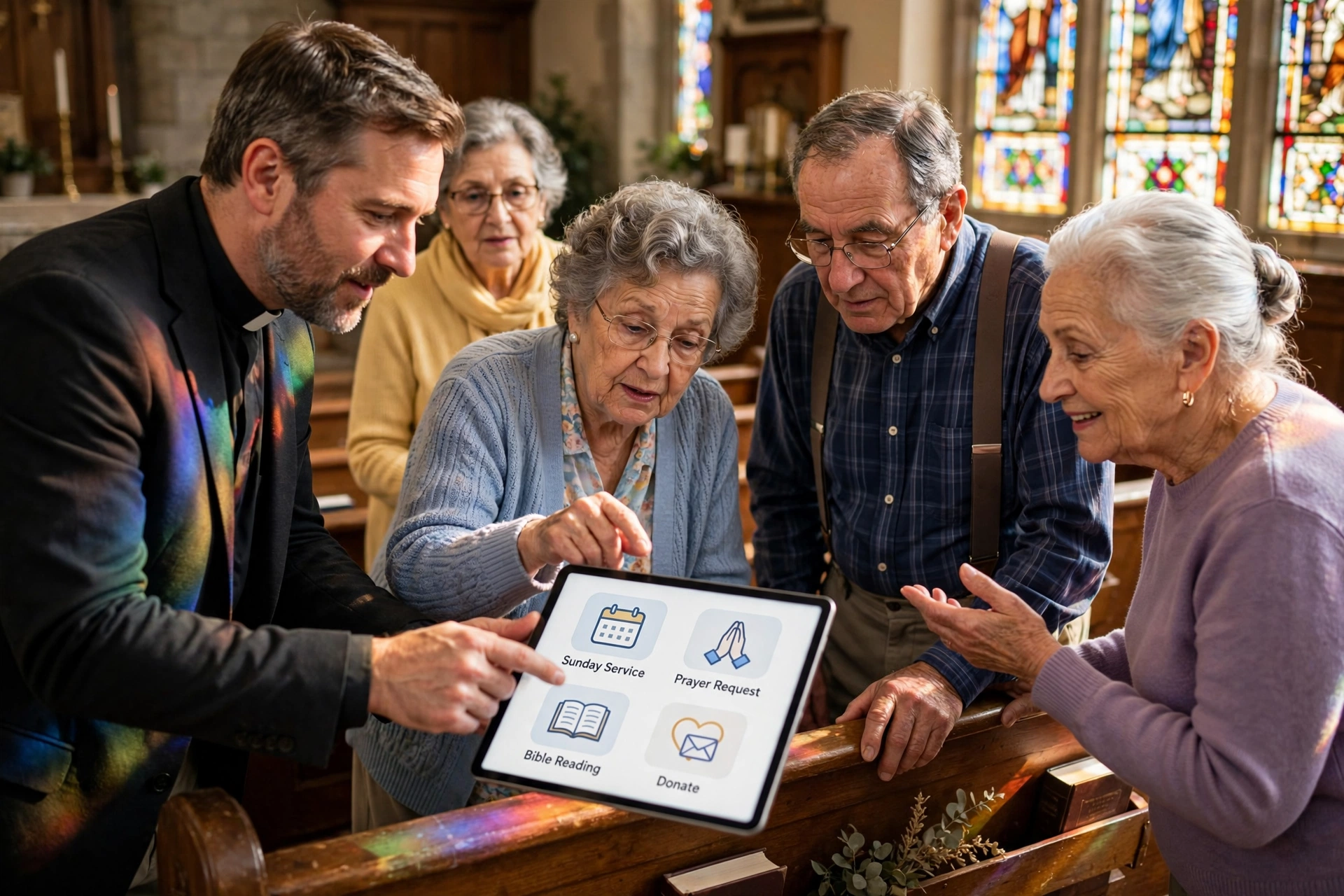
Another major pitfall is failing to provide a "Fallback Option." While most people in 2026 are comfortable with smartphones, there is always a segment of the congregation that is not. If your banner only has a QR code, you are effectively locking out a portion of your flock. I recommend always including a short, easy-to-type URL (e.g. pastoragenda.com/church-name) underneath the code. This ensures that those who cannot scan can still access the service manually. This is closely related to how we approach accessibility, which you can read more about in our article on helping older members adopt digital booking.
Thirdly, avoid the "Dead-End Link." There is nothing more damaging to a church's perceived competence than a QR code that leads to a 404 error page or a generic home page. When a member scans a code specifically for "Pastoral Counseling," they should land on the counseling booking page, not the main church website. This is why using a specialized platform like Pastor Agenda is so helpful; it provides a dedicated, professional landing page that confirms to the user they are in the right place.
Lastly, avoid neglecting the "Digital Handshake." The booking is only the first step. If a member scans a code and picks a time, but then hears nothing until the actual appointment, the experience feels cold and mechanical. Ensure your system is set up to send an immediate, warm confirmation email or text. This bridges the gap between the efficiency of the technology and the warmth of the ministry.
Pro Tip: The "Rotational Focus" Strategy
Instead of having one generic "Book a Meeting" banner, I recommend a rotational strategy. Every quarter, change the focus of your banners. In January, focus on "New Year Goal Setting & Spiritual Guidance." In the autumn, focus on "Family Counseling and Support." By changing the call-to-action on the banner, you remind the congregation that the pastor's availability is an ongoing resource, not just a static utility. Since you are using dynamic QR codes, you can change the landing page to match these themes without ever needing to reprint the physical banners.
Frequently Asked Questions
How do I make sure the QR code is easy to scan from a distance?
To ensure maximum scannability, the size of the QR code must be proportional to the distance of the viewer. For a banner in a lobby where people are walking by, the code should be at least 6x6 inches. Ensure the banner is placed at eye level, roughly 5 feet from the ground, and avoid placing it under harsh direct lighting that could cause glare on a glossy surface, as reflections can confuse the camera's sensor.
Is it safe to put a booking QR code in a public area?
Yes, as long as you use a professional scheduling tool like Pastor Agenda. The QR code itself is simply a link; it does not provide access to your private data. The security happens on the booking page, where you can require a name, email, and phone number. To prevent spam, most professional systems have built-in bot protection. You should never link a QR code directly to a personal email address or a private document, but rather to a secure booking portal.
Can I use different QR codes for different pastors?
Absolutely, and this is highly recommended for larger churches. You can create a "Pastoral Team" banner with multiple QR codes, one for each minister, or a single QR code that leads to a menu page where the member can choose which pastor they wish to meet with. Using Pastor Agenda, you can manage multiple calendars under one organization, allowing you to track which minister is the most requested and where you might need to add more support staff.
What happens if my internet in the sanctuary is spotty?
This is a common challenge in older church buildings with thick stone walls. Because QR code booking requires a data connection to load the scheduling page, users may experience lag. To mitigate this, we suggest placing banners in areas where the church's guest Wi-Fi is strongest. Additionally, since the process is so quick, most users will simply switch to their 5G/LTE data, but providing a guest Wi-Fi password near the banner is a thoughtful touch that increases conversion rates.
How often should I update the physical banners?
While the digital link can be updated instantly via a dynamic QR code, the physical material will wear out. Banners in high-traffic areas should be inspected every six months for fading or tears. More importantly, the messaging should be updated seasonally. Even if the code remains the same, updating the text to reflect the current liturgical season or church theme keeps the invitation feeling fresh and relevant to the congregation's current needs.
Recommended Readings
To deepen your understanding of these topics, we recommend reading the following articles:
- How to Help Older Congregation Members Adopt Digital Booking Apps
- Mobile Apps Vs. Web Booking
- Ensuring Absolute Privacy in Church Booking Systems
- Church Appointment Booking
Conclusion
Implementing a church QR code booking system is about more than just adopting a new piece of technology; it is about removing the barriers that stand between a hurting soul and the care of a shepherd. By transitioning from manual, high-friction scheduling to a streamlined, visual system, you allow your leadership to spend less time on administrative logistics and more time on actual ministry. In 2026, the efficiency of your tools should serve the depth of your relationships, not replace them.
Whether you are a small plant or a large multi-site congregation, the goal remains the same: accessibility. When you combine professional physical signage with the powerful backend of PastorAgenda Blog, you create a professional, welcoming, and efficient environment for your members. For more strategies on optimizing your digital ecosystem, revisit our comprehensive guide on church technology tools and start building a more connected community today.
Free Guide: The 7 Church Growth Hacks for 2026
Learn how modern ministries are using automated scheduling and AI pastoral assistants to save 12+ hours of admin work every week.