📖This article is part of the complete guide to Integrating Tech: QR Codes and Apps in Faith Communities.
In my experience working with multi-generational congregations, the biggest hurdle to digital transformation isn't the technology itself, but the fear of feeling obsolete. I once watched a seasoned deacon, who had managed the church calendar with a physical ledger for thirty years, stare at a smartphone with genuine apprehension. The gap between a digital booking system and a senior member's comfort zone is not a lack of intelligence; it is a lack of a supportive bridge. When we designed the interface for Pastor Agenda, we realized that simplicity is not just a feature, it is a prerequisite for inclusivity.
For a comprehensive overview of how these tools fit into your broader strategy, explore our guide on church technology tools.
What Does it Mean to Introduce Church Apps to Seniors?
📚
Definition
Digital adoption for seniors in a faith context is the intentional process of transitioning older congregation members from analog communication methods (phone calls, handwritten notes) to digital interfaces for scheduling and ministry engagement.
Introducing a church app to seniors is not about forcing a software installation; it is about shifting a habit. In the context of a ministry, this usually involves moving the process of requesting pastoral care, booking counseling sessions, or signing up for worship events into a streamlined digital environment. For many seniors, the smartphone is a tool for communication (calls/texts), but not necessarily for utility (scheduling/forms). Therefore, the process of introduction must be additive rather than subtractive. You are not replacing the pastor's availability; you are making that availability more visible and accessible.
When we talk about "introducing" the app, we are referring to a three-stage pipeline: Awareness (knowing the tool exists), Comfort (feeling capable of using it), and Habit (preferring it over the old way). Most churches fail because they stop at Awareness. They announce the app from the pulpit and assume the congregation will figure it out. However, true adoption requires a hands-on, high-touch approach that respects the pacing of older learners. This means creating "safe spaces" where seniors can make mistakes without feeling like they are breaking the technology.

Why Does Senior Adoption Matter for Your Ministry?
Digital exclusion in the church creates a silent divide in pastoral care. When the most vulnerable members of a congregation, those often in greatest need of visitation and prayer, cannot access the primary channel for scheduling, they risk falling through the cracks of the ministry. According to Barna Group, maintaining high levels of engagement across all age demographics is a primary indicator of long-term church health and spiritual vitality. If your scheduling process is purely digital, you inadvertently create a barrier to entry for the very people who sustain the spiritual legacy of your community.
Beyond the spiritual imperative, there is a significant operational benefit. A large percentage of a pastor's administrative burden comes from managing fragmented requests via voicemails, scattered emails, and verbal requests during Sunday service. By successfully introducing a church app to seniors, you centralize these requests. This allows for better time management and ensures that no request for pastoral counseling is forgotten in a busy week. When seniors use a system like Pastor Agenda, they gain a sense of autonomy, knowing exactly when their appointment is without needing to wait for a return phone call.
Furthermore, the use of technology can actually combat senior isolation. A digital booking system that allows a senior to see available slots for a "Coffee with the Pastor" event can encourage them to engage more frequently. When the friction of scheduling is removed, the frequency of interaction often increases. This is especially vital in an era where Christianity Today emphasizes the need for intentional, relational leadership to prevent loneliness among the elderly in faith communities.
How to Effectively Introduce Church Apps to Seniors: A Step-by-Step Guide
To successfully introduce a church app to seniors, you must move from a "launch" mindset to a "mentorship" mindset. The goal is not to hit a download quota, but to build confidence.
Step 1: The "Digital Buddy" System
Instead of a general announcement, pair a tech-savvy youth or young adult from the congregation with a senior. This creates a dual benefit: the senior gets personalized, patient instruction, and the youth feels a sense of purpose in serving their elders. In my experience, seniors are far more likely to try a new app if a grandchild-figure is sitting next to them, guiding their finger to the right button.
Step 2: Create a Physical "Tech Station"
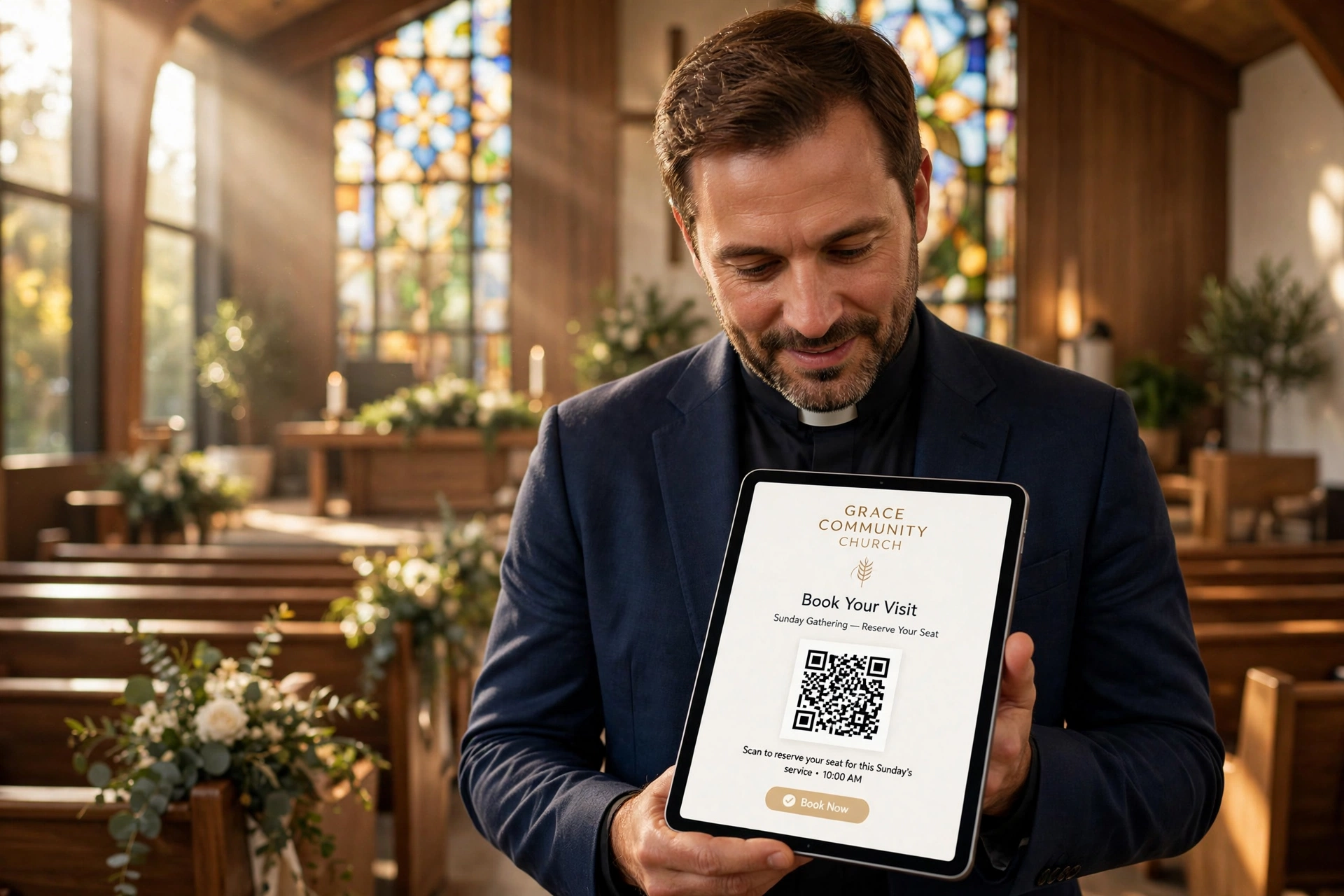
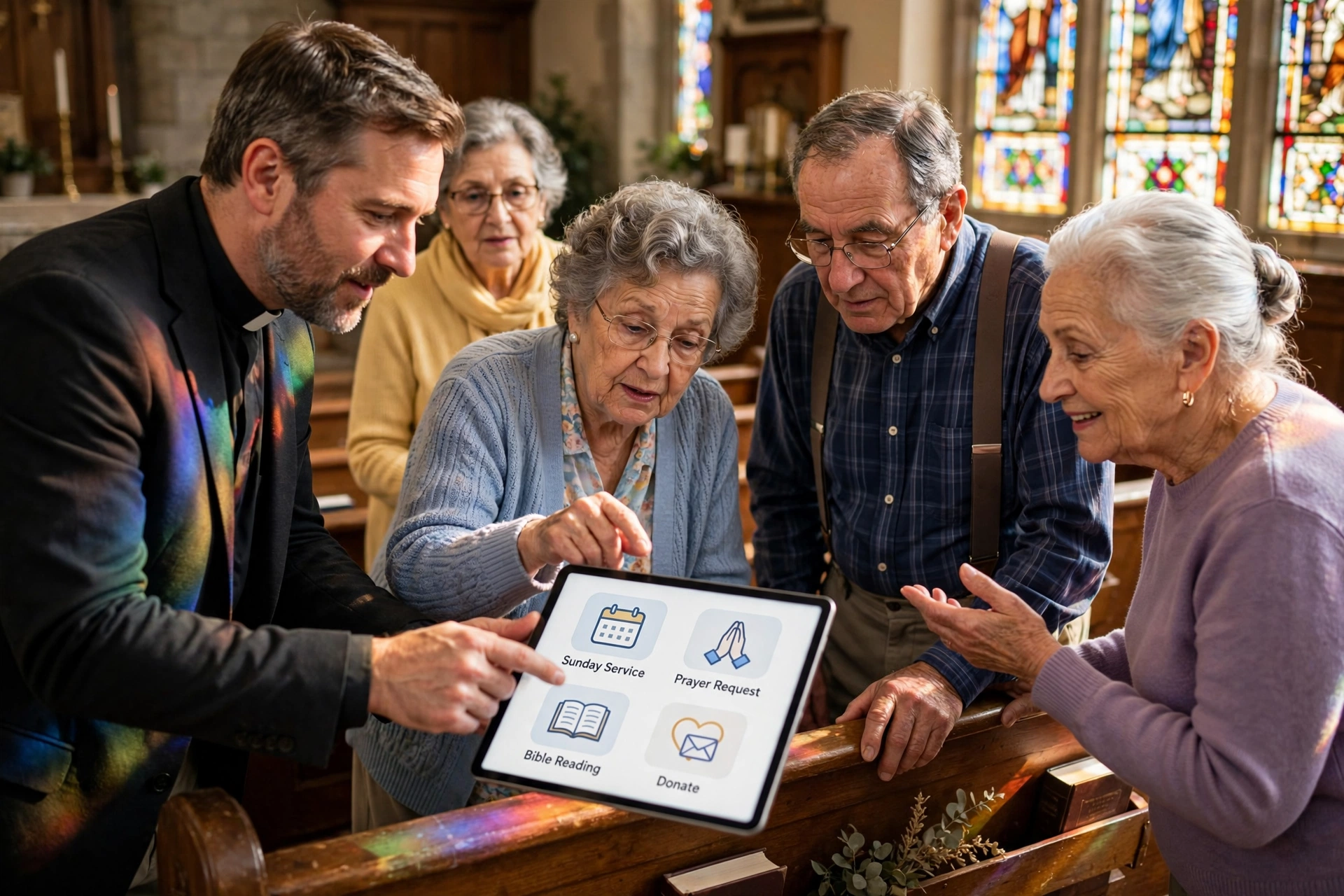
Set up a table in the lobby after the worship service. Provide tablets or a large screen that demonstrates exactly how the booking process works. This removes the abstraction. When a senior can see the interface on a large screen and then see it mirrored on their own device, the cognitive load is reduced. This is where you can utilize a custom church QR code booking banner to make the initial entry point effortless, a simple scan rather than typing a complex URL.
Step 3: The "One-Task" Training Method
Do not try to teach the entire app in one sitting. Focus on a single, high-value action: booking an appointment. Once they have successfully scheduled one meeting, the fear is broken. After they experience the success of a confirmed appointment, you can gradually introduce other features, such as viewing the sermon archive or signing up for a prayer group.
Step 4: Provide Analog Reinforcements
Counter-intuitively, the best way to get people into a digital system is to provide physical instructions. Create a simple, large-print "Cheat Sheet", a physical card they can keep in their Bible or on their fridge. This card should have 3-4 clear steps with screenshots. If they get stuck at home, they don't have to give up; they have a physical map to guide them back.
Step 5: Validate the Effort
When a senior successfully books through the app, acknowledge it. A simple "I saw your request come through the app, thank you for using that!" provides the positive reinforcement necessary to turn a one-time action into a habit. This validation signals that the technology is not just a hurdle, but a recognized and appreciated way of communicating.
Digital Booking: Comparison of Approaches
When deciding how to bridge the gap for seniors, it is helpful to compare the different methodologies used by ministries today.
| Approach | Traditional (Analog) | Generic/Cheap AI Tools | Modern Mentored Approach (Pastor Agenda) |
|---|---|---|---|
| Process | Phone calls, paper lists, verbal requests. | Static forms with no guidance; confusing UX. | Simplified interface with "Digital Buddy" support. |
| Speed/Efficiency | Slow; high risk of double-booking or missed calls. | Fast for the church, but frustrating for the user. | Optimized flow; reduces administrative friction. |
| User Experience | Comfortable but inefficient. | High friction; leads to abandonment by seniors. | High support; builds senior confidence and autonomy. |
| Reliability | Dependent on the pastor's memory/notes. | Prone to technical errors and "bot-like" responses. | Professional, reliable, and human-centric. |

Common Mistakes to Avoid When Implementing Tech for Seniors
One of the most frequent errors I see is the "Assumption of Intuition." This is the belief that because a button looks like a calendar, a senior will instinctively know it is for booking. For many older adults, digital icons are not intuitive; they are symbols that must be learned. Avoid using vague icons without text labels. A button that says "Book Appointment" is infinitely more effective than a generic calendar icon.
Another critical mistake is the "Total Cut-off." Some ministries, in an effort to be efficient, announce that they will only accept bookings via the app. This is a recipe for alienation. For a period of transition, you must maintain a hybrid system. If you remove the analog safety net too quickly, seniors will feel that the church is no longer for them, but only for the "young and techy." Use the app as the preferred method, but keep the phone line open as the fallback method.
Avoid using overly complex authentication processes. If a senior has to create a password, verify their email, and then set up a profile before they can book a 15-minute prayer call, they will quit. The best systems for senior adoption are those that minimize the "time to value." The fewer the clicks between opening the app and seeing a confirmation message, the higher the adoption rate. This is why we prioritize a streamlined flow in Pastor Agenda, because every extra click is a potential point of exit for a senior user.
Lastly, do not ignore the hardware limitations. Many seniors use older devices with smaller screens or slower processing speeds. If your app or web portal is heavy and slow to load, it will be perceived as "broken" rather than "slow." Ensure your digital tools are lightweight and optimized for accessibility, including high contrast and scalable text for those with visual impairments.
Deep Dive: Overcoming the "Fear of Breaking It"
There is a psychological phenomenon common among seniors known as "technophobia," which is often rooted in the fear of causing an irreparable error. They aren't afraid of the app; they are afraid of deleting something important or "breaking" the system for everyone else. To counter this, you must explicitly tell them: "You cannot break this."
In my experience, the most effective way to dissolve this fear is through a "Sandbox Session." This is a scheduled time where seniors are encouraged to click every button, try every feature, and intentionally make mistakes. When they see that a wrong click doesn't crash the server or erase the church database, the anxiety dissipates.
Moreover, emphasize that the digital tool is a tool for connection, not a replacement for relationship. When a senior understands that the app is simply a way to ensure they get a dedicated time on the pastor's calendar, meaning they will have the pastor's undivided attention, the motivation to learn the tool shifts from "technical obligation" to "relational benefit."
Frequently Asked Questions
How do I handle seniors who absolutely refuse to use a smartphone?
Not everyone will adopt the technology, and that is acceptable. The goal is to increase the percentage of users, not to achieve 100% saturation. For the few who cannot or will not use the app, maintain a manual override. However, you can still integrate them by having a volunteer "scribe" who takes their request in person and enters it into the system for them. This keeps the data centralized while respecting the individual's boundaries.
Which is better for seniors: a dedicated mobile app or a web-based booking page?
Generally, a mobile-responsive web page is easier for initial adoption because it doesn't require a trip to the App Store, an Apple ID/Google password, or available storage space on a device. For a comprehensive comparison of these two paths, see our article on Mobile Apps vs. Web Booking: What Works Best for Church Members?. Once a user is comfortable with the web version, they are much more likely to transition to a dedicated app for convenience.
Should I use QR codes to help seniors access the booking system?
Yes, but with a caveat. QR codes are incredibly efficient, but some seniors may not know how to trigger the scanner on their phone. This is why a QR code should always be accompanied by a short, written URL and a physical person available to help them scan it the first time. When combined with a custom church QR code booking banner, the process becomes a visual cue that simplifies the transition from physical space to digital tool.
How can I encourage seniors to use the app without making them feel pressured?
Frame the app as a way for them to "help the pastor." Many seniors have a deep desire to support their ministry leaders. When you explain that using the app reduces the pastor's administrative stress and allows them more time for prayer and study, the seniors often adopt the tool as an act of service to their leader rather than a technical requirement.
What accessibility features should I look for in a church scheduling tool?
Look for tools that support screen readers, have a high-contrast mode, and allow for font size adjustment. The interface should avoid reliance on color alone to convey meaning (e.g. don't just use red/green for available/unavailable slots). A professional tool like Pastor Agenda is built with these considerations in mind, ensuring that the path to pastoral care is open to everyone, regardless of their visual or motor capabilities.
Recommended Readings
To deepen your understanding of these topics, we recommend reading the following articles:
- Ensuring Absolute Privacy in Church Booking Systems
- Church Appointment Booking
- Online Appointment Booking for Modern Churches
- Automated Reminders and Communication for Congregations
Conclusion
Successfully introducing a church app to seniors is a test of patience and empathy, not technical prowess. By implementing a mentorship-based approach, providing analog reinforcements, and focusing on the relational benefits of the technology, you ensure that your most seasoned members remain connected to the heart of the ministry. Remember, the goal is never the software itself; the goal is the pastoral care that the software facilitates. When you remove the friction of scheduling, you create more space for the things that truly matter: prayer, guidance, and community.
If you are ready to modernize your congregation's engagement, start by reviewing our guide on church technology tools to build a sustainable digital ecosystem. For a scheduling solution designed specifically for the unique needs of faith leaders and their congregations, visit PastorAgenda Blog and discover how to balance administrative efficiency with genuine pastoral care.
Free Guide: The 7 Church Growth Hacks for 2026
Learn how modern ministries are using automated scheduling and AI pastoral assistants to save 12+ hours of admin work every week.