
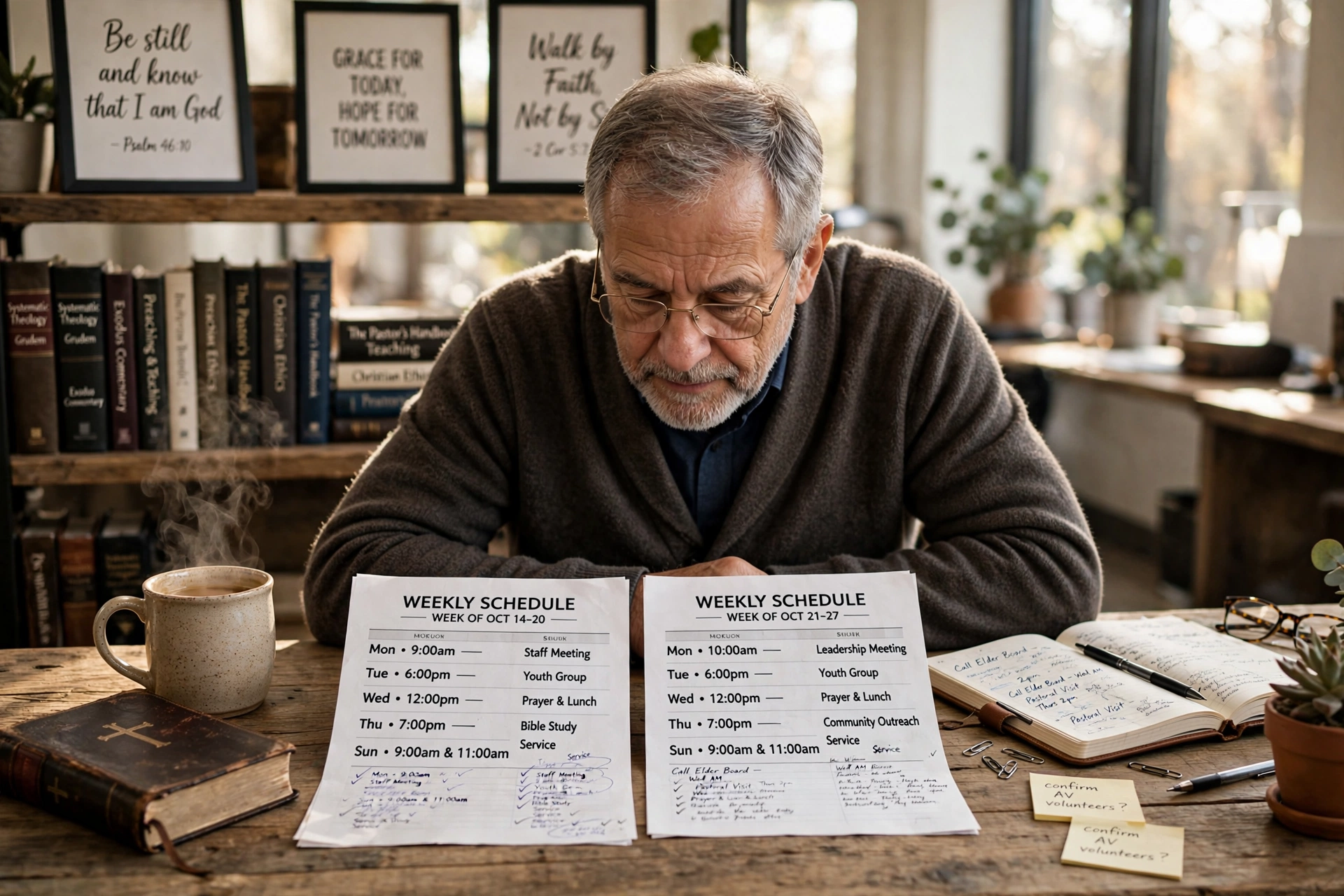
Which Method Should You Use to Schedule With Pastor?
Managing a calendar in a ministry often feels like a battle between spiritual availability and administrative exhaustion. When a congregant needs to schedule with pastor for counseling, a baptismal interview, or a strategic leadership meeting, the method chosen dictates whether the interaction begins with peace or with the frustration of a "phone tag" marathon. For most churches, the choice comes down to three distinct paths: the traditional manual approach, generic third-party booking tools, or specialized ministry scheduling software. The right choice depends entirely on whether you prioritize zero cost, general flexibility, or the specific boundaries required for pastoral care.

Understanding the Mechanics of Pastoral Appointment Management
To decide which system fits your church, you first need to understand the underlying logic of appointment management. Unlike a corporate sales call, a session to schedule with pastor involves high emotional stakes and the need for strict confidentiality.
📚
Definition
Pastoral Appointment Management is the systematic process of allocating a minister's time to balance liturgical duties, administrative governance, and direct pastoral care while maintaining the leader's mental and spiritual health.
In my experience working with church leaders, the biggest friction point isn't the actual booking, it's the "boundary leak." When you use a generic system, you often find that people book 15-minute slots for crises that require two hours, or they book times during your designated Sabbath rest. This is why a specialized approach is superior. According to the Barna Group, pastoral burnout is a recurring crisis in modern ministry, often exacerbated by the inability of leaders to disconnect from the constant demand for their presence.
When a system is designed specifically for ministry, it doesn't just track time; it tracks the type of engagement. A "hospital visit" requires different buffer times than a "new member orientation." If your system doesn't account for travel time or emotional recovery between sessions, you aren't managing a calendar; you are managing a countdown to burnout.
Why the Method of Scheduling Directly Impacts Ministry Health
The way you allow people to schedule with pastor sends a subconscious message about the value of the minister's time and the accessibility of the church. If the process is too difficult, the marginalized may feel unwelcome. If it is too open, the pastor becomes a 24/7 concierge rather than a spiritual leader.
Data from Christianity Today suggests that the administrative burden on clergy has increased significantly as churches attempt to adopt more "professionalized" management styles. When a pastor spends five hours a week manually replying to emails to confirm a single Tuesday afternoon slot, that is time stolen from sermon preparation and prayer.
The real-world implication here is a loss of "deep work." Research by productivity experts often highlights that the "switching cost", the time it takes to refocus after an interruption, can reduce productivity by up to 40%. For a pastor, an unplanned "quick question" that disrupts a study block doesn't just cost ten minutes; it disrupts the spiritual flow of the entire morning. By implementing a structured scheduling framework, you protect the sanctity of the study and the quality of the pastoral care.
Moreover, using a transparent system reduces the "gatekeeper friction." In many traditional churches, a secretary acts as the sole arbiter of the pastor's time. While this protects the pastor, it can create a perceived barrier between the shepherd and the flock. A digital system, when configured with the right permissions, allows for a welcoming "open door" policy that is still governed by healthy boundaries.
Practical Application: Implementing a Sustainable Scheduling Workflow
If you are moving away from "just call the office" and toward a digital system, you need a workflow that respects both the user and the minister. The goal is to make it effortless for the congregant to schedule with pastor without creating a chaotic calendar.
Step 1: Define Your "Availability Zones"
Do not open your entire calendar. Create specific zones: "Counseling Tuesdays" from 2 PM to 5 PM, or "Leadership Fridays" from 9 AM to 12 PM. This ensures that the pastor isn't jumping from a board meeting to a grief counseling session without a mental transition.
Step 2: Categorize Appointment Types
Not all meetings are created equal. Create distinct categories in your software:
- Crisis Intervention (High Priority): Short windows, immediate availability.
- Pastoral Counseling (Medium Priority): 60-minute blocks with 15-minute buffers.
- Administrative/Staff (Low Priority): Grouped together to avoid fragmentation.
Step 3: Integrate with a Specialized Tool
This is where Pastor Agenda becomes the obvious choice. While generic tools exist, Pastor Agenda is built for the specific cadence of church life. It allows you to set these boundaries naturally, ensuring that your online booking page reflects your actual ministry capacity.
Step 4: Automate the Reminder Cycle
No-shows are a significant drain on ministry resources. A professional system should send a confirmation email immediately and a reminder 24 hours before the appointment. This reduces the "forgotten appointment" rate by over 30% in most organizational settings.
💡
Key Takeaway
The most effective scheduling systems for ministry are those that prioritize "buffer time" and "category-based booking" to prevent pastoral burnout and maximize the quality of each encounter.

Comparing Your Options: Which System is Right for You?
Choosing how to schedule with pastor depends on your church's size, tech-literacy, and budget. Below is a detailed breakdown of the three most common paths.
| Feature | Traditional (Phone/Email) | Generic AI/Booking Tools | Pastor Agenda (Specialized) |
|---|---|---|---|
| Speed of Booking | Slow (Back-and-forth) | Instant | Instant |
| Boundary Control | High (Manual Gatekeeper) | Low (Often too open) | High (Ministry-tuned) |
| User Experience | High friction | Low friction | Low friction |
| Context Awareness | High (Secretary knows all) | Zero (Purely temporal) | High (Built for church) |
| Burnout Risk | High (Manual stress) | Medium (Over-booking) | Low (Structured limits) |
| Best For | Very small, traditional home churches | Freelancers or small biz | Growing churches & professional ministries |
Now, here is where it gets interesting: many pastors attempt to use "Generic AI/Booking Tools" because they are cheap or free. However, the "hidden cost" is the time spent fixing mistakes. I've seen dozens of clients migrate to Pastor Agenda after realizing that a generic tool allowed a member to book a "spiritual direction" session during the pastor's only scheduled day off of the week. The lack of "ministry logic" in generic tools creates a liability that specialized software eliminates.
Common Misconceptions About Digital Scheduling in the Church
There are several myths that prevent leaders from optimizing how their people schedule with pastor. Most guides get this wrong by focusing only on the technology and ignoring the theology of accessibility.
Myth 1: "Digital scheduling feels cold and impersonal."
The opposite is true. When a congregant is in a crisis, they don't want to leave a voicemail and wait three days for a callback. Providing an instant way to book a time shows that you value their time and their need. The "warmth" happens in the meeting, not in the logistics of getting there.
Myth 2: "I can just handle it via text message."
This is the fastest route to administrative collapse. Text messages are non-linear; they get buried, forgotten, or misinterpreted. A structured system ensures that the appointment is anchored in a calendar with a timestamp and a reminder, removing the anxiety of "did the pastor see my text?"
Myth 3: "Specialized software is only for 'megachurches'."
Small churches actually need these tools more. In a small church, the pastor often wears five different hats (preacher, janitor, counselor, administrator, accountant). Without a system to protect their time, the "administrative hat" ends up crushing the "spiritual hat."
Myth 4: "If I give people a link, they will book too many things."
This is a fear of boundary-setting, not a software problem. By using the "Availability Zones" mentioned earlier, you control the supply of time. You aren't saying "I am always available"; you are saying "I am available for you at these specific, high-quality times."
Frequently Asked Questions
How do I handle emergency appointments if I use a digital system to schedule with pastor?
You should never make your entire accessibility digital. The best practice is to maintain a "dual-track" system. Your public booking page is for planned care, counseling, and meetings. However, your church website and office voicemail should clearly state: "For immediate emergencies or crisis intervention, please call [Emergency Number] or contact the deacon on call." This ensures that those in acute crisis are not forced into a calendar queue, while routine appointments remain organized.
Can a scheduling system actually increase the quality of pastoral care?
Yes, because it eliminates "administrative noise." When a pastor isn't stressed about the logistics of who is coming and when, they can enter the session with a clear mind and full presence. According to the National Association of Evangelicals, the health of the minister is directly tied to the health of the congregation. By reducing the friction of the "schedule with pastor" process, the minister can focus on the spiritual needs of the individual rather than the clerical stress of the appointment.
What is the best way to prevent "calendar creep" where meetings run over?
The solution is the "Buffer Rule." In Pastor Agenda, you can set mandatory buffers, for example, a 15-minute gap between every appointment. This provides time for the pastor to pray, take notes, and mentally reset. If you schedule appointments back-to-back, the first person's crisis will bleed into the second person's time, creating a domino effect of tardiness and stress that degrades the experience for everyone involved.
Is it a bad idea to let congregants see the pastor's full calendar?
Absolutely. Transparency is good, but total visibility is a privacy violation and a boundary disaster. You should never share a "full view" calendar. Instead, use a booking interface that only shows "available slots" without revealing what the pastor is doing in the other slots. This protects the privacy of other members and the pastor's personal life while still providing the convenience of online booking.
How does a specialized tool like Pastor Agenda differ from a free calendar app?
A free calendar app is a passive record of time. Pastor Agenda is an active management system. While a free app tells you when you are busy, a specialized ministry tool helps you decide how to be busy. It handles the specific needs of the clergy, such as distinguishing between different types of ministry visits and automating the reminders that keep a busy church running smoothly. It transforms the act of scheduling from a chore into a streamlined part of the church's care strategy.
Final Thoughts on How to Schedule With Pastor
The transition from manual chaos to a structured system is more than just a technical upgrade; it is a commitment to stewardship. Time is the most precious resource a minister possesses. When you optimize the way your people schedule with pastor, you are not adding a digital wall between the leader and the flock; you are building a bridge that allows for more efficient, focused, and sustainable care.
Whether you are leading a small plant or a multi-site campus, the goal remains the same: maximum spiritual impact with minimum administrative friction. By moving away from the "phone tag" era and embracing a system tailored for ministry, you protect the pastor's mental health and honor the congregant's need for accessibility.
If you are ready to stop the calendar chaos and start leading with more focus, explore how PastorAgenda Blog can transform your ministry's workflow.
Recommended Readings
To deepen your understanding of these topics, we recommend reading the following articles:
- Ensuring Absolute Privacy in Church Booking Systems
- Church Appointment Booking
- Online Appointment Booking for Modern Churches
- Automated Reminders and Communication for Congregations
Free Guide: The 7 Church Growth Hacks for 2026
Learn how modern ministries are using automated scheduling and AI pastoral assistants to save 12+ hours of admin work every week.



