📖This article is part of the complete guide to Online Appointment Booking for Modern Churches.
Managing a church calendar often feels like a full-time job for a secretary who is already overworked. In my experience working with various ministry leaders, the biggest friction point isn't the lack of will to provide pastoral care; it is the administrative 'ping-pong' of emails and texts to find a 30-minute window that works for both the pastor and the congregant. When a member is in a spiritual crisis, waiting three days for a confirmation text can feel like an eternity.
For a comprehensive overview of the strategy behind this transition, explore our guide on church appointment booking.
What is Online Booking for a Church Website?
📚
Definition
Online booking for a church website is the integration of a digital scheduling interface that allows members, visitors, and staff to view a minister's availability in real-time and secure a time slot without manual intervention.
Implementing online booking on your church website is more than just adding a calendar link; it is about creating a digital front door for your ministry. In 2026, the expectation for accessibility has shifted. People are no longer comfortable calling an office during business hours to request a meeting; they expect a self-service experience that mirrors the efficiency of the other digital tools they use daily.
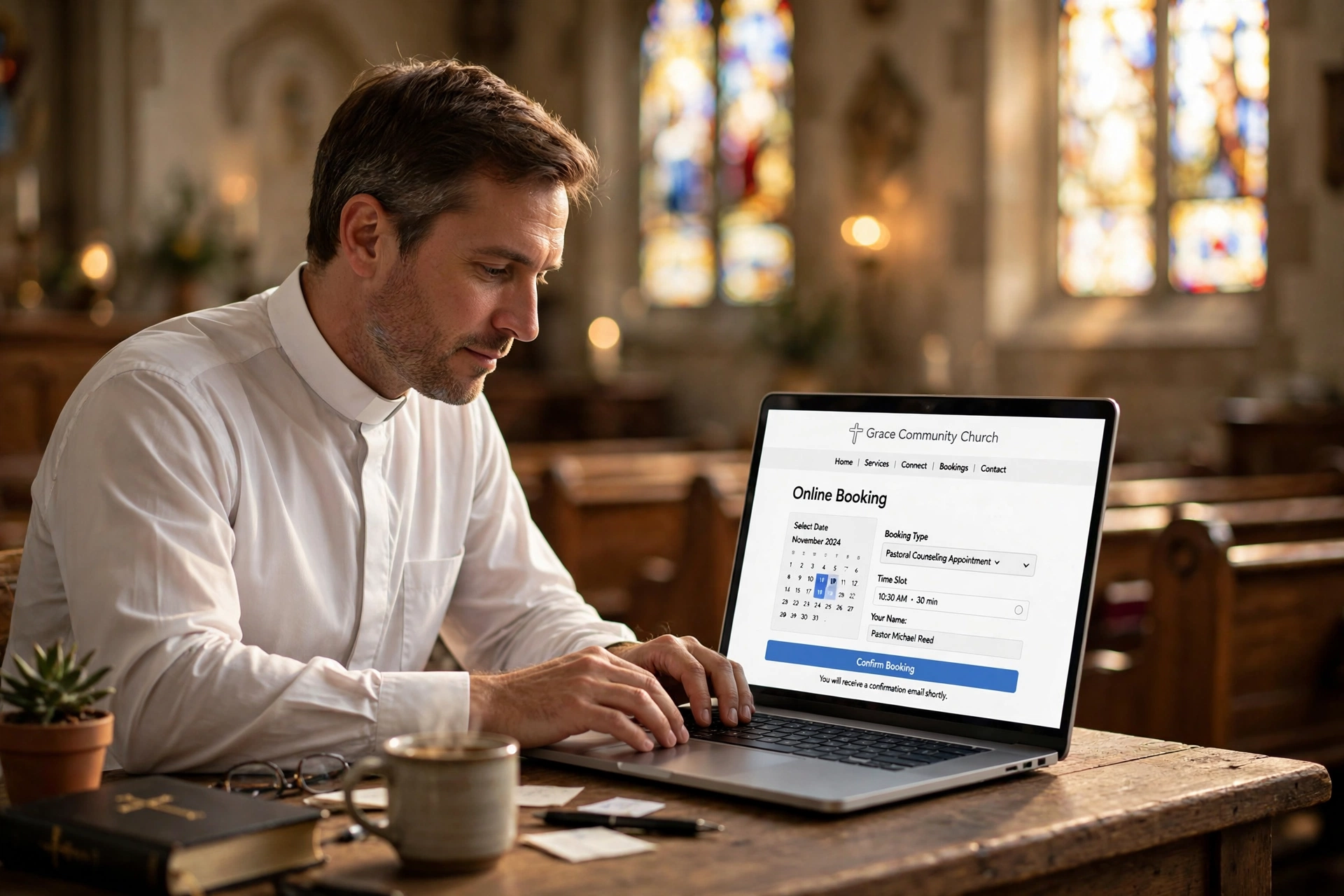
At its core, this system consists of a scheduling engine, like Pastor Agenda, that synchronizes with the pastor's actual calendar. When a member visits the website, they see only the available slots. Once they select a time and provide their details, the system automatically adds the event to both calendars and sends a confirmation. This removes the administrative burden from the church staff and ensures that no one falls through the cracks of a messy email thread.

Why Does Online Booking Matter for Your Ministry?
Online booking matters because it removes the psychological and administrative barriers to pastoral care. When a person is struggling with a personal crisis or seeking spiritual guidance, the friction of a multi-step scheduling process can be a deterrent. By providing a direct, immediate way to secure a time, you are signaling that the leadership is accessible and organized.
From a data perspective, the need for digital transformation in religious organizations is backed by research. According to the Barna Group, there is a growing trend toward digital-first engagement among younger generations who view the ease of digital interaction as a proxy for the welcoming nature of a community. If your website is a static brochure from 2015, you are missing an opportunity to engage the next generation of your congregation.
Furthermore, the efficiency gains are measurable. When a church shifts from manual scheduling to an automated system, the administrative hours spent on coordination typically drop by 60-80%. This allows the church secretary or administrator to focus on high-value tasks, like outreach and community support, rather than playing phone tag.
Using a dedicated tool for this purpose also provides a layer of professional boundaries. Pastors often struggle with burnout because their schedules are porous. An online booking system allows a minister to set "buffer times" between appointments and define "blackout dates," ensuring that their personal time and sermon preparation are protected while still remaining available to the flock. This balance is essential for long-term ministry health, as highlighted in leadership guidelines from the National Association of Evangelicals.
How to Implement Online Booking on Your Church Website Step-by-Step
Implementing a booking system does not require you to be a web developer. The process is primarily about strategic placement and clear communication. Whether you use WordPress, Squarespace, Wix, or a custom-built site, the logic remains the same: minimize clicks between the user's need and the confirmed appointment.
Step 1: Audit Your Pastoral Availability
Before touching the website, you must define what is actually being offered. Not all appointments are created equal. A 15-minute "quick check-in" requires different parameters than a 60-minute intensive pastoral counseling session. Create a menu of appointment types. This prevents the calendar from being clogged with long slots for short needs.
Step 2: Choose a Church-Specific Scheduling Tool
Avoid using generic tools that are designed for corporate sales calls. You need a platform that understands the nuances of ministry. This is where Pastor Agenda excels, providing a streamlined interface that focuses on congregation needs rather than "lead generation." Your tool must sync with Google Calendar or Outlook to prevent double-booking.
Step 3: Create Dedicated Landing Pages
Do not simply put a link in your footer. Create a dedicated "Pastoral Care" or "Meet with the Pastor" page. This page should explain the purpose of the appointments, who they are for, and what to expect. This sets the stage for the appointment and reduces the likelihood of "no-shows."
Step 4: Embed the Booking Widget
Instead of sending users to an external site, embed the booking widget directly into your page using an iFrame or a plugin. This keeps the user within your church's digital ecosystem, which maintains trust and brand consistency. Ensure the widget is mobile-responsive, as over 70% of your members will likely book from their smartphones while in the parking lot or at home.
Step 5: Configure Automated Reminders
An appointment is only successful if the person shows up. Set up a sequence of automated reminders: one immediately upon booking, one 24 hours before, and a final reminder 2 hours before the meeting. These reminders should include the location (or a Zoom link) and a way to reschedule if necessary.
Step 6: Test the User Journey
Before announcing the system to the congregation, perform a "secret shopper" test. Have a volunteer try to book an appointment from their phone. Note where they get confused. Is the button too small? Is the form asking for too much information? Refine the process until it takes less than 60 seconds to complete a booking.

Online Booking vs. Traditional Scheduling Methods
To understand why the shift to a digital system is necessary in 2026, we must compare the operational impact of different methods. Many churches cling to the "phone call" method because it feels more personal, but in reality, it often creates a bottleneck that hinders actual care.
| Feature | Traditional (Phone/Email) | Generic AI/Cheap Tools | Modern Approach (Pastor Agenda) |
|---|---|---|---|
| Booking Speed | Hours to Days (Back & Forth) | Seconds (Immediate) | Seconds (Context-Aware) |
| Admin Effort | High (Manual Entry) | Low (Automatic) | Minimal (Integrated Workflow) |
| Boundary Control | Poor (Requests any time) | Moderate (Strict Slots) | High (Custom Buffers & Rules) |
| User Experience | High Friction / Stressful | Impersonal / Corporate | Welcoming / Professional |
| Data Tracking | Paper/Mental Notes | Basic Log | Comprehensive Pastoral History |
As the table illustrates, the traditional method is unsustainable for a growing church. While generic tools solve the speed problem, they often feel cold and corporate, lacking the specific needs of a religious organization. A modern, ministry-focused approach combines the speed of AI-driven scheduling with the warmth and boundary-setting required for pastoral work.
Best Practices for Maximum Adoption
Simply adding the tool to your website isn't enough; you must drive the congregation to use it. The goal is to shift the culture from "Call the office" to "Check the calendar."
First, integrate the booking system into every single touchpoint of your communication. This means adding the link to your email signatures and your social media bios. Beyond the website, you should be using integrating booking links and QR codes in church bulletins to bridge the gap between the physical Sunday service and the digital booking tool.
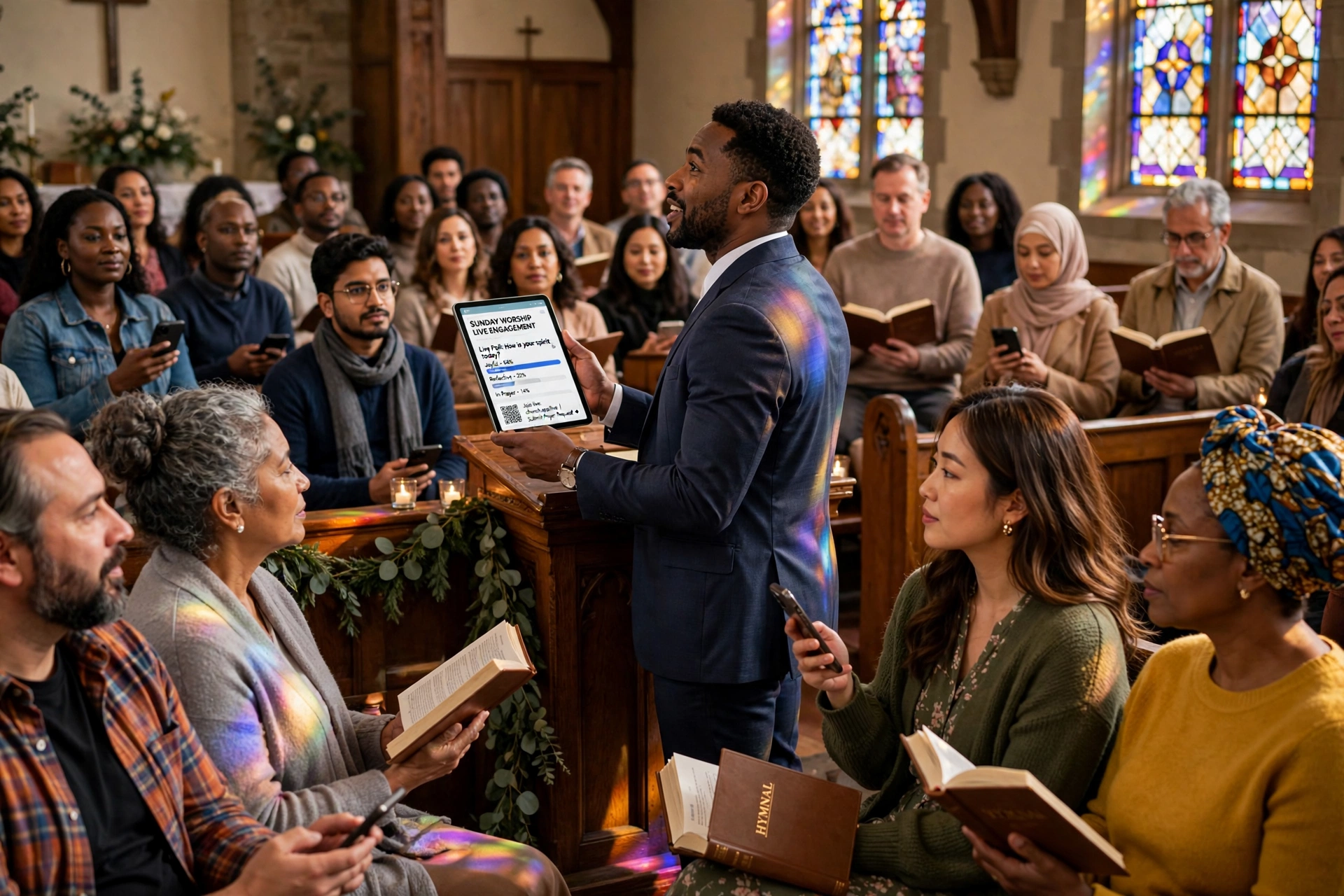
Second, be transparent about how the system works. During a sermon or announcement period, briefly demonstrate how a member can book an appointment. When the congregation sees how easy it is, the adoption rate skyrockets. This is a great way to increase congregation engagement using self-service booking tools, as it empowers members to take ownership of their spiritual growth.
Third, use "Intake Forms." Instead of just asking for a name and email, add 2-3 optional questions to the booking process: "What would you like to discuss?" or "Is this an urgent matter?" This allows the pastor to prepare mentally and spiritually for the meeting, transforming a generic appointment into a targeted ministry encounter.
💡
Key Takeaway
The technology is the vehicle, but the culture is the driver. If the leadership doesn't champion the online booking system, the congregation will continue to use outdated, high-friction methods.
Common Mistakes to Avoid When Implementing Online Booking
In my experience, the most common failure in church tech implementation is "over-engineering." Churches often try to build a system that does everything, and in the process, they create something that no one knows how to use.
Mistake 1: Asking for Too Much Information.
If your booking form looks like a job application, people will abandon it. Keep it simple: Name, Email, Phone, and a brief note. You can gather more detail during the actual meeting.
Mistake 2: Failing to Set Boundaries.
One of the biggest dangers of online booking is the "open door policy" gone wrong. If you leave your calendar wide open, you will be surprised by how quickly your personal time disappears. Use the tool to set strict limits on how many appointments you can take per day. According to research from Lifeway Research, pastoral burnout is often linked to a lack of structural boundaries in scheduling and availability.
Mistake 3: Ignoring the 'Analog' Member.
While we are pushing for digital, some members of your congregation, particularly the elderly, may never use the website. Do not remove the phone option entirely. Instead, have the church secretary use the online booking tool on behalf of the member. This keeps the master calendar accurate while still providing a high-touch experience for those who need it.
Mistake 4: Neglecting the Mobile Experience.
I have seen many churches spend thousands on a beautiful website that has a booking widget that is impossible to click on a mobile phone. If the user has to pinch and zoom to select a time slot, they will close the tab. Always test your implementation on at least three different mobile devices.
Mistake 5: Lack of Follow-Up Logic.
Booking the appointment is only step one. The real ministry happens in the follow-up. If the system only sends a confirmation and nothing else, the professional feel is lost. Ensure your system triggers a "Thank you for meeting with me" email after the appointment is completed, perhaps with a link to a digital resource or a prayer request form.
Frequently Asked Questions
How do I prevent people from booking appointments during my sermon prep time?
You can prevent these conflicts by using "Blackout Dates" or "Fixed Unavailability" settings within your scheduling software. Most professional tools, including Pastor Agenda, allow you to block off recurring time slots, such as Tuesday mornings for study, so they never appear as available to the public. You can also set "Buffer Times," which automatically add a 15-to-30-minute gap between appointments, ensuring you have time to breathe and pray between sessions.
Is it professional to have a booking link on my church website?
Yes, it is highly professional and increasingly expected. In 2026, providing a clear, efficient way to schedule time is seen as a sign of respect for the member's time and the pastor's organization. It removes the guesswork and the anxiety of "bothering" the pastor with a phone call. When implemented correctly, it shows that the church is modern, accessible, and committed to a high standard of pastoral care.
What if someone books a time but then doesn't show up?
No-shows are a reality in any scheduling system. The best way to mitigate this is through a robust automated reminder sequence. Sending a reminder 24 hours and 2 hours before the event typically reduces no-shows by over 50%. Additionally, your booking page should clearly state your cancellation policy, encouraging people to reschedule via the link in their confirmation email if their plans change.
Can I use a free tool like a basic Google Calendar for this?
While a basic calendar can show availability, it doesn't provide a professional booking experience. A free calendar often requires the user to manually email you a request, which you then have to manually approve. A true booking system like Pastor Agenda automates the entire handshake, from selection to confirmation to reminder, which is where the actual time-saving value lies. For those who want to book pastor appointments online in 2026, a dedicated tool is the only scalable option.
How do I handle emergency appointments that can't wait for a calendar slot?
Your booking page should always include a "Urgent Care" disclaimer. State clearly that for immediate emergencies or crises, members should call a specific emergency line or contact a deacon rather than using the online scheduler. This ensures that while the majority of routine care is streamlined through the website, the critical, life-altering moments are still handled with the immediate urgency they require.
Recommended Readings
To deepen your understanding of these topics, we recommend reading the following articles:
- Increase Congregation Engagement Using Self Service Booking Tools
- Integrating Booking Links and QR Codes in Church Bulletins
- Ensuring Absolute Privacy in Church Booking Systems
- Church Appointment Booking
Conclusion
Implementing online booking on your church website is not about replacing the personal touch of ministry with a cold algorithm; it is about removing the administrative noise so that the personal touch can actually happen. By reducing the friction of scheduling, you open the doors wider for those who need pastoral care the most. When you eliminate the "ping-pong" of messages and the stress of manual entry, you reclaim hours of your week that can be redirected toward prayer, study, and direct engagement with your people.
As you move forward with your digital transformation in 2026, remember that the goal is accessibility. Whether it is through a simple embed on your landing page or a complex system of tailored appointment types, the end result should be a seamless experience for your congregation. If you are ready to stop managing calendars and start managing people, the right tool is the first step.
For more strategic insights on optimizing your church's digital presence, revisit our comprehensive guide on church appointment booking and start streamlining your ministry today.
Visit pastoragenda.com to discover how our platform is designed specifically for the unique needs of the modern clergy.
Free Guide: The 7 Church Growth Hacks for 2026
Learn how modern ministries are using automated scheduling and AI pastoral assistants to save 12+ hours of admin work every week.