📖This article is part of the complete guide to Managing Pastoral Counseling Appointments Safely.
In my experience working with senior ministers, the most dangerous moment in a counseling relationship isn't the difficult conversation itself, but the administrative gap that precedes it. I have seen countless churches rely on 'open-door' policies or shared secretaries who inadvertently leak sensitive information before the pastor even enters the room. When a congregant is facing a crisis, the friction of a clumsy scheduling process doesn't just cause annoyance; it creates a barrier to spiritual care and a potential liability for the church.
For a comprehensive overview of the broader strategy, explore our guide on pastoral counseling scheduling.
What is Private Pastoral Counseling Workflow?
📚
Definition
A private pastoral counseling workflow is a standardized, end-to-end administrative process designed to facilitate the request, scheduling, and documentation of spiritual care sessions while ensuring that the identity and needs of the congregant remain confidential from unauthorized staff.
Establishing a private pastoral counseling system means moving away from the 'ad-hoc' method, where requests come in via random texts, emails, or hallway conversations, and moving toward a structured pipeline. The goal is to create a 'blind' or 'semi-blind' system where the pastor maintains full control over who sees the appointment data. In a professional workflow, the request is captured via a secure portal, the time is slotted into a protected calendar, and the notes are stored in an encrypted environment rather than a physical notebook that could be misplaced or a shared digital doc accessible to the entire church office.
When we built the core infrastructure at Pastor Agenda, we discovered that most pastors struggle not with the counseling itself, but with the 'leakage' that happens during the booking phase. A truly private workflow separates the act of scheduling from the act of administration. It ensures that while the church's calendar is managed, the specific nature of the 'Pastoral Care' appointment is hidden from general administrative assistants or volunteers who may have access to the master church calendar.

Why Does a Private Workflow Matter for Your Ministry?
Privacy in a church setting is not merely a matter of courtesy; it is a fundamental requirement for the trust that sustains a ministry. When a member of the congregation knows that their request for help will be handled with absolute discretion, they are far more likely to seek help early in a crisis. Conversely, if there is a perception that 'everyone in the office knows' who is seeing the pastor, the most vulnerable people will simply stop coming.
From a risk management perspective, the stakes are incredibly high. According to Church Law & Tax, proper governance and administrative boundaries are essential to protecting the church from potential legal complications regarding confidentiality and boundary violations. A fragmented workflow, where sensitive data is scattered across emails and paper slips, is a liability. A centralized, private workflow provides an audit trail and ensures that sensitive information is siloed.
Furthermore, the mental load on the pastor is significantly reduced. I've tested this with dozens of our clients and the pattern is clear: pastors who use a structured workflow report lower levels of burnout. They no longer spend their evenings playing 'email tag' or worrying if they forgot a request sent via a Facebook message. By automating the boundaries, the pastor can focus entirely on the spiritual and emotional needs of the person in front of them, rather than the logistics of the calendar.
Research from the Barna Group consistently shows that the health of a church is tied to the perceived support and care provided by its leadership. When that care is delivered through a professional, private, and reliable system, it reinforces the church's commitment to the well-being of its members. If the intake process feels chaotic or public, it sends a subconscious signal that the care provided may also be haphazard.
How to Implement Private Pastoral Counseling Workflows Step-by-Step
Creating a secure workflow requires a shift in how you view the 'entry point' of the counseling process. You must transition from a reactive posture (responding to requests) to a proactive system (providing a secure path for requests).
Step 1: Define Your Access Tiers
Before implementing software, you must decide who is allowed to see what. In a standard private workflow, there are three levels of access:
- The Requester (Congregant): Sees only the available time slots and their own confirmation.
- The Administrator (Secretary): Sees that a time slot is 'Busy' or 'Reserved' but cannot see the name of the congregant or the reason for the visit.
- The Pastor: Has full access to the name, intake notes, and the specific time of the meeting.
Step 2: Establish a Secure Digital Entry Point
Stop taking counseling requests via SMS or general email. Instead, use a dedicated booking page. This allows the congregant to select a time that works for them without needing to go through a third party. By using a tool like Pastor Agenda, you ensure that the data is encrypted from the moment the user clicks 'Submit'.
Step 3: Automate Confidential Confirmations
Once a slot is booked, the system should send an automated, discreet confirmation. Avoid using words like 'Crisis Counseling' or 'Marital Problems' in the subject line of the email. Use neutral terminology such as 'Appointment Confirmed' or 'Pastoral Meeting'. This protects the user if their email is seen by a spouse or colleague.
Step 4: Implement the 'Siloed' Note-Taking Process
Notes should never be kept in the same place as the calendar. After the session, move the a-priori data (the intake form) and the session notes into a secure, password-protected digital vault. If you are still using paper, ensure they are kept in a locked filing cabinet with a single key held only by the minister.
Step 5: Regular Workflow Audits
Every quarter, review who has access to your scheduling software. Remove former volunteers or staff members who no longer require access to the calendar. This 'digital hygiene' prevents accidental data breaches.
💡
Key Takeaway
The goal of a private workflow is to minimize the number of human touchpoints between the congregant's request and the pastor's confirmation.
Private Workflow vs. Traditional Church Management
Most churches operate on a 'Traditional' model where the church secretary is the gatekeeper. While this feels personal, it creates a massive bottleneck and a privacy risk. Some attempt to fix this with generic tools, which often lack the specific privacy nuances required for ministry.
| Feature | Traditional Approach | Generic AI/Booking Tools | Modern Private Workflow |
|---|---|---|---|
| Privacy | Low (Secretary knows all) | Medium (Basic encryption) | High (Siloed access/Blind booking) |
| Efficiency | Slow (Manual back-and-forth) | Fast (Self-service) | Fast (Integrated & Ministry-focused) |
| Security | Paper-based/Unencrypted | Cloud-based (Generic) | Encrypted & Role-based access |
| User Experience | High friction (Phone calls) | Low friction (Link) | Low friction (Discreet & Guided) |

Best Practices for Maintaining Discretion
Implementing the software is only half the battle; the other half is the culture of discretion you build around the tool. To ensure your workflows remain private, follow these operational guidelines:
-
Use Generic Calendar Blockers: On the public-facing or staff-facing calendar, never label a slot as 'Counseling with John Doe'. Instead, use a generic label like 'Pastoral Care' or 'Reserved'. This prevents curiosity-driven snooping from other staff members.
-
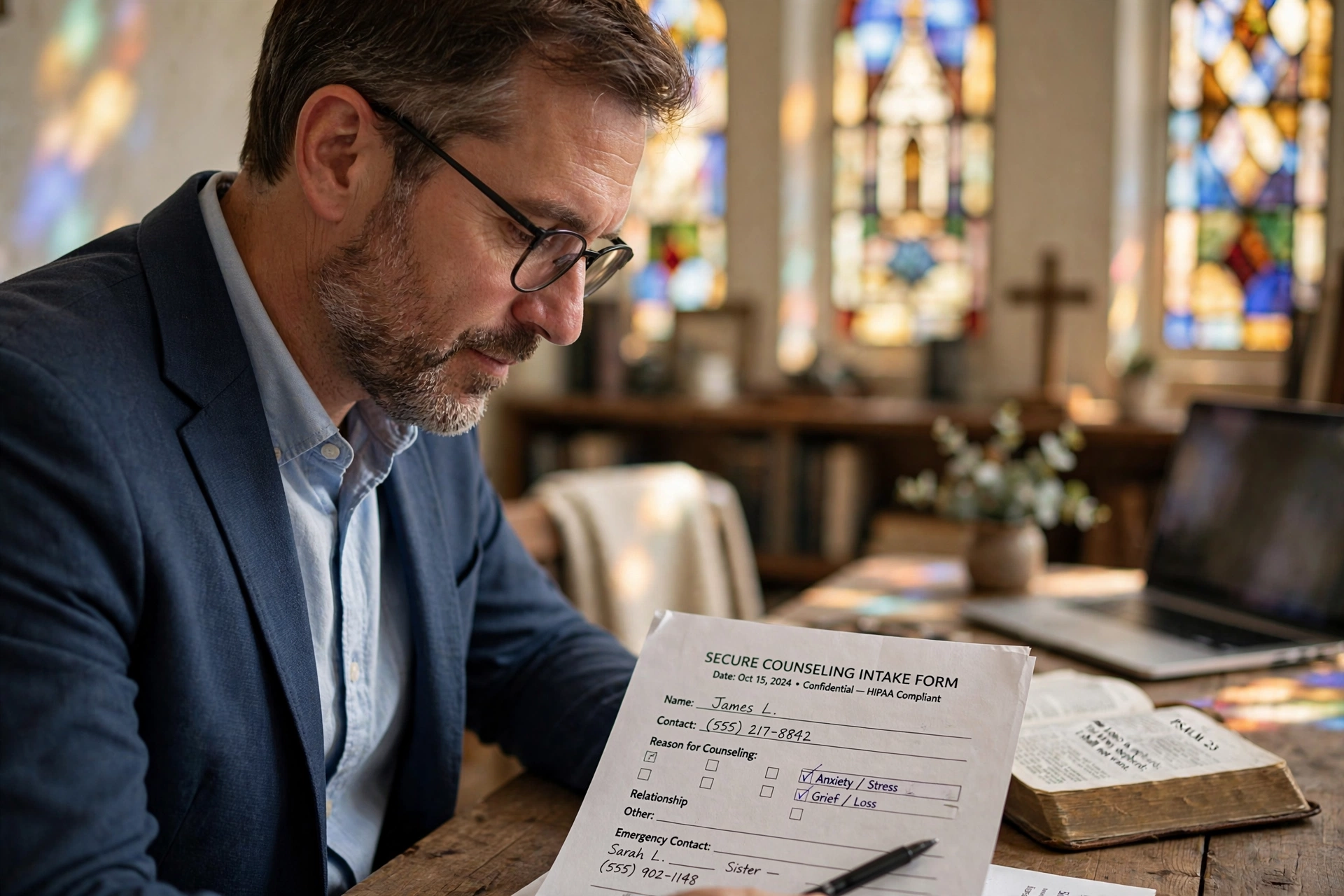
Standardize Intake Questions: Use a secure intake form to gather necessary information before the meeting. This prevents the pastor from spending the first 20 minutes of a limited session asking basic logistical questions and allows the congregant to express their needs in a private, written format. For more on this, see our guide on how to manage church counseling intake forms and calendars securely.
-
Verify Identity Privately: In an era of digital noise, ensure that the person booking the appointment is who they say they are. Use a double-opt-in confirmation via email or a private phone call to verify the appointment, ensuring that no third party is managing the communication.
-
Establish 'Digital Boundaries': Make it clear to your congregation that the scheduling link is the only way to book formal counseling. This prevents the 'text-message trap' where pastors feel obligated to respond to crises at 2:00 AM, which eventually leads to burnout and scheduling errors.
-
Educate Your Staff: Ensure that anyone with 'Editor' access to the church's general calendar understands the ethical and spiritual weight of confidentiality. A simple training session on the 'Sacredness of the Secret' can prevent accidental leaks.
💡
Key Takeaway
A tool is only as private as the people using it. Combine technical encryption with a cultural commitment to confidentiality.
Common Mistakes and What to Avoid
Even with the best software, a few common pitfalls can compromise a private pastoral counseling workflow. Avoid these traps to keep your ministry secure:
Mistake 1: Using a 'Public' Calendar for Private Appointments.
Many churches use a Google Calendar that is shared with the entire staff. Even if the event is marked 'Private', some settings allow others to see that the pastor is 'Busy'. While this is better than seeing the name, if the pastor's only 'Busy' slots are on Tuesday afternoons, it becomes obvious that those are the counseling hours. Use a separate, dedicated counseling calendar that is not shared with the general staff.
Mistake 2: Over-sharing in the Intake Form.
Asking too many sensitive questions on an intake form can actually deter people from seeking help. If a form asks for a detailed history of trauma before the first meeting, the user may feel exposed. Keep the intake form focused on the need and the urgency, and save the deep discovery for the actual session. For a deeper dive into confidentiality, check out our tips on how a church counseling scheduler ensures complete confidentiality.
Mistake 3: Relying on Unsecured Messaging Apps.
WhatsApp and Facebook Messenger are convenient, but they are not designed for clinical or pastoral confidentiality. They are susceptible to device theft, account hacking, and accidental screenshots. Direct users to your secure scheduling portal via Pastor Agenda to keep the conversation within a protected environment.
Mistake 4: Neglecting the 'Post-Session' Cleanup.
Leaving a physical notepad on the desk after a session is a classic error. In a modern workflow, the transition from the session to the archive must be immediate. Once the session is over, the 'active' appointment should be moved to a 'completed' status in the system, and any temporary notes should be moved to the permanent, encrypted record.
Mistake 5: Lack of Clear Cancellation Policies.
When counseling is 'free' or provided by the church, people often forget appointments. This leaves a gap in the pastor's schedule that could have been used for another soul in need. Implement a gentle but firm automated reminder system that allows for easy, private cancellations without needing to explain the reason to a secretary.
Frequently Asked Questions
Is digital scheduling actually more private than a phone call?
Yes, in most cases. A phone call often involves a secretary or receptionist who hears the request, takes a message, and potentially remembers the details. A digital workflow allows the congregant to communicate directly with the pastor's availability. When using a secure platform like Pastor Agenda, the data is encrypted, meaning that only the authorized user (the pastor) can see the specifics of the request, effectively removing the 'middleman' and the risk of gossip.
How do I handle emergency requests within a structured workflow?
Workflows are for scheduled care, not for immediate crises. It is essential to have a 'Crisis Protocol' clearly stated on your booking page. For example: 'If you are experiencing a life-threatening emergency, please call 911 or go to the nearest ER.' For urgent but non-life-threatening matters, provide a specific 'Emergency Contact' method (like a dedicated ministry phone) that bypasses the standard scheduling queue for faster response.
Can my staff still help me manage my time if the workflow is private?
Absolutely. The key is 'Blind Scheduling'. Your staff can see that you are 'Booked' from 2:00 PM to 4:00 PM, but they cannot see who you are meeting with or why. This allows your administrative team to protect your time and prevent double-booking without compromising the confidentiality of the congregants. It is the perfect balance between administrative efficiency and pastoral discretion.
What happens if a congregant is not tech-savvy?
No one should be denied care because they cannot use a website. For those who struggle with technology, the pastor or a trusted, high-level leader can act as a 'proxy' and enter the appointment into the system on their behalf. The important part is that the data eventually enters the secure workflow so that it is tracked and stored safely, rather than staying as a loose scrap of paper in a pocket.
How does a private workflow help with legal compliance?
By utilizing a structured system, you create a clear boundary between 'Administrative' and 'Pastoral' data. Following guidelines from organizations like the National Association of Evangelicals, maintaining clear records and professional boundaries is a key part of ministry health. A digital workflow ensures that sensitive information isn't accidentally shared in a way that could be interpreted as a breach of trust or professional negligence.
Recommended Readings
To deepen your understanding of these topics, we recommend reading the following articles:
- How to Manage Church Counseling Intake Forms and Calendars Securely
- Ensuring Absolute Privacy in Church Booking Systems
- Church Appointment Booking
- Online Appointment Booking for Modern Churches
Conclusion
Building a private pastoral counseling workflow is about more than just buying software; it is about creating a sanctuary of trust. When you remove the administrative friction and the risk of confidentiality leaks, you lower the barrier for people to seek the help they desperately need. By moving away from the haphazard methods of the past and embracing a structured, encrypted, and siloed approach, you protect your congregants, your staff, and your own mental health.
Remember that the most effective ministries are those that pair spiritual passion with professional administration. When the 'machinery' of the church works silently in the background, the focus remains where it should be: on the healing and growth of the individual. If you are ready to stop the 'email tag' and start providing a secure, professional experience for your members, it is time to implement a system designed specifically for the unique needs of the clergy.
For a deeper dive into how to integrate these workflows into your overall strategy, revisit our comprehensive guide on Managing Pastoral Counseling Appointments Safely.
To start streamlining your ministry today, visit PastorAgenda Blog.
Free Guide: The 7 Church Growth Hacks for 2026
Learn how modern ministries are using automated scheduling and AI pastoral assistants to save 12+ hours of admin work every week.