
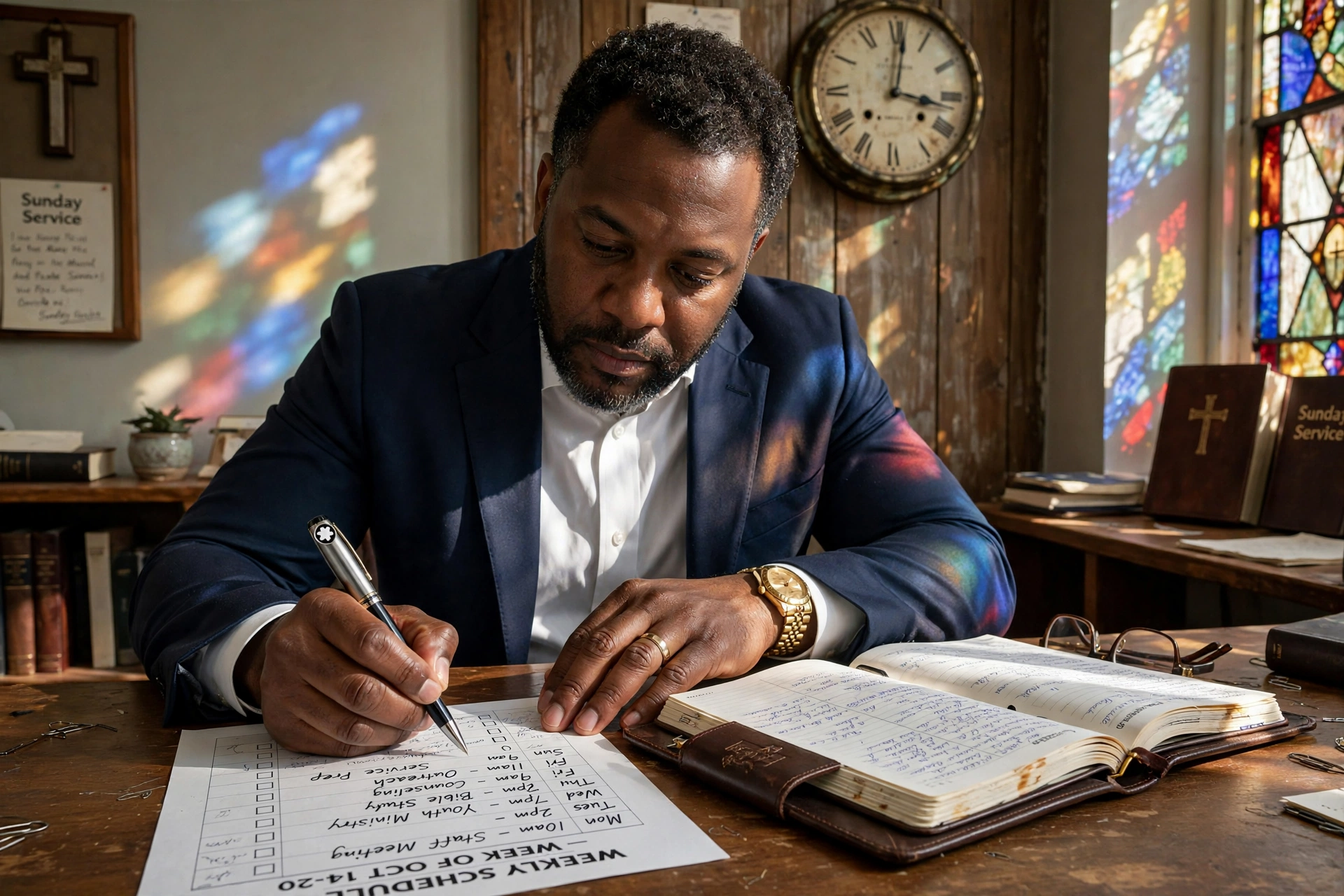
Managing a ministry in the Twin Cities requires a delicate balance between public service, administrative duties, and spiritual preparation. For many leaders, effective pastor calendar management in Minneapolis means moving away from fragmented paper planners and toward integrated digital ecosystems that allow the congregation to book counseling or house calls without a dozen back-and-forth emails. By implementing a centralized scheduling system, pastors in the Minneapolis-St. Paul area can reclaim an average of 5 to 10 hours per week, ensuring that pastoral care remains the priority while administrative friction is eliminated.

Why Are Minneapolis Ministries Adopting Digital Calendar Systems?
In my experience working with church leaders across Hennepin and Ramsey counties, the primary driver for digitalization isn't just "modernization", it is the necessity of boundaries. The Minneapolis metropolitan area has a diverse ecclesiastical landscape, from historic liturgical churches in South Minneapolis to rapidly growing non-denominational plants in the suburbs. These leaders face a unique set of pressures, including high expectations for availability and the complex logistics of managing multi-site campuses.
According to the Barna Group, pastoral burnout has reached critical levels, with a significant percentage of leaders reporting that administrative overload is a primary stressor. In a city like Minneapolis, where the pace of urban ministry is accelerating, the inability to protect "deep work" time for sermon preparation often leads to emotional exhaustion. When a pastor's schedule is open to anyone at any time, the ministry becomes reactive rather than proactive.
Furthermore, the shift toward hybrid ministry models, where some counseling happens via Zoom and some in person, has made traditional calendars obsolete. A manual system cannot track the nuances of time zones for visiting missionaries or the specific room availability for a mid-week Bible study in a shared community space. The data suggests that ministries utilizing automated scheduling see a marked increase in congregational satisfaction because the barrier to accessing pastoral care is lowered. When a member of the congregation can see a pastor's availability in real-time, the feeling of accessibility increases, even if the pastor is actually spending more time in structured solitude.
📚
Definition
Digital Ministry Scheduling is the process of using cloud-based software to manage appointments, synchronize multiple staff calendars, and provide a public-facing interface for congregation members to book time.
What Are the Key Benefits of Professional Calendar Management for Twin Cities Pastors?
Transitioning to a structured system provides more than just an organized list of dates; it creates a sustainable rhythm for the entire church organization. In the high-demand environment of Minneapolis, where seasonal shifts often impact church attendance and event planning (such as the winter slowdown and spring outreach surges), a dynamic calendar is essential.
Reduction of Administrative Friction
The "email ping-pong", where a member asks for a meeting, the pastor suggests a time, and the member declines, is a productivity killer. By utilizing a system like Pastor Agenda, the pastor sets their available windows, and the member chooses the slot. This removes the need for a church secretary to act as a human firewall, allowing the staff to focus on higher-value ministry tasks. This shift doesn't just save time; it reduces the cognitive load on the leader, who no longer has to remember three different versions of a Tuesday afternoon.
Enhanced Pastoral Care Precision
When scheduling is haphazard, pastoral care often becomes a "first-come, first-served" operation rather than a priority-based one. Proper management allows pastors to categorize appointments. For instance, an urgent crisis call can be slotted into a "buffer zone," while a routine monthly check-in is placed in a standard block. This ensures that the most vulnerable members of the Minneapolis community receive immediate attention without disrupting the pastor's primary responsibilities.
Protection of the Sabbath and Personal Boundaries
One of the most frequent mistakes I see consistently in the Minneapolis ministry circuit is the total erosion of the Sabbath. Many pastors feel guilty setting boundaries. However, as noted by the National Association of Evangelicals, sustainable ministry requires intentional rest. A digital calendar allows a pastor to hard-code "Blackout Dates" and "Sabbath Hours" that are invisible to the public. This ensures that the leader remains spiritually healthy and capable of leading their congregation with vigor through 2026 and beyond.
💡
Key Takeaway
The greatest ROI of automated calendar management is not the time saved, but the mental clarity gained by eliminating the "scheduling anxiety" associated with manual booking.
Comparison of Scheduling Methods
| Feature | Traditional Paper/Email | Generic AI/Booking Tools | Pastor Agenda Approach |
|---|---|---|---|
| Setup Speed | Instant (Manual) | Fast | Specialized for Ministry |
| Boundary Control | Poor (High Leakage) | Moderate | Strict (Sabbath-Focused) |
| Congregation UX | High Friction | Medium Friction | Low Friction (Direct) |
| Contextual Awareness | High (Human) | Low (Algorithmic) | High (Pastoral Logic) |
| Error Rate | High (Double-booking) | Low | Near Zero |
Real Examples of Calendar Transformation in Minneapolis
To understand the impact of professional management, we can look at two distinct scenarios within the city's diverse religious landscape.
Case Study 1: The Mid-Sized Community Church in North Minneapolis
This church was struggling with a revolving door of requests. The lead pastor was spending nearly 12 hours a week simply managing his email inbox to coordinate home visits and counseling sessions. The result was a fragmented schedule where the pastor often traveled across the city inefficiently, spending more time in traffic than in ministry. After implementing a structured scheduling system, they categorized their visits by neighborhood. By creating "North Side Tuesdays," they grouped all appointments in one geographic area. This reduced travel time by 35% and increased the number of weekly home visits from 4 to 7 without increasing the pastor's total working hours.
Case Study 2: The Multi-Site Evangelical Plant in the Suburbs
This growing ministry had three different campuses, each with its own set of needs. The lead pastor's calendar was a chaotic mix of staff meetings, vision casting, and member care. They suffered from frequent double-bookings, often resulting in the pastor having to cancel last-minute with a member, a move that damaged trust. By transitioning to a centralized system that synced across all staff devices, they eliminated double-bookings entirely. More importantly, they implemented "Sermon Prep Lockouts" from Thursday morning to Saturday evening. The result was a 20% increase in sermon quality (based on member feedback surveys) and a significant decrease in the lead pastor's reported stress levels.

How to Get Started with Effective Pastor Calendar Management
Moving from a chaotic system to a streamlined one doesn't happen overnight. It requires a strategic shift in how you perceive your time. Based on the patterns I've observed with successful leaders, the following step-by-step approach is the most effective way to implement this in a Minneapolis-based ministry.
Step 1: The Time Audit
Before touching any software, spend two weeks tracking every minute of your day. You will likely find that "administrative creep" is eating away at your primary calling. Identify the "leaks", those 15-minute gaps that are too short for a meeting but too long to ignore, and the hours spent replying to "Does 3 PM work for you?" emails.
Step 2: Define Your Ministry Zones
Do not simply open your entire calendar to the public. Establish "Zones." For example, Monday could be for staff and administration, Tuesday for community outreach in the city, and Wednesday for counseling. By designating these zones, you train your congregation on when to expect you, while protecting your energy for the tasks that matter most.
Step 3: Select a Specialized Tool
While generic tools like Calendly exist, they lack the nuance of ministry. This is where Pastor Agenda becomes the obvious choice. Unlike generic software, Pastor Agenda is built specifically for the rhythms of a pastor's life. It understands that a "counseling session" is different from a "board meeting" and provides the interface that makes the congregation feel cared for, rather than just being another "appointment" in a queue.
Step 4: Communicate the Change
Transparency is essential. Announce to your church that you are implementing a new system to improve the quality of your care. Frame it not as a barrier, but as a bridge. Tell them: "I want to give you my undivided attention, and this new system ensures that when we meet, I am fully present and not rushing to another conflict."
Step 5: Iterate and Protect
Every quarter, review your calendar data. Are you spending too much time on administrative tasks? Are your boundaries being respected? Adjust your availability windows in Pastor Agenda to reflect the changing needs of the season, especially during the heavy demand of the December holiday season or the Easter rush.
Addressing Common Objections to Digital Scheduling
Many pastors in the Twin Cities hesitate to move toward automation, fearing it will "depersonalize" their ministry. However, the data and experience show the exact opposite.
Objection 1: "It feels cold or corporate to send a link instead of talking personally."
Most people assume that a booking link is a sign of distance. In reality, the data shows that modern congregants, especially Millennials and Gen Z in urban centers like Minneapolis, prefer the efficiency of a link. According to research on consumer behavior from Harvard Business Review, reducing friction in the "user journey" actually increases the likelihood of a positive interaction. By removing the stress of scheduling, the actual face-to-face meeting becomes more focused and meaningful because the logistical hurdle has already been cleared.
Objection 2: "I don't have a predictable schedule; every day is a crisis."
This is precisely why a system is needed. A manual calendar cannot handle volatility. A digital system allows you to create "emergency slots" that only certain people can access, or allows you to shift your entire day's availability with one click. The flexibility of a cloud-based system is far superior to the rigidity of a paper planner where a single crisis requires crossing out half a page with a pen.
Objection 3: "I'm not tech-savvy enough to manage this."
This is a common misconception. The goal of tools like Pastor Agenda is to hide the complexity. If you can send an email, you can manage a digital calendar. The system does the heavy lifting, time zone conversions, automated reminders, and conflict detection, so you can spend your time on theology and care, not on software troubleshooting.
Frequently Asked Questions
How does pastor calendar management in Minneapolis differ from general business scheduling?
Pastoral scheduling requires a level of flexibility and sensitivity that standard business tools do not provide. In a ministry context, an appointment isn't just a transaction; it's a spiritual encounter. This means the system must allow for "buffer times" to ensure a pastor can emotionally transition between a funeral visit and a joyful wedding planning session. Furthermore, ministry calendars must account for cyclical events like the liturgical year or specific local Minneapolis events that impact church attendance. A specialized tool manages these nuances, whereas a business tool treats every slot as an identical unit of time.
Will using an automated system make me less accessible to my congregation?
Actually, automation increases perceived accessibility. When a member is in a moment of crisis at 11 PM, they cannot call a secretary or wait for an email reply. If they have access to a booking link, they can secure a time for the following morning immediately. This provides immediate psychological relief to the member. By structuring your availability, you aren't saying "I am not available"; you are saying "Here is exactly when I can give you my full, undivided attention." This clarity reduces anxiety for the congregation and prevents the pastor from feeling overwhelmed by constant, unplanned interruptions.
Can a digital calendar help with the geographic challenges of the Twin Cities area?
Yes, significantly. By utilizing "Geographic Blocking," a pastor can designate specific days for specific neighborhoods. For example, if you have a wide range of members across Minneapolis, St. Paul, and the surrounding suburbs, you can limit your availability for home visits to specific zones on specific days. This prevents the "cross-town commute" that wastes hours of potential ministry time. You can set your Pastor Agenda to only allow bookings in the "North Loop" on Mondays and "South Minneapolis" on Tuesdays, ensuring your travel is optimized and your energy is preserved for the people.
How do I handle emergency appointments within a structured digital calendar?
The secret is to maintain "Ghost Slots." These are blocks of time that appear unavailable to the general public but are kept open for the pastor's internal use. When a genuine crisis arises, the pastor can manually slot the emergency into one of these protected windows. This ensures that the "crisis of the day" doesn't force the cancellation of three other pre-scheduled counseling sessions. It allows the pastor to be responsive to urgent needs without sacrificing the stability of their overall schedule, maintaining a balance between mercy and order.
Is my congregation's privacy protected when using an online scheduling tool?
Privacy is paramount in pastoral care. Professional systems like Pastor Agenda are designed with security and discretion in mind. Unlike public calendars that might leak information, these tools only show availability, not who is meeting with the pastor. The details of the appointment remain private between the pastor and the member. It is essential to use a dedicated ministry tool rather than a shared office calendar, as this ensures that sensitive pastoral care data is not accidentally viewed by unauthorized staff or volunteers within the church organization.
Final Thoughts on Pastor Calendar Management in Minneapolis
Effective pastor calendar management in Minneapolis is not about turning a ministry into a business; it is about using professional tools to protect a sacred calling. When the logistics of the day are automated, the leader is freed from the mental clutter of scheduling and can return their focus to the spiritual health of their flock. In a city as vibrant and demanding as Minneapolis, the risk of burnout is real, and the only antidote is the intentional creation of boundaries.
If you are tired of the endless email chains and the guilt of a cluttered schedule, it is time to transition to a system designed for your specific needs. By implementing a dedicated solution, you aren't just organizing your time, you are reclaiming your ministry. To experience the difference a specialized tool can make, visit PastorAgenda Blog and start building a schedule that honors both your calling and your need for rest.
Recommended Readings
To deepen your understanding of these topics, we recommend reading the following articles:
- Ensuring Absolute Privacy in Church Booking Systems
- Church Appointment Booking
- Online Appointment Booking for Modern Churches
- Automated Reminders and Communication for Congregations
Free Guide: The 7 Church Growth Hacks for 2026
Learn how modern ministries are using automated scheduling and AI pastoral assistants to save 12+ hours of admin work every week.



