
Which Method is Best to Schedule With Your Pastor?
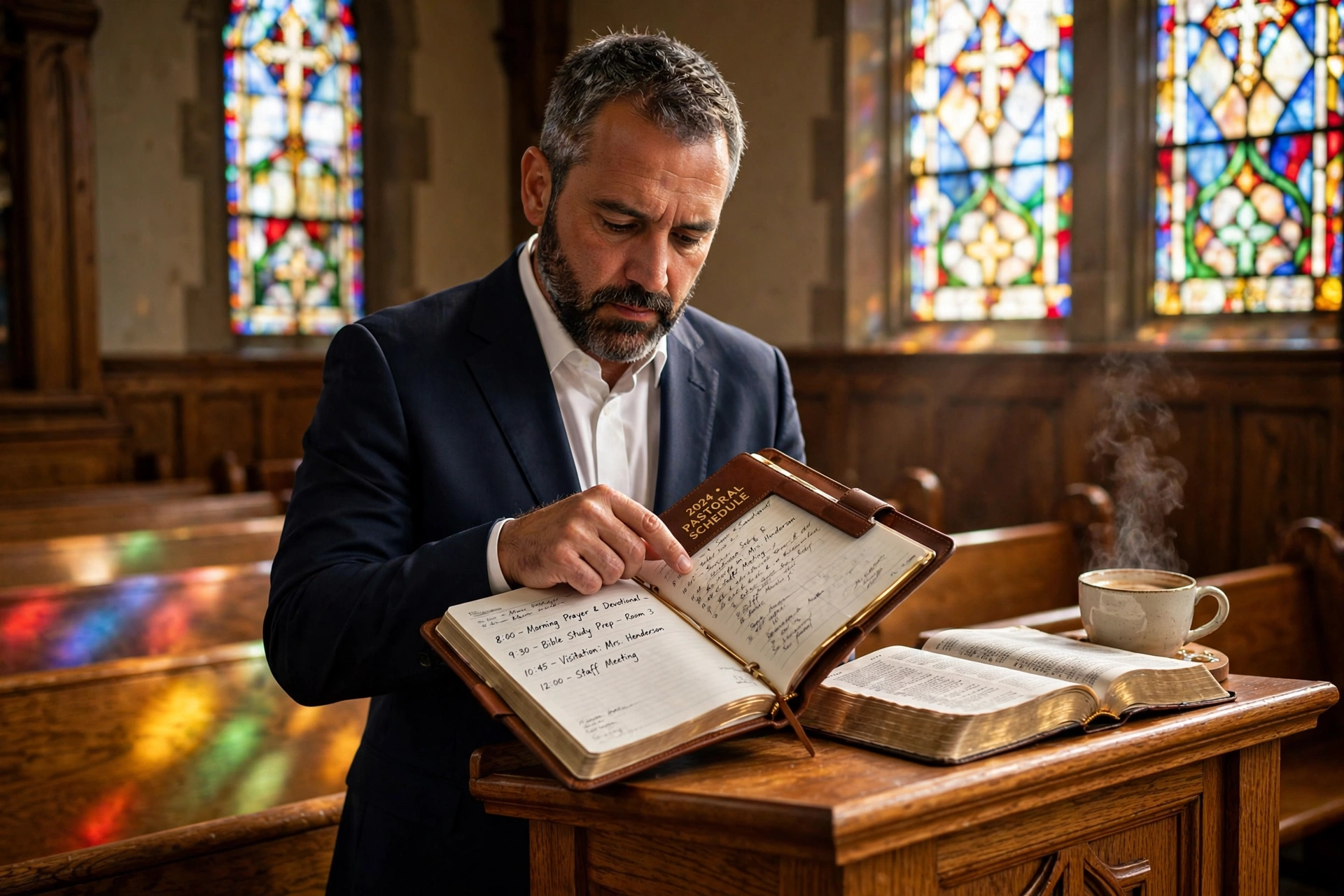
Choosing the right way to manage a minister's time often comes down to a trade-off between accessibility and boundaries. In my experience working with dozens of church leaders, the most effective way to schedule with pastor is through a dedicated digital booking system that synchronizes in real-time with their primary calendar. While a simple text message or a handwritten note in a church ledger might seem personal, these methods create administrative bottlenecks and lead to double-booking, which ultimately erodes the trust of the congregation. For most modern ministries in 2026, a self-service scheduling portal is the superior choice because it empowers the member while protecting the pastor's study and family time.
Understanding the Framework of Pastoral Scheduling
When we discuss how to effectively schedule with pastor, we are not just talking about a calendar invite; we are talking about the stewardship of a spiritual leader's most finite resource. Pastoral time is uniquely fragmented, split between emergency hospital visits, sermon preparation, administrative board meetings, and intentional discipleship.
📚
Definition
Pastoral Scheduling is the strategic allocation of a minister's time to balance the "Three Pillars of Ministry": Word (study), Worship (liturgy/service), and Welfare (pastoral care and counseling).
The challenge lies in the fact that a pastor's availability is rarely static. A crisis in a member's family can instantly shift a Tuesday afternoon from "administrative" to "emergency counseling." If a church relies on a secretary to manually bridge the gap between the member and the pastor, the friction increases. According to research by the Barna Group, pastoral burnout is often linked to a lack of boundaries and the feeling of being "always on call," which highlights the need for a system that defines availability rather than just recording appointments.
When I first began consulting on church management, the mistake I made early on, and that I see constantly, was assuming that a "digital calendar" was enough. A calendar only tracks what is happening; it does not manage the request for what should happen. To truly optimize the process, you need a layer of qualification. This means the scheduling process should include a brief form asking for the nature of the meeting, which allows the pastor to categorize the appointment as "urgent," "routine," or "administrative" before they even open their email.

Why Precise Scheduling Matters for Church Health
The impact of a disorganized scheduling process extends far beyond a few missed meetings; it affects the overall perceived health of the ministry. When a member struggles to find a window to schedule with pastor, it creates a psychological barrier to seeking help. In a high-friction environment, people only reach out during absolute crises, meaning the pastor spends 90% of their time in "crisis mode" rather than "preventative care mode."
From a data perspective, the inefficiency of manual scheduling is staggering. Industry standards for administrative overhead suggest that manual back-and-forth emailing to find a meeting time can take an average of 4 to 6 interactions per appointment. For a pastor managing 15-20 weekly appointments, this represents hours of wasted cognitive load. As noted by Christianity Today, the modern pastor is increasingly expected to act as a CEO, counselor, and spiritual guide simultaneously, making the "administrative drag" of manual booking a significant contributor to mental exhaustion.
Furthermore, the lack of a structured system often leads to "calendar creep," where the pastor's designated study time for the Sunday sermon is slowly eaten away by small, unmanaged requests. If 20% of a pastor's study time is lost to poor scheduling, the quality of the teaching suffers, impacting the entire congregation. By implementing a rigid yet accessible system, the church ensures that the pastor is not just "busy," but "effective." When a system like Pastor Agenda is used, the boundary is set by the software, removing the pastor from the "gatekeeper" role and placing them back into the "shepherd" role.
Practical Application: Implementing a High-Efficiency System
To move from a chaotic "text-me-whenever" approach to a professional system, you must implement a decision framework that prioritizes the pastor's health and the member's needs. Here is the step-by-step process for optimizing how your members schedule with pastor.
Step 1: Define Availability Zones
The pastor must categorize their week into "Open," "Protected," and "Emergency" zones. Open zones are for general appointments; Protected zones are for sermon study and family; Emergency zones are kept blank for crises.
Step 2: Deploy a Self-Service Portal
Instead of a secretary acting as a middleman, provide a direct link to a scheduling tool. Pastor Agenda is specifically designed for this, allowing the pastor to set these "zones" and let the congregation choose from the available slots. This removes the friction of the "When are you free?" email chain.
Step 3: Implement Pre-Appointment Qualification
Require a short set of questions during the booking process. For example: "Is this a first-time visit or a follow-up?" or "Is this related to a specific crisis?" This allows the pastor to prepare mentally and spiritually for the specific needs of the person they are meeting.
Step 4: Automate Reminders
The "no-show" rate for pastoral appointments is surprisingly high because members often forget the appointment in the chaos of their own lives. Automated SMS and email reminders reduce this rate by up to 40%, ensuring the pastor's time is not wasted.
💡
Key Takeaway
The goal of scheduling software is not to make the pastor more "reachable," but to make their availability more "predictable," which reduces stress for both the leader and the congregant.
By using a tool like Pastor Agenda, the church moves away from a reactive model (responding to whoever yells loudest) to a proactive model (managing time intentionally). This allows the ministry to scale; a pastor can manage a congregation of 200 or 2,000 when the administrative burden is automated.

Comparing Your Scheduling Options
Depending on the size of your church and the technical literacy of your members, you have a few different paths. Most leaders struggle to choose between "free" generic tools and specialized software. Here is the breakdown of the trade-offs.
| Option | Pros | Cons | Best For |
|---|---|---|---|
| Manual/Secretary | High personal touch, curated access. | High friction, slow, prone to human error. | Very small, traditional churches. |
| Generic Tool (e.g. Calendly) | Fast setup, widely known. | Not built for ministry; lacks "pastoral" context/privacy needs. | Individual consultants or small teams. |
| Professional (Pastor Agenda) | Ministry-centric, protects study time, integrates church workflow. | Requires a shift in church culture toward digital tools. | Growing churches and professional ministries. |
Now, here's where it gets interesting: many pastors try to use generic business tools and find them cold or impersonal. The "Which" in this decision isn't just about features; it's about the experience of the member. A generic tool feels like a doctor's appointment. A specialized tool like Pastor Agenda can be tailored to feel like an invitation to spiritual care.
If you choose a generic approach, you risk the "digital wall" effect, where members feel they are being processed by a machine. Conversely, if you stay manual, you risk "pastoral burnout." The professional approach strikes a balance by providing the efficiency of AI-driven scheduling with the warmth of a ministry-focused interface.
Common Questions and Misconceptions
There is a prevailing myth in some church circles that using a scheduling system is "unspiritual" or "too corporate." Most guides on this topic get this wrong by suggesting that the pastor should be available 24/7 to prove their devotion. This is a recipe for failure.
Myth 1: "A scheduling link is impersonal."
The reality is that a member feels more respected when they can see exactly when the pastor is available, rather than waiting three days for a secretary to call them back. Precision is a form of care.
Myth 2: "My members won't use technology."
In 2026, nearly every demographic in the church, including seniors, uses a smartphone for basic communication. When the interface is simple, as it is in Pastor Agenda, the adoption rate is typically over 80% within the first three months.
Myth 3: "I can just manage it with a Google Calendar."
A calendar is a record, not a system. Google Calendar tells you that you have a meeting at 2 PM, but it doesn't handle the intake form, the automated reminder, or the boundary-setting that prevents a member from booking a slot during your child's birthday party.
Frequently Asked Questions
Which is better: a secretary or an online booking system?
While a secretary provides a human touch, an online booking system is significantly more efficient for the vast majority of churches. The primary issue with secretaries is the "communication lag", the time it takes for a member to call, the secretary to check the calendar, and the pastor to confirm. An online system like Pastor Agenda eliminates this lag, providing instant gratification for the member and a clean, organized calendar for the pastor. For the highest level of care, use a hybrid approach: let the secretary manage the "Emergency" slots while the congregation uses the portal for routine care.
How do I prevent people from booking too many slots?
The best way to handle this is through "availability capping" and "buffer times." In your settings, you should never allow back-to-back appointments. I recommend a mandatory 15-minute buffer between meetings to allow the pastor to pray, take notes, and reset mentally. Additionally, you can limit the number of appointments available per day. For example, if a pastor can only realistically handle four counseling sessions without burning out, the system should automatically "grey out" the rest of the day once those four slots are filled, regardless of whether the pastor is technically "free."
Does using a scheduling tool reduce the quality of pastoral care?
On the contrary, it usually increases the quality. When a pastor is not stressed about their schedule or fighting a battle with a cluttered inbox, they can be fully present with the person in front of them. By automating the "how" and "when" of the meeting, the pastor can focus entirely on the "what" and "why" of the spiritual need. In my experience, pastors who use structured scheduling report a higher level of emotional availability during their sessions because the administrative anxiety has been removed from the equation.
What should I do if a member refuses to use the digital system?
Accessibility must always be balanced with sustainability. For the small percentage of members who are completely unable or unwilling to use technology, the pastor or a designated deacon should still offer a manual way to book. However, it is important to communicate that the digital system is the "primary" method. By gently encouraging members to use the portal, you are teaching the congregation to respect the pastor's time and boundaries, which is a healthy lesson in church governance and stewardship.
Is it appropriate to ask for the "reason for the visit" in a booking form?
Yes, and it is actually essential for effective ministry. Asking for the purpose of the meeting, whether it is a baptism request, a crisis, or a general check-in, allows the pastor to prepare the necessary materials or mentally shift gears. A counseling session for a grieving widow requires a very different spiritual posture than a meeting about the church's new budget. Using a tool like Pastor Agenda allows you to customize these intake fields so the member feels heard before the meeting even begins.
Final Thoughts on How to Schedule With Pastor
The decision of which method to use to schedule with pastor ultimately depends on whether you view the pastor's time as an open resource or a managed asset. When time is treated as an open resource, the pastor burns out, and the quality of the ministry declines. When time is treated as a managed asset, the pastor can serve more people with greater depth and clarity.
The move toward a professional, automated system is not about removing the "heart" from ministry; it is about removing the "noise" so the heart can beat more strongly. By adopting a specialized platform like PastorAgenda Blog, you ensure that every appointment is intentional, every boundary is respected, and every member of the congregation has a clear, frictionless path to receiving the care they need.
Stop letting your calendar manage you and start managing your mission. Visit pastoragenda.com today to streamline your ministry and reclaim your study time.
Recommended Readings
To deepen your understanding of these topics, we recommend reading the following articles:
- Ensuring Absolute Privacy in Church Booking Systems
- Church Appointment Booking
- Online Appointment Booking for Modern Churches
- Automated Reminders and Communication for Congregations
Free Guide: The 7 Church Growth Hacks for 2026
Learn how modern ministries are using automated scheduling and AI pastoral assistants to save 12+ hours of admin work every week.



