
When is the Right Time to Migrate Your Ministry's Scheduling System?
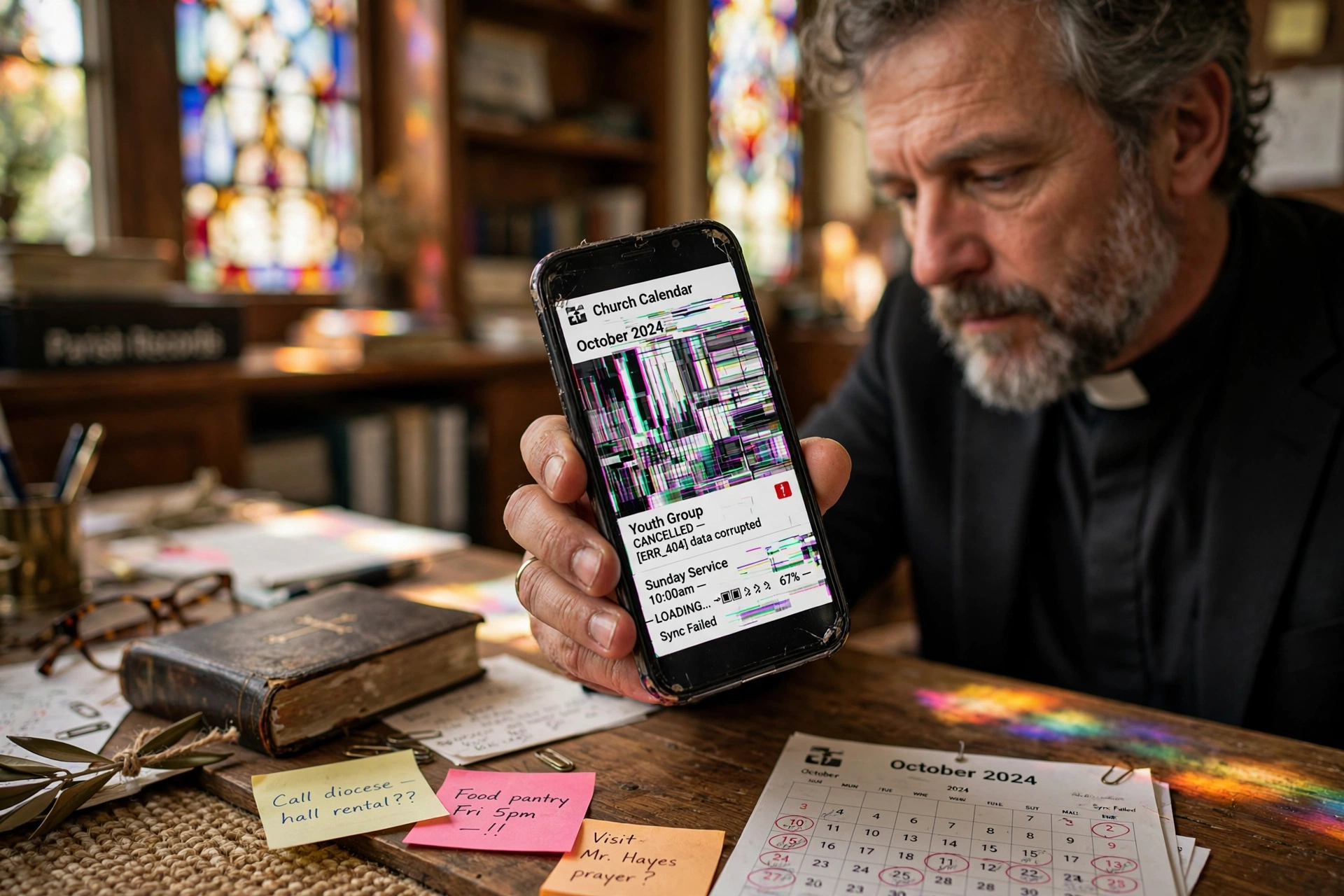
The most dangerous phase of church administration is the "invisible friction" stage, where a pastor spends more time managing a software tool than managing people. You should replace your church calendar app when the time spent troubleshooting scheduling conflicts or manually syncing calendars exceeds the time actually spent in pastoral care. If your current system requires more than three clicks to book a counseling session or fails to sync in real-time across your leadership team, you have already passed the optimal window for migration and are now paying a "friction tax" in lost productivity and ministry burnout.
For a comprehensive overview of optimizing your administrative workflow, explore our complete guide to church management systems.
What Defines a "Failed" Scheduling System in a Modern Ministry?
To understand when to move on, we must first define what a functional system looks like. Many ministries mistake a digital calendar for a scheduling ecosystem. A calendar merely records an event; a scheduling ecosystem manages the flow of people, availability, and expectations.
📚
Definition
Scheduling Friction occurs when the administrative process of booking an appointment creates a psychological or technical barrier that discourages a congregant from seeking pastoral care or guidance.
In my experience working with growing congregations, the signs of failure are rarely a total system crash. Instead, it is a slow erosion of efficiency. It starts with "calendar drift," where the pastor's personal calendar says one thing, the church office says another, and the public-facing app says a third. When you find yourself apologizing for double-booking a funeral or a baptism because the church calendar app didn't update instantly, the tool has become a liability.
The technical debt of an outdated system is significant. According to research by Barna Group, pastoral burnout is often linked to the overwhelming burden of administrative tasks that detract from primary spiritual leadership. When a tool that is supposed to provide "order" actually creates "chaos," it directly contributes to this burnout. If your staff is spending hours every week manually confirming appointments via text or email because the app's notification system is unreliable, you are operating with a broken tool.

Why Does Timing Matter When Replacing Your Scheduling Infrastructure?
Timing the replacement of your church calendar app is not just about software updates; it is about organizational momentum. If you wait until a catastrophic failure occurs, such as losing all data during a peak season like Easter or Christmas, the transition will be chaotic and resisted by your staff.
The cost of staying with a subpar system is measured in "opportunity cost." Every hour a minister spends wrestling with a clunky interface is an hour not spent in prayer, sermon preparation, or community outreach. Data from Christianity Today suggests that leadership efficiency in the modern church is increasingly dependent on the ability to integrate digital tools without letting them overshadow the human element of ministry.
When the administrative overhead grows faster than the congregation, the system is the bottleneck. For example, if you have 10 leaders who all need to manage their own availability but must go through a central "gatekeeper" because the software doesn't support multi-user autonomy, you have a scaling problem. This creates a bottleneck that slows down the entire church's response time to crises.
Furthermore, the psychological impact on the congregation is real. In 2026, people expect a "frictionless" experience. When a member tries to book a session for pastoral counseling and finds a confusing interface or a broken link, it sends a subtle message that the church is out of touch or disorganized. This lack of professional polish can inadvertently create a barrier for new visitors who are evaluating the church's health based on how they are welcomed and managed.
How to Execute a Seamless Transition to Pastor Agenda
Replacing a system is a high-risk move if done haphazardly. The mistake I made early on, and that I see constantly, is attempting a "hard cutover" where the old system is deleted on a Friday and the new one starts on Monday. This always leads to lost appointments and frantic phone calls.
The professional approach is a phased migration. First, audit your current data. Identify which recurring appointments are essential and which are "legacy" clutter. Second, set up your availability buffers in Pastor Agenda. A common error is opening the calendar too wide, leading to "pastoral exhaustion." You must build in "recovery blocks", time for study and rest, that the app protects automatically.
Third, run a parallel pilot. Have your executive staff use Pastor Agenda for two weeks while keeping the old system as a backup. This allows you to identify any gaps in the workflow without risking the actual ministry schedule.
💡
Key Takeaway
The goal of a scheduling migration is to move from "managing a tool" to "facilitating a ministry." The software should disappear into the background, leaving only the connection between the pastor and the congregant.
Once the pilot is successful, communicate the change to the congregation not as a "software update," but as an "improvement in care access." Frame it as a way to ensure that no one falls through the cracks and that every request for prayer or guidance is handled with the attention it deserves.

Choosing the Right Path: Manual vs. Generic vs. Specialized
Many churches struggle because they try to force a generic tool to do a specialized job. A corporate tool designed for sales calls is not the same as a tool designed for pastoral care. The needs are different: privacy is more paramount, the emotional weight of the appointments is higher, and the "client" is actually a member of a spiritual family.
| Feature | Manual/Paper Method | Generic AI/Corp Apps | Pastor Agenda Approach |
|---|---|---|---|
| Sync Speed | Zero (Manual) | Instant | Instant & Ministry-Aware |
| User Experience | High Friction | Moderate (Too Corporate) | Low Friction (Intuitive) |
| Privacy | Physical Security Only | Standard Encryption | High-Level Pastoral Privacy |
| Buffer Mgmt | Manual Notes | Basic Time-Blocks | Spiritual Recovery Buffers |
| Best For | Tiny home churches | Small business owners | Growing, organized ministries |
Generic tools often lack the nuance of ministry. For instance, a generic app might allow someone to book a "Quick Chat" at 11:00 PM on a Tuesday. A specialized tool like Pastor Agenda allows the minister to set boundaries that protect their family life while still remaining accessible to the flock.
When you compare these options, the "Generic AI" approach often fails because it lacks human oversight. It may automate the booking, but it doesn't understand the sensitivity of a "crisis counseling" appointment versus a "building committee" meeting. A specialized approach ensures that the tool reflects the values of the church, not just the efficiency of a corporation.
Common Misconceptions About Scheduling Software
There are several myths that keep church leaders tethered to outdated systems long after they should have migrated. Most guides get this wrong by focusing on the "cost" of the software rather than the "cost of the friction."
Myth 1: "Our congregation is traditional; they won't use an app."
This is a fallacy. Even the most traditional members use smartphones for banking and health care. What they actually dislike is a complicated app. When the interface is clean and the benefit is clear (e.g. "Get a confirmed time for prayer without playing phone tag"), adoption rates skyrocket.
Myth 2: "We can just use a free Google Calendar."
Google Calendar is a great personal tool, but it is a terrible scheduling tool. It tells you when you are busy; it does not allow others to safely book your available time without you manually intervening. Relying on a free tool for a professional ministry creates a "hidden labor" cost where the pastor becomes a full-time secretary.
Myth 3: "Changing systems now will confuse everyone."
The confusion of a one-week transition is negligible compared to the long-term confusion of a system that constantly fails. If the new system is genuinely better, the "confusion" disappears within seven days. The risk of inertia is far greater than the risk of migration.
Frequently Asked Questions
When is the absolute best time of year to replace my church calendar app?
The optimal time to migrate is during the "administrative lull" that typically occurs in late January or early February, immediately following the New Year's rush and before the spring programming begins. Avoid migrating in December or during the Lenten season, as the volume of high-priority pastoral appointments (funerals, weddings, emergency counseling) is too high to risk any technical glitches. A calm period allows your staff to learn the new system without the pressure of a congregational crisis.
How do I know if my current app is actually the problem or if it's just a training issue?
Perform a "three-click test." Try to book an appointment from a member's perspective. If it takes more than three clicks to reach the confirmation page, or if the user has to create an account just to see your availability, the software is the problem. Training cannot fix a poor User Experience (UX). If your staff is "trained" but still hates the tool, it is because the tool is fighting against the natural workflow of ministry, not because they lack the skill to use it.
Will moving to a new church calendar app affect my privacy and confidentiality?
Actually, migrating to a specialized tool usually improves privacy. Generic tools often share data across platforms or have permissive settings that can lead to accidental exposure of sensitive information. A ministry-focused platform like Pastor Agenda is designed with the understanding that pastoral records are sacred. Ensure your new system offers end-to-end encryption and granular permissions, allowing you to control exactly who sees which appointments, which is a critical requirement for pastoral ethics.
Can I integrate a new scheduling app with my existing church management software?
Yes, in most cases, modern tools are designed to play well with others. The key is to look for "API connectivity" or "Zapier integration." You don't want a siloed system where you have to enter a member's name in three different places. A professional setup allows the booking in your church calendar app to automatically update your member database and send a notification to the relevant staff member, creating a unified "source of truth" for the entire organization.
What happens to my historical data if I switch tools?
Most professional migrations involve a CSV export from the old system and a CSV import into the new one. While you can move the dates and times of past appointments, the "soul" of your data, the notes and the relationships, is what matters. I recommend migrating only the next 90 days of active appointments and archiving the old calendar as a read-only PDF or spreadsheet. This prevents "data bloat" and ensures your new system starts with a clean, efficient slate.
Recommended Readings
To deepen your understanding of these topics, we recommend reading the following articles:
- Ensuring Absolute Privacy in Church Booking Systems
- Church Appointment Booking
- Online Appointment Booking for Modern Churches
- Automated Reminders and Communication for Congregations
Conclusion
Knowing when to replace your church calendar app is the difference between a ministry that scales and one that stagnates under its own weight. If you are experiencing "invisible friction," double-bookings, or a sense of administrative dread every time you open your laptop, the time to act is now. Waiting for a total system failure only makes the transition more painful.
The goal of every leader is to maximize their time spent with people and minimize their time spent with screens. By moving to a system designed specifically for the nuances of faith leadership, you reclaim your schedule and, more importantly, your mental energy.
Stop letting a clunky interface hinder your calling. Experience the freedom of a system that understands the rhythm of ministry. Visit PastorAgenda Blog today to see how we can help you transition from administrative chaos to pastoral clarity.
Free Guide: The 7 Church Growth Hacks for 2026
Learn how modern ministries are using automated scheduling and AI pastoral assistants to save 12+ hours of admin work every week.



