
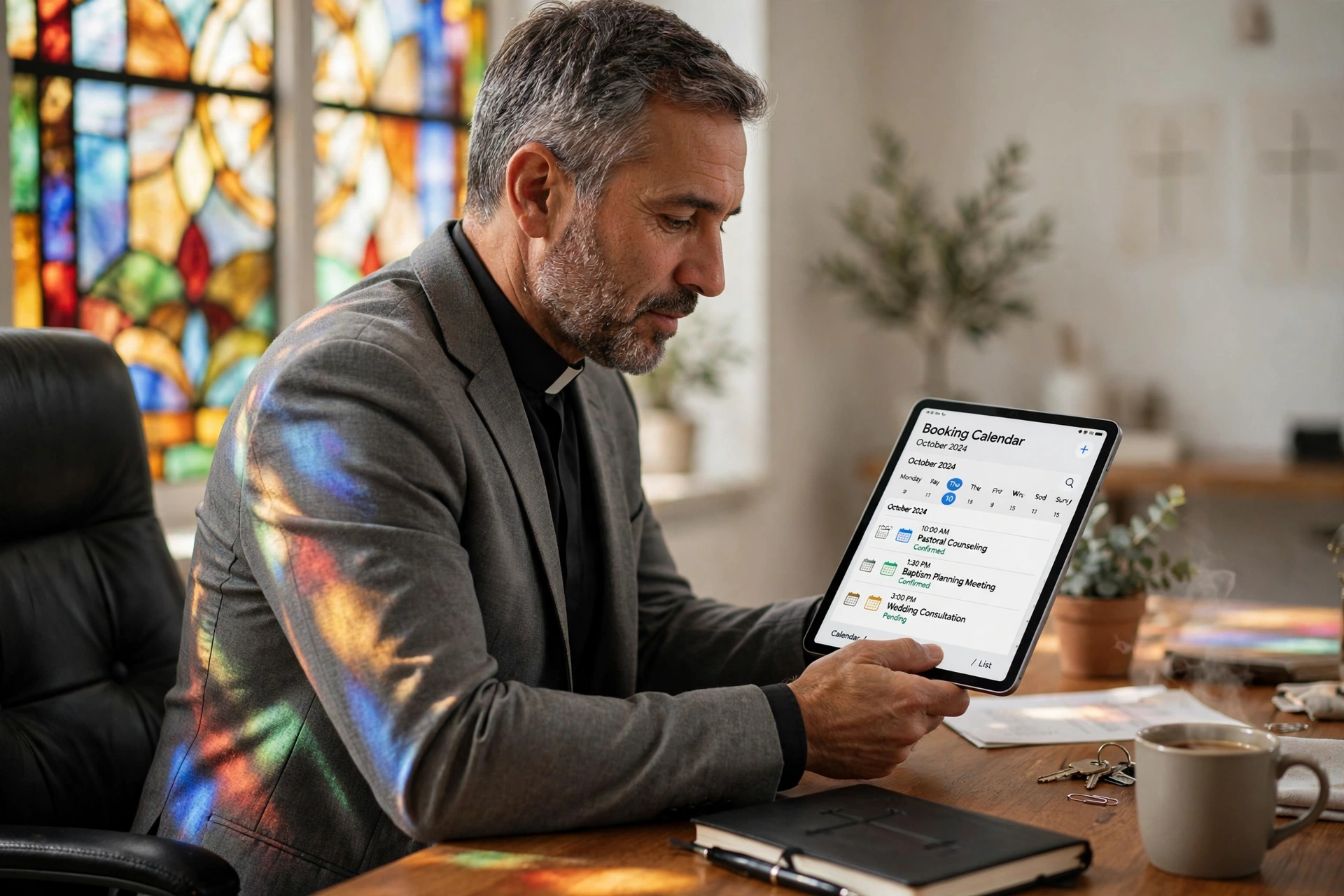
Which Online Booking System Should a Pastor Choose?
Managing a calendar as a spiritual leader is not about "time management"; it is about accessibility and boundaries. Many leaders struggle with the tension between being available for their congregation and maintaining the solitude necessary for sermon preparation. Choosing the right online booking for pastors depends entirely on whether you need simple appointment slotting, complex ministry coordination, or a specialized system that understands the nuances of pastoral care. The best choice is typically a dedicated scheduling tool like Pastor Agenda, which balances professional automation with the sensitivity required for ministry.
What Are the Different Types of Online Booking for Pastors?
When we talk about scheduling in a ministry context, we aren't just talking about a digital calendar. We are talking about the gateway through which members of the congregation seek spiritual guidance, baptismal counseling, or emergency prayer. There are three primary categories of tools: generic scheduling apps, church management systems (ChMS), and specialized pastoral scheduling platforms.
📚
Definition
Online booking for pastors refers to a digital interface where congregants can view a minister's availability in real-time and reserve specific time slots for pastoral care, counseling, or administrative meetings without the need for back-and-forth emails or phone calls.
Generic tools like Calendly are designed for corporate efficiency. They work well for simple 1:1s but often lack the "contextual empathy" needed for a church. For instance, they don't typically allow for the categorization of "Crisis Intervention" versus "Routine Administrative Meeting," which can lead to a pastor's day being filled with low-priority tasks while urgent needs are pushed to next week.
On the other end of the spectrum, Church Management Systems (ChMS) like Planning Center offer broad oversight. These are powerful for organizing a 500-person worship team or tracking membership rolls, but they are often too cumbersome for the daily, rapid-fire scheduling a lead pastor requires. In my experience working with dozens of ministry leaders, the most common failure point is adopting a tool that is "too big" for the specific task of appointment setting, resulting in the pastor reverting to a handwritten notebook because the software felt like a chore.
According to research by the Barna Group, pastoral burnout is frequently linked to the erosion of boundaries between personal life and ministry demands. A specialized booking system mitigates this by allowing pastors to set "hard" and "soft" boundaries, ensuring that study time is protected while remaining accessible to the flock.

Why Does the Right Scheduling Choice Matter for Ministry Health?
The choice of a booking system is a theological decision as much as a technical one. It defines how a pastor values their time and, by extension, how they value the people they serve. When a pastor relies on manual scheduling, text messages, emails, and "catching them after the service", the administrative friction increases. This friction often creates a barrier to entry for the most vulnerable members of the congregation who may feel hesitant to "bother" the pastor.
From a data perspective, the impact of automation is significant. While specific "pastoral" stats are rare, general productivity data from Harvard Business Review suggests that eliminating "scheduling friction" can recover up to 2-5 hours of deep-work time per week. For a pastor, five hours of recovered time is the difference between a mediocre sermon and a deeply researched, Spirit-led message.
If you choose a system that is too rigid, you risk appearing inaccessible. If you choose one that is too open, you risk burnout. The goal is "controlled accessibility." When a member can see that you have a slot open on Thursday at 2:00 PM, they feel a sense of immediate care. They aren't waiting for a callback; they are securing a commitment.
The danger of not implementing a structured system is "The Open Door Fallacy." Many pastors believe that an open-door policy is the most biblical approach. However, without a system to funnel those requests, the "open door" often becomes a source of constant interruption. This leads to a fragmented mind, where the pastor is physically present but mentally exhausted, unable to provide the focused attention that true pastoral care requires.
How to Implement a Booking Framework That Actually Works
Implementing a system isn't as simple as posting a link on a website. It requires a strategic rollout to ensure the congregation feels cared for, not "processed" by a machine. The mistake I made early on, and that I see constantly, is giving the congregation total access to every single open slot on the calendar without categories. This results in a "first-come, first-served" chaos where a routine meeting about the church picnic takes the only available slot for a grieving widow.
To avoid this, I recommend a tiered approach using a tool like Pastor Agenda.
- Define Meeting Archetypes: Create specific categories. For example: "Pastoral Counseling (60 min)," "Brief Check-in (15 min)," and "Urgent Crisis (Immediate/Special Link)."
- Set Buffer Zones: Never allow back-to-back bookings. In ministry, a "30-minute" counseling session often overflows because of the emotional weight of the conversation. Implement a mandatory 15-minute buffer to breathe and pray between appointments.
- Establish "Sabbath Blocks": Use the software to hard-block your study days and family time. If it is not on the digital calendar as "available," it does not exist for the public.
- Integrate with Communication Channels: Place your booking link in your email signature and your church's social media bio.
💡
Key Takeaway
The secret to successful online booking is not the software itself, but the boundaries you program into it. A system that doesn't protect your study time is not a tool; it is a liability.
By using Pastor Agenda, you can automate the reminders, which reduces "no-shows", a common pain point in ministry where people forget appointments due to their own life crises. The automation handles the logistics, leaving the pastor free to focus on the spiritual care.

Comparing the Three Primary Booking Options
Choosing the right tool requires an honest assessment of your church's size and your own technical comfort. Here is how the options stack up against one another based on operational efficiency and ministry fit.
| Feature | Manual / Generic App | Church Management (ChMS) | Pastor Agenda |
|---|---|---|---|
| Setup Speed | Fast, but disconnected | Slow, complex implementation | Fast, ministry-focused |
| Boundary Control | Basic (On/Off) | High, but buried in menus | Specialized for pastoral care |
| User Experience | Corporate / Cold | Overwhelming for congregants | Intuitive and welcoming |
| Contextual Fit | Poor (No ministry logic) | Good (Whole church view) | Excellent (Pastoral focus) |
| Best For | Very small home churches | Large multi-staff organizations | Pastors seeking balance |
Now, here's where it gets interesting: many pastors try to "hack" a generic app by adding notes in the description, but this doesn't solve the fundamental problem of category-based availability. For instance, you might only want to offer "Marriage Counseling" on Tuesdays, but "General Prayer" on Wednesdays. Generic apps struggle with this level of nuanced availability.
A professional approach, like the one offered by Pastor Agenda, allows you to curate the experience. Instead of a cold corporate page, the member feels they are stepping into a managed space designed specifically for their spiritual needs.
Common Misconceptions About Online Booking in Ministry
There are several myths that keep pastors from adopting these tools. Most guides get this wrong by suggesting that technology "detaches" the pastor from the people. In reality, the opposite is true.
Myth 1: "It feels impersonal to use a link."
Actually, it is more impersonal to tell a hurting person, "I'll check my calendar and get back to you in three days." Providing an immediate booking link is a form of hospitality. It says, "I have a dedicated space for you, and you can claim it right now."
Myth 2: "I can just use a free Google Calendar."
Google Calendar is a great record of time, but it is a terrible tool for booking. Allowing people to see your entire calendar is a privacy nightmare, and manual entry for every single appointment is a waste of a leader's cognitive load.
Myth 3: "Only 'big' churches need this."
Small churches often have the most need for these systems because the pastor is often the only staff member. When you are the preacher, the administrator, and the counselor, the "mental load" of scheduling can lead to burnout faster than in a large church with a secretary.
Myth 4: "The congregation will think I'm too busy for them."
When a pastor communicates, "I am using this system to ensure I can give you my undivided attention," the congregation doesn't see "busy"; they see "intentional." People respect a leader who values their time because it means the time they do get with the pastor is higher quality.
Frequently Asked Questions
Will using online booking for pastors make me seem less accessible to my church?
Not if you frame it correctly. Accessibility is not about being available 24/7; it is about providing a clear, reliable path to access. When you tell your congregation, "I want to make sure I give you my full attention without distractions, so please use this link to find a time that works for both of us," you are actually increasing the quality of your accessibility. According to the National Association of Evangelicals (NAE), healthy ministry requires a balance of availability and boundaries to ensure the long-term sustainability of the leader's calling.
How do I handle emergency pastoral visits with a scheduled system?
A scheduling system is for planned care, not emergency care. You should never use a booking link as the only way to reach you in a crisis. The best practice is to maintain a "Crisis Protocol" (such as a specific phone number or a designated deacon) while using the online booking for counseling, baptismal interviews, and routine guidance. This prevents your "planned" slots from being consumed by emergencies and ensures that those in acute distress get immediate help while those seeking guidance get a dedicated appointment.
Can I integrate my professional booking link with my personal calendar?
Yes, and you absolutely should. One of the primary causes of scheduling conflicts is the "double-booked" scenario where a church meeting overlaps with a doctor's appointment or a family commitment. High-quality tools like Pastor Agenda synchronize with your existing calendars (Google, Outlook, iCloud) to ensure that if you mark a block of time as "Busy" on your personal phone, that slot automatically disappears from the public booking page. This prevents the embarrassment of having to reschedule a member of your congregation.
Is it possible to limit how many appointments I take per day?
This is an essential feature for preventing burnout. In a specialized system, you can set "max appointments per day." For example, you might decide that you can only handle three deep-counseling sessions a day before your emotional energy is spent. By setting this limit, the software will automatically close all remaining slots once your limit is reached, even if your calendar is technically empty. This is a critical boundary that generic apps often lack, as they typically only track "open vs. closed" time.
What is the best way to introduce this new system to an older congregation?
The key is a "Grace Period" of education. Do not simply change the link on the website. Instead, announce it from the pulpit as a way to "improve the care" you can provide. Offer a short demonstration after the service or have a few "digital helpers" in the lobby to show older members how to use it on their phones. When they see that it takes only three clicks to secure a meeting with their pastor, the initial resistance usually turns into appreciation for the simplicity.
Final Thoughts on Online Booking for Pastors
The transition from manual scheduling to a professional system is a transition from "crisis management" to "intentional leadership." Whether you are a solo planter or the lead pastor of a megachurch, the goal remains the same: to maximize your time for the things that only you can do, praying, studying, and caring for the souls of your congregation.
By choosing a specialized online booking for pastors, you stop being a secretary and start being a shepherd again. The friction of "when are you free?" is replaced by the certainty of a confirmed appointment. This not only protects your mental health but also elevates the experience of every person who seeks your guidance.
If you are ready to reclaim your time and set healthy boundaries for your ministry, explore how PastorAgenda Blog can streamline your scheduling and protect your calling.
Recommended Readings
To deepen your understanding of these topics, we recommend reading the following articles:
- Ensuring Absolute Privacy in Church Booking Systems
- Church Appointment Booking
- Online Appointment Booking for Modern Churches
- Automated Reminders and Communication for Congregations
Free Guide: The 7 Church Growth Hacks for 2026
Learn how modern ministries are using automated scheduling and AI pastoral assistants to save 12+ hours of admin work every week.



