
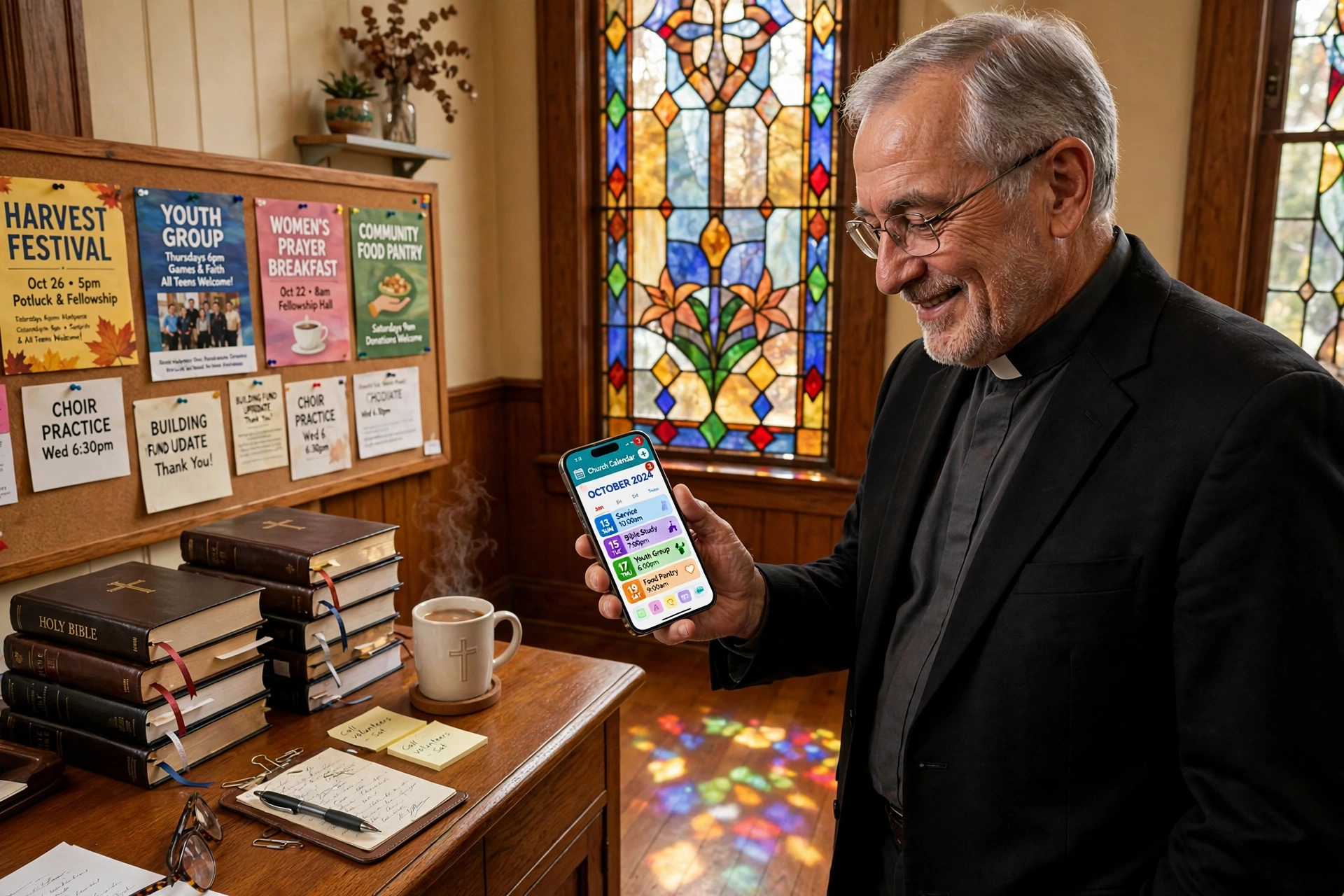
Choosing the Right Church Calendar App: A Decision Framework for Ministry Leaders
Managing a modern congregation often feels like running a small city, where the intersection of sacred time and administrative logistics creates constant friction. In my experience working with diverse ministry teams, the most common point of failure isn't a lack of dedication, but a reliance on fragmented tools that cannot keep up with the fluid nature of pastoral care. When deciding which church calendar app to implement, the choice usually boils down to three distinct paths: general-purpose productivity tools, comprehensive church management systems (ChMS), or specialized scheduling platforms like Pastor Agenda. The right choice depends entirely on whether you are solving for simple event visibility or the complex logistics of one-on-one pastoral counseling and resource allocation.
What Exactly Defines a Church Calendar App and How Does it Function?
At its core, a church calendar app is more than a digital date-keeper; it is a coordination engine that synchronizes the availability of clergy, the usage of physical facilities, and the expectations of the congregation. Unlike a corporate calendar, these tools must handle a unique mix of public-facing events, such as Sunday worship and community outreach, and private, high-sensitivity appointments like pastoral counseling or hospital visits.
📚
Definition
A Church Calendar App is a specialized digital coordination tool designed to manage the temporal resources of a faith community, balancing public event broadcasting with private ministry scheduling and facility management.
The functionality generally splits into two layers: the administrative layer and the member layer. The administrative layer allows the pastor and staff to block out "sacred time" for study and prayer, while the member layer provides a frictionless way for the congregation to see upcoming sermons, worship nights, and small group meetings.
The complexity arises when you introduce the "who" and "where." For example, scheduling a baptism requires not just a time slot, but the coordination of the sanctuary, the sound technician, and the pastoral team. According to research by the Barna Group, the administrative burden on pastors has increased as congregations expect higher levels of digital engagement and instant accessibility, making the "manual" calendar approach an operational liability. If you are still using a paper planner or a basic shared spreadsheet, you are not just losing time; you are creating a bottleneck that prevents the ministry from scaling.

Why Does the Choice of Scheduling Technology Directly Impact Ministry Health?
The decision of which tool to use is not merely a technical preference; it is a decision about the accessibility of the pastor. When a ministry lacks a streamlined system, the "friction to access" increases. If a grieving family has to call an office secretary, leave a message, and wait 48 hours for a callback to schedule a visit, the window for impactful pastoral care may close.
Data shows that operational efficiency in non-profits directly correlates to leadership longevity. When administrative friction is high, burnout rates among clergy spike. A study by Lifeway Research highlights that a significant percentage of pastors feel overwhelmed by the "administrative noise" that detracts from their primary calling of spiritual leadership and sermon preparation. By implementing a dedicated church calendar app, a leader can reclaim roughly 5 to 10 hours of administrative labor per week.
Consider the financial and temporal cost of "double-booking." When two different ministries accidentally book the fellowship hall for the same Tuesday evening, the result is not just a scheduling conflict; it is a relational conflict. This creates a perception of instability and lack of leadership. In a professional environment, this is a mistake; in a church environment, it can be seen as a lack of care.
Furthermore, the shift toward "on-demand" spirituality means that if a member cannot find an event or book a meeting online, they may simply not attend. The digital front door of your church is no longer your physical signage; it is your online scheduling interface. If that interface is clunky or nonexistent, you are effectively closing your doors to a generation of believers who navigate their entire lives via smartphone.
Practical Application: Implementing a High-Efficiency Scheduling Workflow
Implementing a new system is where most ministries fail. The mistake I made early on, and that I see constantly, is trying to migrate every single church activity into one calendar. This leads to "calendar clutter," where the primary view is so crowded with minor events that the critical priorities become invisible.
The professional approach is to implement a "Layered Scheduling Strategy." Here is how to execute this using a specialized tool like Pastor Agenda:
- Audit Your Time Categories: Separate your time into "Public Events" (Worship, Holidays), "Ministry Coordination" (Staff meetings, Deacon boards), and "Private Care" (Counseling, Hospital visits).
- Define Your Availability Windows: Do not leave your calendar open 24/7. Establish "Office Hours" and "Pastoral Care Windows." In Pastor Agenda, you can set these specific blocks so that members can book appointments without you ever having to manually intervene.
- Automate the Confirmation Loop: The moment a member books a slot for a spiritual guidance session, the system should trigger an automated confirmation. This eliminates the "Did the pastor get my message?" anxiety.
- Synchronize with Facility Management: Link your appointment booking to the physical space. If a meeting is booked in the "Counseling Room," that room should be automatically marked as unavailable for other activities.
- Review and Pivot: Every quarter, analyze your booking data. If you find that 40% of your time is spent on a specific type of crisis intervention, it may be time to launch a new small group or workshop to address that need systemically.
💡
Key Takeaway
Effective church scheduling is not about filling every gap in the day, but about protecting the pastor's time for study and prayer while maintaining a frictionless path for members to receive care.
By using Pastor Agenda, you move from a reactive state (responding to endless texts and emails) to a proactive state. You are no longer "finding time" for people; you have "created time" for them. This distinction is what separates a burnt-out leader from a sustainable ministry.

Comparing Your Options: Generalist vs. Specialized vs. Integrated
When asking which app is best, you must realize that "best" is relative to your specific pain point. Most leaders fall into one of three categories: the "Simplified" user, the "Integrated" user, and the "Professional Care" user.
The Traditional Approach involves a mixture of Google Calendar and a physical notebook. This is high-friction and high-risk. The "Cheap AI/Generic" approach uses a standard business tool like Calendly, which, while efficient, lacks the nuance of ministry (e.g. it doesn't understand the difference between a "Prayer Request" and a "Building Maintenance" appointment).
The Modern Approach, exemplified by Pastor Agenda, integrates the scheduling logic specifically for the ecclesiastical context.
| Feature | Traditional (Manual/Google) | Generic (Calendly/Acuity) | Modern (Pastor Agenda) |
|---|---|---|---|
| Context | General Purpose | Business/Corporate | Ministry-Specific |
| Privacy | Low (Hard to hide private) | Medium (Standard) | High (Pastoral Confidentiality) |
| Onboarding | Manual/Slow | Fast but impersonal | Fast and ministry-aligned |
| Friction | High (Back-and-forth emails) | Low (Link based) | Very Low (Integrated flow) |
| Best For | Very small home churches | Solo practitioners | Growing congregations & Pastors |
If your primary goal is simply to list when the choir practices, a basic shared Google Calendar is sufficient. However, if your goal is to manage your personal mental health while ensuring no one in your congregation feels neglected, a generalist tool will fail you. General tools treat time as a commodity to be sold; Pastor Agenda treats time as a resource for ministry.
Common Questions and Misconceptions About Digital Calendars
Most guides on church technology get this wrong: they suggest that "more features equals more efficiency." In reality, feature bloat is the enemy of the pastor. I have seen leaders spend more time configuring their software than they do praying for their flock.
Myth 1: "An app will make me feel impersonal or distant."
The opposite is true. When you remove the administrative friction of scheduling, you arrive at the actual meeting with more mental energy. I have found that members actually feel more cared for when they can see a dedicated slot reserved for them, rather than feeling like they are "interrupting" the pastor's day.
Myth 2: "We are too small to need a dedicated church calendar app."
Small churches are actually the ones who need these tools the most. In a large church, there is an administrative assistant to act as a buffer. In a small church, the pastor is the assistant, the secretary, and the janitor. Automating your scheduling is the only way to prevent early-career burnout.
Myth 3: "Google Calendar is enough because everyone has it."
Google Calendar is a great mirror, but it is a terrible gate. It shows you what is happening, but it doesn't manage the request process. Without a scheduling layer, you are still playing "email tag" to find a time that works.
Myth 4: "Specialized software is too expensive for a non-profit."
The cost of the software is negligible compared to the cost of a pastor leaving the ministry due to stress. According to Church Law & Tax, proper governance and administrative systems reduce the operational risks associated with leadership turnover and mismanagement.
Frequently Asked Questions
Should I use a free calendar app or a paid specialized one?
While free tools like Google Calendar are excellent for basic date tracking, they lack the "booking logic" required for professional ministry. A paid, specialized tool like Pastor Agenda allows you to set specific availability rules, automate reminders, and manage the intake process. When you calculate the hourly value of a pastor's time, spending a small monthly fee to save five hours of administrative work per week provides a massive return on investment. The "free" option often costs more in lost time and mental fatigue.
How do I handle the privacy of sensitive pastoral counseling appointments?
Privacy is the most critical element of a church calendar app. You should never list the names of people in counseling on a public-facing church calendar. The correct workflow is to use a "Private Layer" for the pastor's eyes only and a "Public Layer" for the congregation. Tools designed for ministry understand this distinction, allowing you to mark specific blocks as "Busy" to the public while maintaining detailed notes and contact info in a secure, private backend.
Can a scheduling app help with volunteer coordination?
Yes, but it requires a different approach than pastoral care. For volunteers, you are managing "slots" rather than "appointments." By using a system that allows for group scheduling or specific event sign-ups, you can prevent the common problem of having ten people show up for the greeting ministry but no one to run the soundboard. Integrating these needs into a centralized digital hub ensures that the entire church operational map is visible in one place.
Will my older congregation members struggle with a digital app?
This is a common fear, but experience shows that "simplicity" is what matters, not the "tech." If the link to book an appointment is clearly listed on the church website or sent via a simple text message, most people, including seniors, can navigate it. Furthermore, the app doesn't replace the phone call; it simply gives the pastor a way to manage those calls more effectively. You can still take a manual booking over the phone and enter it into the system yourself.
How does a church calendar app integrate with my existing website?
Most modern scheduling tools provide an "embed code" or a direct link that can be placed on your "Contact" or "About" page. Instead of a static contact form that sends an email into a void, you provide a dynamic window where the member can see your actual availability in 2026 and pick a time. This transforms your website from a brochure into a functional tool for engagement, reducing the gap between a member's need and the pastor's response.
Final Thoughts on the Right Church Calendar App
Choosing the right system is not about finding the most "powerful" software, but about finding the tool that best protects your calling. If you spend your Monday mornings wrestling with a calendar, you are not spending those mornings in the Word. The transition from manual coordination to an automated system is a spiritual discipline of stewardship; you are stewarding your time so that you can better steward the souls under your care.
Whether you are a planting pastor in a new city or leading a legacy congregation, the friction of scheduling is a solvable problem. By moving away from generic tools and embracing a ministry-specific solution, you create a culture of accessibility and order.
If you are ready to stop the "email tag" and reclaim your study time, we invite you to explore how Pastor Agenda can streamline your ministry. Visit pastoragenda.com to start organizing your ministry for 2026 and beyond.
Recommended Readings
To deepen your understanding of these topics, we recommend reading the following articles:
- Ensuring Absolute Privacy in Church Booking Systems
- Church Appointment Booking
- Online Appointment Booking for Modern Churches
- Automated Reminders and Communication for Congregations
Free Guide: The 7 Church Growth Hacks for 2026
Learn how modern ministries are using automated scheduling and AI pastoral assistants to save 12+ hours of admin work every week.



