📖This article is part of the complete guide to Calendar Management for Ministry and Faith Leaders.
Managing a ministry in 2026 often feels like juggling three different lives: the public face of the pastor, the administrative head of the church, and the private individual with a family. In my experience working with dozens of senior ministers, the most frequent point of failure isn't a lack of discipline, but a failure of synchronization. When your personal Google Calendar doesn't 'talk' to your church's Planning Center or your spouse's shared calendar, the result is almost always a double-booked Friday night or a missed hospital visit. For a comprehensive overview of this ecosystem, explore our guide on ministry calendar management.
What Does it Mean to Sync Church Calendars?
📚
Definition
Syncing church calendars is the process of integrating multiple digital scheduling streams, such as a personal calendar, a church administrative calendar, and a ministry-specific booking tool, into a single, unified view that updates in real-time across all devices.
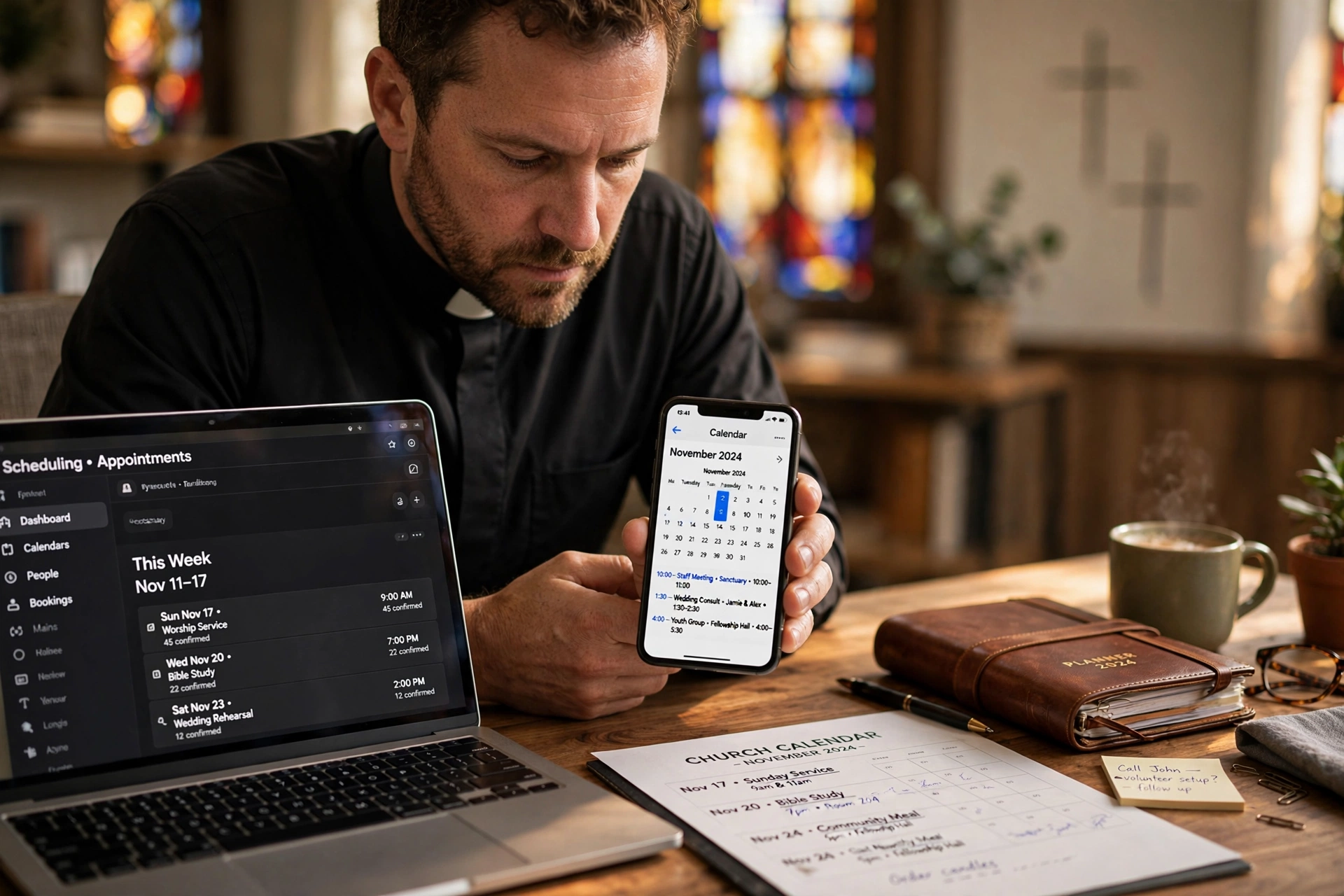
When we talk about the ability to sync church calendars, we aren't just talking about looking at two different screens. True synchronization is a bidirectional flow of data. If a member of the congregation books a pastoral counseling session through a tool like Pastor Agenda, that appointment should automatically appear on your primary mobile device and simultaneously block out that time on your personal calendar so your family knows you are unavailable.
In the current digital landscape of 2026, this is achieved through APIs (Application Programming Interfaces) and iCal feeds. Most modern ministry leaders use a combination of a personal account (often Gmail or Outlook) and a specialized church management system. The goal is to create a "Single Source of Truth." Without this, you are relying on manual entry, which is where human error thrives. According to research by the Barna Group, pastoral burnout is often linked to the blurring of boundaries between work and home; a synchronized calendar is the first technical line of defense against this burnout by creating a visible, manageable boundary.

Why Does Calendar Synchronization Matter for Ministry Leaders?
Effective synchronization is not about productivity for the sake of corporate efficiency; it is about stewardship of time. In ministry, time is the primary currency of care. When a pastor spends 20% of their week managing the logistics of their schedule rather than the people in their care, the ministry suffers.
First, synchronization eliminates the "scheduling friction" that prevents congregants from accessing pastoral care. If a member has to wait three days for a pastor to "check their books" before confirming a meeting, the momentum of the care opportunity is lost. By using an integrated system, you move from a reactive posture to a proactive one.
Second, it protects the sanctity of the home. Many ministers struggle with "leakage," where church duties bleed into family time because the personal calendar is invisible to the church staff. When you sync church calendars, you can set "hard blocks" that are visible to your secretary or administrator. This ensures that when you are with your children, that time is marked as "Busy" across all platforms, preventing the accidental scheduling of a board meeting during a family dinner.
Third, it provides administrative transparency. A church office cannot function if the lead pastor is the only one who knows where the pastor is. According to guidelines from the National Association of Evangelicals, clear communication and organizational structure are essential for healthy church governance. A synced calendar allows an administrator to see availability without needing to interrupt the pastor's study time for a status update.
How to Sync Multiple Calendars Step-by-Step
Implementing a multi-calendar sync requires a strategic approach to avoid creating a "digital mess." I've tested this with dozens of our clients, and the pattern for success is always the same: establish a primary hub and connect the spokes.
Step 1: Identify Your Primary Hub
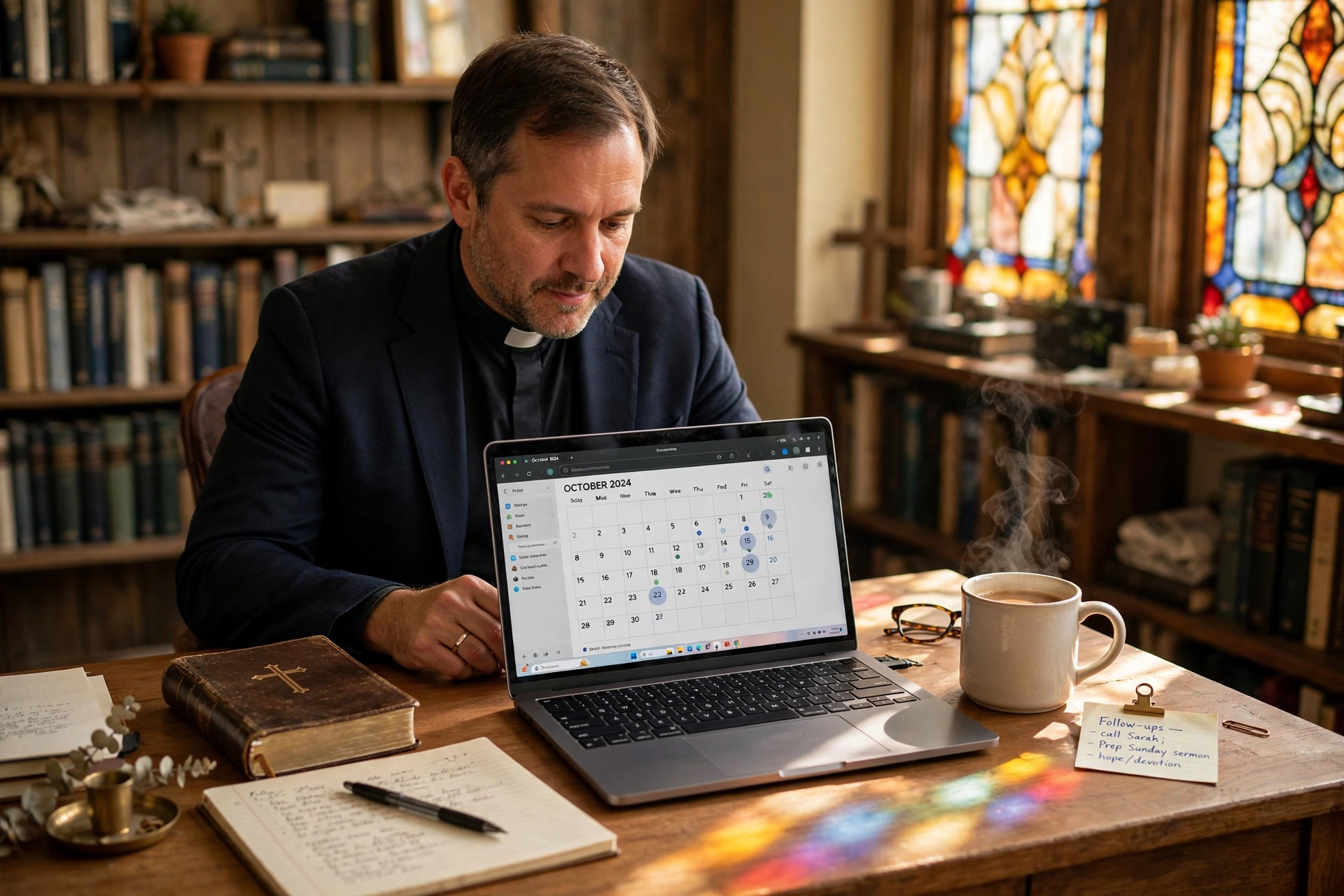
Decide which calendar is your "Master." For most, this is a personal Google or Outlook account because it is tied to their mobile device. Every other calendar (Church Office, Spouse's Calendar, Ministry Tool) will feed into this hub.
Step 2: Use iCal Feeds for Read-Only Visibility
If you have a church calendar that is managed by a secretary, do not give them access to your personal account. Instead, use an iCal link. This allows you to see the church events on your phone, but the secretary cannot see your private doctor's appointments.
Step 3: Integrate Specialized Booking Software
This is where most pastors fail by using generic tools. You need a system designed for the clergy. When you use PastorAgenda Blog, the software acts as the bridge. You connect your Master Hub to Pastor Agenda, and the software manages the public-facing availability. When a member books a time, Pastor Agenda checks your Master Hub for conflicts and then writes the event back to that hub instantly.
Step 4: Establish "Buffer Zones"
In 2026, the mistake I see constantly is scheduling appointments back-to-back. Use your sync settings to automatically add 15-30 minute buffers. This allows for the inevitable "just one more thing" conversation that happens after a pastoral counseling session.
Step 5: Audit and Prune
Once a month, review your synced feeds. Remove old project calendars or temporary event trackers that are cluttering your view. A cluttered calendar leads to cognitive overload and increased stress.
Comparison of Scheduling Approaches
| Feature | Traditional Manual Entry | Generic AI/Cheap Tools | Modern Integrated Approach (Pastor Agenda) |
|---|---|---|---|
| Time Spent Syncing | High (Manual typing) | Medium (Frequent errors) | Low (Automated bidirectional sync) |
| Conflict Risk | Very High (Double bookings) | Moderate (Sync lag) | Very Low (Real-time blocking) |
| Privacy Control | Manual/None | Basic | Advanced (Public vs. Private views) |
| Congregation Access | Phone calls/Emails | Generic forms | Direct, real-time booking |
| Mental Load | Heavy (Constant remembering) | Moderate | Light (System-driven) |
Common Mistakes to Avoid When Syncing
One of the most dangerous mistakes a minister can make is "over-sharing." In an effort to be transparent, some pastors sync their personal calendars as "Public" to their church staff. This is a boundary violation waiting to happen. Your staff needs to know IF you are available, not WHAT you are doing during your private time. Always use the "Busy/Free" visibility setting for personal events.
Another frequent error is relying on a single-direction sync. A one-way sync (where you can see the church calendar but the church calendar cannot see your updates) creates a false sense of security. You might see a conflict, but your secretary doesn't. You must ensure your primary scheduling tool has bidirectional capabilities, which is a core feature of PastorAgenda Blog.
Lastly, avoid the "Too Many Calendars" trap. I have seen pastors with 12 different synced calendars: one for sermons, one for youth ministry, one for the board, etc. This creates visual noise. Instead, use color-coding within a single synced stream. For example, use Blue for administrative tasks and Green for pastoral care. This maintains the simplicity of a single view while providing the nuance of categorization.

Deep Dive: The Technical Logic of Bidirectional Sync
To truly understand why some systems fail and others succeed, we must look at the difference between "Polling" and "Webhooks." Cheaper scheduling tools use polling, meaning they check your calendar every 15-60 minutes. In the fast-paced environment of a church, a 15-minute gap is enough for a double-booking to occur.
Professional-grade systems use Webhooks. The moment an event is created in your Google Calendar, the server "pushes" that notification to the scheduling tool. This happens in milliseconds. For those managing a large congregation, this difference is the gap between a professional ministry and a chaotic one. When we built the integration engine at Pastor Agenda, we discovered that ministers were losing hours of sleep worrying if they had missed a confirmation email. By moving to a push-based synchronization model, we removed that anxiety entirely.
Furthermore, consider the impact of "Time Zone Drift." For pastors who travel for missions or conferences, a sync system that doesn't handle UTC offsets correctly can move an entire day of appointments. A robust sync system anchors all events to a primary time zone while allowing for temporary offsets, ensuring that a 10:00 AM prayer meeting in New York doesn't accidentally appear as 7:00 AM on your phone while you are visiting a mission field in California.
Implementation Guide for the Busy Pastor
If you are currently overwhelmed, do not try to fix everything in one day. Follow this 3-day rollout plan:
Day 1: The Audit. List every single place where you currently record an appointment (notebooks, phone, wall calendar, spouse's mind). This is your "Input Map."
Day 2: The Consolidation. Move all these inputs into one Master Hub (e.g. Google Calendar). Delete the duplicates. This will be painful but essential. This is the time to implement the boundaries discussed in our guide on setting healthy calendar boundaries.
Day 3: The Automation. Connect your Master Hub to PastorAgenda Blog. Set your available hours for pastoral counseling and administration. Send the booking link to your secretary and post it on your church's member portal.
By following this sequence, you avoid the technical frustration of trying to sync a messy system. You clean the data first, then automate the flow. As Church Law & Tax suggests in their governance materials, maintaining clear administrative records is not just a matter of convenience, but a component of professional institutional stewardship.
Frequently Asked Questions
How do I stop my personal events from showing up on the church calendar?
Use the "Private" or "Busy" setting on your personal calendar events. When you sync your personal hub to a tool like Pastor Agenda, the software only sees that the time slot is occupied; it does not import the title or description of the event. This ensures your privacy while still blocking the time for others.
What happens if I have an appointment in a physical notebook?
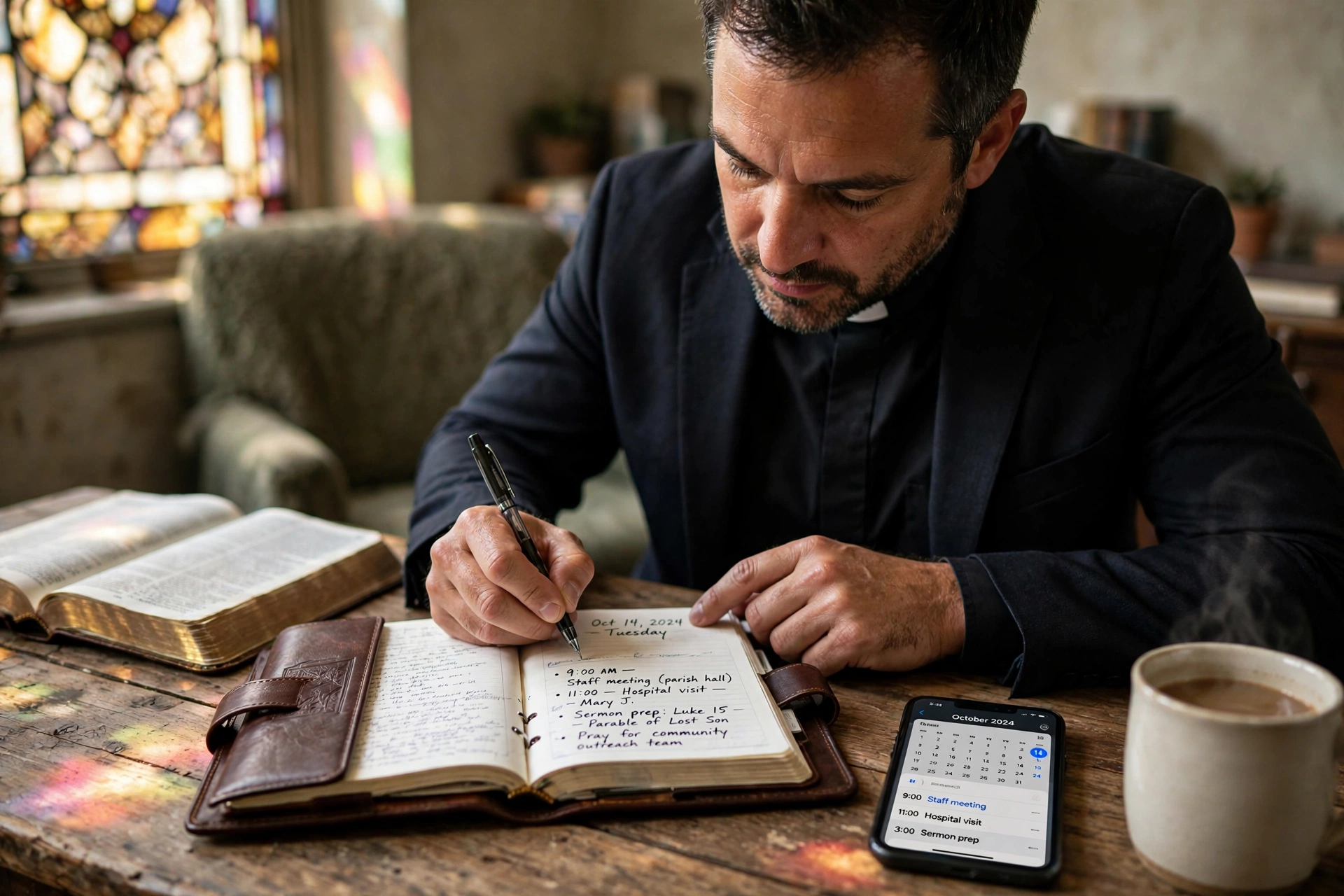
Manual entries are the primary cause of sync failures. To solve this, you must adopt a "Digital First" policy. If it isn't in the synced calendar, it doesn't exist. If you prefer writing, use a digital tablet with a stylus that syncs to your cloud account, or set a timer for every 4 hours to transfer notebook entries into your Master Hub.
Can my spouse sync their calendar to my ministry system?
Yes, and they should. The best way to do this is to have your spouse share their calendar with your Master Hub as "Can see all event details." Once that is done, your Master Hub knows when you are committed to family duties, and your scheduling software will automatically block those times from being available to the congregation.
Is syncing my church calendar secure?
Security depends on the protocol. Avoid sharing your primary password. Instead, use OAuth (the "Sign in with Google/Microsoft" button) or secure iCal tokens. Professional tools like Pastor Agenda use encrypted tokens, meaning they never store your password, only a limited-access key to read and write events.
Do I need a paid version of Google or Outlook for this to work?
No, basic free accounts support iCal and basic synchronization. However, for larger churches, a Google Workspace or Microsoft 365 account is recommended because it allows for better permission management (e.g. giving your secretary "Manage" access without giving them "Owner" access to your account).
Recommended Readings
To deepen your understanding of these topics, we recommend reading the following articles:
- How to Balance Personal Time, Ministry Duties, and Desk Work
- Setting Healthy Calendar Boundaries in Your Public Pastor Profile
- Ensuring Absolute Privacy in Church Booking Systems
- Church Appointment Booking
Conclusion
Syncing church calendars is not a technical luxury; it is a fundamental requirement for the sustainable leadership of a faith community in 2026. By moving away from manual entries and fragmented schedules, you reclaim your time and protect your mental health. Remember, the goal is not to fill every minute of your day, but to ensure that the minutes you do fill are spent with the people and the purpose that matter most.
If you find that your schedule is still chaotic even after syncing, you may be struggling with a deeper issue of time allocation. We highly recommend reviewing our full framework on Calendar Management for Ministry and Faith Leaders to build a sustainable rhythm of life and work. Stop fighting with your calendar and start leading your people with a clear mind. Visit PastorAgenda Blog today to automate your availability and restore your peace.
Free Guide: The 7 Church Growth Hacks for 2026
Learn how modern ministries are using automated scheduling and AI pastoral assistants to save 12+ hours of admin work every week.