
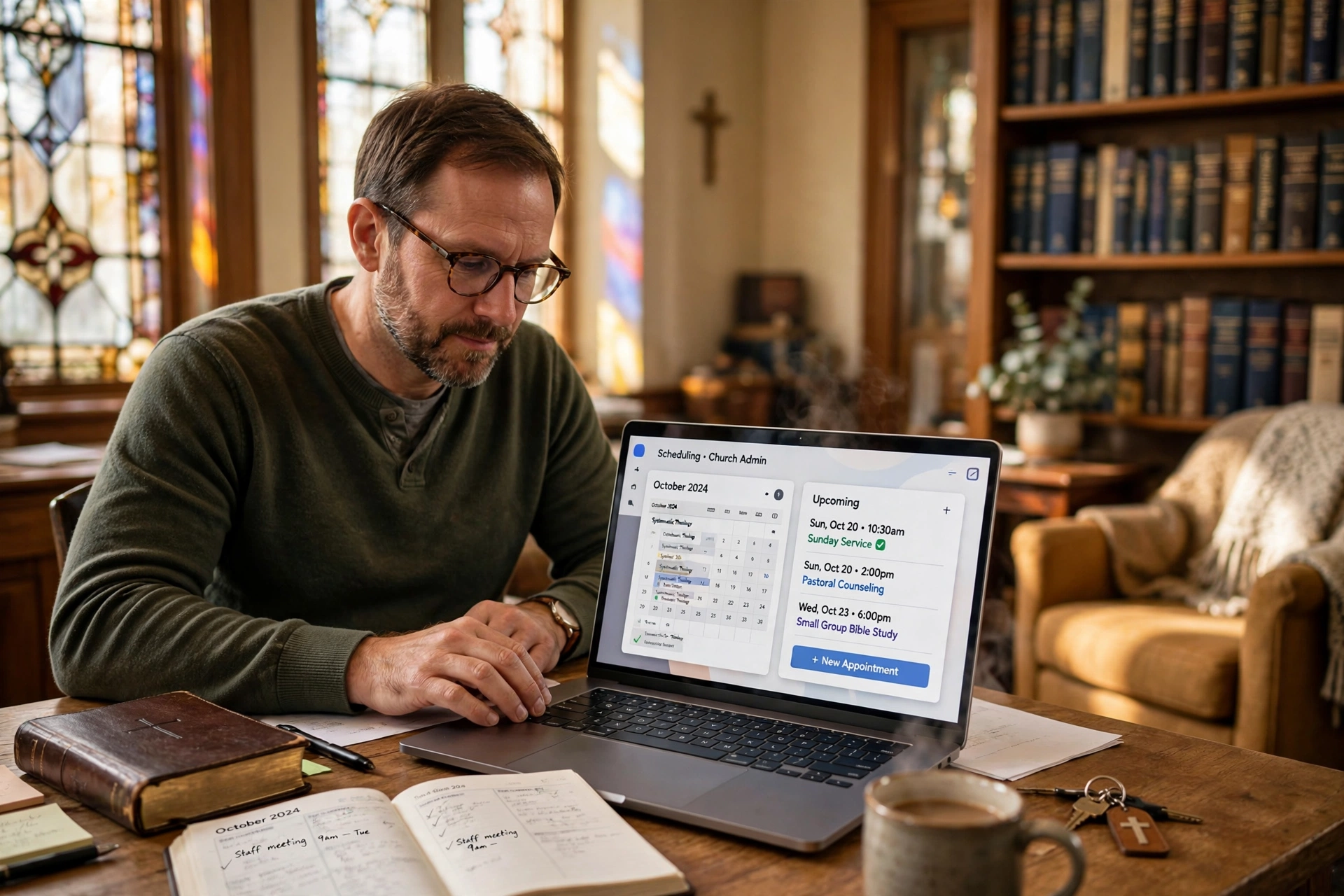
How to Implement Pastor Scheduling Software for Maximum Ministry Impact
Managing a ministry often feels like a constant battle between the calling to serve and the administrative burden of the calendar. Many leaders spend more time coordinating meeting times via text and email than they do actually providing pastoral care. To solve this, implementing pastor scheduling software involves transitioning from a reactive, manual booking process to an automated system where congregants can book specific appointment types, such as counseling, baptism interviews, or home visits, based on a pre-defined set of availability rules. This shift allows the minister to protect their "deep work" and Sabbath time while ensuring no member of the congregation feels ignored.

What Exactly Is Pastor Scheduling Software and How Does It Work?
At its core, this technology is a specialized layer of appointment booking logic designed to handle the unique rhythms of church life. Unlike a standard business calendar, ministry scheduling must account for varying degrees of urgency, spiritual boundaries, and the fluidity of pastoral care.
📚
Definition
Pastor scheduling software is a digital ecosystem that synchronizes a minister's personal availability with a public-facing interface, allowing congregants to self-schedule appointments without the need for back-and-forth communication.
In my experience working with dozens of ministry leaders, the primary failure point isn't the software itself, but the lack of "boundary logic." When we built the core logic for Pastor Agenda, we discovered that pastors who leave their calendars wide open inevitably burn out. The software works by creating "appointment types", each with its own duration and buffer time. For example, a "Crisis Counseling" session might be 60 minutes with a 30-minute buffer afterward for prayer and notes, while a "Brief Prayer Request" might only be 15 minutes.
The system then integrates with existing calendars (like Google or Outlook) to ensure that a scheduled church board meeting doesn't overlap with a requested counseling session. According to Barna Group, pastoral burnout is a systemic issue, often exacerbated by the inability to disconnect from the demands of the congregation. By utilizing a structured booking system, a leader can programmatically enforce a "Sabbath" day where no appointments are available, effectively automating their mental health boundaries.
Why Does Automated Scheduling Matter for Modern Ministry?
The implications of sticking to manual scheduling in 2026 are more than just "inconvenience"; they are a barrier to accessibility. When a member of the congregation is in a spiritual or emotional crisis, the friction of waiting for a return phone call or a confirmed text can feel like a wall between them and the support they need.
From a data perspective, the shift toward self-service is a global trend. Research from Christianity Today suggests that the next generation of churchgoers expects a level of digital fluency that matches their professional lives. If a member can book a doctor's appointment or a hair salon visit in 30 seconds, they will subconsciously perceive a multi-day delay in scheduling a pastoral visit as a lack of organizational health.
Furthermore, the administrative drain is quantifiable. If a pastor spends just 30 minutes a day managing a calendar, that is 3.5 hours a week, or over 180 hours a year, spent on clerical work rather than sermon preparation or visitation. By automating this, the ROI is measured in reclaimed ministry hours.
When a system is not in place, "calendar creep" occurs. This is where the most vocal members of the church dominate the pastor's time, while the quiet, struggling members, who are often too intimidated to call and ask for a time, never get on the schedule. A public booking link democratizes access to the pastor, ensuring that the "invisible" members of the congregation have the same opportunity for care as the most prominent ones.
How to Set Up Your Pastoral Calendar Step-by-Step
The mistake I made early on, and that I see constantly, is treating the software as a mere "digital version" of a paper planner. To actually gain time back, you must architect your availability. Here is the professional framework for implementing a system like Pastor Agenda.
Step 1: Define Your Appointment Archetypes
Do not create a generic "Meeting" slot. Instead, categorize your ministry needs. I recommend the following four archetypes:
- Crisis/Urgent Care: High priority, shorter lead time, specifically reserved slots.
- Routine Pastoral Counseling: 50-60 minute blocks with strict buffers.
- Administration/Leadership: Fixed blocks for board members and staff.
- Quick Check-ins: 15-minute slots for brief updates.
Step 2: Establish "Ministry Blocks"
Instead of being "available" from 9 AM to 5 PM, create thematic blocks. For example, dedicate Tuesdays and Thursdays to external appointments and counseling. Keep Mondays for staff and Wednesdays for sermon study. This prevents the "fragmented day," where a pastor has one appointment at 10 AM and another at 2 PM, making the gaps in between nearly useless for deep work.
Step 3: Configure Buffer Times and Padding
Never allow appointments to run back-to-back. In a church setting, a counseling session often overflows due to the emotional weight of the conversation. Set a mandatory 15-to-30 minute buffer after every appointment. This allows you to finish your notes, pray over the person's requests, and reset your mind before the next individual enters the room.
Step 4: Integrate and Automate Reminders
Link the software to your primary email and calendar. Ensure the system sends an automated reminder 24 hours before the meeting. This drastically reduces "no-shows," which are particularly disruptive in a ministry context where the pastor may have traveled to a specific location for the visit.
💡
Key Takeaway
The goal of scheduling software is not to make you more "available," but to make your availability more intentional. Protect your study time by creating hard boundaries in the software settings.

Comparing Scheduling Approaches: Manual vs. Generic vs. Specialized
Not all scheduling tools are created equal. Many pastors start with a free generic tool, only to find it lacks the nuance required for ecclesiastical work.
| Feature | Manual (Email/Text) | Generic AI/Booking Tools | Pastor Agenda (Specialized) |
|---|---|---|---|
| Coordination Effort | Extremely High (Back-and-forth) | Low (Self-service) | Lowest (Ministry-specific workflows) |
| Boundary Control | Poor (Dependent on willpower) | Moderate (Generic slots) | High (Sabbath & Ministry Blocks) |
| Congregation Experience | Slow/Frustrating | Efficient but cold | Welcoming and structured |
| Setup Complexity | None | Medium | Low (Pre-configured for clergy) |
| Risk of Burnout | Very High | Moderate | Low (Systemic protection) |
Most generic tools are built for sales calls or gym appointments. They don't understand that a "Baptism Interview" requires different preparation than a "Budget Meeting." Using a generic tool often leads to a "cold" experience where the member feels like a number in a queue. A specialized approach ensures the digital touchpoint feels like an extension of the church's care.
Common Questions and Misconceptions About Digital Scheduling
There is a persistent myth in the church that using software to schedule appointments is "impersonal" or "unspiritual." Most guides on this topic treat it as a technical upgrade, but it is actually a theological one.
Myth 1: "It removes the personal touch from ministry."
Actually, the opposite is true. When you remove the friction of scheduling, you remove the anxiety the congregant feels when they don't know if they are "bothering" the pastor. By providing a clear, open window of availability, you are telling the member, "I have intentionally carved out this time for you." The "personal touch" happens during the meeting, not during the logistics of booking it.
Myth 2: "I can just use a free calendar app."
Many attempt this, but they quickly realize that generic apps don't handle "buffer-logic" or "minimum notice" well. For example, you don't want someone booking a session for 10 minutes from now while you are in the middle of a funeral. Specialized pastor scheduling software allows you to set a "minimum notice" period (e.g. 24 hours), ensuring you are always prepared for the person you are meeting.
Myth 3: "My congregation will think I'm too busy for them."
In reality, people respect leaders who manage their time well. When a pastor is perpetually overwhelmed and forgets appointments, it creates a sense of instability. A structured system signals that the ministry is healthy, organized, and that the pastor is treating their calling with professional stewardship. As Lifeway Research has indicated in various leadership studies, organizational health in the church is directly tied to the emotional and mental health of the leader.
Frequently Asked Questions
How does pastor scheduling software improve the quality of pastoral care?
By removing the administrative noise, the software allows the pastor to enter a counseling session with a clear mind rather than the stress of "who else needs to be emailed today." When the logistics are automated, the focus shifts entirely to the individual. Furthermore, the ability to categorize appointment types ensures that the pastor is mentally prepared for the specific need of the member, whether it is a celebratory visit or a grief counseling session. This level of intentionality elevates the care from a "fit-in-where-I-can" approach to a "dedicated-time" ministry.
Can I still handle emergency visits if I use an automated system?
Absolutely. The software is designed for planned care, not crisis care. In your public booking page, it is a best practice to include a clear note: "For immediate emergencies, please call [Emergency Phone Number] or contact the church office directly." This ensures that the software handles the 90% of appointments that can be scheduled, while keeping a "fast track" open for the 10% that are urgent. This prevents the system from becoming a barrier during a true crisis.
Will my congregation find it too difficult to use a digital booking link?
While some older members may prefer a phone call, the vast majority of a modern congregation, including those in their 60s and 70s, is comfortable with simple links via smartphone. To bridge the gap, you can simply have the church secretary handle the booking for those who aren't tech-savvy. The secretary uses the same Pastor Agenda link as the congregant, which means the pastor's calendar remains the single source of truth, regardless of who actually clicked the button.
How do I prevent people from booking too many sessions in one week?
This is a common fear, but specialized software solves this through "availability limits." You can set a maximum number of appointments per day or per week for specific types of meetings. For instance, you can cap "Pastoral Counseling" at five sessions per week. Once those slots are filled, the software automatically hides those options for the remainder of the week, forcing the user to look at the following week. This prevents the "calendar flood" and ensures the pastor maintains a sustainable pace.
Does this software integrate with the tools I already use?
High-quality scheduling tools are built to be "ecosystem players." This means they don't replace your email or your calendar; they sit on top of them. When a member books a slot through Pastor Agenda, the event is instantly pushed to your Google Calendar, an email confirmation is sent to the member, and a reminder is queued for both parties. This eliminates the need for manual data entry and ensures that you are never double-booked, even if you add a personal doctor's appointment to your private calendar.
Final Thoughts on Optimizing Your Ministry Calendar
The transition to using pastor scheduling software is not about replacing the "shepherd's heart" with a digital algorithm; it is about using technology to protect that heart from burnout. When a leader is bogged down by the minutiae of "Does 2 PM on Tuesday work for you?", they are operating as a secretary, not a spiritual leader. By automating the logistics, you reclaim the mental space necessary for deep study and genuine empathy.
The most effective ministries in 2026 are those that balance ancient truths with modern tools. Implementing a structured booking process is a practical act of stewardship. It ensures that the pastor is rested, the congregation is seen, and the administration of the church is transparent and efficient.
If you are ready to stop the endless back-and-forth and start protecting your time, we invite you to explore the capabilities of Pastor Agenda. Our system is built specifically for the unique needs of the clergy, ensuring that your calendar serves your ministry, rather than your ministry serving your calendar.
Visit pastoragenda.com today to streamline your scheduling and refocus your energy on what truly matters: the people.
Recommended Readings
To deepen your understanding of these topics, we recommend reading the following articles:
- Ensuring Absolute Privacy in Church Booking Systems
- Church Appointment Booking
- Online Appointment Booking for Modern Churches
- Automated Reminders and Communication for Congregations
Free Guide: The 7 Church Growth Hacks for 2026
Learn how modern ministries are using automated scheduling and AI pastoral assistants to save 12+ hours of admin work every week.



