
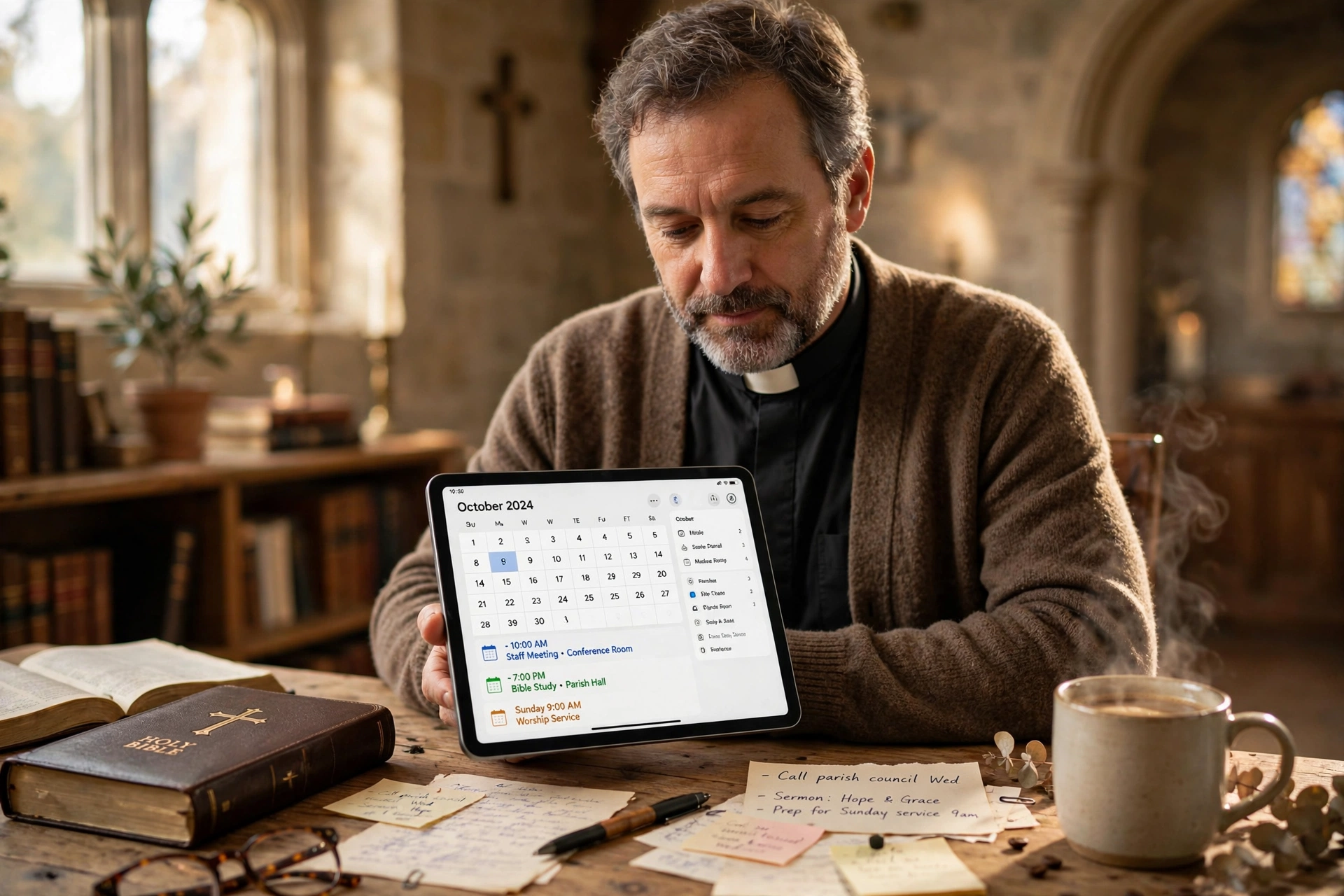
How to Choose the Right Church Calendar App for Your Ministry
Managing a congregation's schedule without a centralized system usually results in "calendar chaos," where room conflicts and double-booked counseling sessions become the norm. To choose the right church calendar app, you must audit your current appointment volume, identify the specific needs of your pastoral care team, and select a platform that balances ease of use for members with administrative control for the clergy. The process involves moving from manual spreadsheets to a dynamic system that handles real-time availability, automated reminders, and secure booking.
In my experience working with diverse congregations, the biggest mistake I see is leaders choosing a tool based on "bells and whistles" rather than the actual workflow of their ministry. A pastor does not need a corporate CRM; they need a sanctuary for their time that protects their family life while remaining accessible to the flock. When we developed the logic behind Pastor Agenda, we discovered that the friction point isn't the technology itself, but the transition from "always available" to "intentionally scheduled."
What Defines an Effective Church Calendar App?
Before evaluating specific software, it is essential to understand what separates a generic scheduling tool from a dedicated ministry solution. A specialized system does not just mark a date as "busy"; it manages the intersection of spiritual duty and administrative reality.
📚
Definition
A church calendar app is a digital coordination system designed specifically for religious organizations to manage facility bookings, pastoral appointments, and congregational events while maintaining privacy and accessibility.
The core of an effective system is the ability to segment visibility. For example, while the general congregation needs to see the date of the next potluck or worship service, they should not have access to the pastor's private counseling hours or board meeting details. This requires granular permission levels that typical consumer apps often lack.
According to research by the Barna Group, pastoral burnout is a significant trend in modern ministry, often driven by a lack of boundaries and overwhelming administrative burdens. A dedicated scheduling tool mitigates this by allowing pastors to set "hard boundaries" on their availability, ensuring that the ministry remains sustainable. When a tool allows for "buffer times" between appointments, it recognizes that a spiritual counseling session cannot simply be truncated to fit a 15-minute corporate window; these meetings often overflow and require emotional recovery time for the minister.

Why Does Your Choice of Scheduling Software Matter?
The implications of using a poor or non-existent system extend far beyond a few missed appointments. It impacts the perceived professionalism of the church and, more importantly, the quality of pastoral care provided to the congregation.
When a member of the congregation struggles to book a time for guidance, the friction created by the process can become a barrier to seeking help. In a high-friction environment, the person in crisis may give up before the appointment is even set. Conversely, a seamless digital interface signals that the church is organized and that the leader's time is valued.
From a data perspective, the efficiency gains are measurable. Christianity Today has highlighted the increasing need for digital integration in church leadership to combat administrative fatigue. If a pastor spends five hours a week playing "email tag" to schedule ten meetings, that is five hours taken away from sermon preparation or direct visitation. By automating the booking process, that time is recovered.
Furthermore, the risk of "scheduling leakage", where appointments are made via text, phone calls, and verbal promises, leads to fragmented data. When you lack a single source of truth, you risk double-booking the sanctuary for a wedding and a funeral simultaneously. This doesn't just create a logistical nightmare; it creates a pastoral crisis. Using a dedicated system ensures that every square inch of the church facility and every minute of the staff's time is accounted for in a way that is visible to all stakeholders.
Practical Steps to Implementing a Church Calendar System
Selecting the software is only the first step. The actual "how" of implementation is where most ministries fail. To successfully transition to a new church calendar app, follow this structured approach.
Step 1: Conduct a Time Audit
Before looking at features, track every appointment for two weeks. Note how many are "fixed" (weekly services) versus "variable" (counseling, home visits). Determine if you have "peak hours" where requests spike. This data prevents you from buying a system that is too complex for your needs or too simple to handle your volume.
Step 2: Define Your Availability Logic
Decide exactly when you are available for different types of ministry. I have found that the "Open Door" policy is the fastest route to burnout. Instead, create specific blocks:
- Pastoral Care: Tuesdays and Thursdays, 2 PM, 5 PM.
- Administrative: Mondays, 9 AM, 12 PM.
- Sermon Prep: Wednesdays, all day (completely blocked).
Step 3: Select a Platform with Ministry-Specific DNA
Avoid generic tools that require extensive workarounds. This is where Pastor Agenda excels. Because it is built for the specific rhythms of ministry, it removes the need for complex "hacks" to make a corporate tool work for a church. It allows you to project your availability to the congregation while keeping your private life invisible.
Step 4: Onboard the Congregation Gradually
Do not simply post a link and expect everyone to adapt overnight. Introduce the new system during a service. Explain that this is being done to improve the quality of care they receive, not to distance the pastor from the people. Provide a brief tutorial or a printed guide for older members who may be less tech-savvy.
💡
Key Takeaway
The goal of a church calendar app is not to automate the relationship, but to automate the logistics so the relationship can flourish without administrative friction.

Comparing Your Scheduling Options
Depending on the size of your church and the complexity of your needs, you will likely encounter three different categories of tools. It is important to distinguish between them based on data and functionality, not just price.
| Feature | Manual/Paper Calendar | Generic Booking Tool | Pastor Agenda |
|---|---|---|---|
| Sync Speed | None (Manual) | Real-time | Real-time |
| Boundary Control | Visual only | Basic blocks | Ministry-specific availability |
| Member Access | Must call/visit | Direct link | Integrated booking portal |
| Privacy | Low (if shared) | Moderate | High (Clergy-focused) |
| Setup Time | Zero | Medium (requires config) | Fast (pre-built for pastors) |
| Best For | Tiny home churches | Freelancers/Small biz | Professional Ministries |
Most guides get this wrong by suggesting that a free generic tool is "good enough." However, the hidden cost of a generic tool is the time spent configuring it to not look like a dental office. A professional ministry requires a professional interface. When a member books a "Pastoral Counseling" session, they should feel they are entering a sacred space, not scheduling a haircut.
Common Misconceptions About Church Scheduling
There are several myths that often prevent leaders from adopting a professional church calendar app. Let's address them with a contrarian perspective.
Myth 1: "Digital scheduling is impersonal and cold."
Actually, the opposite is true. Nothing is more impersonal than a member leaving a voicemail for a pastor and waiting three days for a call back. Providing a clear, instant way to book a meeting shows the member that their need is a priority and that the pastor is organized and ready to help.
Myth 2: "Our congregation is too old for an app."
This is a dangerous assumption. We are seeing a massive surge in smartphone adoption among seniors. More importantly, the family members of those seniors often handle the logistics. A daughter will book the appointment for her elderly parent. By not having a digital system, you are alienating the "gatekeepers" of your congregation.
Myth 3: "I can just use a shared Google Calendar."
Shared calendars are great for internal staff communication, but they are a privacy nightmare for external booking. If you give a member access to a shared calendar, you risk exposing sensitive information or allowing them to see who else is booking appointments. A dedicated app acts as a firewall between your internal operations and the public.
Frequently Asked Questions
How do I prevent people from booking appointments during my family time?
The most effective way to protect your boundaries is to use a system that allows for "Availability Templates." Instead of marking yourself as "busy" on a case-by-case basis, you define your working hours. For instance, if you decide that Fridays are strictly for family, you simply omit Friday from your availability settings. The app will never show those slots to the public, meaning you never have to say "no" to a member; the system simply shows you are unavailable. This removes the emotional guilt from the boundary-setting process.
Can a church calendar app handle room bookings as well as pastoral appointments?
Yes, but you must look for a tool that supports "Resource Management." A high-quality system allows you to link a specific room (like the fellowship hall or the sanctuary) to a specific event. This prevents the dreaded "room clash" where two different ministries believe they have the same space at the same time. By treating the room as a "bookable resource" similar to a person's time, you create a comprehensive map of everything happening on the church campus.
How do I handle emergency appointments that can't wait for a scheduled slot?
Digital scheduling should handle 90% of your meetings, but the remaining 10% are crises. In my experience, the best approach is to keep a "Crisis Protocol" clearly stated on your booking page. Add a note that says: "For immediate emergencies or hospital visits, please call the church office directly at [Phone Number] instead of booking online." This ensures that the tool manages the routine while your phone remains the lifeline for the urgent.
Will using a scheduling app make me seem less accessible to my members?
On the contrary, it makes your accessibility predictable. When people know exactly when and how they can get your attention, they feel more secure. The anxiety of "I hope the pastor has time for me" is replaced by the certainty of "I have a confirmed appointment for Thursday at 3 PM." This shift in psychology moves the relationship from one of chance to one of intentionality.
Is it difficult to migrate my current appointments from a paper planner to an app?
The migration process is simpler than most leaders expect. You do not need to input every single historical appointment. Instead, focus on "forward-looking" data. Input your existing commitments for the next 30 days, then set your general availability for the rest of the year. As you move forward, the system naturally populates. The key is to commit to the system fully; if you continue to write some things in a notebook and others in the app, you will recreate the same chaos you were trying to escape.
Final Thoughts on Choosing Your Church Calendar App
Selecting the right church calendar app is not about finding the most complex piece of software; it is about finding the tool that best reflects your ministry's values. Whether you are leading a small plant or a multi-campus mega-church, the goal remains the same: reducing administrative friction to maximize spiritual impact.
By auditing your time, setting firm boundaries, and utilizing a dedicated platform like Pastor Agenda, you transform your schedule from a source of stress into a tool for stewardship. Remember that your time is the most limited resource in your ministry. Protecting it is not an act of selfishness; it is an act of leadership that ensures you can serve your congregation with focus and energy for years to come.
If you are ready to move away from the chaos of manual scheduling and reclaim your time for what truly matters, explore the professional tools at PastorAgenda Blog.
Recommended Readings
To deepen your understanding of these topics, we recommend reading the following articles:
- Ensuring Absolute Privacy in Church Booking Systems
- Church Appointment Booking
- Online Appointment Booking for Modern Churches
- Automated Reminders and Communication for Congregations
Free Guide: The 7 Church Growth Hacks for 2026
Learn how modern ministries are using automated scheduling and AI pastoral assistants to save 12+ hours of admin work every week.



