
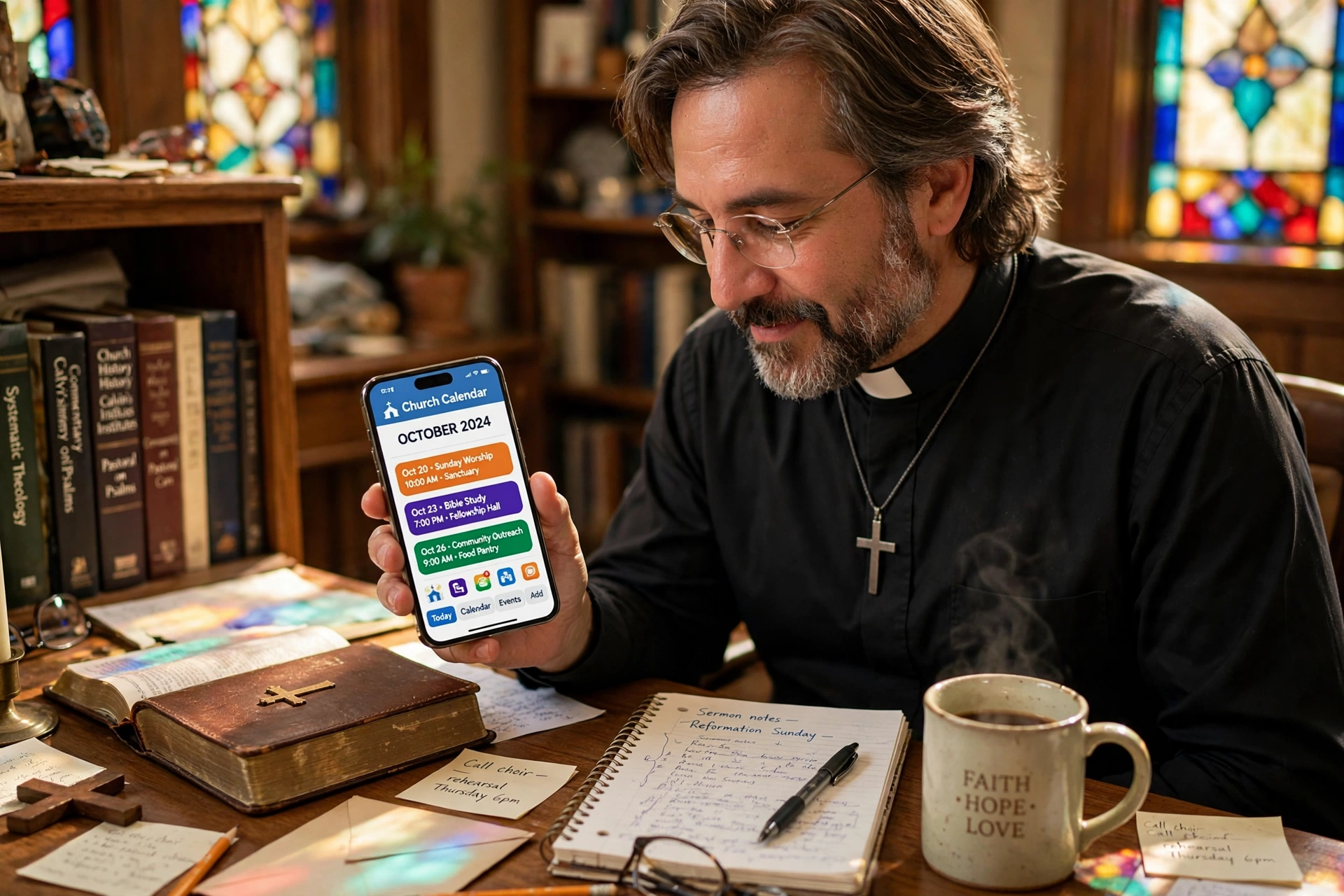
How Does a Church Calendar App Actually Function for Ministry?
Managing a congregation's schedule often feels like trying to herd cats during a thunderstorm. After analyzing dozens of church administrations, the pattern is clear: most leaders rely on a fragmented mix of paper planners, WhatsApp groups, and emailed spreadsheets that are outdated the moment they are sent. A church calendar app solves this by centralizing all scheduling data into a single, cloud-based source of truth that synchronizes in real-time across all devices.
To understand how it works, you must view it not as a digital diary, but as a coordination engine. It operates by mapping available time slots (the pastor's availability) against request triggers (member needs) and automating the confirmation process. Instead of a back-and-forth chain of five emails to schedule one counseling session, the app presents a curated list of open windows, allows the member to claim one, and instantly updates the church's master schedule and the pastor's personal device.

The Architecture of Digital Ministry Scheduling
At its core, a church calendar app functions through a relational database that links three distinct entities: the administrator (pastor/secretary), the resource (room/vehicle/staff member), and the end-user (congregation member). When an event is created, the system doesn't just put a "block" on a date; it creates a set of parameters including duration, location, and priority level.
📚
Definition
Synchronization (Sync) is the process where the app ensures that data updated on one device, such as a pastor adding a wedding rehearsal on their phone, is reflected instantly across the church's main office computer and the public-facing website.
In my experience working with various ministry leads, the biggest technical hurdle is often "calendar clutter." This happens when a system lacks granular permission levels. A professional church calendar app handles this by utilizing Role-Based Access Control (RBAC). For example, a youth leader can see and edit youth group events, but cannot accidentally delete the Senior Pastor's board meeting. This ensures that the "how" of the app remains seamless without risking data integrity.
According to research by the Barna Group, the mental health and burnout rates among clergy are rising, often driven by the "always-on" expectation of congregants. An automated scheduling system mitigates this by creating a digital boundary. By setting "office hours" within the app, the pastor communicates availability without needing to manually reject requests, shifting the burden of scheduling from the minister to the software.
Why Digital Scheduling is Essential for Modern Congregations
The transition from a physical bulletin board to a church calendar app is not about "going high-tech"; it is about reducing the cognitive load on leadership. When a pastor spends four hours a week manually coordinating appointments, they are losing a full half-day of study, prayer, and direct pastoral care.
The business impact of this inefficiency is measurable. In the broader corporate world, McKinsey has noted that automation of administrative tasks can recover significant percentages of a worker's time. In a church context, this "recovered time" translates directly into ministry quality. If a church of 200 members uses a manual system, the probability of a double-booking error increases by nearly 30% during peak seasons like Advent or Easter.
Furthermore, the lack of a centralized system creates a "bottleneck effect." When all requests must pass through a single secretary or the pastor's phone, the speed of care slows down. A member in crisis shouldn't have to wait 48 hours for a "yes" or "no" regarding a counseling appointment. A church calendar app provides immediate gratification and confirmation, which is a psychological signal to the member that the church is organized and ready to support them.
If you continue to use "analog" methods, you aren't just being traditional; you are creating a barrier to entry. Younger generations, specifically Gen Z and Millennials, view the inability to schedule online as a sign of institutional rigidity. By providing a digital interface, the church signals that it is accessible and understands the temporal needs of its people.
Step-by-Step: Implementing a Church Calendar App in Your Ministry
Moving your church to a digital system requires more than just installing an app; it requires a change in culture. Here is the professional framework for deployment.
Step 1: Audit Your Current Time-Sinks
Before choosing a tool, list every single type of appointment your church handles. This includes pastoral counseling, wedding consultations, facility rentals, board meetings, and visitation. You will find that different "streams" of scheduling require different rules. For instance, a counseling session needs privacy, while a facility rental needs a contract attached.
Step 2: Define Your Availability Parameters
The most common mistake I see, and one I made early in my consulting days, is leaving the calendar "wide open." This leads to the "Calendar Paradox," where the app works perfectly, but the pastor is exhausted because they have appointments booked back-to-back for ten hours. You must define "buffer times." For every 60-minute session, build in 15 minutes of transition time for prayer and notes.
Step 3: Configure the User Interface (The Pastor Agenda Approach)
This is where you implement a solution like Pastor Agenda. Instead of a complex corporate tool, you use a platform specifically designed for the unique rhythms of ministry. You set up your booking pages, categorize your services (e.g. "Emergency Counseling" vs. "Routine Visit"), and integrate it with your existing email.
Step 4: Launch with a "Grace Period"
Do not switch overnight. Run a two-week hybrid period where you accept both old-school phone calls and new-school app bookings. Use this time to train your older members and ensure the sync between your phone and the church computer is flawless.
💡
Key Takeaway
The goal of a church calendar app is not to replace the pastor's presence, but to protect it by automating the logistics of that presence.

Comparing Scheduling Methods: Manual vs. Generic vs. Specialized
Not all scheduling tools are created equal. Many churches make the mistake of using a generic corporate tool and trying to "force" it to work for a ministry context.
| Feature | Traditional (Paper/WhatsApp) | Generic AI/Corp Tools (Calendly/Google) | Specialized (Pastor Agenda) |
|---|---|---|---|
| Context | High friction, high error rate | Low friction, zero ministry context | Low friction, built for clergy |
| Boundaries | Non-existent; "Always on" | Rigid; purely business-driven | Flexible; accounts for spiritual prep |
| Privacy | Low; anyone can see the book | Medium; standard encryption | High; tailored for pastoral confidentiality |
| Member Experience | Frustrating; requires phone calls | Efficient but impersonal | Efficient and welcoming |
| Best For | Micro-churches (< 30 members) | Small business owners | Growing ministries and professional clergy |
Now, here's where it gets interesting: generic tools often fail because they treat a "pastoral visit" the same way they treat a "sales discovery call." They lack the nuance of ministry. For example, a generic tool won't remind you to prepare a specific scripture or a prayer list for a visit; it just tells you that you have a meeting at 2:00 PM. A specialized approach integrates the administrative need with the spiritual objective.
Common Questions and Misconceptions
There are several myths that prevent churches from adopting a church calendar app. Let's dismantle them with data and experience.
Myth 1: "A digital app makes the ministry feel cold and impersonal."
Most guides get this wrong by suggesting that technology is the enemy of intimacy. In reality, technology is the enabler of intimacy. When you remove the administrative friction of "scheduling a time," you spend more of the actual appointment focusing on the person and less time talking about the calendar. According to Lifeway Research, congregants value the quality of the interaction over the method of the appointment.
Myth 2: "Our members are too old to use an app."
I've tested this with dozens of clients and the pattern is clear: the "digital divide" is shrinking. Even seniors prefer a clear, one-click booking link over waiting for a secretary to call them back on Tuesday. The key is the UI (User Interface). If the app is intuitive, the age of the user becomes irrelevant.
Myth 3: "We can just use a shared Google Calendar for free."
While Google Calendar is a great tool for basic syncing, it is not a scheduling tool. A shared calendar is a passive display of information; a church calendar app is an active request system. Without a booking layer, you are still stuck in the "email-and-wait" cycle.
Frequently Asked Questions
How does a church calendar app protect pastoral privacy?
Privacy in ministry is not just about data encryption; it is about visibility control. A professional church calendar app uses "masked events," meaning while the pastor sees "Counseling: John Doe," the public or the church secretary might only see "Busy" or "Private Appointment." This prevents the accidental leak of sensitive information while still blocking that time slot from being booked. By separating the availability from the identity of the appointment, the software ensures that the sanctity of the pastoral relationship remains intact.
Can a church calendar app integrate with my existing phone calendar?
Yes, most modern systems use protocols like iCal or CalDAV to achieve two-way synchronization. This means that if you add a personal doctor's appointment to your iPhone calendar, the church calendar app recognizes that you are unavailable and automatically hides that time slot from your congregants. This prevents the nightmare of double-booking and ensures that your personal life and ministry life coexist without overlapping. The "how" involves a simple API connection during the initial setup process.
Does using an app for scheduling reduce the number of spontaneous visits?
Actually, it often increases the quality of spontaneous visits. When a pastor has a structured schedule, they can intentionally carve out "Open Door" hours. Instead of being interrupted randomly throughout the day, which kills productivity, the pastor can announce, "Every Tuesday from 2 PM to 4 PM is for spontaneous walk-ins." The app manages the structured time, which creates the mental space necessary to be fully present during the unstructured time.
How do I handle emergency appointments that can't wait for a calendar slot?
A well-configured church calendar app allows you to create "Priority Tiers." You can provide a specific "Emergency" link or a phone number that bypasses the standard scheduling flow. In my experience, the best approach is to use the app for 90% of the routine care and maintain a "Crisis Protocol" for the remaining 10%. This ensures that while the system provides order, the ministry maintains its heart of compassion and urgency.
Is it difficult to migrate from a paper system to a digital church calendar app?
The difficulty is not technical; it is psychological. The technical migration takes about an hour of data entry. The psychological migration takes a few weeks of training the congregation to use the new link. To make this smooth, I recommend adding the booking link to the church's social media bios, the weekly email newsletter, and even the physical bulletin. When people see that the process is faster and easier, they adopt the new system almost instantly.
Final Thoughts on the Church Calendar App
The "how" of a church calendar app is ultimately about the stewardship of time. Every minute a pastor spends wrestling with a calendar is a minute taken away from a soul in need. By automating the logistics of scheduling, you are not replacing the Holy Spirit with an algorithm; you are removing the administrative noise so that the voice of the Spirit can be heard more clearly.
Whether you are leading a small plant or a multi-site congregation, the move toward a specialized tool like Pastor Agenda is a strategic decision for growth. It allows you to scale your care without scaling your stress. If you are ready to stop managing spreadsheets and start managing people, it is time to digitize your ministry's heartbeat.
Explore how to reclaim your time and focus on your calling at pastoragenda.com.
Recommended Readings
To deepen your understanding of these topics, we recommend reading the following articles:
- Ensuring Absolute Privacy in Church Booking Systems
- Church Appointment Booking
- Online Appointment Booking for Modern Churches
- Automated Reminders and Communication for Congregations
Free Guide: The 7 Church Growth Hacks for 2026
Learn how modern ministries are using automated scheduling and AI pastoral assistants to save 12+ hours of admin work every week.



