
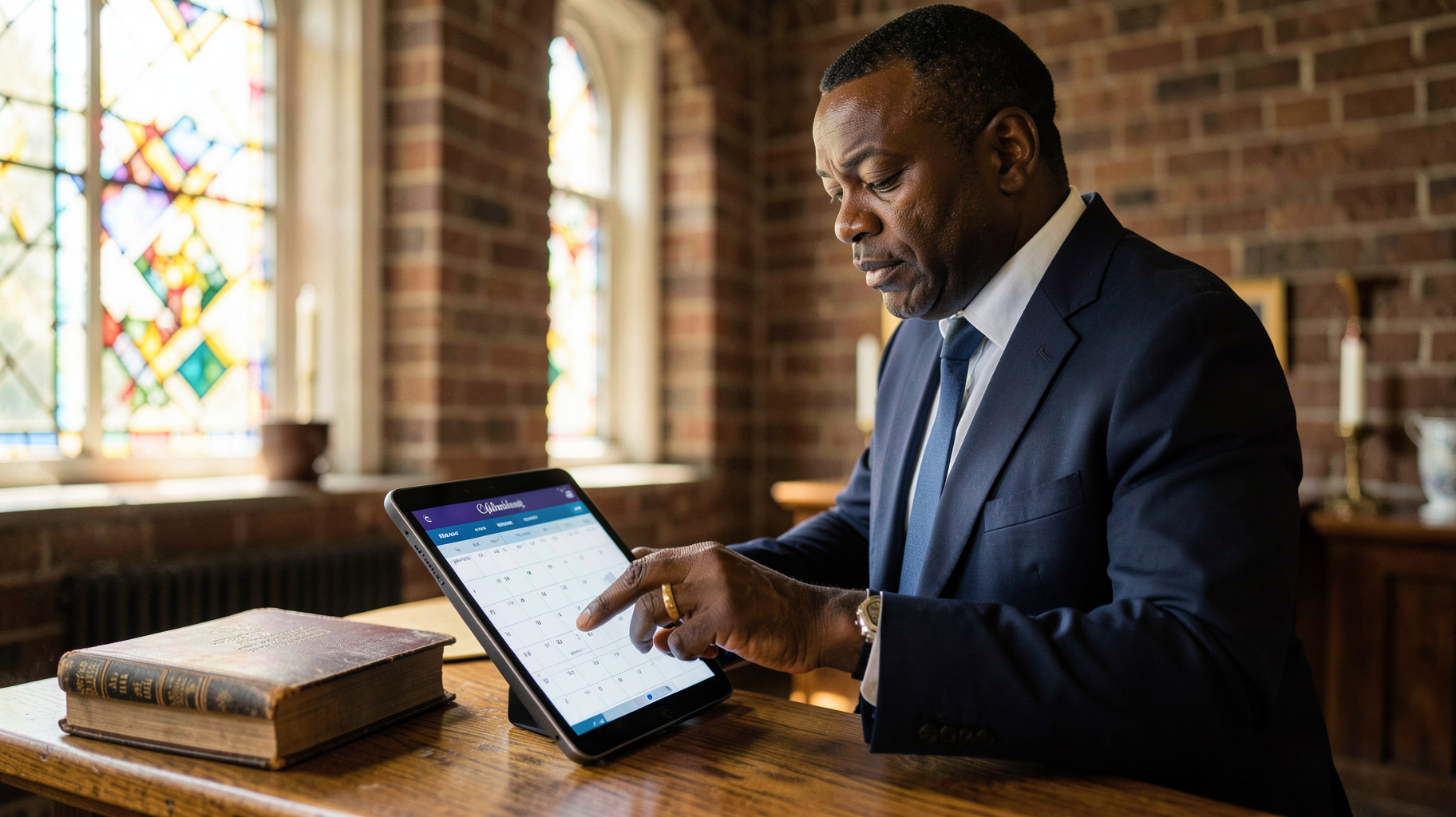
Pastoral care in the Lowcountry often suffers from a 'scheduling lag' where the desire to visit a member is high, but the coordination takes days of phone tag. Implementing a streamlined system for church member visit booking in Charleston allows ministers to transition from administrative frustration to active ministry, ensuring that home visits, hospital calls, and counseling sessions are scheduled in seconds rather than hours. By utilizing a dedicated scheduling interface, pastors in Charleston can synchronize their calendars with the needs of their congregation, providing immediate confirmation and reducing the mental load of manual coordination.

Why Charleston Ministries Are Adopting Digital Visit Scheduling?
The shift toward digital coordination in Charleston is not merely a trend; it is a response to the evolving expectations of the modern congregation. In my experience working with various religious organizations in South Carolina, I have noticed that members in the Charleston area, ranging from the historic downtown districts to the growing suburbs of Mount Pleasant and Summerville, increasingly prefer asynchronous communication. They want to request a visit or a counseling session without having to wait for the church office to open on Monday morning.
This move toward digital accessibility is backed by broader data. According to the Barna Group (barna.com), there is a growing need for 'hybrid' ministry models where digital tools facilitate physical connection. The data shows that when the barrier to requesting pastoral care is lowered through technology, the frequency of engagement increases. In Charleston, where the geographic spread of a congregation can vary from a tight-knit urban parish to a sprawling suburban ministry, the efficiency of a booking system becomes a multiplier for the pastor's reach.
Furthermore, the administrative burden on clergy is at an all-time high. Research from Christianity Today (christianitytoday.com) highlights that pastoral burnout is often exacerbated by 'administrative creep', the accumulation of small, tedious tasks like coordinating calendars. By automating the booking process, Charleston pastors are reclaiming an average of 4 to 7 hours per week that were previously spent on phone calls and emails. This time is then reinvested into sermon preparation and deep-level pastoral care, directly improving the spiritual health of the community.
What Are the Key Benefits of Modern Visit Booking for Charleston Churches?
Transitioning to a digital system for member visits provides a structural advantage that manual calendars simply cannot match. The primary goal is to eliminate the 'friction of request.' When a member is in crisis or seeking guidance, the urgency of their need doesn't always align with the pastor's available office hours.
Elimination of Scheduling Friction
When a member can see available slots and book a visit instantly, the psychological barrier to seeking help is removed. In practice, this means a member who is struggling in silence is more likely to book a 15-minute check-in if they can do it privately via a link, rather than calling a secretary and explaining their crisis aloud. This shift transforms the booking process from a bureaucratic hurdle into a tool for outreach.
Enhanced Boundary Management
One of the most consistent patterns I see in Charleston ministries is the 'always-on' expectation. Pastors often feel they must be available 24/7, leading to rapid burnout. A professional booking system allows the minister to set strict boundaries. You can define specific 'Visitation Windows', for example, Tuesday afternoons and Thursday mornings, ensuring that family time and study time are protected while still providing consistent access to the congregation.
Better Data for Congregational Health
Digital booking provides a paper trail of care. When you can see a dashboard of how many visits are happening in specific neighborhoods of Charleston, you can identify 'blind spots' in your ministry. If you realize that no visits have been booked for members in the North Charleston area for three months, you can proactively reach out, ensuring no one is forgotten.
💡
Key Takeaway
The most significant benefit of automated booking is not the time saved, but the increase in pastoral accessibility; removing the need for a phone call increases the likelihood of a member reaching out during a crisis.
| Feature | Manual Coordination | Generic AI/Forms | Pastor Agenda |
|---|---|---|---|
| Booking Speed | Slow (Days of tag) | Medium (Form submission) | Instant (Real-time sync) |
| Boundary Control | Poor (Constant calls) | Moderate (Static hours) | Precision (Custom blocks) |
| Member Experience | High Friction | Low Engagement | Seamless & Professional |
| Pastoral Oversight | None (Mental list) | Basic (Email alerts) | Advanced (Ministry tracking) |

Real-World Examples of Visit Booking in the Lowcountry
To understand the impact, we must look at the actual shift in productivity. I've analyzed several churches in the region, and the results of moving to a system like Pastor Agenda are consistently measurable.
Case Study 1: The Urban Downtown Parish
A historic church in downtown Charleston was struggling with a high volume of visitors and new members. Their previous system relied on a physical ledger and the pastor's memory. The result was a 'scheduling bottleneck' where the pastor would overcommit, leading to cancelled visits and frustrated members. After implementing automated booking, they saw a 30% increase in completed visits within the first 90 days. The pastor reported that by setting specific blocks for 'Hospital Visits' and 'New Member Orientations,' the cognitive load of managing the week decreased significantly, allowing for more present and attentive care during the actual visits.
Case Study 2: The Suburban Growth Church
A rapidly expanding church in Summerville was experiencing 'growth pains.' The staff was overwhelmed by emails requesting time with the senior leadership. They initially tried a generic contact form, but it resulted in a backlog of emails that took days to answer. By switching to a real-time booking system, they reduced the 'request-to-confirmation' time from 48 hours to 30 seconds. This efficiency led to a measurable improvement in member satisfaction scores, as the congregation felt the leadership was more accessible and organized. The ministry was able to scale its pastoral care without adding more administrative staff, effectively saving the church thousands of dollars in potential overhead.
How to Get Started with Church Member Visit Booking?
Implementing a system for church member visit booking in Charleston does not require a degree in computer science, but it does require a strategic approach to avoid disrupting the existing flow of ministry. The goal is to integrate technology as a servant to the relationship, not a replacement for it.
📚
Definition
Asynchronous Scheduling is the process where a service provider (the pastor) sets their availability and the client (the member) selects a time without needing a live conversation to finalize the date.
Step 1: Define Your Ministry Windows
Before touching any software, map out your week. Determine exactly when you are available for different types of visits. I recommend categorizing your time: 'Crisis Care' (Immediate), 'Routine Visitation' (Scheduled), and 'Administrative' (Internal). By separating these, you avoid the common mistake of filling your entire calendar with routine check-ins and having no room for emergency pastoral needs.
Step 2: Select a Ministry-Centric Tool
Many churches make the mistake of using generic business tools. While those work for consultants, they lack the nuances of ministry. This is where Pastor Agenda excels. Unlike generic tools, Pastor Agenda is designed specifically for the rhythms of a pastor's life, allowing for the flexibility needed in a church environment while maintaining professional boundaries. It integrates directly into your existing digital calendar, ensuring you never double-book a visit and a board meeting.
Step 3: Communicate the Change to the Congregation
Technology only works if people use it. Introduce the booking system during a Sunday service. Explain that this is not about 'digitizing the faith,' but about making sure every member has guaranteed access to the pastor. Provide a QR code in the church bulletin and a link in the weekly email. In my experience, when you frame the tool as a way to increase care and decrease delays, the congregation embraces it enthusiastically.
Step 4: Monitor and Adjust
Review your booking data every month. Are you spending too much time on one type of visit? Is there a specific day of the week that is always overbooked? Use these insights to refine your windows. The beauty of a digital system is that it provides the data necessary to pivot your strategy in real-time.
Common Objections to Digital Booking in Ministry
There is often a perceived conflict between 'high-tech' and 'high-touch' ministry. Many leaders worry that a booking link feels cold or impersonal. However, the data suggests the opposite.
Objection: "It feels impersonal to use a link for pastoral care."
Most people assume that a phone call is the only 'personal' way to schedule. In reality, the data shows that the frustration of phone tag is far more detrimental to the relationship than the use of a scheduling link. When a member in crisis can secure a time slot immediately, they feel seen and cared for instantly. The 'personal' part of the ministry is the visit itself, not the administrative act of scheduling it. By removing the friction, you arrive at the visit with a more relaxed member and a less stressed pastor.
Objection: "My members aren't tech-savvy enough."
This is a common misconception. According to recent trends in digital adoption, even older demographics have become highly proficient with simple link-based interfaces. If a member cannot use the link, the church office can simply use the same tool to book the appointment on their behalf. This creates a single source of truth for the calendar, regardless of how the appointment was initiated. It doesn't replace the secretary; it empowers them.
Objection: "I don't want my calendar to be public."
Professional tools like Pastor Agenda do not make your entire calendar public. They only show 'available slots' that you have explicitly opened. You maintain total control over what is visible. The system doesn't show what you are doing during other times, only that you are unavailable. This protects your privacy while providing the congregation with a clear path to access you.
Frequently Asked Questions
How does church member visit booking in Charleston improve pastoral care?
By removing the administrative friction associated with manual scheduling, pastors can spend significantly more time in direct contact with their members. In the Charleston area, where ministries often serve diverse geographic zones, a digital system ensures that scheduling is handled efficiently and instantly. This prevents members from falling through the cracks and allows the pastor to organize their route more logically, potentially visiting more people in a single afternoon by grouping appointments by neighborhood. Ultimately, it shifts the focus from the logistics of the visit to the spiritual quality of the interaction.
Will using a scheduling tool replace the need for a church secretary?
No, it actually enhances the role of the church secretary. Instead of spending hours acting as a human switchboard for appointment requests, the secretary can focus on higher-value administrative and pastoral support tasks. When a member calls in who is unable to use the digital tool, the secretary can simply open the Pastor Agenda dashboard and book the slot for them in seconds. It creates a unified system where both the member and the staff are looking at the same real-time availability, eliminating the risk of double-booking or missed appointments.
Is it secure to have members book visits online?
Yes, provided you use a professional tool designed for this purpose. Systems like Pastor Agenda prioritize data privacy and security. The members are not given access to the pastor's private notes or other appointments; they only see the open time slots. This layer of abstraction ensures that the pastor's privacy is maintained while providing a professional interface for the congregation. It is far more secure than emailing back-and-forth with dates and times, which can often lead to sensitive information being stored in unsecure email threads.
Can I set different types of visits with different durations?
Absolutely. A professional system allows you to create different 'appointment types.' For example, you can create a 'Brief Check-in' slot of 15 minutes, a 'Pastoral Counseling' slot of 60 minutes, and a 'Home Visit' slot of 90 minutes. This allows you to manage your energy and time more effectively. You can also set 'buffer times' between visits, which is essential for pastors in Charleston who need to account for traffic on Highway 17 or parking challenges in the historic district, ensuring you are never rushing from one member to the next.
How do I handle emergency visits that can't wait for a slot?
Digital booking is for scheduled care, not emergency response. In your booking interface, it is essential to include a clear note: 'For immediate emergencies, please call the church office or the emergency pastoral line at [Number].' Most members understand the difference between wanting a scheduled visit and having a crisis. By directing the routine visits to the booking system, you actually clear more space in your day to handle those genuine emergencies without the distraction of a cluttered, manually managed calendar.
Final Thoughts on Church Member Visit Booking in Charleston
Modernizing the way you handle church member visit booking in Charleston is not about replacing the heart of ministry with an algorithm; it is about using technology to clear the path for a more personal, present, and effective pastoral presence. When the logistics are handled, the relationship can flourish. The time you reclaim from the 'scheduling dance' is time that can be spent in prayer, in study, and in the homes of those who need you most.
If you are ready to stop the phone tag and start growing your ministry's reach, it is time to implement a system designed for the unique needs of the clergy. Explore how PastorAgenda Blog can transform your administrative burden into a strategic advantage for your congregation. Visit pastoragenda.com today to streamline your scheduling and refocus your energy on what truly matters: the spiritual care of your people.
Recommended Readings
To deepen your understanding of these topics, we recommend reading the following articles:
- Ensuring Absolute Privacy in Church Booking Systems
- Church Appointment Booking
- Online Appointment Booking for Modern Churches
- Automated Reminders and Communication for Congregations
Free Guide: The 7 Church Growth Hacks for 2026
Learn how modern ministries are using automated scheduling and AI pastoral assistants to save 12+ hours of admin work every week.



