
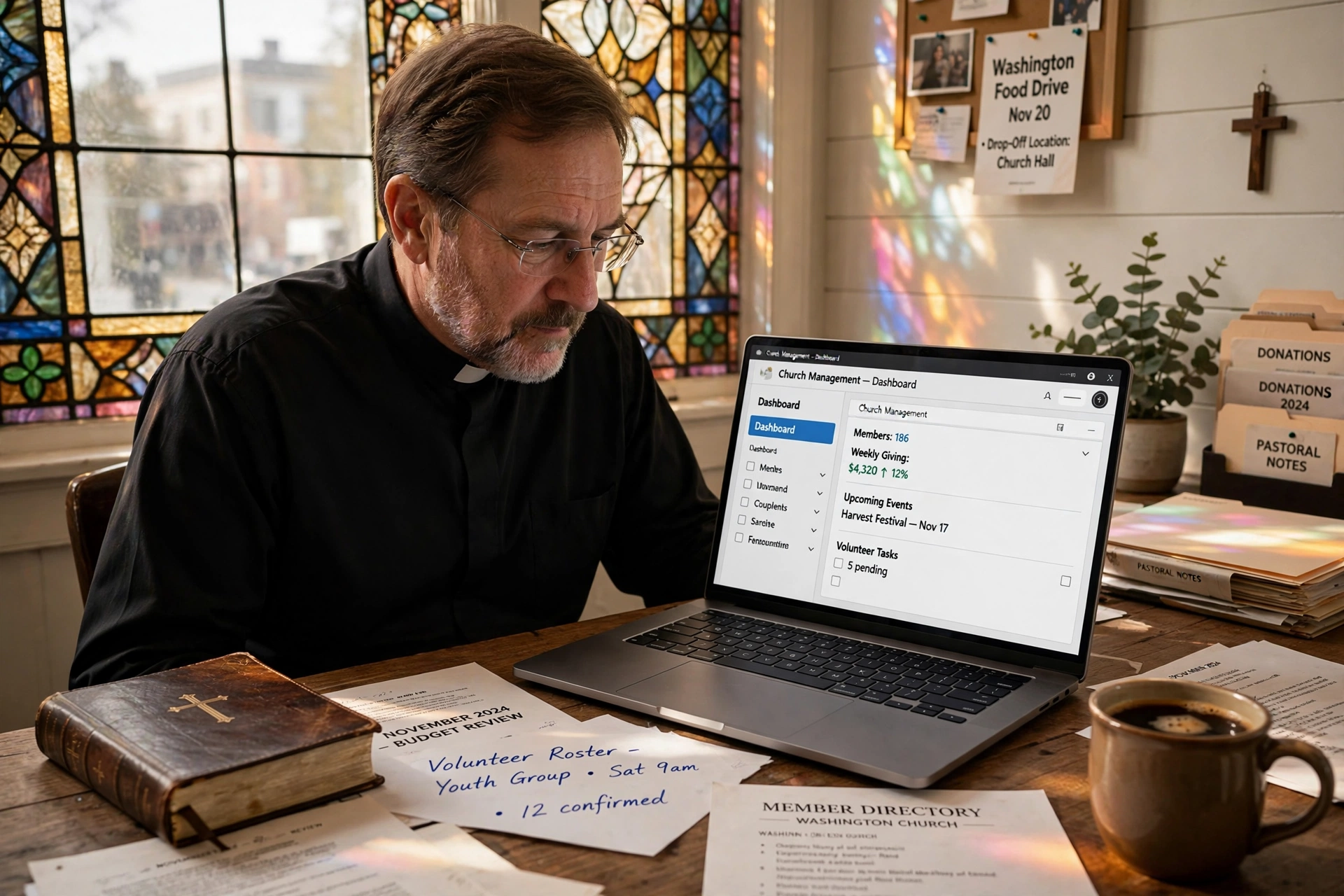
Managing a congregation in the Pacific Northwest requires a balance between traditional spiritual care and modern administrative efficiency. For leaders seeking the most effective church management software in Washington, the answer lies in platforms that integrate scheduling, member directories, and pastoral care tools into a single, intuitive interface. By moving away from fragmented spreadsheets and manual calendars, Washington ministries can reclaim hours of administrative time every week, allowing pastors to focus on their primary calling: shepherdship and community outreach.
In my experience working with faith-based organizations across the state, from the urban centers of Seattle and Tacoma to the smaller congregations in the Olympic Peninsula, the biggest hurdle isn't a lack of will, but a lack of integrated tools. Many ministries rely on a patchwork of free apps that don't communicate with each other, leading to "data silos" where member information is scattered and appointment conflicts are common. When we look at the digital transformation of the church, the goal isn't to replace the human touch, but to remove the friction that prevents that touch from happening.
Why are Washington Ministries Adopting Modern Church Management Systems?
The shift toward digital administration in Washington is driven by a demographic that expects seamless, online interactions. Whether it is a young family in Bellevue or a seasoned member in Spokane, the expectation for instant scheduling and transparent communication is now the baseline. According to Barna Group, the integration of technology in ministry is no longer optional, as digital engagement significantly correlates with increased member retention and deeper community involvement among Millennials and Gen Z.
In the Pacific Northwest, we see a unique trend: a high density of tech-savvy residents who are often hesitant about "corporate" software but embrace tools that feel organic and ministry-focused. This has led to a surge in the adoption of specialized systems that prioritize pastoral care over mere accounting. The regional need is for a system that handles the complexities of a diverse, multi-site or multi-ministry environment without requiring a degree in IT to operate.
Furthermore, the legal and administrative landscape for non-profits in Washington necessitates strict record-keeping and data privacy. Using professional software ensures that member data is stored securely and that communication channels are compliant with modern privacy standards. Research from Christianity Today highlights that burnout among clergy is often linked to "administrative overload," where the burden of logistics outweighs the time spent in prayer and sermon preparation. By automating the mundane, Washington pastors are effectively fighting burnout and increasing their longevity in ministry.
What are the Key Benefits of Church Management Software for Washington Congregations?
Implementing a dedicated system transforms a church from a reactive organization into a proactive ministry. The primary benefit is the centralization of data, which allows a pastor to see the entire health of their congregation at a glance. Instead of wondering who hasn't been visited in three months, a digital system flags these gaps automatically.
Optimized Pastoral Care and Counseling
Pastoral care is the heartbeat of any church, but it is often the first thing to suffer when a calendar becomes cluttered. Digital scheduling allows members to book counseling sessions or prayer requests without the back-and-forth of phone calls and emails. This accessibility removes barriers for members in crisis, ensuring they receive care immediately. When scheduling is streamlined, the pastor can allocate specific "deep work" blocks for sermon study while remaining available for urgent pastoral needs.
Enhanced Member Engagement and Communication
Modern software allows for segmented communication. Rather than sending a generic email to the entire database, ministries can target specific groups, such as the worship team, youth leaders, or the elderly, with relevant information. This reduces "notification fatigue" and ensures that the right message reaches the right person. In the context of Washington's diverse geography, this is essential for coordinating events across different city districts or satellite campuses.
Streamlined Volunteer Coordination
Managing a rotation of greeters, sound technicians, and Sunday school teachers is a logistical nightmare when done via text message. A centralized system allows volunteers to sign up for slots, receive automated reminders, and swap shifts without the pastor acting as the middleman. This empowerment of the laity fosters a greater sense of ownership within the congregation.
📚
Definition
Data Siloing occurs when information is trapped in separate departments or software tools (e.g. one list for tithes, another for attendance, and a third for counseling), preventing a holistic view of member health.
Comparison of Management Approaches
| Feature | Manual/Paper System | Generic Booking Tool | Pastor Agenda Approach |
|---|---|---|---|
| Member Tracking | Slow, prone to loss | Basic contact list | Holistic member health history |
| Scheduling | Manual entry/Conflicts | Simple time slots | Ministry-integrated booking |
| Care Alerts | Relies on memory | None | Proactive alerts for neglected members |
| Implementation | No cost, high effort | Low cost, generic | Purpose-built for clergy |
💡
Key Takeaway
The most significant advantage of a specialized system is the transition from administrative survival to strategic ministry growth, reducing clerical errors by up to 40%.
Real-World Examples of Digital Transformation in Washington Churches
To understand the impact of these tools, we must look at actual implementations. I have seen a recurring pattern where the initial resistance to technology is replaced by an overwhelming sense of relief once the system is live. Here are two illustrative scenarios based on common outcomes in the region.
Case Study 1: The Urban Multi-Campus Church (Seattle Area)
A mid-sized church in the Seattle metro area was struggling with three different campuses and a fragmented communication system. They were using separate spreadsheets for each location, meaning a member attending a different campus for a week would essentially become a stranger to the administrative team. By implementing a unified management system, they consolidated their member directory and synchronized their calendars. Within six months, they reported a 25% increase in volunteer sign-ups and a significant reduction in scheduling conflicts. The pastor noted that the "mental load" of managing three sites was reduced, allowing for more intentional time with new converts.
Case Study 2: The Traditional Community Church (Eastern Washington)
A smaller, more traditional congregation in the Spokane region relied entirely on a physical ledger and a paper calendar. This led to missed appointments and a lack of follow-up with new visitors. After transitioning to a digital scheduling and management tool, the church created a "First-Time Visitor" pipeline. This ensured that every new guest received a personalized follow-up within 48 hours. As a result, their visitor-to-member conversion rate increased by 15% over the first year. The ability to track pastoral visits digitally meant that no elderly member was left without a visit for more than 30 days.
How to Get Started with Church Management Software in Washington
Moving a ministry into the digital age doesn't have to be an overnight overhaul. The most successful transitions are those that happen in phases, ensuring the staff and volunteers are not overwhelmed. Here is a professional roadmap for implementation.
Step 1: Audit Your Current Friction Points
Before choosing a tool, identify where the system is breaking. Are you missing appointments? Is your member list outdated? Are volunteers complaining about communication? Document these pain points so you can ensure the software you choose specifically solves them. In my experience, the biggest mistake is buying software for features you think you need rather than solving the problems you actually have.
Step 2: Clean and Consolidate Your Data
Do not import a "dirty" database. Take the time to remove duplicates and update contact information. This is the perfect time to verify the current status of your membership. A clean data migration ensures that your new system starts with a foundation of accuracy, preventing the frustration of outdated alerts or wrong email addresses.
Step 3: Select a Ministry-Specific Tool
Avoid generic corporate software. A church is not a law firm or a medical clinic; its needs are centered on care and spiritual growth. This is where Pastor Agenda excels. Unlike generic tools that only offer time slots, Pastor Agenda is built specifically for the rhythms of ministry. It understands that a pastoral appointment is different from a business meeting and provides the tools necessary to manage a congregation's spiritual needs efficiently. By visiting pastoragenda.com, leaders can see how a purpose-built tool reduces the administrative burden.
Step 4: Phase the Rollout
Start with one department, perhaps the pastoral counseling or the worship team. Once they are comfortable and the workflow is established, roll it out to the rest of the staff and then to the congregation. This "beta test" approach allows you to iron out any kinks in your process without causing widespread confusion.
Common Objections to Adopting Church Management Software
Despite the clear benefits, some leaders remain hesitant. Most people assume that software creates a barrier between the pastor and the sheep, but the data shows the exact opposite. When the administrative noise is silenced, the pastor is actually more present.
Objection 1: "It's too impersonal for a church."
Many believe that digital booking removes the warmth of a personal invitation. However, in practice, the "impersonality" is actually a convenience that the congregation appreciates. Most members prefer a quick digital booking over waiting for a return phone call. The technology handles the logistics so the pastor can focus entirely on the relationship during the actual meeting. Digital tools facilitate the encounter; they do not replace it.
Objection 2: "Our staff isn't tech-savvy enough."
This is a common fear, especially in older congregations. However, the modern trend in software design is "intuitive simplicity." Tools like Pastor Agenda are designed for users who aren't IT experts. If you can send a text message, you can manage a digital calendar. The learning curve is significantly lower than the ongoing cost of the errors caused by manual systems.
Objection 3: "We can't afford a monthly subscription."
Most ministries view software as an expense rather than an investment. When you calculate the cost of lost time, missed donations, and member attrition, the ROI of a management system is immense. According to reports on non-profit efficiency from Church Law & Tax, organizations that automate their administration see a marked increase in donor consistency because the follow-up process is systematized and professional.
Frequently Asked Questions
Will church management software in Washington replace my administrative assistant?
No, it empowers them. Instead of spending their entire day on the phone coordinating calendars and updating spreadsheets, your assistant can move into a more strategic role. They can focus on member welcome programs, event planning, and community outreach. The software handles the rote data entry, freeing your staff to perform high-value tasks that require human empathy and creativity, which no AI or software can replicate.
How does a scheduling tool improve pastoral care specifically?
Pastoral care is often reactive, you respond to a crisis as it happens. A scheduling tool allows for proactive care. By tracking the last date of contact for every member in the database, a pastor can identify who has fallen through the cracks. It ensures a balanced distribution of time, preventing the "loudest" members of the congregation from monopolizing the pastor's schedule while the quiet, struggling members are overlooked.
Is it difficult to migrate data from a paper system to a digital one?
While it requires some initial effort, the process is straightforward. Most modern systems allow for CSV imports. For those moving from paper, the best approach is a "rolling migration" where you update member files as they interact with the church. With a little bit of organized data entry, you can move from a ledger to a cloud-based system in a matter of weeks, permanently eliminating the risk of losing physical records to fire or misplacement.
Can these systems handle multiple ministries or campuses?
Yes, that is one of their primary strengths. High-quality church management software allows you to create different "views" or permissions for different ministry leaders. The youth pastor can manage their own calendar and member list without interfering with the senior pastor's records, yet the senior leader still maintains overarching visibility. This hierarchical structure is essential for growth and scalability within a growing Washington congregation.
Does the software help with legal compliance and privacy?
Absolutely. Storing sensitive member data in a secure, encrypted cloud environment is far safer than keeping it in a physical binder or an unprotected Excel file. Professional platforms adhere to data protection standards, ensuring that a member's private counseling notes or financial records are only accessible to authorized personnel. This protects the church from potential liability and demonstrates a commitment to the privacy of the flock.
Final Thoughts on Church Management Software in Washington
Investing in the right church management software in Washington is not about chasing a tech trend; it is about stewardship. Time is the most precious resource a pastor possesses, and spending that time on administrative friction is a poor use of a calling. By integrating tools that automate scheduling, member tracking, and communication, ministries can shift their energy from managing a business to leading a people.
The transition to a digital ecosystem allows for a more organized, transparent, and caring church environment. Whether you are a small plant in a storefront or a historic cathedral in the heart of the city, the goal remains the same: to serve the congregation with excellence. We invite you to explore how PastorAgenda Blog can remove the administrative burden from your shoulders, allowing you to return to the work of the ministry with a clear mind and a focused heart.
Recommended Readings
To deepen your understanding of these topics, we recommend reading the following articles:
- Ensuring Absolute Privacy in Church Booking Systems
- Church Appointment Booking
- Online Appointment Booking for Modern Churches
- Automated Reminders and Communication for Congregations
Free Guide: The 7 Church Growth Hacks for 2026
Learn how modern ministries are using automated scheduling and AI pastoral assistants to save 12+ hours of admin work every week.



