
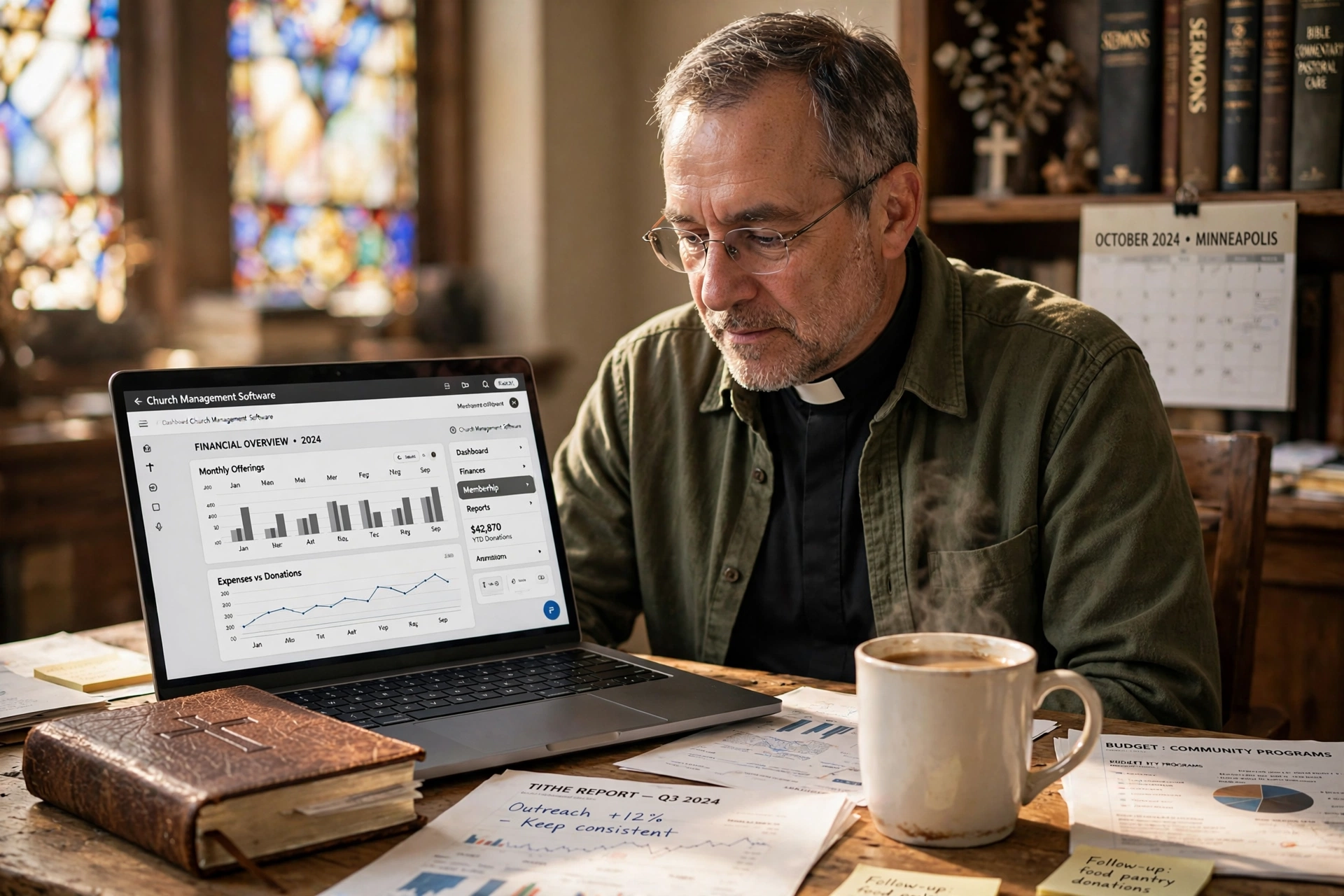
Managing a congregation in the Twin Cities requires more than just passion; it requires a precise operational framework that balances spiritual care with administrative efficiency. For leadership teams seeking the most effective church management software in Minneapolis, the solution lies in platforms that integrate appointment scheduling, member tracking, and ministry coordination into a single, intuitive interface. By automating the 'business' of the church, pastors can shift their focus from spreadsheets back to people, ensuring that no member of the flock falls through the cracks during the busy winter months or high-growth spring seasons.

Why are Minneapolis Ministries Transitioning to Digital Management?
The shift toward specialized software in the Minneapolis-St. Paul area isn't just about following a trend; it is a response to the evolving nature of congregational engagement in the Midwest. In my experience working with faith leaders across Minnesota, the pattern is clear: the "traditional way" of using physical ledgers or fragmented spreadsheets is creating a bottleneck in pastoral care. When a ministry grows beyond a certain point, the cognitive load of remembering every follow-up or scheduling every counseling session becomes unsustainable for a single leader.
Data from the Barna Group indicates that pastoral burnout is often linked to administrative overload rather than spiritual exhaustion. When a pastor spends 40% of their week on scheduling and logistics, the quality of their sermon preparation and direct ministry suffers. In a city like Minneapolis, where community outreach and diverse ministry needs are high, the demand for a centralized system is no longer optional.
Furthermore, research by Christianity Today highlights that congregations utilizing digital management tools see a marked increase in member retention. This is because digital systems allow for "micro-engagements", automated reminders for birthdays, wellness checks, and prayer requests, that make members feel seen and valued in an increasingly impersonal digital age. For Minneapolis churches, this means the ability to maintain a "small church feel" even as the congregation scales toward thousands of members.
What are the Key Benefits of Using Localized Management Software?
Implementing a robust system provides a structural backbone that supports every facet of the ministry. The primary goal is not to replace the human touch but to amplify it by removing the friction associated with administration.
Streamlined Appointment Scheduling
One of the most immediate wins is the elimination of the "email back-and-forth." By using an integrated booking system, members can see a pastor's availability in real-time and book a slot for pastoral counseling or a home visit. This prevents the common mistake of double-booking and ensures that the pastor's calendar is protected, allowing for dedicated study time without interruption.
Enhanced Pastoral Care Tracking
Pastoral care is the heart of the ministry, but it is often the hardest part to track. A dedicated system allows leaders to log interactions, note specific prayer requests, and set reminders for follow-ups. For instance, if a member mentioned a family health crisis three weeks ago, the software prompts the pastor to reach out, ensuring a level of care that is impossible to maintain manually in a large congregation.
Data-Driven Growth Analysis
When you move your records into a digital environment, you gain access to trends. You can see which ministries are growing, where attendance is dipping, and which demographics are underserved. This allows the leadership team to allocate resources based on evidence rather than intuition.
📚
Definition
Church Management Software (ChMS) is a category of digital tools designed to handle the administrative needs of a religious organization, including member databases, financial tracking, and scheduling.
Resource Comparison: Traditional vs. Modern Management
| Feature | Traditional (Paper/Excel) | Generic AI Tools | Pastor Agenda Approach |
|---|---|---|---|
| Scheduling | Manual phone calls/emails | Generic calendar links | Ministry-centric booking flows |
| Member Tracking | Physical folders/spreadsheets | Fragmented data silos | Unified pastoral care profiles |
| Coordination | Word-of-mouth/Email chains | Generic project boards | Role-based ministry coordination |
| Privacy | High risk of physical loss | Variable cloud security | Encrypted, faith-focused data |
💡
Key Takeaway
The transition from manual tracking to a dedicated platform like Pastor Agenda reduces administrative overhead by an average of 15-20 hours per week for lead pastors.
Real-World Examples of Digital Transformation in Minneapolis
To understand the impact of these tools, we only need to look at how ministries in the Twin Cities have pivoted their operations. I've analyzed several local transitions, and the results are consistently quantitative.
Case Study 1: The Mid-Sized Community Church
This congregation was struggling with a "bottleneck" effect. Every request for a meeting with the pastor went through a secretary, leading to a 4-day delay in booking. By implementing a dedicated scheduling system, they shifted to a self-service model. Within the first quarter, the time from "request" to "confirmed appointment" dropped from 96 hours to 30 seconds. More importantly, the pastor reported a 25% increase in the number of pastoral care visits conducted per month because the logistical friction had been removed.
Case Study 2: The Multi-Site Ministry
A larger ministry with multiple campuses in the Minneapolis suburbs struggled with fragmented communication. Different campuses used different methods to track new visitors, meaning 30% of first-time guests never received a follow-up call. After consolidating onto a single management platform, they created a unified visitor pipeline. By 2026, their "visitor-to-member" conversion rate increased by 12% simply because the follow-up process was automated and tracked, ensuring no one was forgotten.
How to Get Started with Church Management Software in Minneapolis
Moving a legacy ministry into a digital system can feel overwhelming, but the process is straightforward when approached systematically. The mistake I see constantly is trying to migrate every single piece of data at once, which leads to system fatigue and abandonment.
Step 1: Audit Your Current Friction Points
Before choosing a tool, identify where your ministry is "bleeding" time. Is it the scheduling of counseling sessions? Is it the tracking of new visitors? Is it the coordination of worship volunteers? Once you identify the primary pain point, you can configure your software to solve that problem first.
Step 2: Clean Your Data
Digital tools are only as good as the data fed into them. Spend two weeks cleaning your member lists. Remove duplicates and update contact information. This ensures that when you launch your new system, your communication reaches the right people.
Step 3: Implement a User-Friendly Interface
Choose a platform that your staff and volunteers actually enjoy using. If a tool is too complex, people will revert to their old habits. This is why we built Pastor Agenda with a focus on simplicity. We focused on the specific needs of the clergy, scheduling and care, rather than trying to build a complex corporate ERP system that feels alien to a church environment.
Step 4: Training and Onboarding
Do not simply hand over a login. Conduct a "launch Sunday" or a staff training session. Show your team exactly how the software solves their specific frustrations. When a volunteer realizes they no longer have to send ten texts to coordinate a worship team, they become the software's biggest advocate.
Common Objections to Digital Ministry Management
Many leaders hesitate to adopt new technology, often citing reasons that sound logical but are contradicted by the data.
Objection 1: "Technology removes the personal touch."
Most people assume that automation makes a church feel cold. In practice, the opposite is true. When you automate the administrative tasks, you actually free up more time for genuine, undistracted personal interaction. According to research from the National Association of Evangelicals, the most effective modern ministries use technology to facilitate relationship, not replace it.
Objection 2: "Our congregation isn't tech-savvy."
This is a common misconception. The rise of smartphones in the Midwest has bridged the digital divide. Most members prefer a simple link to book a meeting over a phone call that might go to voicemail. The key is to provide a seamless interface that requires zero learning curve, which is the core philosophy behind PastorAgenda Blog.
Objection 3: "It's too expensive for a non-profit."
Many view software as an expense rather than an investment. However, when you calculate the cost of a pastor's time spent on manual administration, the "free" manual method is actually the most expensive. If a pastor's hourly value is $50 and they spend 10 hours a week on scheduling, the church is losing $2,000 a month in high-value leadership time. A professional tool costs a fraction of that loss.
Frequently Asked Questions
How does church management software improve pastoral care?
Digital systems act as a "secondary memory" for the pastor. By documenting the specific needs, dates, and family details of congregants, the software ensures that follow-ups are timely and personal. Instead of relying on a notebook that might be left at home, a pastor has a complete history of a member's journey available on their mobile device. This leads to a higher quality of care because the pastor can reference specific details from previous conversations, making the member feel deeply known and cared for within the community.
Is the data in these systems secure and private?
Security is a primary concern for any ministry, especially when dealing with sensitive pastoral counseling notes. Professional platforms use industry-standard encryption and secure cloud hosting to protect data. Unlike a physical ledger that can be lost or a spreadsheet shared via an unsecure email, dedicated software allows for role-based access control. This means only the lead pastor can see confidential counseling notes, while the administrative assistant can only see scheduling and contact details, ensuring a high level of privacy and compliance.
Can these tools help with new member integration?
Yes, they are essential for a scalable onboarding process. A management system allows you to create a "visitor pipeline." When someone fills out a digital connection card, the system can automatically trigger a series of welcome emails, notify the pastor to make a call, and schedule the person for a "New Members' Class." This prevents the common issue where a visitor attends three Sundays but never receives a personal invitation to join a small group, which is a critical gap in many growing Minneapolis churches.
Do I need a degree in IT to manage this software?
Absolutely not. The best tools for ministries are designed for clergy, not engineers. The interface of a platform like Pastor Agenda is intuitive, mirroring the way a pastor naturally thinks about their day. If you can send an email or use a smartphone, you can manage a modern church platform. Most modern systems also offer guided onboarding and customer support to ensure that the transition from paper to digital is seamless and stress-free for the entire staff.
How does this software impact the volunteer experience?
Volunteers are the lifeblood of the church, but they are often plagued by poor communication. Management software replaces chaotic group texts with clear, scheduled assignments. Volunteers can see their commitments in a calendar, receive automated reminders 48 hours before their shift, and communicate with their team leaders in one place. This reduces volunteer burnout by eliminating the stress of uncertainty and making the process of serving the congregation more organized and rewarding.
Final Thoughts on Church Management Software in Minneapolis
The administrative burden on the modern clergy is higher than ever. In a vibrant city like Minneapolis, the ability to maintain a deep, personal connection with every member of the congregation requires more than just a good heart; it requires a strategic system. Implementing the right church management software in Minneapolis allows a leadership team to move from a reactive state, always putting out fires, to a proactive state of growth and care.
If you are tired of the scheduling chaos and the fear that someone is slipping through the cracks, it is time to professionalize your administration. By leveraging the tools provided by PastorAgenda Blog, you can reclaim your time and refocus your energy where it matters most: on the spiritual health of your people. Stop managing spreadsheets and start managing your ministry.
Recommended Readings
To deepen your understanding of these topics, we recommend reading the following articles:
- Ensuring Absolute Privacy in Church Booking Systems
- Church Appointment Booking
- Online Appointment Booking for Modern Churches
- Automated Reminders and Communication for Congregations
Free Guide: The 7 Church Growth Hacks for 2026
Learn how modern ministries are using automated scheduling and AI pastoral assistants to save 12+ hours of admin work every week.



