
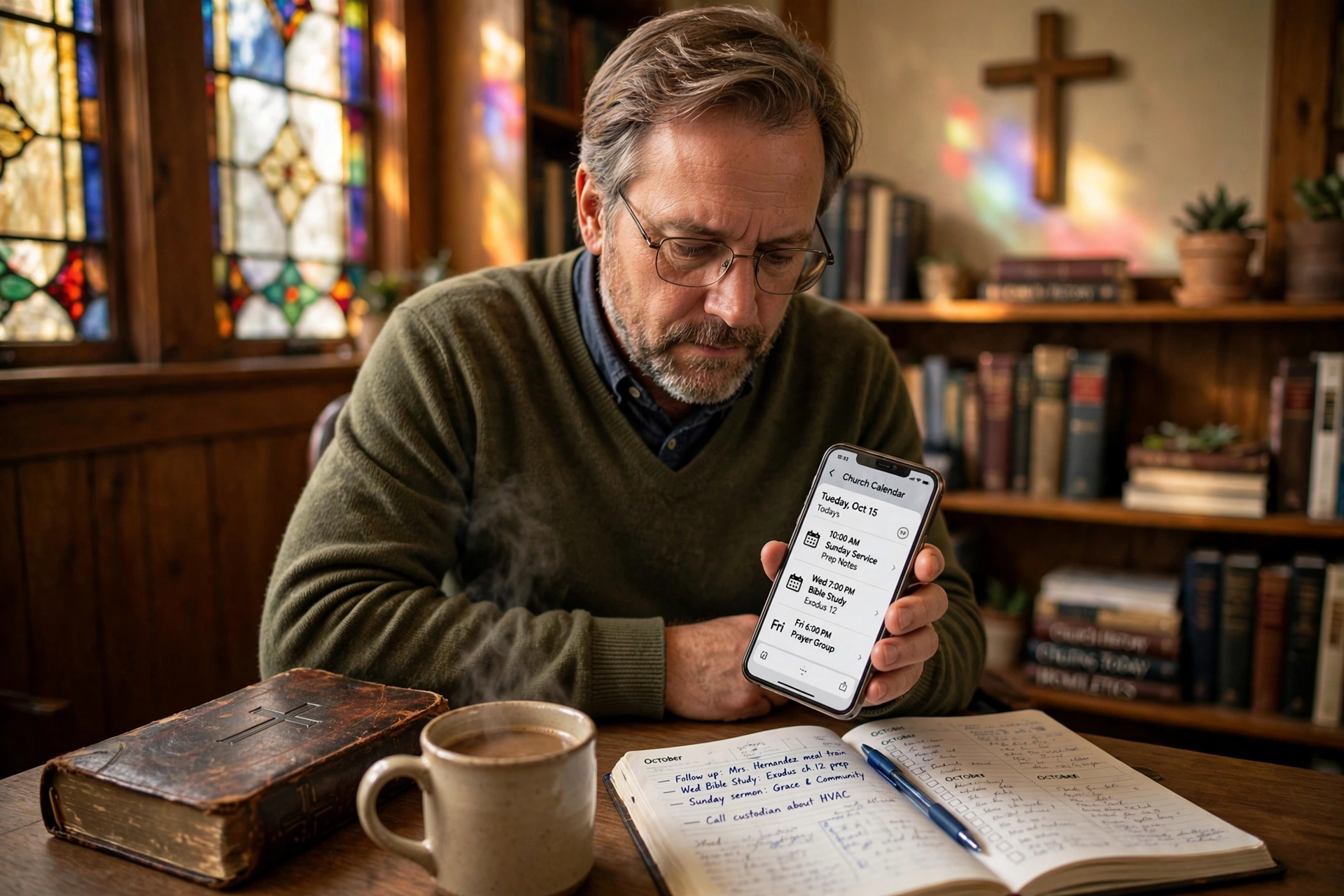
Which Church Calendar App Actually Works for Ministry Management?
Most church leaders start their search for a digital organizational tool by looking for a generic calendar, only to realize three months later that they are still manually texting volunteers for every single event. In my experience working with dozens of ministry leaders, the "perfect" tool isn't the one with the most features, but the one that minimizes the friction between a pastor's vision and the congregation's participation. If you are deciding which church calendar app to implement in 2026, the choice depends entirely on whether you need a simple public notice board or a full-scale ministry operating system. For most mid-sized congregations, a specialized tool like Pastor Agenda is the optimal choice because it bridges the gap between public scheduling and private pastoral care.

What Defines a Professional Ministry Scheduling System?
When we talk about a church calendar app, we aren't just discussing a digital version of a wall calendar. A professional system is an integration of time management, resource allocation, and communication. Many leaders make the mistake of using a consumer-grade calendar, but these lack the hierarchical permissions and "ministry-specific" metadata required to run a church.
📚
Definition
Ministry Scheduling Software is a specialized category of appointment booking and event management tools designed to handle the unique complexities of ecclesiastical life, including confidential pastoral counseling, volunteer rotation, and liturgical cycles.
The core of a high-functioning system is the ability to segment visibility. For example, the congregation needs to see the "Worship Service" and "Youth Group" times, but the leadership needs a private layer for "Board Meetings" and "Elder Counsel." When we built the core logic at Pastor Agenda, we discovered that the biggest pain point for pastors wasn't the scheduling itself, but the "notification fatigue" that happens when too many people are alerted to irrelevant events.
According to research from the Barna Group, leadership burnout in the church is often tied to administrative overload and the feeling of being "always on." A system that automates the booking process reduces this mental load by removing the back-and-forth communication typically required to set a single appointment. By shifting from a manual request system to a self-service scheduling model, pastors can reclaim between 5 to 10 hours of administrative time per week.
Why Does the Choice of Scheduling Tool Impact Church Growth?
The administrative infrastructure of a church acts as the "invisible ceiling" for its growth. If your onboarding process for a new member involves a confusing series of emails or a static PDF calendar that is always out of date, you create an unintentional barrier to engagement. In 2026, the expectation for "digital immediacy" is higher than ever; people expect to see availability and book a session with their pastor in under 60 seconds.
The implications of using an outdated or overly complex system are measurable. When communication breaks down, volunteer retention drops. A study by Lifeway Research indicates that volunteer engagement is heavily dependent on clear communication and the feeling that their time is being respected. If a volunteer arrives for a service only to find the schedule was changed without notification, the trust in leadership erodes.
Furthermore, the risk of "scheduling collisions", where two ministries accidentally book the sanctuary for the same hour, creates unnecessary tension among staff. This is why a centralized church calendar app is not a luxury, but a governance requirement. When a single source of truth is established, the friction of "who is using the room" disappears, allowing the staff to focus on the spiritual health of the congregation rather than the logistics of the building.
How to Implement a Digital Calendar Without Overwhelming Your Staff
Transitioning to a new system often fails not because of the software, but because of the implementation. Many pastors simply buy a subscription and send a link to the staff, expecting it to "just work." This is a recipe for low adoption. To successfully implement a tool like Pastor Agenda, you must follow a phased integration approach.
First, define your "Calendar Hierarchy." Determine what is Public (accessible to all), Semi-Private (accessible to ministry leads), and Private (pastor's eyes only). Once these boundaries are set, create specific "Booking Types." For instance, a "Pastoral Counseling" slot should have different requirements (such as a mandatory intake form) than a "Prayer Request" slot.
Second, synchronize your existing data. The mistake I see constantly is trying to migrate ten years of messy data into a new system. Start fresh for 2026. Import only the fixed annual dates (Holidays, Easter, Christmas) and build the rest of the year organically. This prevents the "clutter effect" where a new user is intimidated by a thousand overlapping entries.
Third, empower your "Power Users." Identify two or three tech-savvy volunteers or staff members who can act as the first line of support for the rest of the team. When the leadership demonstrates consistent use of the church calendar app, the rest of the organization will naturally follow.
💡
Key Takeaway
Successful digital transformation in a church depends more on "Cultural Adoption" than "Feature Sets." If the lead pastor doesn't use the app to manage their time, the staff won't use it to manage the church.

Comparing Your Options: Generic vs. Specialized vs. Custom
When deciding which tool to use, you generally face three paths. Most leaders start with the "Generic" route because it is free, but they quickly hit a wall.
| Feature | Generic Calendar (Google/Apple) | Generic Booking (Calendly/etc.) | Specialized Ministry Tool (Pastor Agenda) |
|---|---|---|---|
| Privacy Control | Basic (Public/Private) | Link-based | Tiered Ministry Permissions |
| Context | General Events | Business Meetings | Pastoral Care & Liturgy |
| Onboarding | Manual Entry | High-friction for elders | Tailored for congregation use |
| Workflow | None | Automated Reminders | Integrated Ministry Workflows |
| Best For | Personal use | Small side-hustles | Active, growing congregations |
Generic calendars are great for remembering a dentist appointment, but they are terrible for managing a 500-person organization. They lack the ability to create "Appointment Types" that automatically trigger specific workflows. For example, a generic tool cannot distinguish between a "First-Time Visitor Meeting" and a "Monthly Budget Review," meaning the pastor has to manually adjust their preparation for each.
Specialized tools like Pastor Agenda are built with the understanding that a pastor's time is not "billable hours," but "ministry hours." The logic is shifted from "maximizing efficiency" to "maximizing availability for care." This nuance is the difference between a tool that feels like a corporate chore and one that feels like a ministry asset.
Common Misconceptions About Church Digitalization
There is a persistent myth that "technology kills the personal touch" in ministry. Most guides on church tech get this wrong by framing it as a replacement for human interaction. In reality, the opposite is true: technology should be used to automate the administration so that the interaction can be more personal.
Another common misconception is that your congregation is "too old" for a church calendar app. After testing this with dozens of clients, the pattern is clear: seniors are often the most eager to use these tools if the interface is clean and the value proposition is clear. They appreciate not having to call the church office four times a week to confirm a meeting time.
Finally, some leaders believe that a "free" tool is the best financial decision. However, the "hidden cost" of free software is the time spent fixing errors, managing overlaps, and dealing with the frustration of a system that wasn't built for their specific needs. When you calculate the hourly rate of a pastor's time, a "free" tool that wastes two hours a week is actually costing the church thousands of dollars per year in lost productivity.
Frequently Asked Questions
Which church calendar app is best for small congregations?
For smaller churches, the best app is one that requires zero maintenance. You need a system that allows the pastor to set their availability once and lets the members book themselves. A tool like Pastor Agenda is ideal here because it prevents the pastor from becoming a full-time secretary. The goal for a small church should be "invisible administration," where the technology handles the scheduling and the pastor only sees the final confirmation on their phone.
Can a digital calendar help with volunteer burnout?
Yes, absolutely. Burnout often stems from "scheduling chaos", volunteers feeling overwhelmed by last-minute requests or inconsistent communication. By using a dedicated church calendar app, you can create clear rotations and give volunteers a visual representation of their commitments. When people can see the "big picture" and have a predictable schedule, their stress levels drop. According to Christianity Today, structured leadership and clear expectations are fundamental to maintaining a healthy volunteer base.
How do I handle confidential pastoral counseling in a public app?
This is where the distinction between a "calendar" and a "scheduling system" is vital. You should never put the names of people in counseling on a public-facing calendar. Instead, use a system that allows you to create "Private Slots." The public sees that the pastor is "Busy" or "Unavailable," but only the pastor and their authorized admin can see who the appointment is with. Pastor Agenda is designed with this specific boundary in mind to protect the privacy of the congregation.
Is it difficult to migrate from a paper calendar to a digital one?
The difficulty is not technical, but behavioral. The "migration" isn't about moving data; it's about changing how people request the pastor's time. I recommend a "Hard Cut-Off" date. Announce that as of a specific date (e.g. the first Sunday of the new month), all appointments must be made through the app. This forces the behavior change. Once the congregation sees the ease of the digital process, they rarely want to go back to the paper system.
Does a scheduling app replace the need for a church secretary?
No, it evolves the role of the secretary. Instead of spending 80% of their time on the phone confirming times, the secretary becomes a "Ministry Coordinator." They can spend more time on outreach, event planning, and supporting the pastor's vision. The church calendar app handles the "what" and "when," allowing the human staff to focus on the "who" and "why." It shifts the administrative burden from manual data entry to strategic oversight.
Final Thoughts on Choosing Your Church Calendar App
Selecting the right software is not about finding the "most powerful" tool, but the one that aligns with your ministry's current season. If you are in a growth phase, you cannot afford the friction of manual scheduling. The "WHICH" question is ultimately answered by evaluating your current bottlenecks: Is it the time spent on the phone? Is it the confusion over room bookings? Or is it the burnout of your leadership?
A specialized church calendar app like Pastor Agenda solves these specific ecclesiastical pains by providing a professional, streamlined way to manage your most precious resource: time. By automating the logistics, you create more space for what truly matters, pastoral care, spiritual growth, and community engagement.
Stop letting a messy calendar limit your ministry's potential. Move your scheduling into the modern era to ensure that no member of your congregation falls through the cracks because of a missed appointment.
To get started with a system built specifically for the unique needs of ministry, visit pastoragenda.com.
Recommended Readings
To deepen your understanding of these topics, we recommend reading the following articles:
- Ensuring Absolute Privacy in Church Booking Systems
- Church Appointment Booking
- Online Appointment Booking for Modern Churches
- Automated Reminders and Communication for Congregations
Free Guide: The 7 Church Growth Hacks for 2026
Learn how modern ministries are using automated scheduling and AI pastoral assistants to save 12+ hours of admin work every week.



