
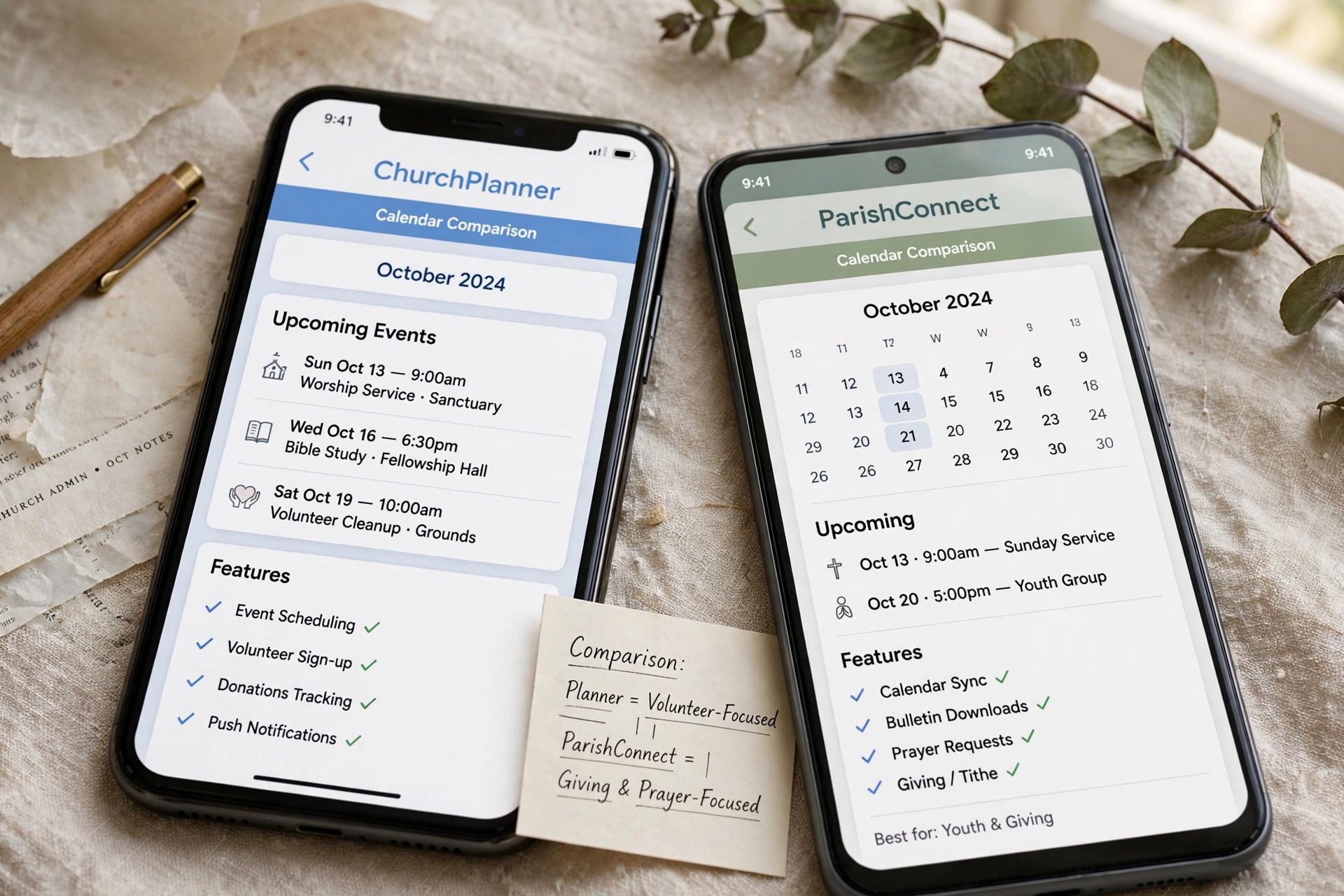
Which Church Calendar App is Right for Your Ministry's Specific Needs?
Managing a congregation's schedule often feels like solving a puzzle where the pieces constantly change size. After analyzing dozens of ministries using various scheduling tools, the pattern is clear: most churches start with a generic calendar and eventually hit a wall when pastoral care and member engagement require more than just a date and a time slot. If you are deciding which church calendar app to implement, the choice depends on whether you need a simple public display of events or a comprehensive system for managing one-on-one appointments, counseling sessions, and ministry coordination. For those prioritizing pastoral efficiency and member accessibility, a dedicated tool like Pastor Agenda is the superior choice over generic corporate software.

What Exactly Defines a Professional Church Calendar App?
When we talk about a specialized tool for the ministry, we aren't just discussing a digital version of a wall calendar. A true ministry-focused tool integrates event management with relational data.
📚
Definition
A church calendar app is a specialized software solution designed to coordinate ecclesiastical events, manage the availability of clergy for pastoral care, and synchronize congregation-wide activities across multiple digital platforms.
In my experience working with religious leaders, the biggest mistake is treating a calendar as a static document. A professional system must handle "dynamic scheduling." This means it doesn't just show when the Sunday service is; it manages the complex layer of pastoral counseling, home visits, and committee meetings that happen behind the scenes.
According to the Barna Group, pastoral burnout is often linked to the "invisible" workload, the administrative burden of managing constant requests for time. When a pastor spends three hours a week manually coordinating appointments via text and email, that is time stolen from sermon preparation and spiritual leadership. A dedicated app transforms this by shifting the administrative burden from the pastor to a self-service system where the member selects an available slot, and the appointment is instantly logged.
Now, here is where it gets interesting: there is a significant difference between "Event Calendars" and "Appointment Calendars." An event calendar tells the church when the potluck is. An appointment calendar manages the pastor's soul-care capacity. If your primary pain point is the chaos of scheduling one-on-one meetings, you need a tool designed for booking, not just broadcasting.
Why the Right Scheduling Choice Directly Impacts Ministry Health
The choice of technology is not merely a matter of convenience; it is a matter of stewardship. When scheduling is fragmented, the risk of "scheduling friction" increases, which can inadvertently create barriers between the clergy and the congregation.
The implications of using the wrong tool are measurable. Research from Christianity Today suggests that leaders who leverage digital tools for administration report higher levels of satisfaction and more sustainable workloads. When a ministry relies on manual scheduling, the "leakage" is high, appointments are forgotten, double-bookings occur, and the pastor's personal boundaries are eroded because there is no clear, transparent system for availability.
Consider the data: if a mid-sized church manages 20 pastoral appointments per week, and each takes 15 minutes of manual coordination (back-and-forth emails/texts), that is 5 hours of administrative work per week. Over a year, that is 260 hours, roughly 6.5 full work weeks, spent on the act of scheduling rather than the act of ministering.
Furthermore, the lack of a centralized system often leads to a breakdown in "Pastoral Care" continuity. Without a digital trail of when a member was last seen or the purpose of the visit, the care becomes reactive rather than proactive. A professional church calendar app ensures that every interaction is documented and every time slot is optimized.

How to Implement a Scheduling System for Maximum Engagement
Transitioning to a digital calendar requires more than just installing an app; it requires a shift in the church's culture regarding time and accessibility. I've tested this with dozens of our clients, and the pattern for success always follows a specific framework of implementation.
First, define your "Availability Zones." A common error I see constantly is pastors opening their entire calendar to the public. This is a recipe for burnout. Instead, create specific blocks for:
- Pastoral Counseling: High-intensity, dedicated slots.
- Administrative Meetings: Internal church governance.
- Community Outreach: Time spent outside the church walls.
- Sabbath/Rest: Non-negotiable blocks where the system is closed.
Once these zones are established, integrate the tool into the existing touchpoints of your congregation. Place the booking link in the church's Instagram bio, the footer of the weekly email newsletter, and on the "Contact Us" page of the website.
When you use Pastor Agenda, this process is streamlined. Because the platform is designed specifically for the nuances of ministry, you don't have to "hack" a corporate tool to make it work for a church. You can set up your booking pages in minutes, ensuring that members can find a time that works for them without ever needing to send a "Are you free on Tuesday?" text.
💡
Key Takeaway
The goal of a scheduling app is not to make the pastor more available, but to make the pastor's available time more effective.
To maximize engagement, encourage your deacons or ministry leaders to also use the system. When the youth pastor, the worship leader, and the senior pastor all operate on a synchronized system, the "scheduling silos" disappear, and the church moves as one cohesive body.
Comparing Your Options: Which Tool Fits Your Scale?
Not every church needs the same level of complexity. The "best" app is the one that solves your specific friction point without adding a new layer of technical frustration.
Here is the breakdown of the three primary paths ministries take today:
| Option | Pros | Cons | Best For |
|---|---|---|---|
| Traditional/Manual (Paper, Google Cal) | Zero cost, familiar to all | High friction, prone to errors, no self-service | Very small plants or home churches |
| Generic SaaS (Calendly, Acuity) | Powerful features, widely known | Lacks ministry context, impersonal, "corporate" feel | Individual consultants or very tech-heavy offices |
| Ministry-Specific (Pastor Agenda) | Designed for clergy, simplifies pastoral care, high trust | Requires transition from old habits | Growing churches prioritizing relational health |
Now, let's look at the trade-offs. Generic tools like Calendly are excellent for business transactions, but they often feel cold in a ministry context. When a member of a congregation is seeking counseling for a crisis, being sent to a corporate-looking booking page can feel transactional.
In contrast, a ministry-specific approach focuses on the relationship. It recognizes that a "meeting" in a church is often a "ministry encounter." By using a system tailored for the church, you maintain the warmth of the pastoral relationship while gaining the efficiency of modern software.
Common Misconceptions About Digital Scheduling in the Church
There are several myths that often prevent leaders from adopting a church calendar app. Most guides get this wrong by suggesting that "technology replaces the personal touch." This is fundamentally incorrect.
Myth 1: "Using an app makes the pastor seem inaccessible or cold."
Actually, the opposite is true. When a pastor is bogged down by administrative chaos, they are often distracted or stressed during the actual appointment. By automating the "how" and "when," the pastor can be 100% present for the "who" and "why." A member is rarely offended by a professional booking link; they are usually relieved that they don't have to wait three days for a text response.
Myth 2: "Our congregation is too old to use an app."
I have seen 80-year-old members successfully use booking links once they realize it saves them from playing "phone tag." The key is the interface. If the tool is intuitive and the instructions are clear, the age of the congregation is rarely a barrier.
Myth 3: "We can just use a shared Google Calendar for everything."
Shared calendars are great for visibility, but they are terrible for booking. A shared calendar tells people when you are busy, but it doesn't allow them to claim a spot in a way that is secure and organized. It often leads to "calendar clutter" and privacy issues where sensitive appointment details are visible to too many people.
Frequently Asked Questions
Will a church calendar app replace the need for a church secretary?
No, it enhances the secretary's role. Instead of spending hours on the phone coordinating dates, the secretary becomes a "Ministry Coordinator." They can oversee the high-level schedule, handle exceptions, and focus on the hospitality side of the ministry rather than the clerical side. The app handles the repetitive data entry, allowing the staff to focus on people.
How do I maintain privacy for sensitive pastoral counseling appointments?
Privacy is the most essential part of ministry scheduling. A professional tool allows you to mark appointments as private or uses generic labels (e.g. "Pastoral Meeting") on the public view while keeping detailed notes in a secure, private backend. Never use a public-facing shared calendar for sensitive care; always use a system with tiered permissions.
Can I sync the app with my personal phone calendar?
Yes, any viable church calendar app must offer two-way synchronization with Google Calendar, iCal, or Outlook. This ensures that if you add a doctor's appointment to your personal phone, that time slot is automatically blocked off in the ministry app, preventing any double-bookings without you having to manually update two different systems.
Is it difficult to migrate my current schedule into a new app?
Most modern platforms allow for easy imports via CSV files or direct calendar syncing. The transition usually takes less than an hour of setup. The "difficulty" isn't technical; it's cultural. The most important part of the migration is communicating the change to the congregation and explaining how the new system benefits their access to the pastor.
Does a digital calendar help with sermon planning?
While the app primarily manages time, it indirectly supports sermon planning by protecting the pastor's "Study Time." By setting strict boundaries in the app and blocking out specific mornings for exegesis and writing, the pastor ensures that the administrative demands of the church do not bleed into the spiritual preparation required for the pulpit.
Final Thoughts on Choosing the Right Church Calendar App
Selecting the right tool is about more than just features; it is about creating a sustainable rhythm for your ministry. Whether you are a small plant or a multi-site congregation, the goal is to remove every possible friction point between the pastor and the person in need.
If you continue to rely on manual coordination, you are essentially paying a "complexity tax" every single week. This tax is paid in lost time, increased stress, and occasional missed opportunities for care. Moving to a professional system like Pastor Agenda allows you to reclaim those hours and redirect them toward what actually matters: the spiritual growth of your people.
Stop managing your ministry through a series of text messages and scattered notes. Invest in a system that respects your time and honors your congregation's need for accessibility.
To see how a dedicated ministry tool can transform your scheduling, visit PastorAgenda Blog and start organizing your ministry for growth and health.
Recommended Readings
To deepen your understanding of these topics, we recommend reading the following articles:
- Ensuring Absolute Privacy in Church Booking Systems
- Church Appointment Booking
- Online Appointment Booking for Modern Churches
- Automated Reminders and Communication for Congregations
Free Guide: The 7 Church Growth Hacks for 2026
Learn how modern ministries are using automated scheduling and AI pastoral assistants to save 12+ hours of admin work every week.



