📖This article is part of the complete guide to Managing Pastoral Counseling Appointments Safely.
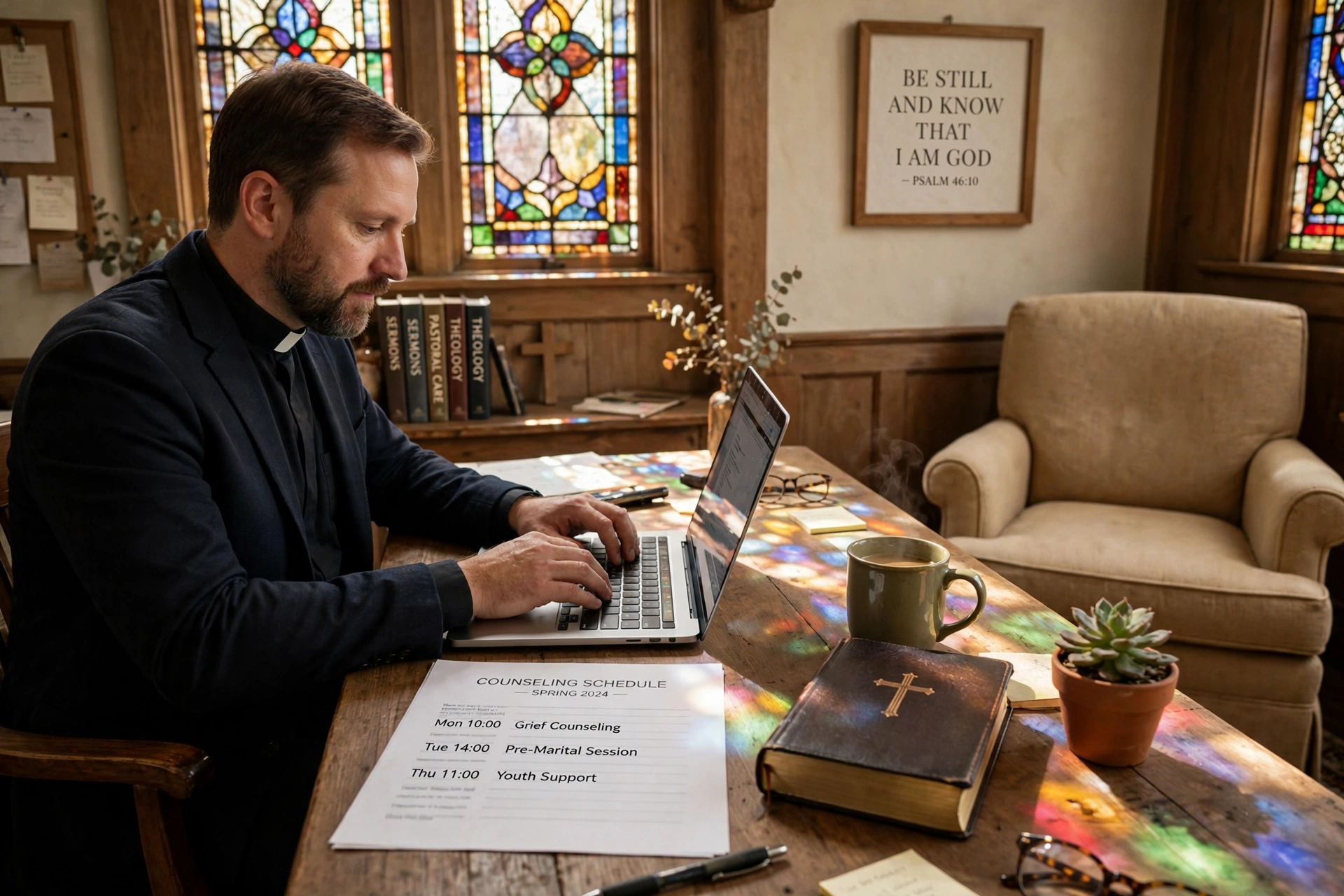
In my experience working with hundreds of congregations, the most dangerous moment in pastoral care isn't the counseling session itself, but the intake process. I've seen ministers collect deeply personal trauma histories via unencrypted email or, worse, handwritten sheets left on a church secretary's desk. This lack of infrastructure creates a liability gap that can jeopardize both the congregant's privacy and the church's legal standing. For a comprehensive overview of how to structure your entire process, explore our guide on pastoral counseling scheduling.
What are Counseling Intake Forms for Churches?
📚
Definition
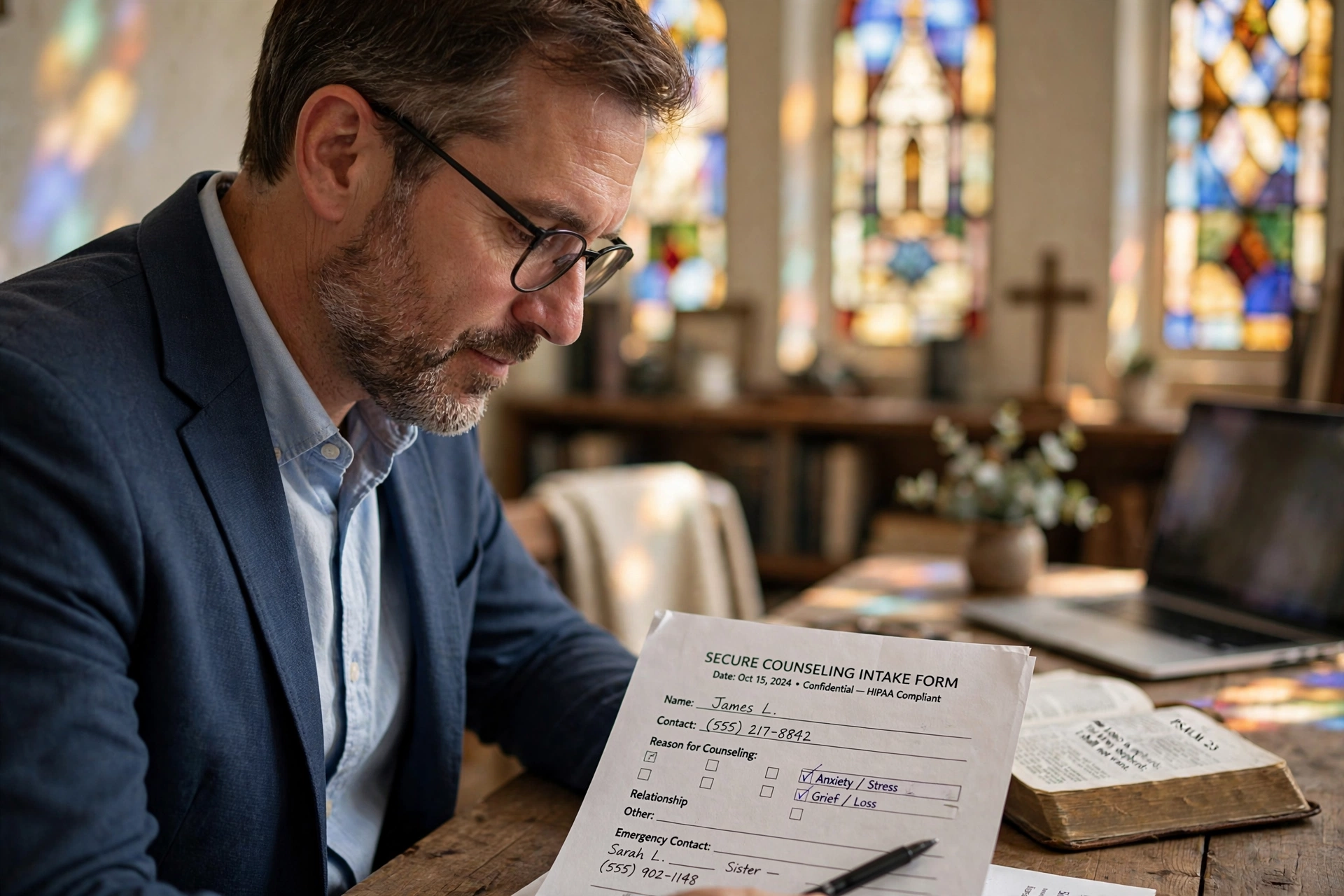
Counseling intake forms for churches are structured documents used to gather essential preliminary information from a congregant before their first pastoral care session. These forms typically capture contact details, the nature of the crisis or request, and urgency levels, allowing the pastor to prepare mentally and spiritually for the meeting.
Effective counseling intake forms for churches serve as the first point of contact in a sensitive journey. Rather than being a mere administrative hurdle, these forms act as a triage system. They allow a minister to differentiate between a request for general spiritual guidance and a high-risk crisis, such as suicidal ideation or domestic violence, which requires immediate intervention and potentially different legal protocols. When these forms are digitized and secured, they transform from a liability into a professional tool for ministry excellence.
In a professional ecclesiastical setting, the intake process must balance accessibility with extreme discretion. If a form is too intrusive, the congregant may feel discouraged from seeking help; if it is too vague, the pastor enters the session blind. The ideal balance involves asking high-level questions that signal the need for care without forcing the individual to disclose their deepest traumas over an unsecured digital channel before they have established trust with the clergy. This is why the move toward encrypted scheduling software has become the gold standard for modern ministries in 2026.

Why Secure Intake and Calendar Management Matters for Your Ministry
Securing the data collected through counseling intake forms for churches is not just about technical compliance; it is about the theological mandate of stewardship and the ethical obligation of confidentiality. When a congregant shares a struggle, they are trusting the church with their most vulnerable secrets. A data breach involving pastoral records is not just a technical failure; it is a betrayal of spiritual trust that can lead to a permanent exodus of members from the congregation.
From a legal perspective, the risks are substantial. While clergy-penitent privilege provides some protection, the storage of digital data is subject to evolving privacy laws. According to Church Law & Tax, maintaining rigorous administrative boundaries and secure data handling is fundamental to protecting the church's assets and its leadership from avoidable litigation. When sensitive information is stored in a generic cloud folder or a shared church email account, the risk of unauthorized access increases by an order of magnitude.
Furthermore, a secure calendar prevents "scheduling leaks." I've encountered situations where a public church calendar inadvertently listed "Counseling: [Name]" for all staff to see. This violates the core tenet of pastoral care. A dedicated, secure calendar ensures that only the authorized minister knows who is being seen and when, keeping the identity of the seeker protected from the wider church administration.
Research from the Barna Group indicates that modern congregants, particularly Gen Z and Millennials, place a higher premium on privacy and digital security than previous generations. If a church cannot provide a secure way to request help, these demographics may seek professional secular counseling instead, missing out on the spiritual integration that only a pastor can provide. Thus, secure intake is a growth strategy as much as it is a safety measure.
How to Implement Secure Intake Forms and Calendars Step-by-Step
Implementing a secure system requires moving away from "convenience tools" like standard Google Forms or emailed Word documents and moving toward specialized ministry infrastructure. The goal is to create a closed-loop system where the data travels from the congregant to the pastor without ever sitting in an unsecured inbox.
Step 1: Define Your Data Minimums
Do not ask for more than you need. In the initial intake form, ask for:
- Full Name and Contact Method.
- A brief description of the need (e.g. "Marriage Support," "Grief," "Spiritual Crisis").
- Urgency level (1-5).
- Availability for a call. Avoid asking for specific details of the trauma in the form; save those for the encrypted session or the face-to-face meeting.
Step 2: Use Encrypted Intake Tools
Avoid free form builders that store data in plaintext. Use a system that offers End-to-End Encryption (E2EE). This ensures that even the service provider cannot read the content of the intake form. If you are using a scheduling tool, ensure it integrates the form directly into the booking process, so the data is tied to a specific calendar event rather than floating in a database.
Step 3: Implement a Secure Calendar Hierarchy
Your pastoral calendar should be separate from the general church event calendar. Use a system that allows for "Private" event markers. For example, in a professional setup, the calendar may show the pastor is "Busy" to the church secretary, but only the pastor sees the specific name and reason for the appointment. This prevents the "secretariat leak" where administrative staff inadvertently disclose who is seeking counseling.
Step 4: Establish a Data Purge Policy
Data that is not needed should not exist. Establish a policy where intake forms are archived or deleted after the counseling relationship ends or after a set period (e.g. 12 months). This reduces the "blast radius" in the event of a future security breach. As noted by the National Association of Evangelicals, clear guidelines on ministerial conduct and record-keeping are essential for healthy church governance.
Step 5: Automate the Workflow with Pastor Agenda
Instead of manual emailing, use a dedicated platform like Pastor Agenda. By automating the booking and intake process, you remove the human error of the secretary manually typing a name into a calendar. The system handles the encryption, the timing, and the notification, ensuring the pastor has the intake data ready exactly when the session starts, without the data ever residing in an insecure email thread.

The Traditional Approach vs. Generic AI vs. Pastor Agenda
Many churches struggle to decide between the "way we've always done it," the new trend of using generic AI assistants, and a professional ministry-specific tool. The difference in security and effectiveness is stark.
| Feature | Traditional Manual Approach | Generic AI/Free Tools | Pastor Agenda Approach |
|---|---|---|---|
| Data Security | Low (Paper/Email/Open Calendars) | Medium (Cloud storage, but data mined) | High (Encrypted, Ministry-focused) |
| Privacy Control | None (Secretary sees everything) | Limited (Generic permission sets) | Absolute (Private ministerial views) |
| Intake Efficiency | Slow (Phone tags/Manual forms) | Fast (Automated but impersonal) | Professional (Integrated & Intentional) |
| Liability Risk | High (Physical loss/Email leaks) | Moderate (Terms of Service risks) | Low (Built for pastoral compliance) |
Common Mistakes to Avoid in Church Intake Management
In my years of consulting for ministries, I have seen a recurring set of failures that lead to privacy disasters. Avoiding these is the fastest way to secure your ministry.
1. Using a Shared "Church Office" Email for Intake
This is the most common failure. When a congregant emails "Send Email: pastor@church.com," often three different people (the secretary, the associate pastor, and the lead pastor) have access to that inbox. This immediately destroys confidentiality. Intake should go directly into a secure database, not a shared email.
2. Storing Intake Forms in Unprotected Cloud Folders
Storing PDFs of intake forms in a shared Google Drive or Dropbox without strict permission sets is a ticking time bomb. One accidental "Share with anyone with the link" click can expose the private struggles of your entire congregation to the internet. Always use a system where the data is siloed per user.
3. Neglecting the "Urgency" Filter
Generic forms often treat a request for a "Bible study date」 and a "suicide crisis" with the same priority. If your intake form doesn't have a clear urgency indicator, you risk missing a critical window for intervention. I've seen cases where a cry for help sat in an inbox for four days because the pastor was catching up on general emails.
4. Over-Collecting Sensitive Data Too Early
Asking for a detailed history of abuse or addiction on a digital form before the first meeting is often counterproductive. It creates a digital record of a trauma that the person might not be ready to commit to paper. Use the form for logistics and triage, and use the session for the deep dive.
5. Relying on "Trust" Instead of "Systems"
Many pastors say, "I trust my secretary with this information." Trust is not a security protocol. People make mistakes; they leave screens open, they lose notebooks, and they accidentally CC the wrong person on an email. A professional system like Pastor Agenda replaces "trust-based security" with "system-based security," protecting both the staff and the congregant.
Frequently Asked Questions
Are digital intake forms safer than paper forms?
Yes, provided they are encrypted. Paper forms can be physically lost, seen by anyone walking past a desk, or filed incorrectly. Digital forms, when managed through a secure platform like Pastor Agenda, ensure that the data is encrypted at rest and in transit. This means the information is unreadable to anyone without the specific decryption key, providing a level of security that physical paper can never match.
How do I ensure my calendar doesn't leak who I am counseling?
By using a "layered" calendar system. Your public or staff-facing calendar should only show blocks of "Unavailable" or "Pastoral Meeting." The specific details, the name of the person and the nature of the counseling, should only be visible to the pastor in a private, password-protected view. This separation of "availability" from "identity" is the key to maintaining total confidentiality in a church office.
Should I use a free tool like Google Forms for church intake?
Generally, no. While convenient, free tools are designed for general data collection, not for highly sensitive ministerial records. They often lack the necessary encryption standards for health or crisis data and may use the data for AI training or advertising profiles. For professional pastoral care, you need a tool specifically designed for confidentiality, which is why we recommend a dedicated scheduling software.
What should I do if a congregant sends sensitive info via a non-secure channel?
If a person emails you a long, sensitive history, the first step is to acknowledge it briefly and immediately move them into a secure channel. You might say, "I have received your message and want to ensure your privacy is protected. Please use our secure booking link to schedule a time, and we will discuss these details in a private session." Avoid replying to the sensitive details via email, as this creates a permanent, insecure digital trail.
How often should I review my intake security protocols?
At least once every six months. Technology evolves, and new vulnerabilities emerge. You should review who has access to your calendars, check your data purge logs, and ensure your software is updated. In 2026, the standard for digital privacy is shifting toward zero-trust architecture, meaning you should always verify access and never assume a folder is secure just because it is "private."
Recommended Readings
To deepen your understanding of these topics, we recommend reading the following articles:
- How a Church Counseling Scheduler Ensures Complete Confidentiality
- Setting Up Confident and Private Pastoral Counseling Workflows
- Ensuring Absolute Privacy in Church Booking Systems
- Church Appointment Booking
Conclusion
Managing counseling intake forms for churches is not a mere administrative task; it is a spiritual discipline of protection. When you secure the entry point of your pastoral care, you tell your congregants that their souls and their secrets are safe in your hands. Moving from a fragmented system of emails and paper to a streamlined, encrypted workflow removes the anxiety of potential leaks and allows the pastor to focus on what truly matters: the healing and guidance of the flock.
If you are still using manual methods, the risk is too high. The transition to professional scheduling software is the only way to guarantee the confidentiality your ministry deserves. For a deeper dive into building these systems, return to our Managing Pastoral Counseling Appointments Safely pillar guide.
Stop risking your congregation's privacy. Implement a professional, secure, and automated system today with PastorAgenda Blog.
Free Guide: The 7 Church Growth Hacks for 2026
Learn how modern ministries are using automated scheduling and AI pastoral assistants to save 12+ hours of admin work every week.