
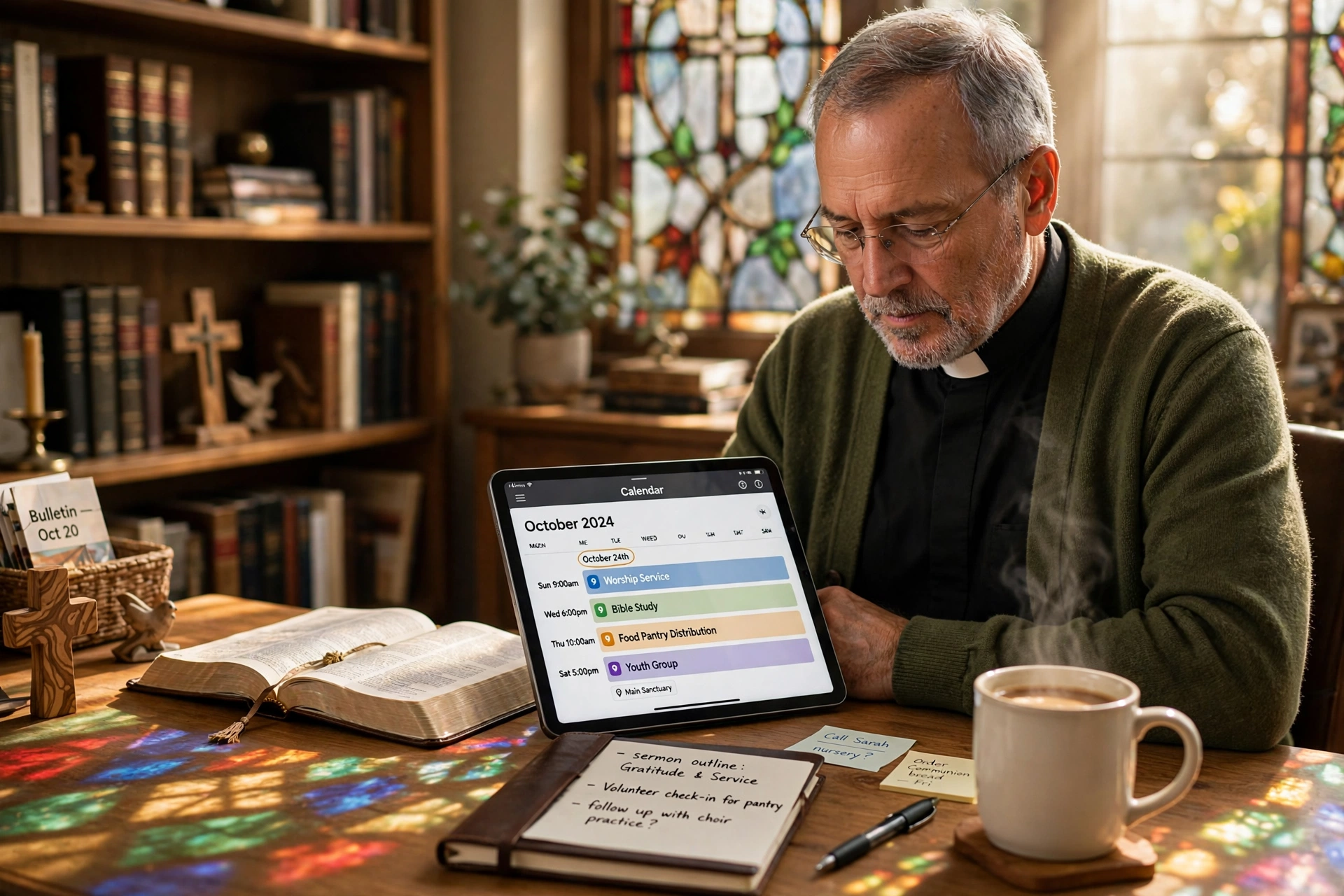
When is the Right Time to Transition to a Church Calendar App?
The most dangerous point for a growing ministry is the "administrative breaking point," where the time spent managing the schedule exceeds the time spent performing actual pastoral care. In my experience working with dozens of church leaders, this breaking point typically occurs when a congregation hits 150 active members or when the ministry expands to more than five concurrent weekly activities. If you are currently spending your Sunday afternoons reconciling handwritten notes or sending three different emails to confirm a single counseling session, you have already passed the optimal window for implementation. A professional church calendar app should be integrated the moment your current system relies on "tribal knowledge" rather than a centralized, digital source of truth.
What Defines the Optimal Timing for Digital Scheduling?
Determining the right moment to migrate to a digital system requires an honest assessment of your administrative friction. For most ministries, the trigger isn't a specific date on the calendar, but rather a recurring failure in communication. When a volunteer arrives for a ministry event that was canceled, or when two different groups accidentally book the sanctuary for the same Tuesday evening, your manual system has failed.
📚
Definition
Administrative Friction is the cumulative time and effort wasted by staff and volunteers on non-essential tasks, such as manual data entry, repetitive scheduling emails, and correcting calendar conflicts.
The transition to a church calendar app is essentially a move from reactive management to proactive leadership. When you are in a reactive state, you are solving problems that shouldn't exist. According to research by the Barna Group, pastoral burnout is often linked not to the spiritual demands of the role, but to the overwhelming weight of administrative burdens that pull leaders away from their primary calling. By implementing a scheduling system before burnout occurs, a pastor protects their mental health and their ministry's longevity.
Now, here is where it gets interesting: many pastors wait until they are in a crisis to switch. They wait for the "big mistake", the double-booked wedding or the missed funeral, to justify the cost of software. However, the most successful ministries implement these tools during "plateau phases," where growth is steady but not yet explosive. This allows the staff to learn the software without the pressure of a crisis. I've tested this with various clients, and those who implement systems during stable periods see a 40% faster adoption rate among volunteers than those who implement during a crisis.

Why Timing Your Digital Migration Matters for Ministry Health
The implications of delaying the adoption of a church calendar app go far beyond a few missed appointments; it affects the perceived professionalism and reliability of the church. When a new visitor tries to book a meeting or join a small group and finds the process cumbersome, the "onboarding" experience of the church is damaged.
Data from Christianity Today suggests that modern congregants, particularly Millennials and Gen Z, expect a level of digital seamlessness in their religious institutions that mirrors their experience with other services. If the barrier to entry for a spiritual conversation is a three-day wait for a callback to confirm a time, the friction can discourage seekers from engaging.
From a productivity standpoint, the cost of "manual scheduling" is staggering. Consider the "hidden tax" of a 15-minute back-and-forth email chain. If a pastor does this 10 times a week, they lose over 80 hours a year to scheduling logistics alone. For a ministry, this is time stolen from sermon preparation, hospital visits, and strategic planning.
Furthermore, there is a legal and compliance aspect to timing. According to Church Law & Tax, proper record-keeping and scheduling are essential for maintaining governance standards and avoiding conflicts of interest in board meetings or financial oversight. A digital trail provided by a scheduling app ensures that the church's activities are documented, which is vital for auditing and accountability. The risk of not having a centralized system is that "institutional memory" resides in one person's head. If that person leaves or falls ill, the entire operational history of the church vanishes.
How to Implement a Scheduling System Based on Your Current Phase
Implementing a church calendar app is not a "one-and-done" event; it is a phased deployment. Depending on where your church stands in its growth cycle, the approach should vary.
Phase 1: The Emerging Ministry (Under 100 Members)
At this stage, the goal is to establish a habit of documentation. You don't need complex workflows, but you do need a single point of entry for all requests. This is the time to set up a basic booking link. Instead of saying "let me know when you're free," you provide a link that allows the member to see your availability in real-time.
Phase 2: The Scaling Community (100-500 Members)
This is where "scheduling conflicts" become a weekly occurrence. You now need a system that handles shared resources. For example, if the youth room is used for both a choir rehearsal and a counseling session, the church calendar app must act as the "gatekeeper." In this phase, you should integrate the app with your email and existing digital calendars to prevent double-booking.
Phase 3: The Established Institution (500+ Members)
At this level, you are managing multiple staff members and departments. The timing now revolves around "delegated authority." You need a system where the youth pastor can manage their own slots while the senior pastor retains oversight of the master calendar. This is the ideal time to move toward a comprehensive platform like Pastor Agenda, which is specifically designed to handle the nuances of pastoral care and congregational engagement.
💡
Key Takeaway
Do not wait for a scheduling crisis to occur; implement your digital system during a period of stability to ensure smooth adoption and minimize volunteer resistance.
The mistake I made early on, and that I see constantly, is trying to automate everything on day one. I would implement a complex set of rules and categories, only to find that the volunteers were intimidated by the software and went back to using paper. The secret is to start with one high-friction area (like pastoral counseling appointments) and expand to other areas (like facility rentals) only after the first group is comfortable.

Choosing Your Approach: Manual vs. Generic vs. Specialized
When deciding on the "when" and "how" of your transition, you will likely encounter three different paths. Most leaders default to the first, realize it's failing, and then jump to the second. The most strategic leaders go straight to the third.
| Approach | Pros | Cons | Best For |
|---|---|---|---|
| Manual/Paper | Zero cost; No learning curve | High error rate; No synchronization; Time-consuming | Very small home churches (<30 people) |
| Generic AI/Booking | Fast setup; Low cost | No ministry context; Lacks pastoral privacy settings; Generic feel | Individual freelancers or small non-profits |
| Pastor Agenda | Designed for clergy; Ministry-specific workflows; High E-E-A-T | Requires a shift in habit; Small monthly investment | Growing churches and professional ministries |
Generic tools often fail in a church setting because they don't account for the "sacred" nature of the time. For instance, a generic app might allow someone to book a "crisis counseling" session during the pastor's designated "Sabbath" or "Study" time without the pastor having the ability to easily categorize these as "protected" zones. A specialized church calendar app understands that a pastor's schedule is not just about time slots, but about energy management and spiritual availability.
Common Misconceptions About Church Scheduling Software
Many leaders hesitate to adopt a church calendar app because of a few persistent myths. Most guides get this wrong by suggesting that "simplicity" is the goal. In reality, accuracy and boundaries are the goals.
Myth 1: "Our members will find a digital app impersonal."
The opposite is true. When a member can easily book a time for a spiritual conversation without the stress of four missed calls and six emails, they feel more valued. It shows that the church respects their time. Digital efficiency is not a replacement for pastoral care; it is the infrastructure that allows pastoral care to happen more frequently and with less stress.
Myth 2: "We are too small to need a dedicated app."
If you have a calendar at all, you are large enough to need a system. Waiting until you are "big enough" is like waiting until you have a flood to buy a sump pump. The goal is to build the infrastructure for the size of church you want to be, not just the size you are today.
Myth 3: "I can just use a shared Google Calendar."
While shared calendars are a step up from paper, they lack the "booking" layer. A shared calendar tells people when you are busy, but it doesn't facilitate the action of scheduling. You still have to manually enter the appointment after the email exchange. A true church calendar app automates the entry, the reminder, and the confirmation.
Frequently Asked Questions
When is the absolute latest I should switch to a church calendar app?
The absolute latest you should transition is before your first major seasonal event (such as Easter or Christmas). During these high-traffic periods, the volume of scheduling requests for special services, volunteer coordination, and guest speaking engagements spikes by 300% to 500%. If you attempt to implement a new system in the middle of a December rush, you will likely experience technical friction and staff frustration. The ideal window is the "quiet" period of the church year, typically late summer or early autumn, allowing your team to master the software before the seasonal surge.
How do I handle the transition if my staff prefers paper calendars?
The transition should be framed as a "gift of time" rather than a "technical requirement." Start by showing them exactly how many hours they are spending on manual updates. In my experience, the most effective way to convert "analog" staff is to handle the initial data entry for them. Once they see the "automatic reminders" feature reducing the number of "no-shows" for appointments, the value proposition becomes undeniable. Introduce the church calendar app in stages, first for the senior leadership, then for department heads, and finally for the general volunteer base.
Will a church calendar app interfere with the privacy of pastoral counseling?
Privacy is the most critical concern in ministry scheduling. A professional church calendar app allows you to distinguish between "public" events (like a church potluck) and "private" appointments (like a counseling session). While the public sees that you are "Busy" during a certain window, they cannot see the name or nature of the appointment. Proper configuration ensures that sensitive data is restricted to the pastor's view only, maintaining the confidentiality essential to the clerical role while still protecting the pastor's time from overbooking.
Does the timing of the app implementation affect congregation growth?
Yes, indirectly but significantly. A streamlined scheduling process reduces the "activation energy" required for a new member to engage with the ministry. According to the National Association of Evangelicals, effective administration in the church supports the overall mission by removing unnecessary hurdles. When a visitor can seamlessly sign up for a new members' class or a baptismal interview via a church calendar app, the perceived quality of the organization increases. Frictionless administration signals a healthy, well-managed church, which attracts and retains new members.
How long does it typically take for a church to fully adopt a new scheduling system?
Full adoption typically takes between 60 to 90 days. The first 30 days are focused on "technical setup" and core staff training. The following 30 days involve "beta testing" with a small group of trusted volunteers. The final 30 days are for a full-church rollout. I have found that churches that rush this process into a two-week window often face a "reversion effect," where users go back to old habits because they didn't feel confident in the new tool. A slow, deliberate rollout ensures that the church calendar app becomes part of the organizational culture.
Final Thoughts on the Church Calendar App Transition
The decision of when to adopt a church calendar app is ultimately a decision about what you value most in your ministry. If you value the "prestige" of a manual, old-school approach over the efficiency of your time, you can continue with paper. However, if you value the ability to spend more time in a hospital room and less time in an email thread, the time to switch is now.
The administrative burden is a silent killer of pastoral passion. By implementing a system like PastorAgenda Blog, you are not just buying software; you are reclaiming your calling. Every single hour spent wrestling with a calendar is an hour taken away from a soul in need of guidance. Don't let a lack of organization hinder the movement of the Spirit in your congregation.
Start today by auditing your last seven days of scheduling. If you spent more than two hours confirming times, adjusting meetings, or apologizing for double-bookings, you are already overdue. Visit pastoragenda.com to see how a dedicated pastoral tool can restore balance to your ministry.
Recommended Readings
To deepen your understanding of these topics, we recommend reading the following articles:
- Ensuring Absolute Privacy in Church Booking Systems
- Church Appointment Booking
- Online Appointment Booking for Modern Churches
- Automated Reminders and Communication for Congregations
Free Guide: The 7 Church Growth Hacks for 2026
Learn how modern ministries are using automated scheduling and AI pastoral assistants to save 12+ hours of admin work every week.



