
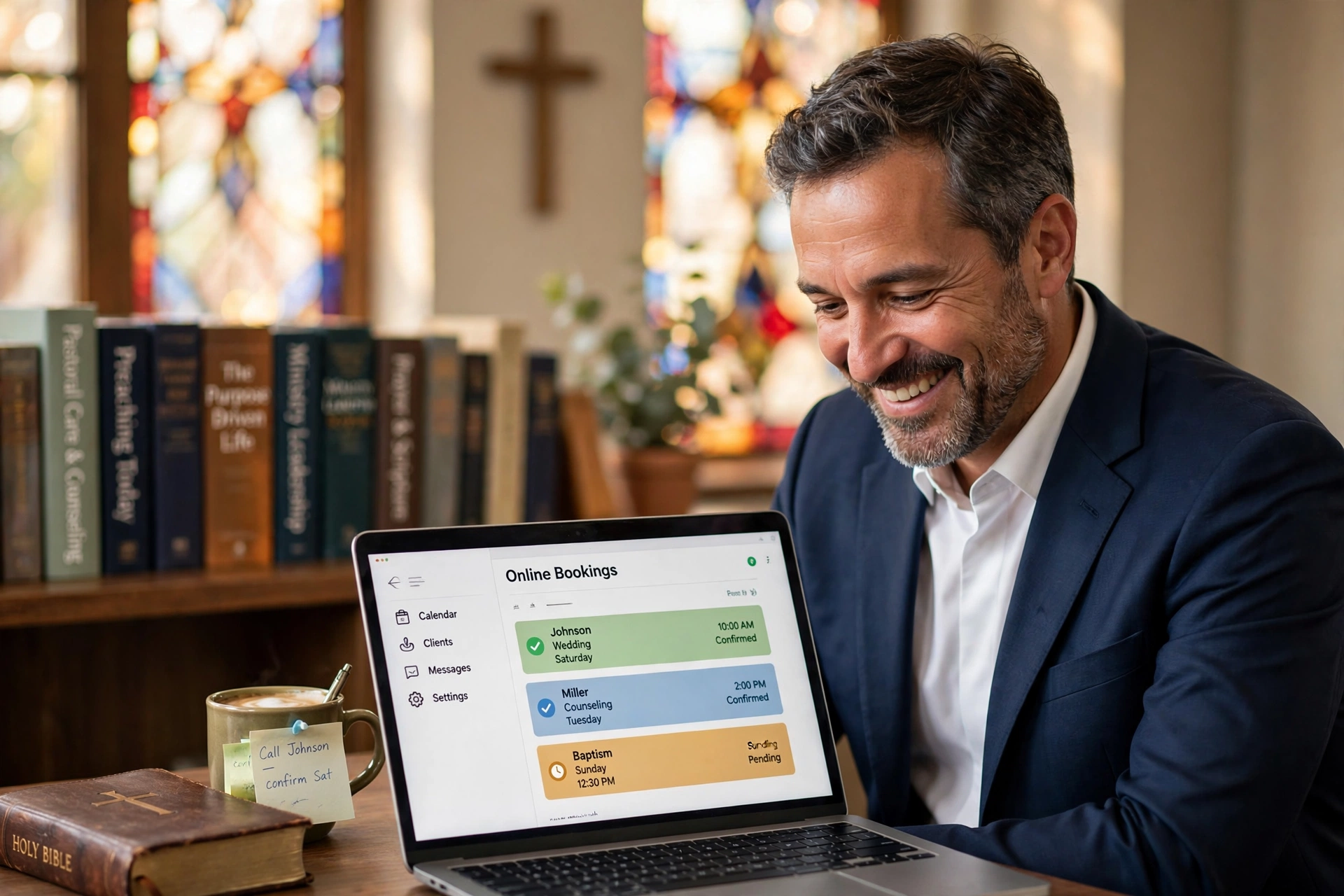
Which Online Booking System Should Pastors Actually Use?
Managing a calendar through endless text messages and fragmented emails is the primary cause of burnout among modern clergy. For a ministry to scale, the transition to a dedicated online booking for pastors is not just a convenience; it is a boundary-setting necessity. When choosing the right system, you must decide between generic scheduling tools, heavy-duty church management software (ChMS), or niche ministerial platforms. In my experience working with various church leaders, the "best" choice is rarely the one with the most features, but the one that minimizes the friction between a member's need for care and the pastor's need for Sabbath rest.

What Exactly is Online Booking for Pastors and How Does it Work?
To understand the landscape of digital scheduling, we must first define the mechanism. Most systems operate by syncing a digital calendar (like Google or Outlook) with a public-facing interface where congregants can select available time slots.
📚
Definition
Online booking for pastors is a specialized digital scheduling workflow that allows church members to request appointments for pastoral care, counseling, or administrative meetings without manual back-and-forth communication.
The core functionality relies on "availability logic." Instead of sharing your entire calendar, you create specific "event types", such as "30-minute Prayer Request" or "60-minute Marriage Counseling", each with its own set of rules. You can set buffers (e.g. 15 minutes between meetings to pray or reset), lead times (e.g. no appointments within 24 hours), and maximum daily limits to prevent exhaustion.
Now, here is where it gets interesting: the gap between a generic tool and a ministry-specific tool is the "context of care." A generic tool treats an appointment like a business transaction. A ministerial tool understands that a "crisis meeting" has different priority and privacy requirements than a "budget review." According to the Barna Group, the mental health of pastors is at a critical juncture, with a significant percentage reporting high levels of stress and loneliness. Tools that automate the "logistics" of ministry allow the pastor to focus on the "soul" of the ministry, reducing the administrative cognitive load that leads to burnout.
When I first began advising ministries on their tech stacks, I noticed a recurring mistake: pastors would use a "free" tool that lacked privacy controls. They would inadvertently expose their private family time or, worse, allow a single demanding member to book every available slot in a week. True ministerial scheduling requires "administrative gating", the ability to review a request before it is officially confirmed, ensuring that the pastor's schedule remains balanced.
Why Does Your Ministry Need a Specialized Scheduling Framework?
The implications of sticking to manual scheduling are far more severe than just "lost time." It is about the accessibility of the gospel and the sustainability of the leader. When a member in crisis has to wait three days for a text response to find out when the pastor is free, the window for impactful pastoral care can close.
Data shows that automation in administrative tasks drastically improves retention in professional settings, and the same applies to the church. While specific "church productivity" stats are rare, the National Association of Evangelicals (NAE) emphasizes the need for leadership sustainability. If a pastor spends 5 to 10 hours a week playing "calendar Tetris," that is time stripped away from sermon preparation and deep study.
Consider the "Friction Cost." Every time a member has to ask "Are you free Tuesday at 2 PM?" and the pastor replies "No, how about Wednesday at 10 AM?", you are adding friction to the relationship. In a high-trust environment like a church, reducing this friction signals that the leader is organized and available. Conversely, a chaotic scheduling process can subtly signal a chaotic ministry.
Furthermore, from a compliance and boundary perspective, having a digital trail of appointments is essential for safeguarding. When pastoral counseling happens, having a timestamped record of the appointment (without necessarily recording the private contents) provides a layer of accountability and protection for both the clergy and the congregant. For those in larger congregations, the volume of requests makes manual tracking impossible. If you are managing more than 20 appointments a month, the mental energy required to remember "who said what" about "which time slot" becomes a liability.
How to Implement a Booking Workflow That Protects Your Peace
Implementing a system is not about the software; it is about the policy. Many pastors install a tool and then wonder why their calendar is still a mess. The secret is the "Scheduling Policy."
First, you must define your "Available Windows." Do not open your entire week. Instead, designate "Pastoral Care Blocks." For example, Tuesdays from 9 AM to 12 PM and Thursdays from 1 PM to 4 PM. By confining booking to these windows, you protect your study time and family time.
Second, use "Custom Intake Forms." This is a feature often overlooked. Instead of just asking for a name and email, ask: "What is the primary goal of this meeting?" and "Is this an urgent crisis or a general check-in?" This allows you to triage requests. If a request is marked as a "Crisis," you can manually override the system to fit them in sooner, while a "General Update" can wait for the next open block.
This is precisely why we developed Pastor Agenda. Most tools are built for hairstylists or lawyers; they don't understand the nuance of a "pastoral visit" versus a "counseling session." With PastorAgenda Blog, the workflow is designed to respect the sacred nature of the calling while utilizing the efficiency of 2026 technology. It allows the pastor to maintain a professional boundary without appearing distant or unreachable.
💡
Key Takeaway
The goal of online booking is not to make you more available, but to make your available time more effective.
To set this up effectively:
- Sync your primary calendar to avoid double-booking.
- Create 3-4 distinct meeting types (e.g. Crisis Care, New Member Welcome, Staff Sync).
- Set a "Buffer" of at least 15 minutes between every call to allow for overflow and prayer.
- Communicate the link via your church newsletter and website, framing it as "a way to ensure you get my undivided attention."

Comparing Your Options: Generic vs. ChMS vs. Pastor Agenda
When deciding which tool to use, you are generally choosing between three categories. Each has a specific trade-off regarding cost, complexity, and purpose.
| Option | Pros | Cons | Best For |
|---|---|---|---|
| Generic Tools (e.g. Calendly) | Fast setup, cheap, widely known. | No ministry context, lacks "care" workflows, can feel corporate. | Solo practitioners or very small house churches. |
| Heavy ChMS (e.g. Planning Center) | Integrated with member database and giving. | Steep learning curve, "overkill" for just scheduling, clunky UI. | Large multi-staff churches with dedicated admins. |
| Pastor Agenda | Built for clergy, prioritizes boundaries, intuitive "care" flow. | Specific to ministry (not for general business). | Pastors who want professional boundaries without losing the "heart." |
Generic tools are often a "trap" for pastors. While they are easy to start, they lack the nuance of ministry. For instance, a business tool doesn't care if you have three "Crisis" meetings in a row; it just sees three filled slots. A ministry-focused approach recognizes that three consecutive crises will leave a pastor emotionally depleted.
Heavy Church Management Systems (ChMS) often bury the scheduling feature under ten layers of menus. You have to navigate through the "Member Directory," then "Events," then "Scheduling," just to change your availability. This friction often leads pastors to abandon the tool and go back to texting.
The modern approach, exemplified by Pastor Agenda, removes the "corporate" feel of a booking page and replaces it with a "ministerial" invitation. It provides the efficiency of a high-end SaaS tool but is wrapped in a user experience that feels appropriate for a church environment.
Common Misconceptions About Digital Scheduling in Ministry
There is a prevailing myth that using an online booking system makes a pastor seem "cold" or "unreachable." Most guides on church tech get this wrong by focusing on the efficiency rather than the emotion.
The truth is that congregants actually prefer the clarity of a booking link. There is a subtle anxiety in "bothering" a pastor with a text or a call, wondering if they are interrupting a nap or a family dinner. When you provide a link, you are giving the member permission to take your time. You are saying, "I have dedicated this time specifically for you."
Another misconception is that these tools are only for "big" churches. I have seen a pastor of a 40-person congregation save 4 hours a week simply by eliminating the "Are you free?" email chain. Regardless of size, the cognitive load of managing a schedule manually is a tax on your spiritual vitality.
Finally, some believe that "manual scheduling is more personal." This is a fallacy. Personality happens during the meeting, not during the scheduling of the meeting. In fact, when you remove the stress of the logistics, you arrive at the meeting more present and less frustrated. If you spent 20 minutes trying to coordinate a time via SMS, you start the meeting with a "logistics mindset." If the appointment was booked seamlessly via PastorAgenda Blog, you start the meeting with a "shepherding mindset."
Frequently Asked Questions
Does using an online booking system replace the need for a secretary?
No, it supplements the role. For churches with a secretary, the online booking system acts as a "first filter." The secretary can still oversee the calendar and manually move appointments if a genuine emergency arises, but they are freed from the tedious task of repeating the pastor's availability to twenty different people. It shifts the secretary's role from "calendar manager" to "gatekeeper and coordinator," which is a much more valuable use of their time.
How do I handle "emergency" requests if my calendar is full?
The best practice is to leave a "Crisis Note" on your booking page. State clearly: "If this is an urgent pastoral emergency, please call the church office or text [Emergency Number] instead of booking here." This ensures that those in immediate need aren't forced into a scheduling queue, while routine counseling and meetings are handled through the system. This creates a two-tier system of access: one for the "urgent" and one for the "important."
Will my congregation find it "too corporate" to book a prayer meeting online?
It depends entirely on how you frame it. If you say, "Use my booking link to schedule a slot," it sounds corporate. If you say, "To make sure I can give you my full, undivided attention without distractions, please pick a time that works best for you here," it sounds caring. When framed as a way to protect the quality of the time spent together, members view the tool as a sign of respect for their time and the pastor's.
Can I integrate my online booking with my personal family calendar?
Yes, and you absolutely should. Most professional tools, including those we recommend at Pastor Agenda, allow you to sync multiple calendars. You can set your "Work Calendar" as the public one, but the system will "read" your "Family Calendar" as blocked time. This means if you have a doctor's appointment or a kid's soccer game on your private calendar, those slots automatically disappear from your public booking page without revealing your private activities.
How do I prevent one person from booking all my available slots?
This is a critical boundary issue. Most high-quality scheduling tools allow you to set "Limits per User" or "Booking Windows." You can restrict users to only one appointment per week or require an administrative approval step before the appointment is confirmed. In my experience, "Request-Based Booking", where the member requests a time and the pastor clicks "Approve", is the best way to prevent "calendar hijacking" by demanding members.
Final Thoughts on Online Booking for Pastors
Choosing the right tool for your ministry is a decision about how you value your time and the health of your congregation. Whether you choose a generic tool for its simplicity, a ChMS for its integration, or a specialized platform like Pastor Agenda for its ministerial focus, the goal remains the same: to move the logistics out of the way so the ministry can happen.
The "Which" in your decision process should be guided by your current pain points. If you are drowning in "Are you free?" texts, you need a solution immediately. If you are struggling with burnout, you need a solution that enforces boundaries.
Stop letting your calendar manage you. Take control of your availability, protect your Sabbath, and give your congregants a clear, respectful way to access your care. Visit PastorAgenda Blog to see how a dedicated ministerial scheduling system can restore your peace and professionalize your pastoral care.
Recommended Readings
To deepen your understanding of these topics, we recommend reading the following articles:
- Ensuring Absolute Privacy in Church Booking Systems
- Church Appointment Booking
- Online Appointment Booking for Modern Churches
- Automated Reminders and Communication for Congregations
Free Guide: The 7 Church Growth Hacks for 2026
Learn how modern ministries are using automated scheduling and AI pastoral assistants to save 12+ hours of admin work every week.



