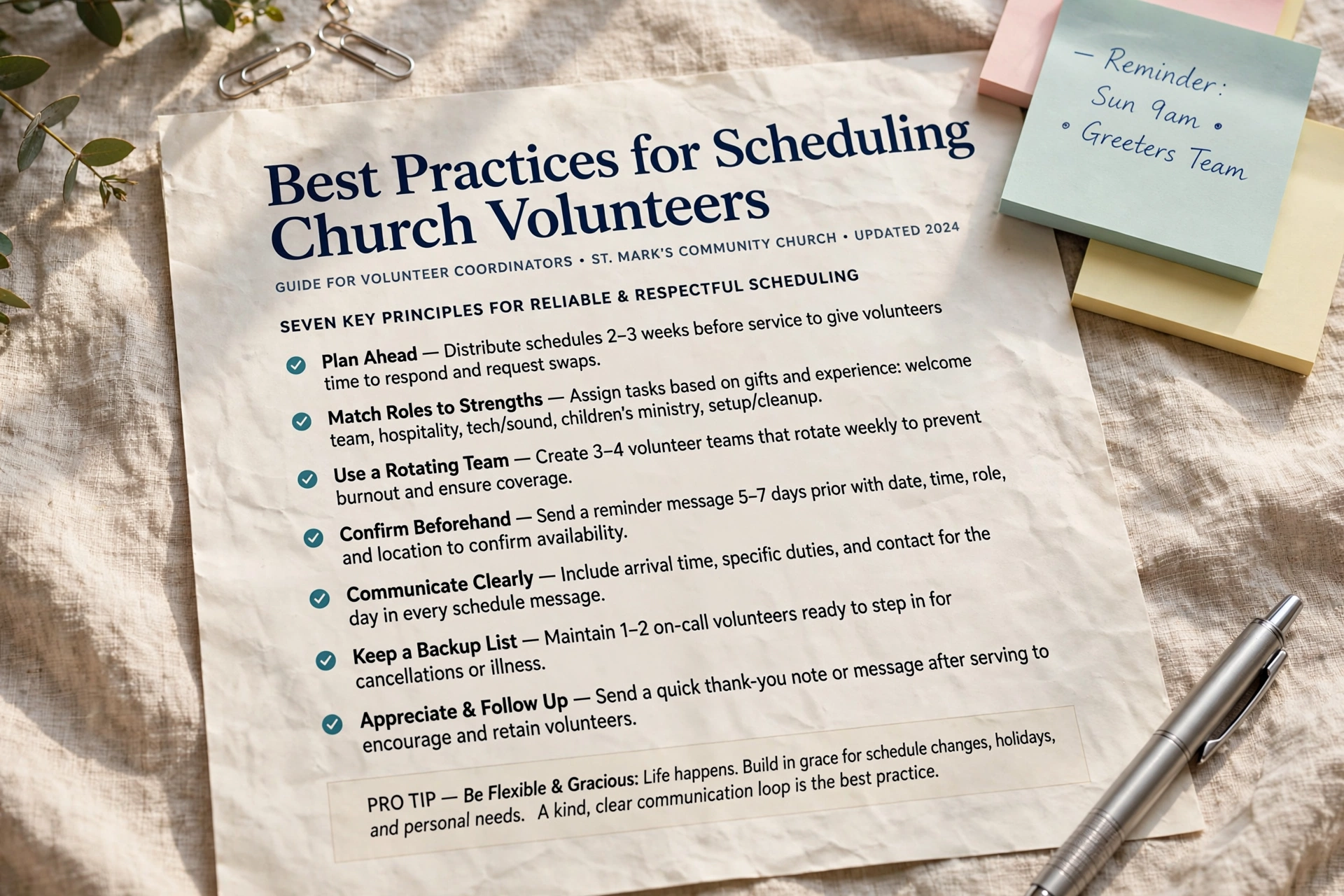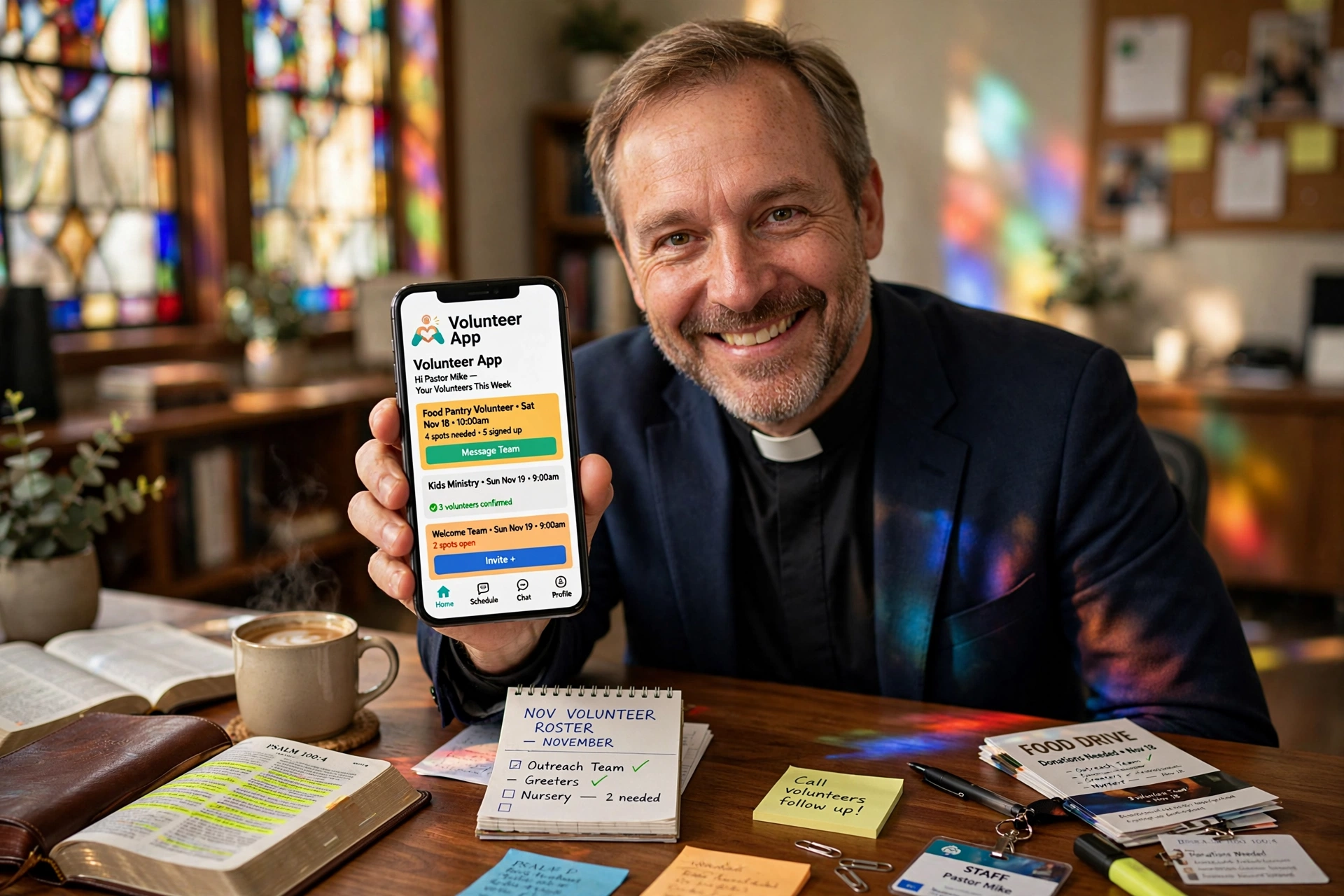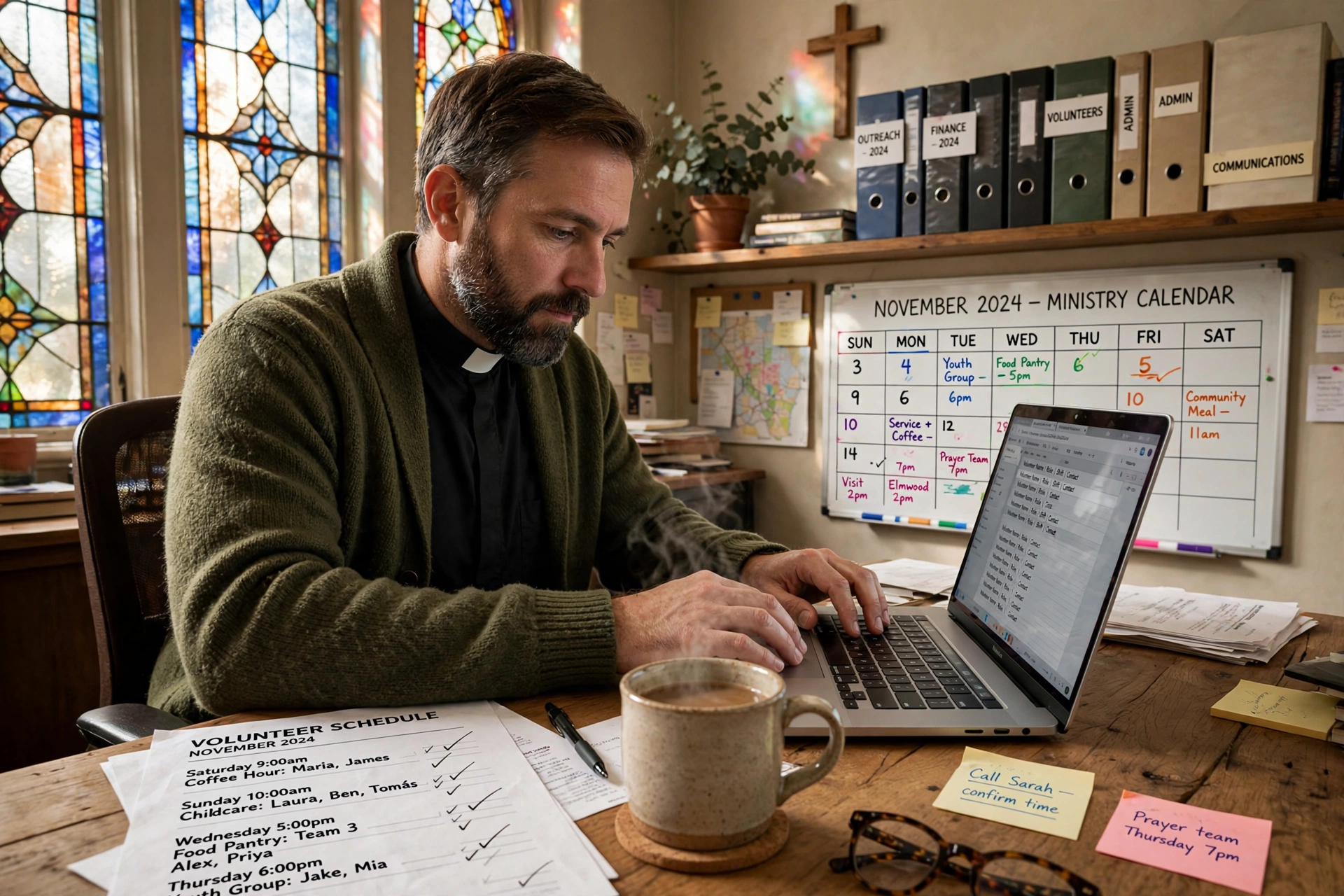
📖This article is part of the complete guide to Best Practices for Scheduling Church Volunteers.
In my experience working with mid-sized congregations, the 'Sunday Morning Panic' usually stems from one thing: a fragmented scheduling process. I've seen pastors spend four hours every Thursday manually texting ten different musicians and twelve ushers just to confirm who is actually showing up. When a lead guitarist cancels at 11 PM on Saturday, the domino effect creates stress that bleeds into the actual worship service, affecting the spiritual atmosphere of the entire congregation. This manual friction is where ministry momentum dies.
For a comprehensive overview of how to structure these teams, explore our guide on church volunteer scheduling.
What is Volunteer Schedule Automation?
📚
Definition
Volunteer schedule automation is the use of software to programmatically assign roles, send reminders, and manage availability for church teams without requiring a manual one-on-one confirmation for every single slot.
Volunteer schedule automation is not about replacing the personal touch of pastoral care; it is about removing the administrative burden that prevents a pastor from actually practicing that care. Instead of a minister spending their week acting as a human calendar, automation allows the system to handle the logic of rotation. For example, if a church requires two ushers and one sound technician for a 9 AM service, the system automatically pulls from a pool of qualified volunteers, checking their pre-set availability and sending an automated notification for confirmation.
When we built the core logic at Pastor Agenda, we discovered that most church leaders weren't looking for a complex enterprise resource planning tool. They wanted a way to say, "I need Sarah every second Sunday and Mark every fourth Sunday," and then have the system handle the reminders and the gaps. Automation involves creating a set of rules, such as "do not schedule the same person three weeks in a row", and letting the software execute those rules across the calendar.
This shift moves the church from a reactive state (fixing holes in the schedule) to a proactive state (planning the ministry of the house). By automating the repetitive aspects of scheduling, the ministry leader can focus on the spiritual preparation of the worship team rather than the logistics of who is playing the bass guitar this week.

Why Does Automation Matter for Your Worship and Ushering Teams?
Manual scheduling is a primary driver of volunteer attrition. According to the Barna Group, pastoral health and the sustainability of church leadership are deeply tied to the ability to delegate and manage systems effectively. When the system for volunteering is chaotic, the volunteers feel undervalued and stressed, leading to a higher rate of turnover.
For musicians and ushers, the stakes are particularly high because their roles are highly visible. A missing usher means guests are left wandering the lobby; a missing keyboardist means the worship set feels empty. Automation solves these specific pain points through three primary drivers:
1. Eliminating the "Confirmation Gap"
In a manual system, there is a gap between the time a schedule is sent and the time the leader knows if the team is actually coming. Automation uses instant notifications and confirmation buttons. If a musician doesn't confirm within 48 hours, the system can automatically trigger an alert to the leader or even suggest a backup volunteer. This ensures that the 2026 church environment, where people expect instant digital communication, is met with a professional standard.
2. Preventing Volunteer Burnout
One of the most common mistakes I see is "over-scheduling the reliable." Because a certain musician is always dependable, they get put on the scale every single week until they hit a wall and quit. Automation allows for "max frequency" rules. By setting a hard limit on how many Sundays a volunteer can serve per month, you protect your most valuable assets from burnout. For more on this, see our analysis on how to reduce volunteer burnout in ministry with smart calendar rules.
3. Scaling for Growth
As a church grows from 100 to 500 members, the complexity of scheduling does not grow linearly; it grows exponentially. Managing five ushers is easy. Managing forty ushers across three different service times and two campuses is impossible via a spreadsheet. Automation allows a ministry to scale without requiring the pastor to work more hours. It transforms the administrative overhead from a burden into a background process.
How to Automate Your Scale Schedules Step-by-Step
Implementing automation requires a shift in mindset from "I will tell them when to come" to "I will build a system that tells them when to come." Here is the professional approach to setting up automated scales for musicians and ushers.
Step 1: Audit Your Role Requirements
Before touching any software, you must define exactly what a "complete" team looks like. For a worship team, this might be: 1 Worship Leader, 1 Acoustic Guitar, 1 Electric Guitar, 1 Bass, 1 Drummer, 1 Keyboard, and 2 Background Vocals. For ushers, it might be 4 people per door. Document these as "Required Slots." This prevents the system from under-scheduling and ensures that your automation has a target to fill.
Step 2: Establish Availability Parameters
Automation only works if the data is clean. Require all musicians and ushers to input their "Blackout Dates" for the next quarter. Whether you are using Planning Center or a dedicated tool like Pastor Agenda, the system needs to know who is unavailable before it attempts to fill a slot. This eliminates the back-and-forth "Can you do this Sunday?" texts.
Step 3: Set Up Rotational Logic (The Scale)
Create your rotations. A common effective scale is the "1-in-3" rotation, where a volunteer serves one Sunday and is off for two. Program this logic into your scheduling software. By automating the rotation, the volunteers know exactly when they are expected to serve months in advance, which drastically increases their commitment levels and reduces last-minute cancellations.
Step 4: Implement Automated Notifications
Set up a three-tier notification system:
- The Announcement: Sent 4 weeks out (Schedule Published).
- The Reminder: Sent 7 days out (Confirmation Request).
- The Final Alert: Sent 48 hours out (Call-time and Parking instructions).
By automating these touchpoints, you ensure that the volunteer is reminded without the leader having to manually type the same message twelve times. This is where Church Volunteer Scheduling Software: Coordinate Sunday Teams & Mid-Week Ministry becomes an essential asset for any growing church.
Step 5: Create a Seamless Substitution Workflow
The final piece of automation is the "Swap" feature. Allow volunteers to request a trade with another qualified person within the app. Once the other person accepts, the system automatically updates the scale and notifies the leader. This removes the pastor as the bottleneck in the communication chain.

Volunteer Automation vs. Manual Coordination
Many churches hesitate to move toward automation because they fear losing the "personal touch." However, the reality is that manual coordination often leads to errors that make volunteers feel forgotten or unimportant. Contrast the two approaches below:
| Feature | Manual Coordination (Spreadsheets/Text) | Generic AI/Cheap Apps | Modern Automation (Pastor Agenda) |
|---|---|---|---|
| Time Spent | 5-10 hours/week | 2-4 hours/week | < 1 hour/week |
| Error Rate | High (Double-booking common) | Moderate (Sync issues) | Very Low (Rule-based) |
| Volunteer Feel | Stressed and forgotten | Managed by a bot | Valued and organized |
| Flexibility | Slow response to changes | Rigid templates | Dynamic swapping |
| Scalability | Fails after 20 volunteers | Works for small teams | Scales to multi-campus |
Common Mistakes to Avoid in Schedule Automation
Even with the best software, a poorly designed system will fail. I've analyzed dozens of church setups, and these are the most frequent pitfalls:
1. The "Set It and Forget It" Trap
Some leaders automate their schedules and then stop communicating with their volunteers entirely. Automation is for logistics, not for relationship. You should still use the time saved by automation to have coffee with your musicians or pray with your ushers. If the only interaction a volunteer has with the church is an automated email, they will eventually leave.
2. Over-Complicating the Rules
I once saw a church try to implement fifteen different rotation rules (e.g. "if it's a holiday AND the lead singer is away AND the rain is forecast, then..."). This creates a system so brittle that it breaks. Keep your automation simple: availability, frequency limits, and standard rotations. If a situation is truly unique, handle it manually.
3. Ignoring the "User Experience" of the Volunteer
If your automation requires a volunteer to log into a clunky portal with a 16-digit password, they won't use it. The best automation happens via the channels volunteers already use: SMS, Email, and simple mobile apps. When Evaluating the Best Volunteer Apps for Small and Medium Churches, always prioritize the volunteer's ease of use over the administrator's desire for complex reports.
4. Failing to Sync with the Master Calendar
Your volunteer scale cannot exist in a vacuum. If the worship team is scheduled for a "Night of Worship" but the ushers are only scheduled for Sunday morning, you have a failure in synchronization. Ensure your automation tool integrates with your overall church calendar to prevent these gaps in service.
5. Not Training the Team on the New System
Changing from a text-based system to an automated one is a cultural shift. Some older volunteers may struggle with the technology. Provide a 15-minute training session after a service to show them how to confirm their slots and set their availability. Support the humans behind the automation.
Frequently Asked Questions
How do I automate scheduling without losing the personal connection?
Automation handles the "when" and "where," which frees you to handle the "who" and "why." By removing the stress of administrative logistics, you actually have more emotional energy to invest in pastoral care. Instead of texting a musician to ask if they can play, you can text them to ask how their family is doing, knowing that the schedule is already handled by the system. Use the time saved to implement a "volunteer of the month" program or regular prayer meetings for your teams.
Can automation handle different skill levels for musicians?
Yes, professional automation allows you to tag volunteers by skill or role. For example, you can mark certain musicians as "Lead Guitarist" and others as "Rhythm Guitarist." When the system fills the scale, it only pulls from the pool of volunteers who have the specific tag required for that slot. This ensures that you don't accidentally schedule three bassists and no drummer, as the software enforces the role requirements you defined during the setup phase.
What happens if a volunteer ignores the automated reminders?
Most modern scheduling platforms allow you to set up "escalation rules." If a volunteer does not confirm their slot within a specific timeframe (e.g. 72 hours), the system can send a second reminder or trigger an email to the ministry leader. This allows you to focus only on the "problem areas" rather than checking every single person's status. It shifts your role from a micromanager to an exception-handler, which is a much more sustainable way to lead a ministry.
Is automation too expensive for a small church?
In reality, the cost of manual scheduling is far higher than the cost of software. When you calculate the hours a pastor or admin spends on spreadsheets and texts, you are spending thousands of dollars in labor and emotional burnout. Many tools, including Pastor Agenda, are designed to be affordable for churches of all sizes. When compared to the cost of losing a key volunteer due to burnout, a professional scheduling tool is a high-ROI investment for any congregation.
How do I handle last-minute cancellations in an automated system?
This is where the "Swap" and "Substitute" features become essential. Instead of the pastor playing phone tag with ten people to find a replacement, the system allows the cancelling volunteer to post their slot as "Available." Other qualified volunteers receive a notification that a slot has opened up and can claim it instantly. The leader is then notified that the gap has been filled, meaning they only need to approve the change rather than sourcing the replacement themselves.
Recommended Readings
To deepen your understanding of these topics, we recommend reading the following articles:
- Best Practices for Scheduling Church Volunteers
- Evaluating the Best Volunteer Apps for Small and Medium Churches
- Ensuring Absolute Privacy in Church Booking Systems
- Church Appointment Booking
Conclusion
Moving from manual coordination to volunteer schedule automation is a fundamental step in the maturity of a church's operations. Whether you are managing a complex worship team of professional musicians or a dedicated group of ushers, the goal is the same: to remove administrative friction so that the focus remains on the ministry. When you automate the scale, you aren't just saving time; you are protecting your volunteers from burnout and ensuring that every service is supported by the right people in the right roles.
For those looking to implement these systems from the ground up, we highly recommend starting with our comprehensive guide on Best Practices for Scheduling Church Volunteers. By combining a solid strategy with the right tools, you can transform your Sunday mornings from a logistical battle into a streamlined expression of worship.
If you are ready to stop the manual texting and start scaling your ministry, discover how PastorAgenda Blog can simplify your scheduling and let you get back to what truly matters: leading your congregation.
Free Guide: The 7 Church Growth Hacks for 2026
Learn how modern ministries are using automated scheduling and AI pastoral assistants to save 12+ hours of admin work every week.