Which Pastor Scheduling Software Is Best for Your Ministry?
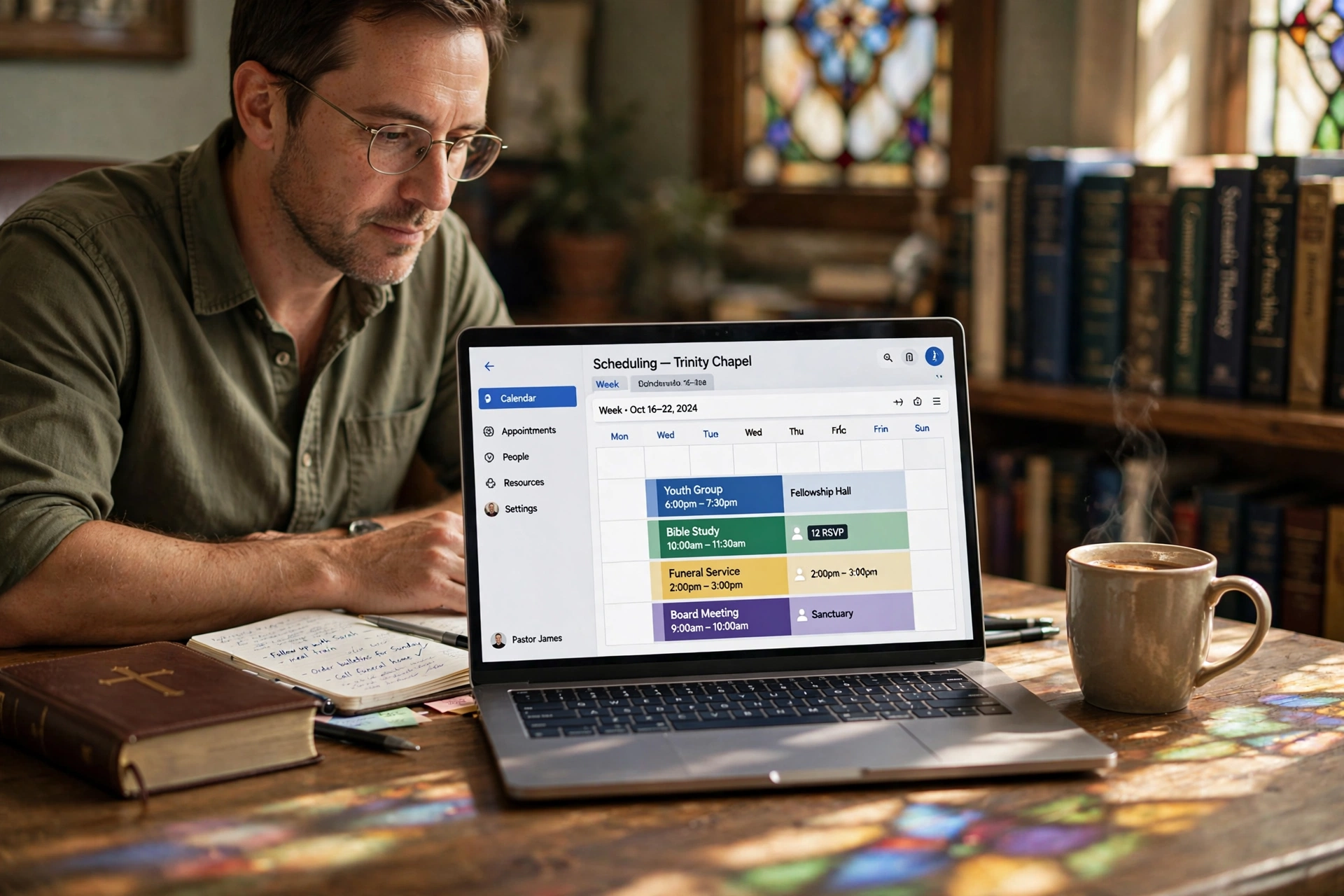
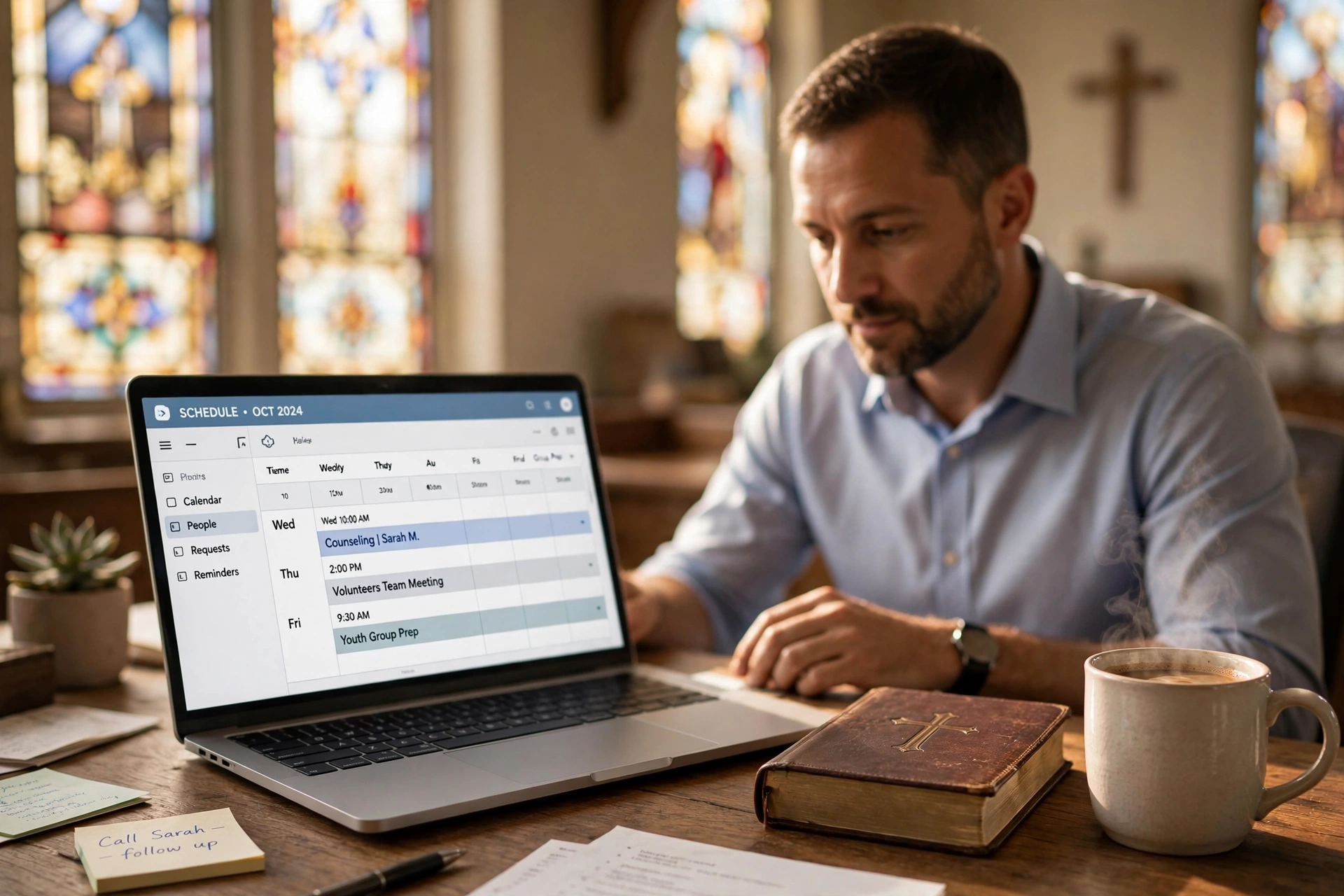
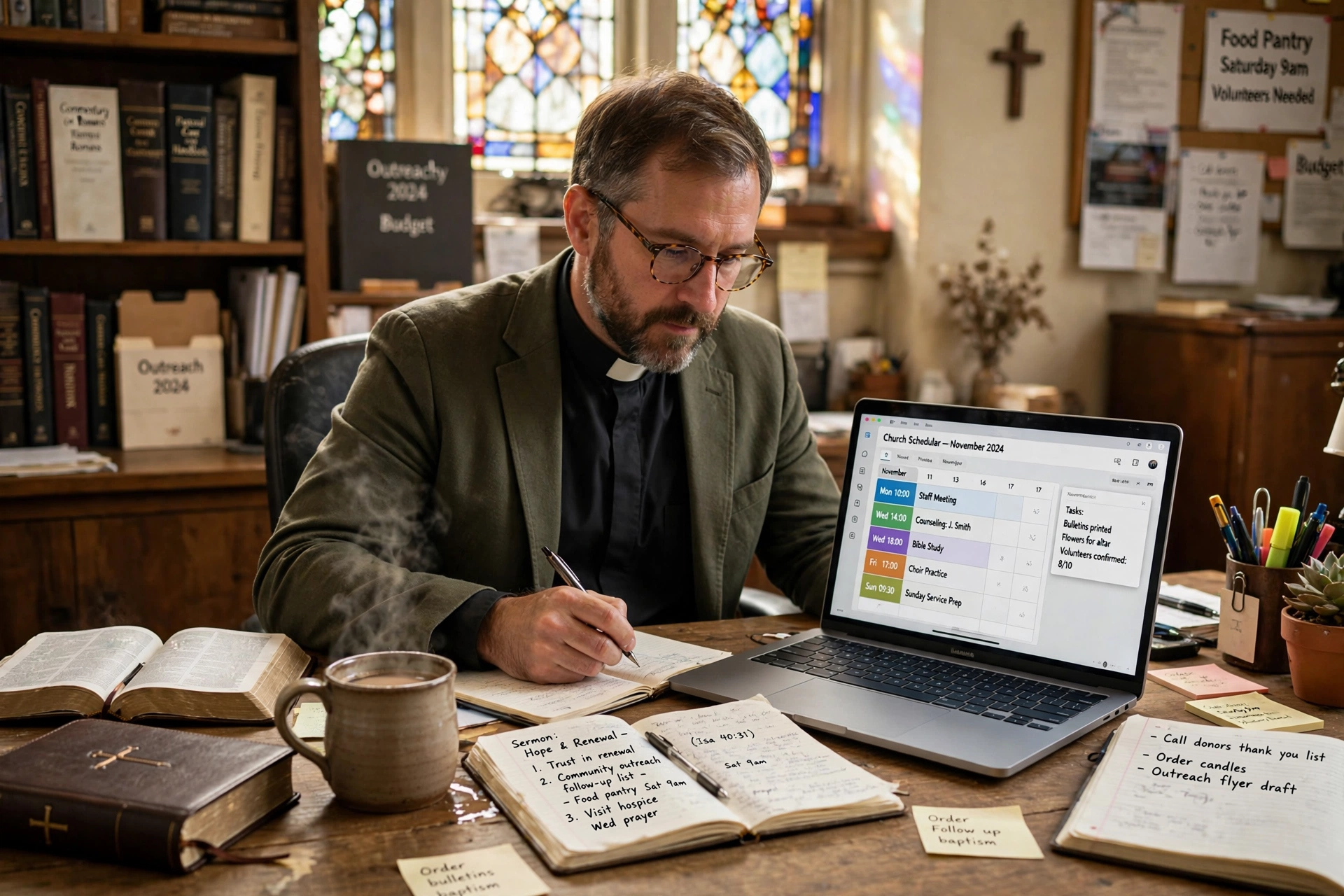
Managing a church calendar often feels like a battle against chaos, where a single double-booked counseling session can disrupt an entire week of pastoral care. The best pastor scheduling software is not the one with the most features, but the one that reduces the friction between the minister and the congregation while protecting the pastor's boundaries. For most ministries, the ideal choice is a dedicated platform like Pastor Agenda that balances ease of use with specific ecclesiastical needs, rather than a generic corporate tool that requires hours of configuration.
What Defines Effective Pastor Scheduling Software?
When we talk about the right tools for ministry, we aren't just talking about a digital calendar; we are talking about a boundary-management system. The goal is to move away from the "constant availability" trap that leads to burnout.
📚
Definition
Pastor scheduling software is a specialized category of appointment booking tools designed to handle the unique rhythms of ministry, including fixed service times, emergency pastoral care windows, and scheduled counseling sessions.
In my experience working with church leaders, the biggest mistake I see is the attempt to use a personal Google Calendar for everything. While free, it lacks the "buffer" logic required for spiritual work. A counseling session for a grieving family rarely ends exactly at the 60-minute mark; it often requires a transition period for the pastor to reset emotionally and spiritually.
Effective software must handle "time-blocking" with precision. This means the ability to set specific windows for different types of ministry. For instance, Tuesday mornings might be reserved for administrative work and sermon preparation, while Thursday afternoons are open for member appointments. According to Barna Group, pastoral burnout is a persistent threat in modern ministry, often exacerbated by the blurring of lines between professional duties and personal time. A tool that allows a pastor to set "hard stops" and "buffer zones" is not just a convenience; it is a mental health necessity.
Furthermore, the software must be intuitive for the congregation. If a member has to create an account and verify an email just to book a 15-minute prayer request, they simply won't do it. The best tools offer a "frictionless" booking experience—a simple link where the user selects a time and provides a brief reason for the visit. This autonomy empowers the congregation while removing the pastor from the tedious back-and-forth of "Does 2 PM work for you?"
Why Does the Choice of Scheduling Tool Impact Ministry Health?
The choice of software has a direct correlation with the quality of pastoral care. When a system is inefficient, the pastor spends more time acting as a secretary than as a shepherd. This administrative burden creates a hidden cost: the erosion of the pastor's primary calling.
Research into organizational efficiency shows that "context switching"—the act of jumping between unrelated tasks—can reduce productivity by as much as 40%. For a pastor, switching from writing a deep theological sermon to managing a flurry of scheduling emails is a prime example of this productivity killer. When you implement a dedicated system, you automate the logistics, allowing the minister to remain in a state of "deep work" for longer periods.
The implications extend to the congregation as well. In an era of instant gratification, members expect a level of accessibility that was uncommon twenty years ago. However, total accessibility is the enemy of sustainable ministry. Lifeway Research has highlighted that the expectations placed on pastors today often exceed the hours available in a day. A professional scheduling system communicates a healthy boundary. It tells the congregation, "I want to give you my full attention, and these are the times I am fully available to do so."
Moreover, there is the issue of data security and privacy. Pastoral counseling often involves sensitive, confidential information. Using a fragmented system of text messages and paper notes increases the risk of data breaches or lost information. A centralized system ensures that appointment history and notes are stored securely, protecting the privacy of the member and the liability of the church. When a pastor can see at a glance that a member has had four crisis appointments in two weeks, they can adjust their care plan accordingly, moving from reactive scheduling to proactive ministry.
How to Implement a Scheduling Framework That Actually Works
Implementing new software is where most churches fail. They buy the tool, send one email to the congregation, and then wonder why people are still texting the pastor's personal phone at 11 PM on a Saturday. The software is the engine, but the framework is the road.
The first step is the Audit of Availability. Before touching any software, the pastor must define their "Sabbath zones." This involves mapping out the non-negotiable blocks: sermon prep, family time, and physical exercise. Only after these are locked in should "available" slots be opened to the public.
Next, you must categorize your appointments. Not all meetings are created equal. I recommend creating three distinct tiers of booking:
- Quick Check-ins (15-30 mins): For administrative questions or brief prayer.
- Pastoral Counseling (60-90 mins): For deeper spiritual guidance or crisis management.
- Emergency/Urgent (Priority): A separate process or a very limited set of "emergency" slots.
This is where Pastor Agenda excels. By allowing the creation of different appointment types, it prevents the calendar from being filled with 15-minute slots when the pastor actually needs a 90-minute block for a complex marriage counseling session.
Once the categories are set, the integration phase begins. The booking link should be placed everywhere: in the email signature, on the church website, and even as a QR code in the church bulletin.
💡
Key Takeaway
The software is only as effective as the boundaries it enforces. If you do not define your "no-fly zones" in the calendar, the software will simply help people crowd your schedule more efficiently.
Finally, you must train the congregation. This is a cultural shift. In the first few weeks, when someone texts for an appointment, the response should be a gentle but firm: "I'd love to meet with you! To make sure I can give you my full attention, please pick a time that works for you here: [Link]." This redirects the behavior and trains the member to use the system, eventually freeing the pastor from the role of dispatcher.
Comparing Your Scheduling Options: Manual vs. Generic vs. Specialized
Most leaders find themselves choosing between three paths. The "Traditionalist" path relies on a secretary or a paper planner. The "Generalist" path uses tools like Calendly or Google Calendar. The "Specialist" path uses a tool like Pastor Agenda.
The problem with the traditional approach is the "telephone game." Information gets lost between the member, the secretary, and the pastor. The generalist approach is better, but it lacks the nuance of ministry. For example, a corporate tool doesn't understand that a "funeral" isn't just an appointment; it's a multi-stage event involving visits, planning, and the service itself.
| Feature | Manual/Secretary | Generic Tools (e.g. Calendly) | Pastor Agenda |
|---|---|---|---|
| Setup Speed | Zero (Existing) | Fast | Fast |
| Boundary Control | Low (Dependent on staff) | Medium (Fixed rules) | High (Ministry-specific) |
| Congregation UX | High Friction (Phone calls) | Low Friction (Link) | Low Friction (Link) |
| Contextual Logic | High (Human intuition) | Low (Purely chronological) | High (Ecclesiastical flow) |
| Burnout Protection | Low | Medium | High |
| Best For | Very small, old-school plants | Solo practitioners | Growing, healthy churches |
Now, here's where it gets interesting: the "Generic AI" approach is the newest trend. Some are using AI assistants to handle scheduling via chat. While impressive, this often feels cold and impersonal in a ministry context. People seeking pastoral care are usually in a vulnerable state; they don't want to talk to a bot. They want to know that a human being has seen their request and carved out time for them.
A specialized tool like Pastor Agenda provides the efficiency of automation while maintaining the warmth of ministry. It handles the "when" and "where" so that the pastor can focus entirely on the "who" and "why." By choosing a tool built for the clergy, you avoid the frustration of trying to "bend" a corporate tool to fit a spiritual purpose.
Common Misconceptions About Digital Scheduling in Ministry
Many leaders resist moving to a digital system because of a few persistent myths. Most guides get this wrong by suggesting that "people will think you're too corporate." In reality, the opposite is true.
Myth 1: "It feels impersonal and cold."
The belief is that requiring a link to book a meeting removes the "shepherd's heart." However, in my experience, members actually feel more respected when they can see exactly when the pastor is free. It removes the anxiety of wondering if they are "bothering" the leader. Providing a clear path to access is actually an act of hospitality.
Myth 2: "My congregation isn't tech-savvy enough."
This is a common excuse that ignores the reality of 2026. Even the oldest members of the congregation are using smartphones for family video calls. A simple, mobile-optimized booking page is easier for a senior citizen than playing phone tag for three days. If someone truly cannot use the link, the pastor can still book them manually on the backend.
Myth 3: "I can just handle it in my head/on my phone."
This is the most dangerous myth. This approach works when you have 50 members, but it collapses when you have 200. Cognitive load is a real scientific phenomenon. According to the National Association of Evangelicals, the complexity of modern ministry requires a higher level of organizational intentionality than in previous generations. Relying on memory leads to missed appointments and a feeling of constant overwhelm.
Myth 4: "I don't want to look like I'm 'charging' for my time."
Some pastors fear that a scheduling tool looks like a professional consulting service. The key is the framing. You aren't "scheduling a consultation"; you are "opening your door." When presented as a way to ensure every member gets quality time, the congregation views the tool as a blessing, not a barrier.
Frequently Asked Questions
Does pastor scheduling software replace the role of a church secretary?
No, it enhances it. Instead of spending four hours a day on the phone coordinating calendars, the secretary can move into more strategic roles, such as member outreach, event coordination, or community engagement. The software handles the repetitive data entry, while the secretary handles the human elements that a machine cannot. In a healthy church, the secretary becomes the "curator" of the pastor's time, stepping in only for complex scheduling conflicts or high-priority emergencies that require a human touch.
How do I handle emergency pastoral visits with a fixed schedule?
The secret is "strategic vacancy." I always recommend that pastors leave two or three "emergency slots" per week—blocks of time that are not visible on the public booking page. If a crisis occurs, the pastor can manually assign that person to one of those hidden slots. If no emergency arises, those blocks become a welcome gift of extra rest or preparation time. This ensures that the system provides structure without becoming a rigid cage that prevents the pastor from responding to the Holy Spirit's leading.
Is it possible to integrate these tools with my existing church management software (ChMS)?
Most modern tools are designed with integration in mind. While some generalist tools require complex API setups through third-party connectors, a specialized tool like Pastor Agenda focuses on seamless deployment. The goal is to reduce the number of tabs you have open. Whether it is through a direct sync with Google Calendar or Outlook, the priority is a "single source of truth." This prevents the nightmare scenario where a pastor thinks they are free because they forgot to check their secondary church email.
Can I limit how many appointments I take per day to avoid burnout?
Absolutely, and you should. Most high-quality pastor scheduling software allows you to set "daily caps." For example, you can decide that you will only do a maximum of three counseling sessions per day. Once those three slots are filled, the software automatically closes any remaining availability for that day. This is a critical feature for protecting your emotional energy. As noted by Christianity Today, the emotional labor of ministry is immense; without a hard limit on the number of intense sessions, burnout is almost inevitable.
What happens if a member books a time that I suddenly can't make?
Flexibility is built into the system. Professional tools allow for "one-click rescheduling." Instead of a long email chain, the pastor can simply move the appointment in the calendar, and the member receives an automatic notification with a link to confirm the new time. This transparency reduces frustration. The key is to have a clear cancellation policy stated on the booking page, which helps the congregation understand that while the pastor's time is a gift, it is also a limited resource.
Final Thoughts on Choosing Pastor Scheduling Software
Choosing the right pastor scheduling software is not about the technology; it is about the theology of time. Your time is the primary currency of your ministry. When you allow that time to be managed haphazardly, you aren't just losing minutes; you are losing the capacity to lead your congregation with clarity and peace.
Whether you are a solo planter or the lead pastor of a multi-site church, the transition to an automated, boundary-focused system is the most effective way to reclaim your calling. By removing the administrative friction, you move from a state of constant reaction to a state of intentional leadership.
If you are ready to stop the calendar chaos and start protecting your peace, we invite you to explore Pastor Agenda. It was built specifically for the unique rhythms of the ministry, ensuring that you spend less time managing your schedule and more time ministering to your people.
Visit pastoragenda.com today to see how we can help you reclaim your time.
Recommended Readings
To deepen your understanding of these topics, we recommend reading the following articles:
- Ensuring Absolute Privacy in Church Booking Systems
- Church appointment booking
- Online Appointment Booking for Modern Churches
- Pastoral counseling scheduling
Free Guide: The 7 Church Growth Hacks for 2026
Learn how modern ministries are using automated scheduling and AI pastoral assistants to save 12+ hours of admin work every week.