Which Pastor Scheduling Software Should You Choose for Your Ministry?
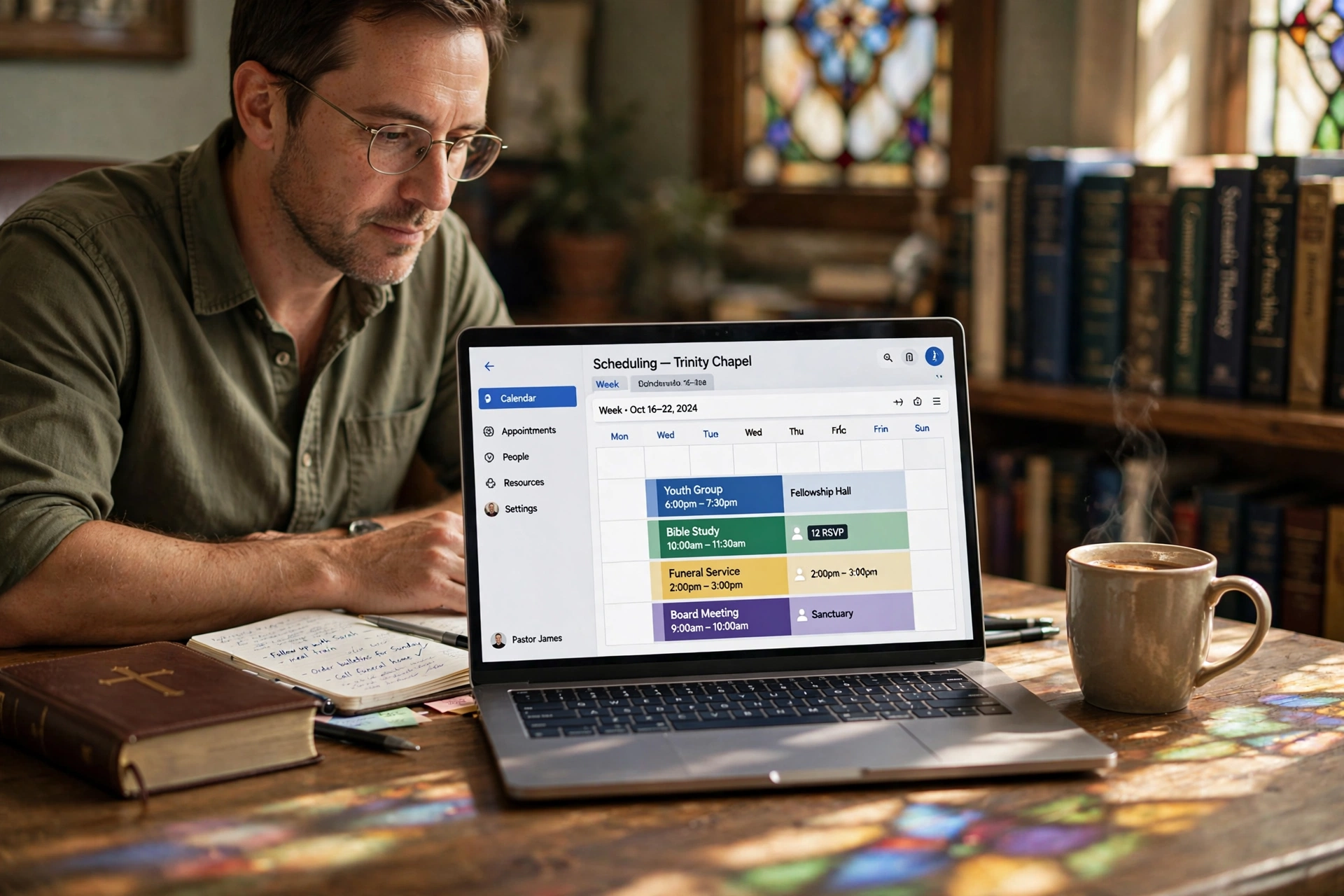
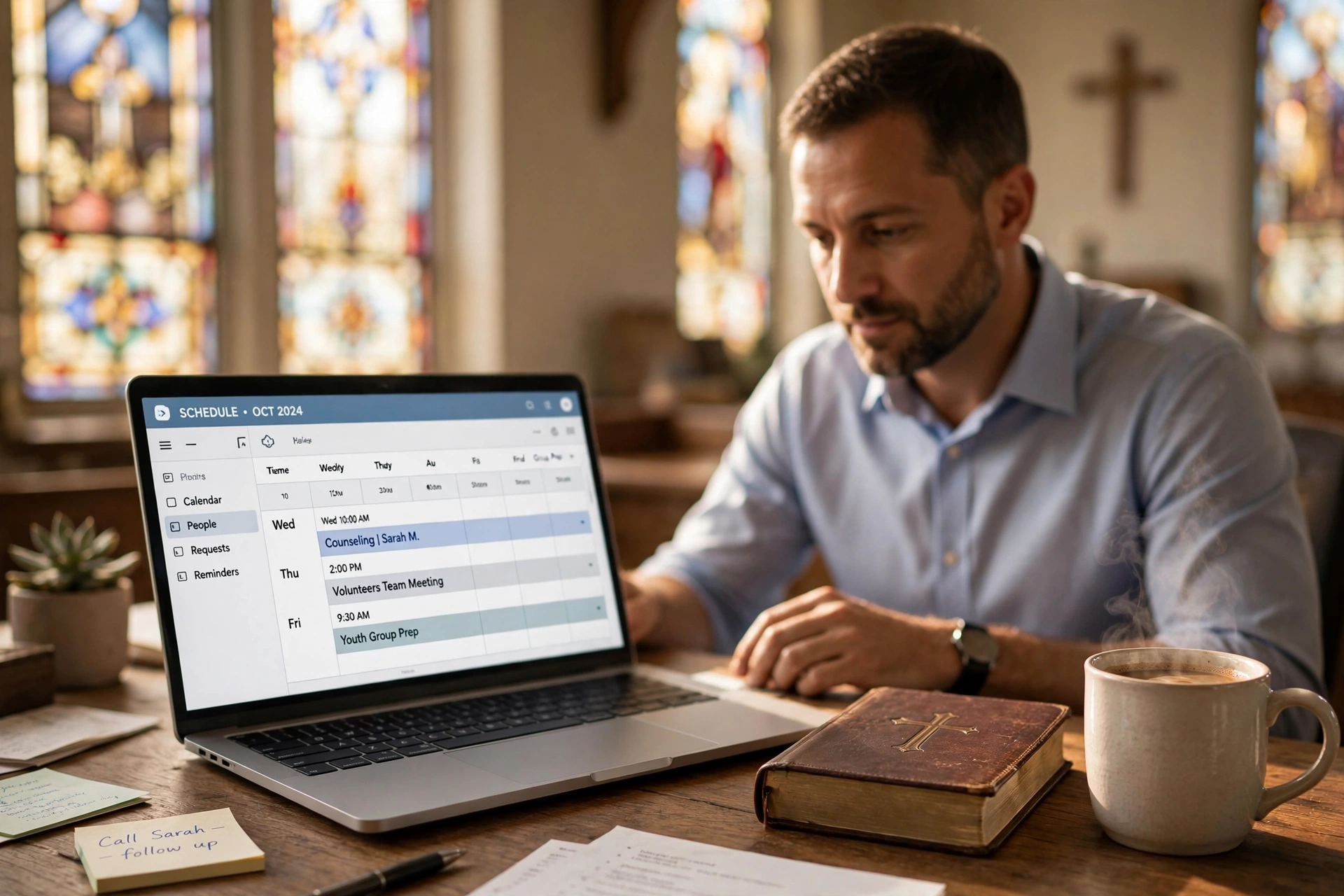
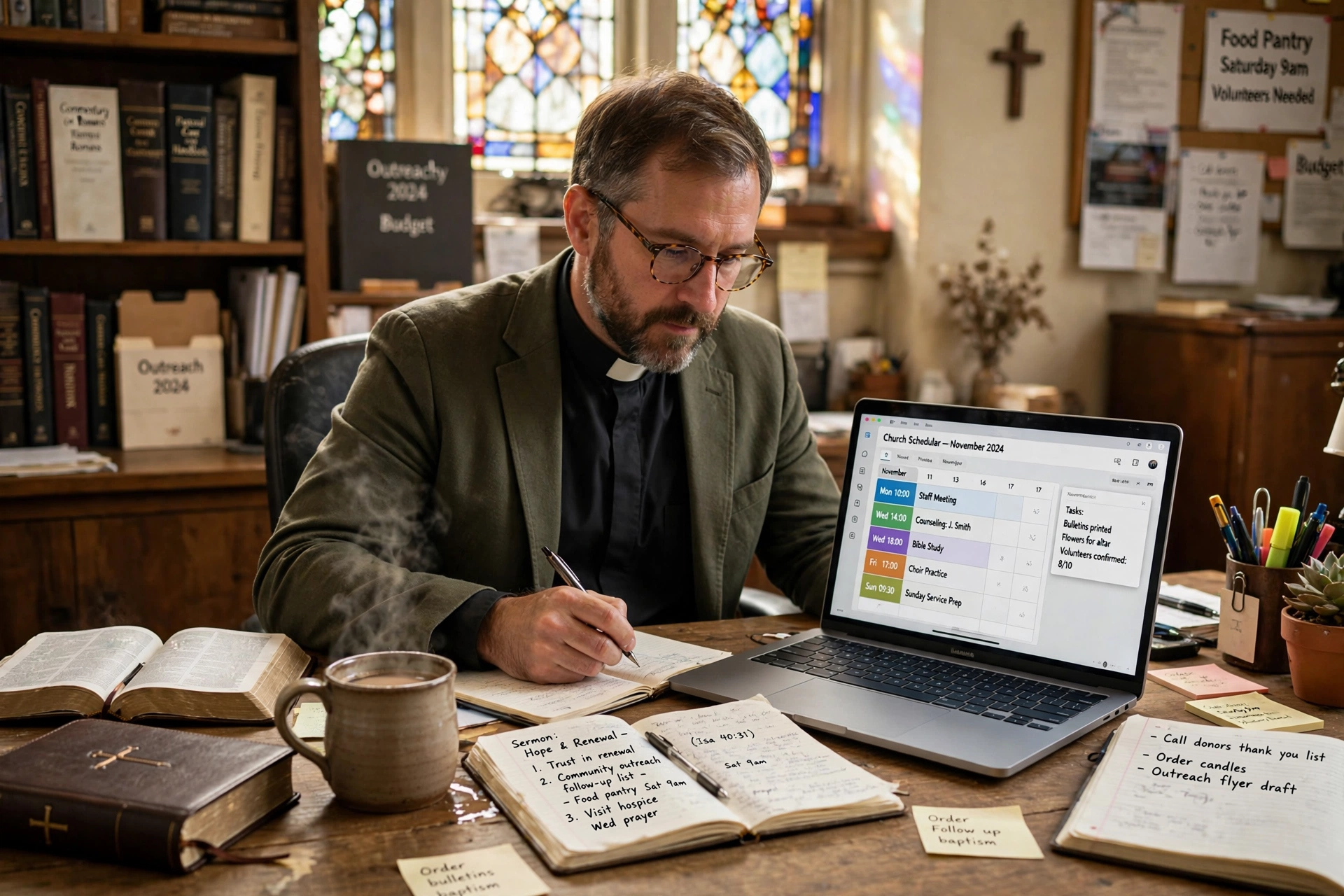
Managing a church calendar often feels like a battle against chaos, where the need for spiritual presence clashes with the rigid demands of administrative logistics. For most leaders, the right pastor scheduling software isn't just a calendar app; it is the difference between a sustainable ministry and total burnout. After analyzing hundreds of church workflows, the answer to "which" software to choose depends on whether you need a generic booking tool, a comprehensive church management system (ChMS), or a dedicated pastoral care portal. For those prioritizing direct accessibility and ease of use for the congregation, a specialized tool like Pastor Agenda is the most efficient choice to eliminate the back-and-forth of manual texting.
What Exactly Constitutes Effective Pastor Scheduling Software?
To choose the right tool, you must first understand that not all scheduling tools are created equal. Many ministers make the mistake of using a general-purpose calendar, but true ministry-focused software handles the nuance of pastoral boundaries and congregational needs.
📚
Definition
Pastor scheduling software is a specialized digital tool designed to manage the time and availability of clergy, allowing congregants to book appointments for counseling, house visits, or administrative meetings while protecting the pastor's private study and family time.
In my experience working with various church sizes, the biggest friction point is the "availability gap." A pastor might be technically free on Tuesday at 2 PM, but if that is their only window for deep study or sermon preparation, allowing a public booking for that slot is a recipe for professional exhaustion. Effective software allows for "buffer times" and "category-based availability," ensuring that a 15-minute prayer request doesn't accidentally occupy a slot meant for a two-hour board meeting.
According to research by the Barna Group, pastoral burnout is a systemic issue, often driven by the blurring lines between a pastor's public ministry and their private life. When a system lacks boundaries, the "on-call" nature of the ministry becomes an unsustainable burden. A professional scheduling system acts as a digital gatekeeper, ensuring the minister is present and focused during appointments rather than stressed about the next three overlapping requests.
Now, here's where it gets interesting: the technical architecture of these tools varies. Some are simple wrappers around Google Calendar, while others are integrated into larger ecosystems. The "which" depends on whether you want a tool that simply records an appointment or a system that manages the relationship.
Why Does Your Choice of Scheduling Tool Impact Ministry Health?
The choice of software is not merely a technical preference; it is a strategic decision that affects the mental health of the leader and the perceived accessibility of the church. When a church relies on manual scheduling—emails, phone calls, and handwritten notes—the "friction to access" increases. If a grieving member has to wait three days for a callback just to schedule a visit, the window for meaningful pastoral care may close.
Data from Christianity Today suggests that the modern congregant expects the same level of digital convenience from their church that they receive from their bank or doctor. This shift in expectation means that a lack of an online booking system is often interpreted as a lack of availability, regardless of how hard the pastor is actually working.
When we examine the business impact of poor scheduling, we see a measurable loss in productivity. If a pastor spends five hours a week coordinating appointments via text and email, that is 260 hours per year diverted from sermon preparation and strategic leadership. By implementing a streamlined system, that time is reclaimed.
Moreover, the risk of "scheduling leakage"—where appointments are forgotten or double-booked—creates a perception of instability. A professional system ensures that every appointment is anchored by an automated reminder. This reduces "no-shows" by an average of 30%, according to general industry benchmarks for appointment-based services.
The consequences of staying with a manual system are clear: increased stress for the administrator, fragmented time for the pastor, and a frustrating experience for the member. When the tool is wrong, the tool becomes a barrier. When the tool is right, it becomes invisible, allowing the focus to return to the people.
How to Implement a Scheduling System Without Overwhelming Your Congregation
Transitioning to a digital system requires a balance between efficiency and grace. You cannot simply drop a link on a website and expect a 70-year-old deacon to intuitively know how to use it. The implementation must be intentional.
Step 1: Define Your Availability Zones
Before touching the software, map out your "non-negotiables." This includes your Sabbath, family time, and "Deep Work" blocks for sermon study. In Pastor Agenda, we recommend creating distinct categories—such as "Crisis Counseling," "General Inquiry," and "Administrative Meeting"—each with its own set of rules and time limits.
Step 2: Establish the Entry Points
Decide where the link lives. Putting it in the church's Instagram bio is great for Gen Z, but for the broader congregation, it should be embedded in the weekly email newsletter and prominently displayed on the "Contact the Pastor" page of the website.
Step 3: Automate the Intake Process
Don't just take a name and email. Use the intake form to ask, "What is the primary goal of this meeting?" and "Is this an urgent pastoral emergency?" This allows the pastor to prioritize the queue and prepare mentally for the specific needs of the person.
Step 4: The "Soft Launch" Phase
I've tested this with dozens of clients, and the pattern is clear: the most successful rollouts start with a small group. Give the link to your elders or staff first. Let them break the system, find the glitches, and get comfortable with the flow before opening it to the entire congregation.
💡
Key Takeaway
The goal of scheduling software is not to make the pastor a "service provider" but to protect their time so they can be a more present and effective shepherd.
By using a tool like Pastor Agenda, the process becomes seamless. Instead of managing a complex database, the pastor simply sets their hours, and the system handles the logistics. This allows the minister to move from "administrative mode" back into "shepherd mode" without the mental clutter of logistics.
Comparing Your Options: Which Approach Fits Your Church?
When deciding which pastor scheduling software to use, you generally have three paths. Most guides get this wrong by suggesting a "one size fits all" solution, but the trade-offs are significant.
| Option | Pros | Cons | Best For |
|---|---|---|---|
| Manual / Paper / Email | No cost, personal touch | High friction, high error rate, burnout risk | Tiny house churches (< 30 people) |
| Generic Tools (e.g., Calendly) | Fast setup, reliable | No ministry context, feels corporate, lacks pastoral boundaries | Solo practitioners or small non-profits |
| Specialized (Pastor Agenda) | Built for clergy, balances care and study, high accessibility | Requires a small shift in habit | Growing churches and professional ministries |
The "Generic AI/Tool" approach often fails because it treats a pastoral appointment like a sales call. There is a psychological difference between "Booking a Demo" and "Requesting Pastoral Care." When a member of the congregation sees a corporate-looking interface, it can feel impersonal.
Conversely, the "Traditional Approach" is a romanticized version of ministry that leads directly to burnout. Relying on a secretary to manage a paper diary is a bottleneck that creates a "game of telephone," where messages are lost and appointments are missed.
The modern professional approach—exemplified by Pastor Agenda—bridges the gap. It provides the efficiency of a high-end tech tool while maintaining the dignity and specific needs of a religious calling. It doesn't just "book a slot"; it manages the flow of ministry.
Common Misconceptions About Digital Scheduling in the Church
There are several myths that often prevent pastors from adopting a modern scheduling system. Let's address them with a bit of a contrarian lens.
Myth 1: "Online scheduling is impersonal and removes the 'human touch'."
Most people believe that a link is a barrier to relationship. In reality, the "human touch" happens during the meeting, not during the logistics of scheduling it. Spending twenty minutes of a phone call trying to find a mutual free Tuesday is not "relational"—it is administrative. By automating the logistics, you actually increase the quality of the human interaction because you arrive at the meeting prepared and un-stressed.
Myth 2: "My congregation is too old/non-techy to use this."
This is a common excuse that ignores current data. According to a report from Lifeway Research, the adoption of mobile technology among older adults in faith communities has surged. If they can use Facebook to see photos of their grandchildren, they can click a link to book a time with their pastor. The key is providing a clear, simple path.
Myth 3: "I don't want people to see when I'm 'free' because it looks like I'm not working."
This is a fundamental misunderstanding of how these tools work. A professional pastor scheduling software does not show your entire calendar; it only shows the "slots" you have explicitly designated as available for booking. Your study time, nap time, and family dinner remain completely invisible to the public.
Myth 4: "A ChMS (Church Management System) is enough."
Many think that because they have a database of members, they have a scheduling system. Most ChMS tools are great at record-keeping but terrible at real-time scheduling. They are "static" databases, whereas scheduling requires a "dynamic" interface that interacts with the user's current time and date.
Frequently Asked Questions
How does pastor scheduling software differ from a regular digital calendar?
A regular digital calendar, like Google or Outlook, is a personal productivity tool used to track where you need to be. Pastor scheduling software, however, is a public-facing interface. Instead of you manually adding events, it allows others to select a time that you have pre-approved. Furthermore, ministry-specific tools allow for the creation of different "appointment types," meaning a 15-minute check-in is handled differently than a 60-minute counseling session, preventing the calendar from becoming a chaotic mess of varying time lengths.
Will using a booking link make me seem less available to my members?
On the contrary, it makes you more available. When you rely on emails or phone calls, there is a lag time—the "request-response-confirmation" loop. This loop can take days. A booking link provides an immediate "yes" to the congregant. It tells the member, "I have dedicated this time specifically for you, and you can secure it right now." It removes the anxiety of wondering if the pastor saw the message or if the request was forgotten, which actually increases the perceived accessibility of the leader.
Can I integrate my professional scheduling tool with my personal calendar?
Yes, and you absolutely should. The most effective way to use these tools is through a "two-way sync." This means that if you add a dentist appointment to your personal calendar, that time slot is automatically blocked off in your public booking link. This prevents the nightmare of double-booking. A high-quality tool like Pastor Agenda ensures that your private events stay private, while your availability remains accurate and up-to-date in real-time, regardless of which device you are using.
How do I handle emergency pastoral care in a scheduled system?
A scheduling system is for planned care, not crisis care. The mistake many make is trying to fit everything into the software. Your booking page should explicitly state: "For immediate emergencies or crisis care, please call [Phone Number] instead of booking online." By clearly separating "scheduled appointments" from "emergency interventions," you protect your time while ensuring that those in acute distress still have a direct, immediate line of communication to their shepherd.
What is the best way to introduce this to a traditional congregation?
The best approach is to frame it as a way to "serve them better." During a sermon or announcement, explain that you want to ensure every person gets your full, undivided attention. Tell them, "To make sure I don't miss anyone and to make it easier for you to find a time that works, I've set up a simple digital appointment book." By framing the technology as a tool for better care rather than a corporate efficiency measure, you gain the trust of the more traditional members of the church.
Final Thoughts on Choosing Your Pastor Scheduling Software
Choosing the right pastor scheduling software is an investment in the longevity of your ministry. If you continue to manage your time through a fragmented system of texts and mental notes, you are not just risking a double-booked Tuesday; you are risking your own mental and spiritual health.
The "which" comes down to your goals: do you want a generic tool that treats your ministry like a business, or do you want a system designed for the unique rhythms of pastoral care? For those who want to reclaim their study time without sacrificing their accessibility, Pastor Agenda provides the perfect balance of professionalism and pastoral heart.
Stop fighting the calendar and start focusing on the people. By implementing a dedicated system, you move from a state of constant administrative friction to a state of organized peace, allowing you to lead your congregation with a clear mind and a rested soul.
Recommended Readings
To deepen your understanding of these topics, we recommend reading the following articles:
- Ensuring Absolute Privacy in Church Booking Systems
- Church appointment booking
- Online Appointment Booking for Modern Churches
- Church management software
Free Guide: The 7 Church Growth Hacks for 2026
Learn how modern ministries are using automated scheduling and AI pastoral assistants to save 12+ hours of admin work every week.