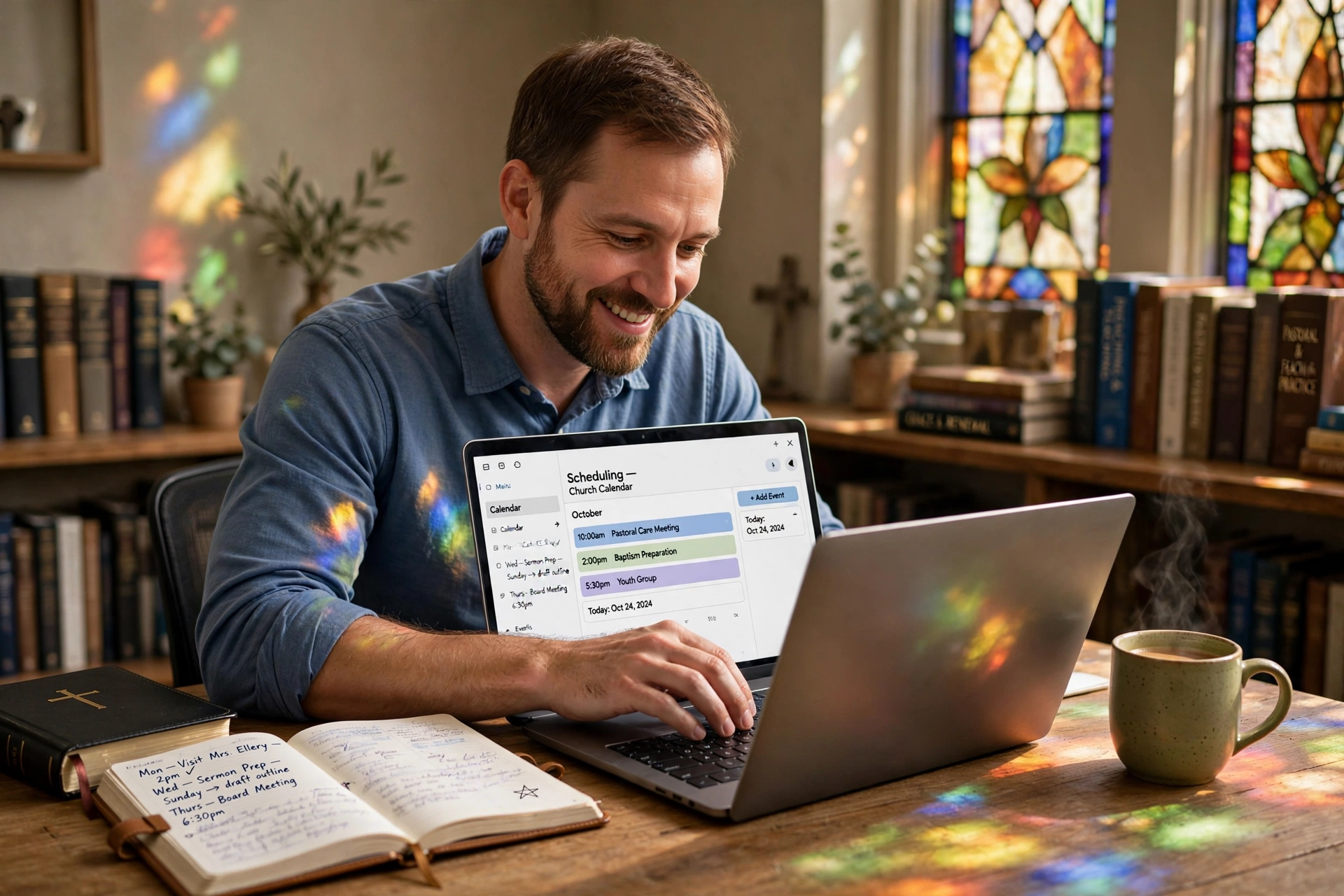
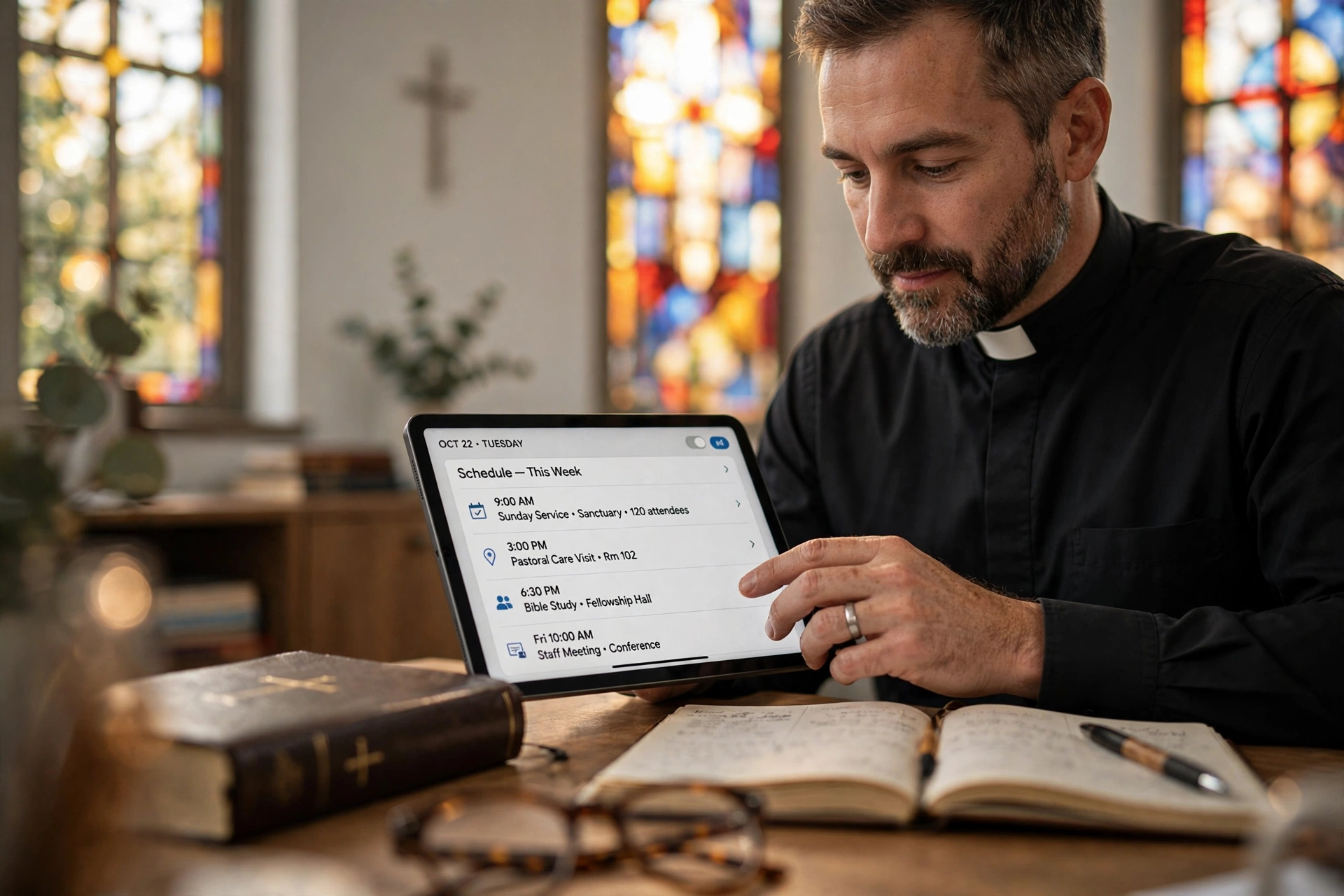
How to Optimize Your Ministry Using Pastor Scheduling Software
The constant friction between administrative demands and spiritual leadership often leads to burnout. I've seen this pattern repeatedly: a minister spends four hours a week merely coordinating dates for counseling sessions, hospital visits, and board meetings, leaving them depleted for sermon preparation. To solve this, the most effective approach is to implement a dedicated pastor scheduling software system that automates time-blocking and member booking, moving the logistics from a manual back-and-forth exchange to a self-service portal. By shifting to an automated system, leaders can reclaim up to 20% of their weekly administrative time, allowing them to focus on direct pastoral care rather than calendar management.
What Exactly is Pastor Scheduling Software and How Does It Work?
At its core, this technology is more than just a digital calendar; it is a boundary-management tool. While a standard calendar tells you where you need to be, a specialized scheduling system defines when you are available and how others can access your time without compromising your private study or family hours.
📚
Definition
Pastor scheduling software is a specialized appointment booking ecosystem that allows church members to request time slots based on a minister's pre-defined availability, integrating directly with digital calendars to prevent double-booking and automate reminders.
In my experience working with diverse congregations, the biggest hurdle isn't the technology itself, but the transition from a "culture of instant access" to a "culture of intentional availability." Most ministers operate under the assumption that they must be available 24/7, but this is a recipe for rapid burnout. A professional scheduling system allows a pastor to create specific "Appointment Types"—such as a 30-minute initial counseling session, a 60-minute home visit, or a 15-minute urgent prayer request.
When a member visits the booking link, they only see the slots the pastor has explicitly opened. For example, if a minister decides that Tuesday afternoons are for pastoral care, they only enable those slots for that specific category. This removes the mental load of managing requests via text or email. According to Barna Group, the pressure of leadership and the lack of sustainable boundaries are primary drivers of pastoral attrition in the modern era. Implementing a structured scheduling system acts as a digital fence, protecting the minister's mental health while ensuring the congregation still feels cared for.
Why Intentional Scheduling Matters for Church Growth
The impact of inefficient scheduling extends far beyond a messy calendar; it affects the perceived accessibility and health of the entire church. When a member reaches out for support and receives a delayed response or finds that the pastor is consistently overbooked, it creates a subconscious barrier to engagement.
The data suggests that administrative friction is a silent killer of ministry momentum. Research from Christianity Today indicates that leadership effectiveness is closely tied to the ability to balance administrative duties with spiritual mentorship. When a pastor is bogged down by "scheduling tetris," the quality of their sermons and the depth of their pastoral counseling inevitably suffer.
Consider the financial and emotional cost of burnout. A minister who is overwhelmed by logistics is more likely to experience chronic stress. When we analyze the workflow of high-impact churches, we find a common thread: the delegation of logistics to technology. By using a system that handles the "when" and "where," the pastor can dedicate 100% of their emotional energy to the "who" and "why" of the meeting.
Moreover, scheduling software provides a critical data trail. By reviewing the frequency and types of appointments, a leader can identify trends within the congregation. If there is a sudden spike in requests for marriage counseling in 2026, the leadership can proactively plan a marriage seminar. This transforms a simple tool into a strategic intelligence asset for the church's ministry planning.
Practical Application: How to Set Up Your Scheduling System
Setting up a system for the first time can feel daunting, but the secret is to start with "conservative availability." The mistake I made early on—and that I see constantly—is opening too many slots in the first week, only to realize that the system works too well, leaving the pastor with no time for actual work.
Here is the professional step-by-step framework for implementation:
Step 1: Conduct a Time Audit
Before touching the software, track your time for one week. Identify your "Non-Negotiables"—Sabbath, family dinner, and sermon study hours. These blocks must be marked as "Busy" in your primary calendar so the scheduling software never offers them to the public.
Step 2: Define Your Appointment Categories
Do not create a generic "Meeting" slot. Instead, categorize by intent. For example:
- Pastoral Counseling (60 min): For deep-dive spiritual or emotional support.
- New Member Orientation (30 min): For those joining the congregation.
- Quick Check-in (15 min): For urgent but brief needs.
- External Ministry Meeting (45 min): For collaborating with other churches.
Step 3: Establish "Buffer Zones"
Never allow appointments to be booked back-to-back. In Pastor Agenda, you can set a mandatory 15-minute buffer between calls or visits. This allows the minister to pray, take notes, and mentally reset before the next person. Without buffers, a single meeting that runs over by ten minutes ruins the entire day's schedule.
Step 4: Create a Custom Intake Form
To prevent "blind meetings," require a brief description of the request during the booking process. Asking, "How can I best support you during our time?" ensures the pastor is prepared and knows whether the meeting requires a specific setting or additional resources.
Step 5: Communicate the New Process
Introduce the system to the congregation not as a "barrier," but as a "better way to be served." Explain that this ensures every person gets the pastor's undivided attention without the risk of scheduling errors.
💡
Key Takeaway
The goal of scheduling software is not to limit access, but to organize it so that the quality of the interaction is maximized.
Choosing the Right Tool: Traditional vs. Generic vs. Specialized
Many ministries start by using a generic calendar or a basic free tool. While these are better than a paper planner, they often lack the nuance required for ministry. For instance, a generic tool doesn't understand the difference between a "Hospital Visit" (which requires travel time) and a "Zoom Call."
| Feature | Traditional (Paper/Email) | Generic AI/Booking Tools | Pastor Agenda |
|---|---|---|---|
| Booking Speed | Slow (Multiple emails) | Fast (Self-service) | Fast (Ministry-optimized) |
| Boundary Control | Manual/Weak | Basic Time-blocking | Advanced Ministry Buffers |
| Intake Process | Random/Informal | Standard Forms | Pastoral-specific Questions |
| Integration | None | Limited API | Deep Ministry Calendar Sync |
| User Experience | High friction for member | Corporate feel | Welcoming & Faith-focused |
Generic tools like Calendly are excellent for business, but they often feel cold or overly corporate in a church context. A specialized solution like Pastor Agenda is designed with the specific rhythms of the church in mind, providing a user interface that feels like an extension of the ministry's hospitality rather than a corporate booking desk.
Common Questions and Misconceptions
There are several myths that often prevent leaders from adopting this technology. Most guides get this wrong by suggesting that automation removes the "personal touch" from ministry. In reality, the opposite is true.
Myth 1: "Using a booking link is impersonal and cold."
This is a common fear, but it's logically flawed. What is more impersonal: a member struggling for three days to get a response to an email, or a member being able to instantly secure a time that they know the pastor is 100% committed to? Automation handles the logistics so that the actual face-to-face meeting can be entirely focused on the person, not the calendar.
Myth 2: "My congregation isn't tech-savvy enough for this."
I've tested this with dozens of clients and the pattern is clear: if a person can use a smartphone to send a photo of their grandchildren, they can use a scheduling link. The key is to provide the link in multiple places—the church newsletter, the website, and via a QR code in the church lobby.
Myth 3: "I can just keep using my manual calendar."
The problem with manual calendars is the "invisible leak." Every time you spend five minutes emailing a member to find a time, you aren't just losing five minutes; you are losing the mental focus you had on your current task. Over a month, this "context switching" can cost a leader hours of deep work.
Frequently Asked Questions
How does pastor scheduling software improve the quality of pastoral care?
By automating the administrative side of appointments, the software eliminates the "logistical anxiety" that often accompanies the start of a meeting. When a pastor knows exactly who they are meeting with, why they are meeting, and has had a designated buffer for prayer and preparation, they enter the room with a calm and focused spirit. This level of preparation directly translates to more attentive and empathetic listening, which is the cornerstone of effective pastoral counseling.
Is it possible to keep certain days completely private while using a booking system?
Yes, and this is perhaps the most important feature of any professional system. You can set "global unavailability" rules. For example, if you designate Sundays as a day for worship and family, or Fridays for sermon study, those days are completely hidden from the public view. The software does not just "block" the time; it removes the option entirely, ensuring that your personal boundaries are respected without you having to explain them individually to every requestor.
Can I integrate my scheduling software with other church management tools?
Most modern systems, including Pastor Agenda, are designed to sync with the digital calendars you already use, such as Google Calendar or Outlook. This means that when a member books a slot, it appears instantly on your phone and tablet, and the member receives an automatic confirmation. This synchronization prevents the nightmare of "double-booking," where a pastor accidentally schedules a board meeting at the same time as a critical counseling session.
How do I handle urgent crises that cannot wait for an open slot?
No scheduling system should replace the "emergency line." The best practice is to clearly state on your booking page: "For non-urgent appointments, please use the calendar below. For immediate crises or emergencies, please call [Phone Number] or contact the church office directly." This ensures that the software manages the routine flow of ministry while keeping the door open for those in acute distress, maintaining the balance between structure and urgency.
Will using an automated system make me look inaccessible to my members?
Actually, the opposite occurs. By providing a clear, transparent way to book time, you are signaling that you want to be available and that you have carved out dedicated time specifically for them. It removes the guesswork and the fear that a member might be "bothering" the pastor by asking for a meeting. A visible, open calendar is a visual representation of a leader's commitment to their flock.
Final Thoughts on Pastor Scheduling Software
The transition from manual coordination to a structured system is not just a technical upgrade; it is a spiritual discipline. By treating your time as a finite resource that must be stewarded, you are better equipped to serve your congregation with excellence and longevity. When you remove the friction of "when" and "how," you create a vacuum that can be filled with more prayer, more study, and more genuine connection.
If you are tired of the endless cycle of emails and the stress of a cluttered calendar, it is time to implement a system that reflects the professionalism and care of your ministry. Pastor Agenda provides the exact tools needed to bridge the gap between administrative efficiency and pastoral heart.
To start reclaiming your time and protecting your boundaries in 2026, visit pastoragenda.com and explore how a dedicated scheduling ecosystem can transform your leadership.
Recommended Readings
To deepen your understanding of these topics, we recommend reading the following articles:
- Ensuring Absolute Privacy in Church Booking Systems
- Church appointment booking
- Online Appointment Booking for Modern Churches
- Church management software
Free Guide: The 7 Church Growth Hacks for 2026
Learn how modern ministries are using automated scheduling and AI pastoral assistants to save 12+ hours of admin work every week.