What is Pastor Scheduling Software and How Does It Transform Ministry?
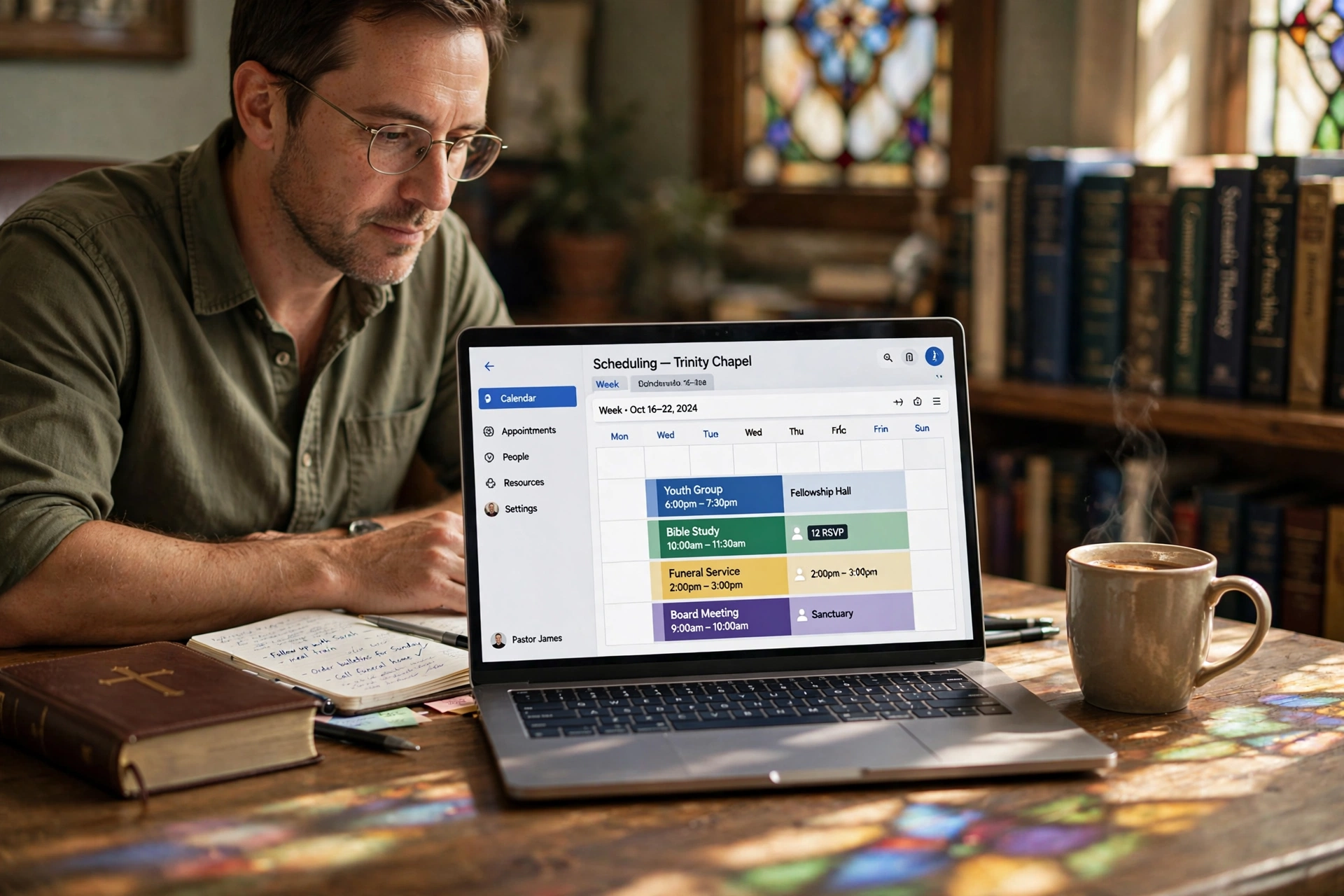
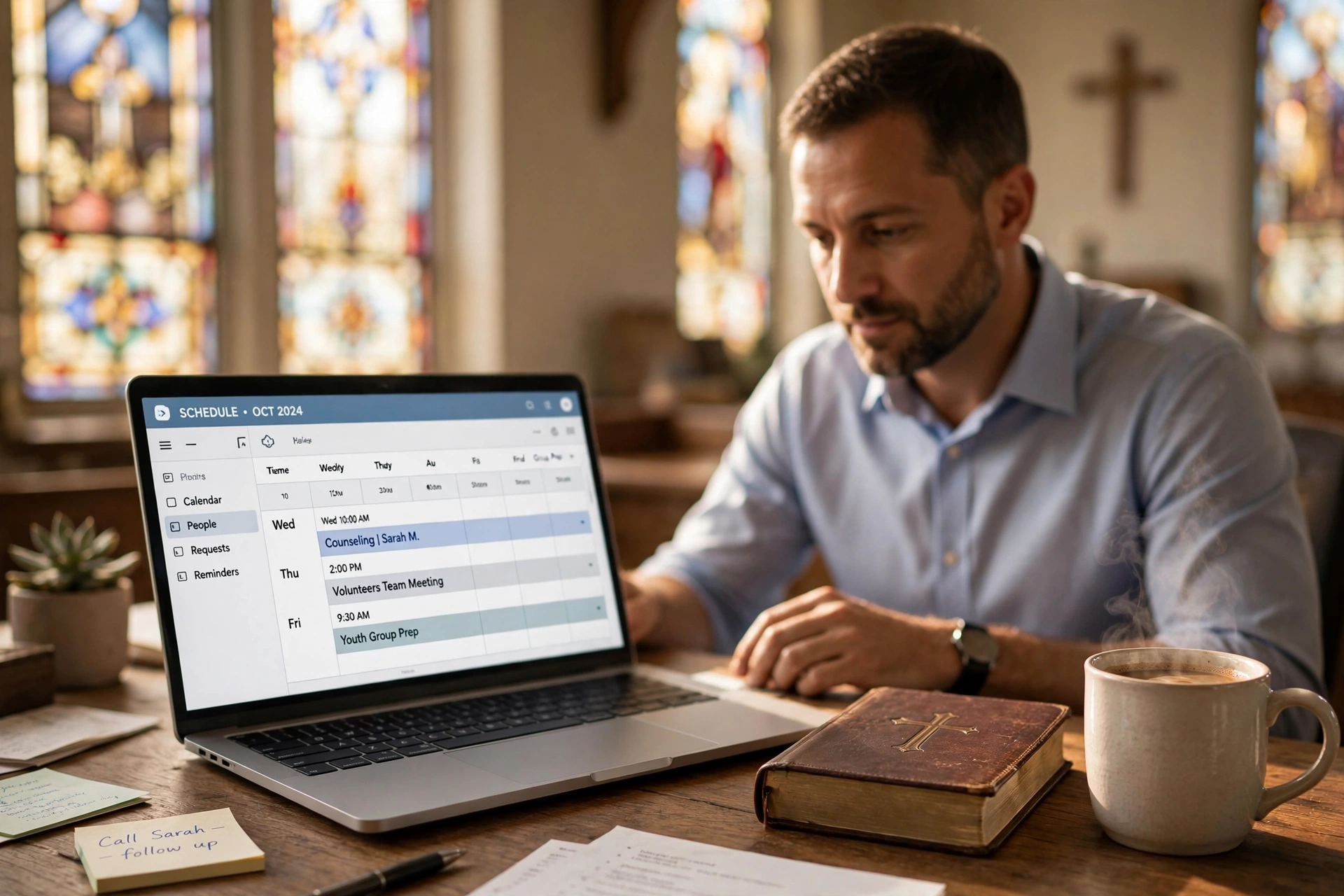
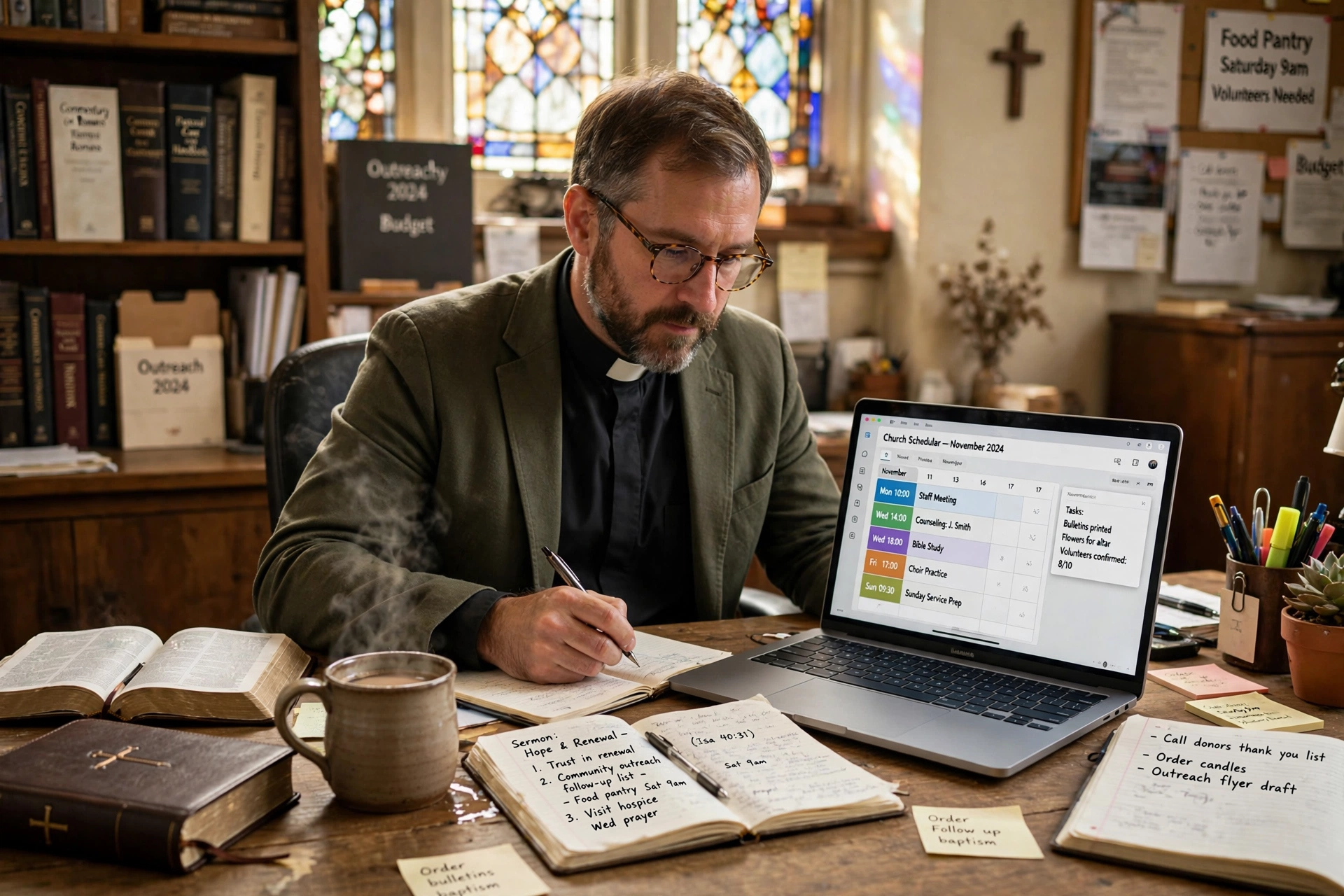
Managing a church calendar often feels like a battle against chaos, where sudden crises clash with planned sermons and counseling sessions. Pastor scheduling software is a specialized digital tool designed to automate the booking process, synchronize ministerial calendars, and provide members with a seamless way to request appointments without the friction of endless phone calls or emails. By shifting the administrative burden from the clergy to an automated system, these tools ensure that a minister's time is spent on pastoral care rather than data entry.
In my experience working with church leaders, the most common breaking point isn't a lack of will, but a lack of bandwidth. I have seen seasoned pastors spend upwards of five hours a week simply coordinating times for hospital visits and counseling, which is time that should be spent in study or prayer. When we designed the core logic for Pastor Agenda, we focused on removing the "middleman" of the secretary or the fragmented email chain, allowing the congregation to see actual availability in real-time.
The Core Mechanics of Modern Ministerial Scheduling
To understand how these tools work, we must first define the specific needs of a religious context, which differ significantly from a corporate environment. While a business wants to maximize billable hours, a ministry seeks to maximize accessibility while protecting the pastor's mental and spiritual health.
📚
Definition
Pastor scheduling software is a niche application of Appointment Scheduling Software that integrates calendar synchronization, member portals, and time-blocking logic specifically tailored for the rhythms of church ministry and pastoral care.
At its heart, this software operates on three primary pillars: availability management, user-facing portals, and notification workflows. Availability management allows a pastor to set "ministry hours," effectively creating a digital fence around their family time and sabbatical periods. The user-facing portal is the interface where a church member selects a specific service—such as "Premarital Counseling" or "Hospital Visit"—and picks a slot that fits both parties. Finally, the notification workflow handles the reminders, reducing the "no-show" rate that often plagues free-form scheduling.
According to research by the Barna Group, pastoral burnout is a systemic issue, often exacerbated by the "always-on" expectation of the modern congregation. When a pastor lacks a structured system for boundaries, the resulting stress can lead to decreased effectiveness in leadership. By utilizing a structured scheduling tool, the pastor transitions from a reactive state (responding to every urgent request) to a proactive state (managing a sustainable flow of care). This structural change is not just about efficiency; it is about the sustainability of the calling.
Why Digital Scheduling is Fundamental for Church Growth
The shift toward digital scheduling is not merely a trend in tech; it is a response to the changing behavior of the modern congregant. We are seeing a generational shift where "friction" is the primary enemy of engagement. If a new member has to leave a voicemail and wait three days for a callback to schedule a first meeting, the likelihood of that connection being solidified drops significantly.
From a data-driven perspective, the administrative overhead of manual scheduling is a hidden cost that drains ministry resources. When we analyze the time-cost of a manual booking—including the initial request, the back-and-forth "does Tuesday work?" emails, and the final confirmation—it often takes 6 to 10 individual interactions to secure one 30-minute appointment. In contrast, an automated system reduces this to a single interaction.
Furthermore, the National Association of Evangelicals emphasizes the importance of leadership health and organizational governance. Implementing a formal scheduling system is a governance win; it creates a record of pastoral activity, ensures that no one is overlooked in the care cycle, and provides a clear audit trail of how time is being allocated across the various ministries of the church.
The implications of avoiding these tools are often seen in the "bottleneck effect." When the pastor is the only gateway for scheduling, the entire church's momentum slows down. The mistake I made early on—and that I see constantly—is believing that "personal touch" requires manual scheduling. In reality, the personal touch happens during the meeting; the scheduling process is just a utility. Removing the friction of the utility actually enhances the quality of the personal encounter because the pastor arrives at the meeting refreshed rather than exhausted by the logistics of getting there.
Practical Implementation: Transitioning Your Ministry to Pastor Agenda
Moving from a paper planner or a generic Google Calendar to a dedicated system requires a strategic approach to avoid confusing the congregation. You cannot simply flip a switch; you must curate the experience.
First, define your "Service Types." Not every appointment requires the same amount of time. A "First-Time Visitor Meeting" might be 30 minutes, while a "Deep Pastoral Counseling" session requires 90 minutes. In Pastor Agenda, you can set these specific durations so the software automatically blocks the correct amount of time, preventing the common error of "back-to-back" scheduling that leaves no room for travel or mental transition.
Second, establish your "Buffer Zones." One of the most critical failures in scheduling is the lack of a transition period. A pastor cannot jump from a high-emotion bereavement meeting directly into a budget committee meeting. By implementing a 15-to-30-minute buffer between appointments, you protect the emotional integrity of the ministry.
Third, integrate the booking link into every touchpoint. Your "Contact Us" page, your email signature, and even the church's social media bios should point directly to the scheduling portal. This empowers the congregation to take initiative.
💡
Key Takeaway
The goal of scheduling software is not to distance the pastor from the people, but to clear the administrative debris so the pastor can be fully present during the actual appointment.
Now, here's where it gets interesting: the data loop. Once you start using a system like Pastor Agenda, you begin to see patterns. You might discover that 60% of your requests are for a specific type of crisis that could be addressed through a small-group study or a seminar. This allows the pastor to shift from individual "firefighting" to systemic leadership, addressing the root cause of the congregation's needs rather than just the symptoms.
Comparing Scheduling Approaches for the Modern Church
Many leaders struggle to choose between a "do-it-yourself" approach and a professional tool. It is a common misconception that a free calendar is "good enough." However, when you factor in the time spent on manual coordination, the "free" option becomes the most expensive in terms of labor.
| Approach | Traditional (Paper/Email) | Generic AI/Free Tools | Pastor Agenda (Specialized) |
|---|---|---|---|
| Coordination Speed | Very Slow (Days) | Fast (Minutes) | Instant (Seconds) |
| Boundary Control | Poor (Constant Intrusions) | Moderate (Basic Blocks) | High (Ministry-Specific Logic) |
| User Experience | High Friction (Manual) | Low Friction (Generic) | Low Friction (Pastoral Context) |
| Data Insight | None (Hidden) | Basic (Date/Time) | High (Category & Trend Tracking) |
| Best For | Very Small House Churches | Solo Freelancers | Growing Churches & Ministries |
Generic tools like Calendly are excellent for business, but they lack the nuance of ministry. For instance, a generic tool doesn't understand the difference between a "Sermon Prep Block" (which must be undisturbed) and a "Flexible Office Hour." A dedicated pastor scheduling software allows for these distinctions, ensuring that the "Deep Work" of Bible study is never compromised by an automated booking.
Common Questions and Misconceptions about Ministry Automation
Most guides on church tech get this wrong by focusing on the "gadgets" rather than the "glory." There is a prevailing myth that automating scheduling is "cold" or "unspiritual."
Myth 1: "Automation removes the personal touch of the ministry."
This is a fundamental misunderstanding of where the "touch" occurs. The personal touch is in the empathy, the prayer, and the presence. Asking someone to pick a time on a calendar is not a spiritual act; it is an administrative one. By automating the administration, you actually increase the quality of the spiritual encounter.
Myth 2: "My congregation is too old/traditional for digital booking."
In my experience, the "traditional" members are often the ones who benefit most from the clarity of a scheduled appointment. While some may still prefer a phone call, the secretary can simply use the software to book for them. This gives the church a "single source of truth" for the calendar, regardless of how the request arrived.
Myth 3: "I can just use a free shared Google Calendar."
A shared calendar is a viewing tool, not a booking tool. A shared calendar tells people when you are busy, but it doesn't manage the request, the confirmation, the reminder, or the category of the meeting. It still requires a human to mediate the actual appointment setting.
Frequently Asked Questions
Does pastor scheduling software replace the need for a church secretary?
No, it evolves the role of the secretary. Instead of spending hours playing "phone tag" to coordinate a single meeting, the secretary becomes a curator of the pastor's time. They move from being a human switchboard to a strategic administrator who can manage the software's settings, handle complex scheduling conflicts that require human judgment, and focus on high-level church operations. The software handles the repetitive, low-value tasks, allowing the staff to focus on high-value relational ministry.
How do I prevent the software from overbooking my day?
The key is the implementation of "Hard Blocks" and "Buffer Times." A professional tool allows you to set non-negotiable blocks for sermon preparation, family time, and personal study. By setting a mandatory 15-minute buffer between every appointment, the system ensures that you are not rushing from one meeting to the next. This prevents the "scheduling cascade" where one late appointment ruins the entire day. You can also limit the total number of appointments allowed per day to prevent burnout.
Is my congregation's data secure when using an online booking system?
Security is a paramount concern in pastoral care, especially when dealing with sensitive counseling requests. Professional tools use encrypted data transmission and secure databases to ensure that member information is protected. It is essential to use a platform that complies with modern data privacy standards. By using a dedicated system, you actually move away from the risk of having sensitive appointment details sitting in an unencrypted email inbox or written in a physical notebook that could be lost.
Can I offer different types of appointments, like Zoom versus in-person?
Yes, and this is one of the most powerful features of modern scheduling. You can create different "Event Types"—for example, a "Virtual Coffee" (30 min via Zoom) or an "In-Home Visit" (60 min in-person). The software can automatically attach the correct link for virtual meetings or the specific address for physical ones. This eliminates the last-minute "Where are we meeting?" texts that often distract a pastor right before a session begins.
What happens if a member needs to cancel or reschedule?
The system handles this through automated self-service portals. Instead of the member calling the office and the secretary then calling the pastor, the member can click a "Reschedule" link in their confirmation email. The software automatically opens the slot back up for other members and updates the pastor's calendar in real-time. This ensures the pastor's schedule remains optimized without requiring any manual intervention for basic changes.
Final Thoughts on Pastor Scheduling Software
The transition to pastor scheduling software is ultimately a transition from survival mode to leadership mode. When a minister is no longer bogged down by the logistics of "when and where," they regain the mental clarity needed for the core tasks of their calling: prayer, study, and the genuine care of souls.
If you are tired of the calendar chaos and the constant friction of coordinating your ministry, it is time to implement a system that reflects the value of your time. By using a tool like Pastor Agenda, you are not just buying software; you are investing in your own longevity as a leader and the accessibility of your ministry to the people who need it most. Start by defining your boundaries, choosing your service types, and giving your congregation the ease of instant booking.
Recommended Readings
To deepen your understanding of these topics, we recommend reading the following articles:
- Ensuring Absolute Privacy in Church Booking Systems
- Church appointment booking
- Online Appointment Booking for Modern Churches
- Church management software
Free Guide: The 7 Church Growth Hacks for 2026
Learn how modern ministries are using automated scheduling and AI pastoral assistants to save 12+ hours of admin work every week.