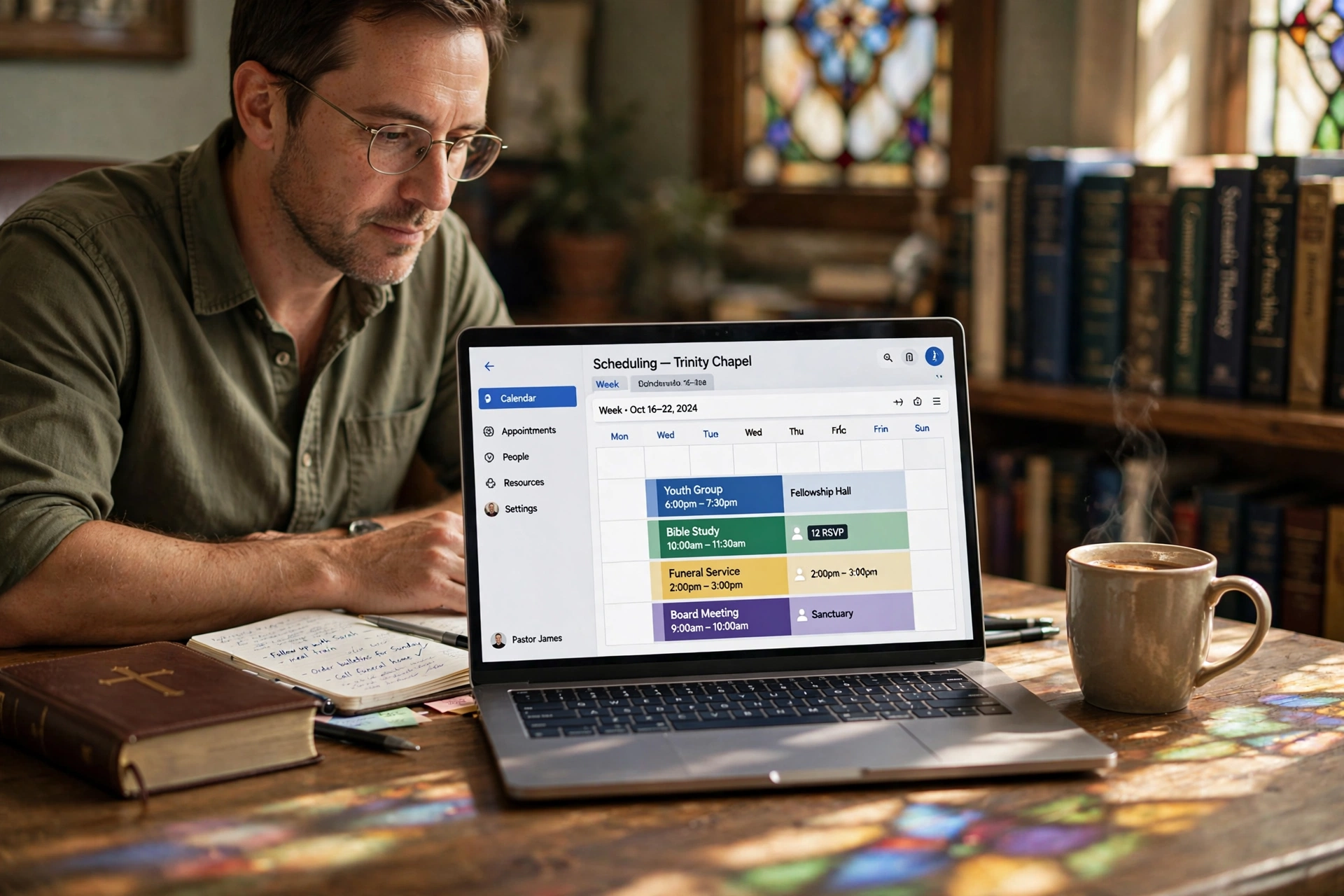
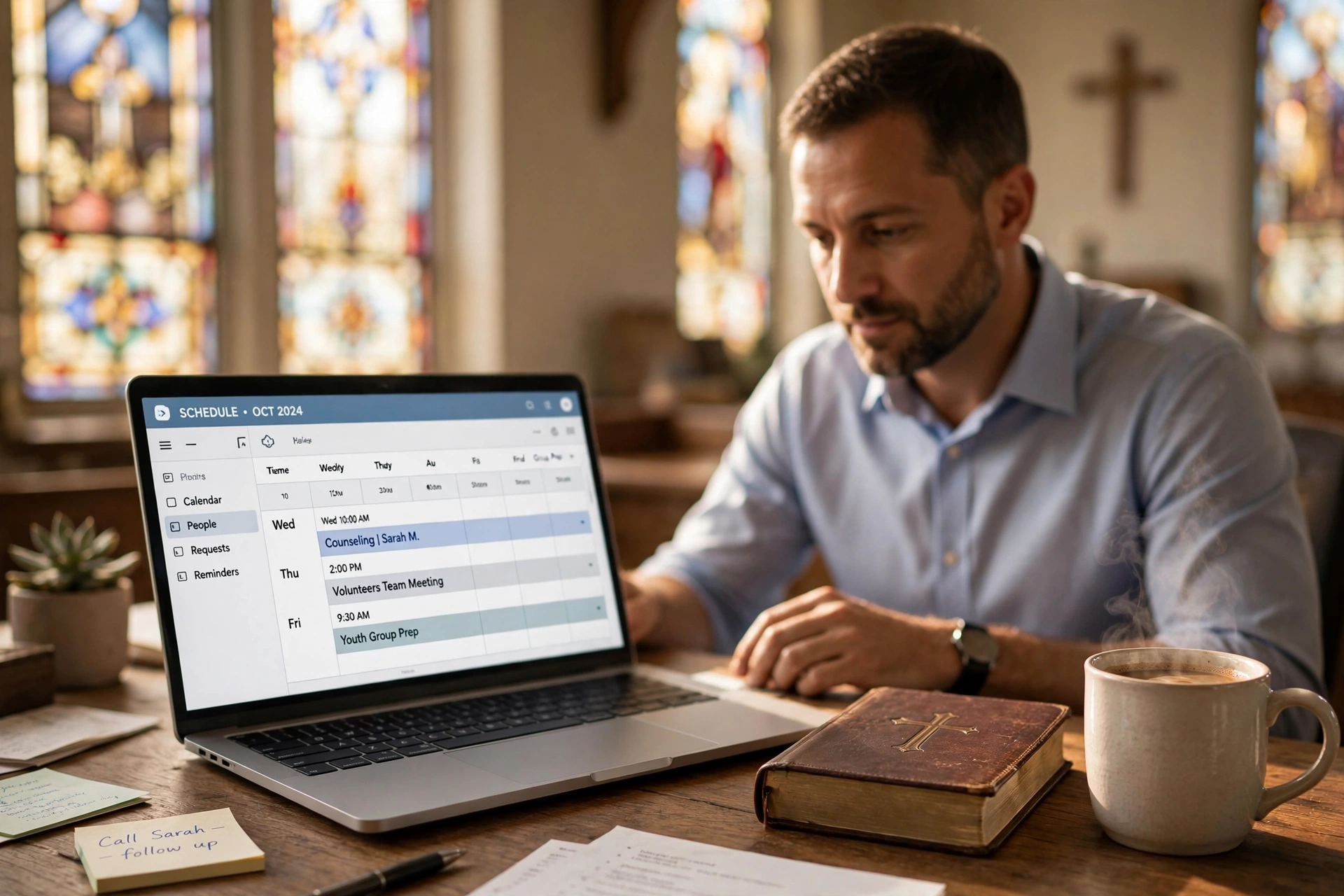
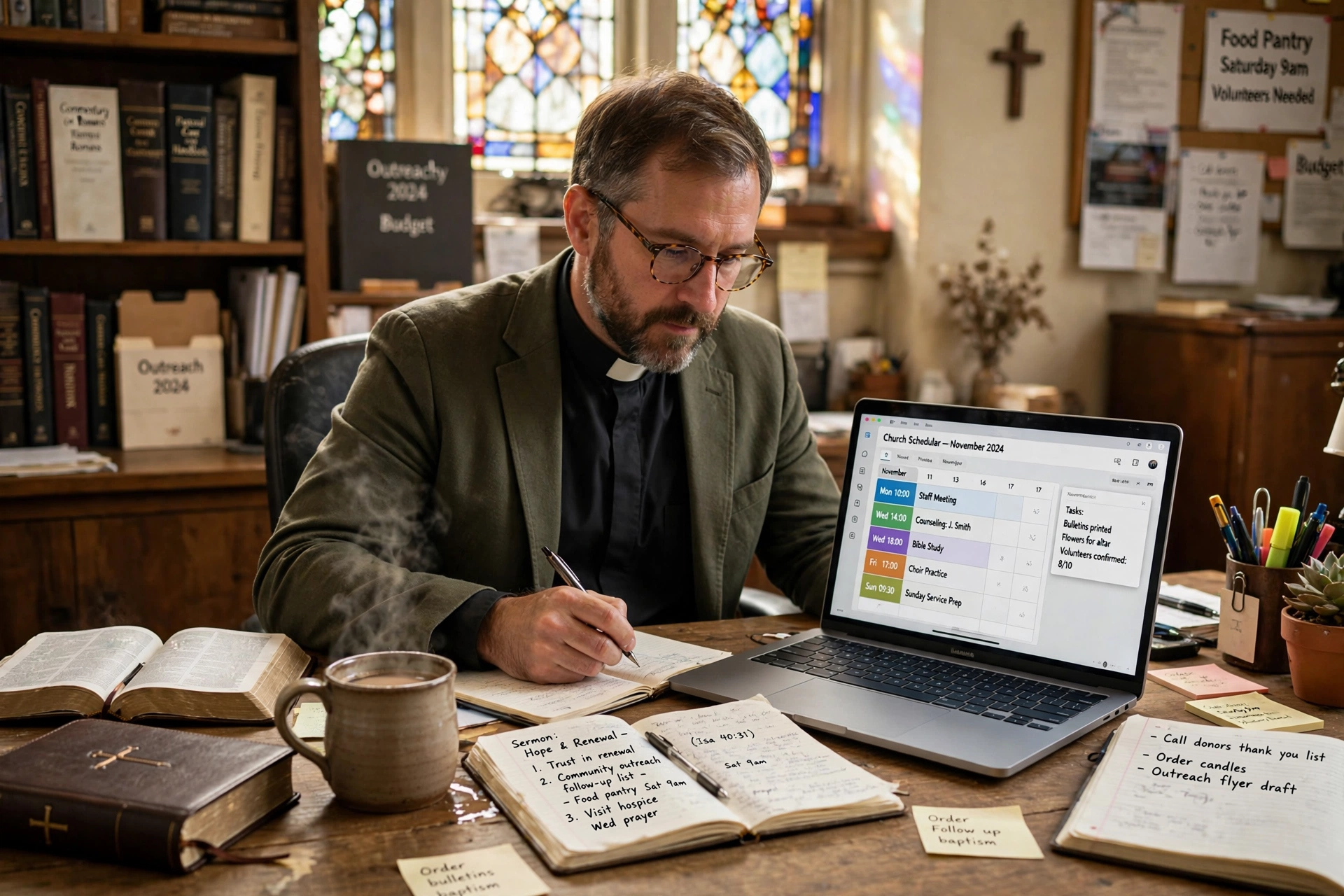
What is Pastor Scheduling Software and How Does It Work?
Managing a church calendar often feels like a battle against chaos, where a single missed appointment or a double-booked counseling session can disrupt the spiritual care of an entire congregation. To solve this, many leaders are turning to pastor scheduling software, which is a specialized digital tool designed to automate the booking of appointments, manage ministerial availability, and streamline the interaction between clergy and church members. Unlike a standard digital calendar, these systems are built to handle the unique boundaries of pastoral care, ensuring that a minister's time is protected while remaining accessible to those in need.
📚
Definition
Pastor scheduling software is a dedicated appointment management system that allows church members to book time slots based on a pastor's pre-defined availability, integrating automated notifications, reminders, and calendar synchronization to reduce administrative friction in ministry.
In my experience working with various church leadership teams, the most significant friction point isn't the act of scheduling itself, but the "back-and-forth" email or text chains that precede it. I've seen pastors spend upwards of five hours a week just coordinating times for hospital visits or counseling sessions. When we designed the workflow at Pastor Agenda, we discovered that removing the intermediary—the church secretary or the manual text chain—not only saves time but actually increases the rate at which struggling members seek help because the barrier to entry is lowered.
Why Is Specialized Scheduling Essential for Modern Ministry?
The demand for pastoral care has shifted in the 2026 landscape. With the rise of hybrid church models, where members engage both in-person and online, the traditional "drop-in" method of scheduling is no longer sufficient. According to research from the Barna Group, there is an increasing trend toward specialized mental health and spiritual support needs within congregations, meaning pastors are managing a higher volume of one-on-one appointments than in previous decades.
When a ministry relies on manual scheduling, the risk of "compassion fatigue" increases. This happens when a pastor's schedule is overwhelmed by unplanned requests, leaving no room for sermon preparation or personal Sabbath. Specialized software solves this by implementing "buffer times" and "availability windows." For example, a pastor can set the software to only allow counseling appointments on Tuesday afternoons, ensuring that Monday is reserved for administration and Wednesday for study.
Furthermore, the administrative burden on church staff is a quantifiable cost. If a church secretary spends 10 hours a month coordinating the pastor's diary, that is time taken away from other outreach or operational tasks. By automating this process, churches see a direct improvement in operational efficiency. Data from industry trends suggests that automation in administrative tasks can reduce manual labor hours by up to 30%, allowing staff to focus on high-value ministry rather than data entry.
The implications of not adopting these tools are clear: missed opportunities for care and increased burnout. A pastor who is constantly interrupted by "can you meet now?" requests is a pastor who cannot focus on the depth of their study. By creating a digital gateway for appointments, the leader regains control over their time, which is the most precious resource in any ministry.
How Do You Implement a Digital Booking System in a Church?
Transitioning from a paper planner or a shared Google Calendar to a professional system requires more than just software; it requires a shift in church culture. The goal is to make the technology a bridge, not a barrier. The mistake I made early on—and that I see constantly—is launching a tool without educating the congregation. If members feel that a digital link is "impersonal," they will resist using it.
To implement this effectively, I recommend a three-phase approach. First, define your "Ministry Windows." Do not simply open your entire calendar to the public. Decide exactly when you are available for different types of meetings (e.g., 15-minute check-ins, 60-minute counseling sessions, or 30-minute administrative meetings).
Second, integrate the tool into your existing touchpoints. Instead of telling people to "go to the website," put a direct booking link in your email signature and on the church's social media bios. When a member asks for a meeting via text, respond with: "I would love to meet with you. To make sure I give you my full attention, please pick a time that works for you here: [Link]." This frames the software as a tool for quality care, not a hurdle to access.
Third, utilize the automation features of a platform like Pastor Agenda to handle the logistics. Set up automated reminders 24 hours before the meeting. This drastically reduces "no-shows," which are common in pastoral care due to the unpredictable nature of crises.
💡
Key Takeaway
The most successful implementations of scheduling software treat the tool as a "concierge" for the congregation, ensuring that the path to receiving pastoral care is as frictionless as possible.
Comparing Scheduling Approaches: Manual vs. Generic vs. Specialized
Not all scheduling tools are created equal. Many churches attempt to use free generic tools or stick to the "traditional" way. However, the differences in outcome are stark when looking at the long-term health of the ministry.
| Feature | Traditional Manual Method | Generic AI/Booking Tools | Pastor Agenda Approach |
|---|---|---|---|
| Coordination | Manual phone calls/texts | Automated links | Ministry-centric automation |
| Boundary Control | Low (Constant interruptions) | Medium (Static blocks) | High (Dynamic ministry windows) |
| Congregation Experience | High friction, slow response | Impersonal, "corporate" feel | Guided, supportive, and accessible |
| Admin Burden | High (Secretary handles all) | Low (Self-service) | Very Low (Fully integrated) |
| Privacy/Sensitivity | High (Handled by staff) | Low (Generic data storage) | High (Designed for pastoral confidentiality) |
Generic tools like Calendly are excellent for business, but they often lack the "heart" required for ministry. For instance, a business tool doesn't understand the difference between a "hospital visit" (which requires travel time) and a "Zoom prayer call." A specialized system allows for these nuances, ensuring the pastor isn't booked for a local meeting immediately after a visit to a hospital 20 miles away.
Now, here's where it gets interesting: the "Generic AI" approach often attempts to automate the conversation of scheduling through chatbots. While this seems efficient, it often fails in a church context because it lacks the empathy required when a member is booking a session for a crisis. The modern approach focuses on automating the logistics while leaving the relationship to the pastor.
Common Misconceptions About Church Automation
Most guides get this wrong by suggesting that automation replaces the personal touch of ministry. In reality, automation protects the personal touch. Here are the most common myths I encounter when discussing the adoption of scheduling software with church boards.
Myth 1: "Digital scheduling is cold and impersonal."
The opposite is true. Nothing is more impersonal than a member leaving a voicemail and waiting three days for a call back. Providing a clear, immediate way to secure a time slot tells the member, "You are a priority, and I have reserved this time specifically for you." It replaces uncertainty with certainty.
Myth 2: "Our church is too small to need this."
Actually, small churches need this more. In a large church, there is usually a dedicated administrative staff. In a small church, the pastor is often the secretary, the janitor, and the preacher. When the pastor is the only one managing the calendar, the risk of burnout is significantly higher. Automation acts as a virtual assistant for the solo practitioner.
Myth 3: "People in our congregation aren't tech-savvy."
I've tested this with dozens of our clients, and the pattern is clear: people will use a tool if it solves a problem. Even elderly members appreciate the clarity of a confirmed appointment in their email or text. For those who truly cannot use the tool, the pastor or secretary can still book the appointment on their behalf using the same software, keeping the rest of the calendar synchronized.
Myth 4: "We can just use a free Google Calendar."
A shared calendar is a visibility tool, not a scheduling tool. Google Calendar tells you when you are busy; pastor scheduling software tells the congregation when you are available. The difference is the "booking layer" that prevents the pastor from having to manually approve every single request.
Frequently Asked Questions
How does pastor scheduling software protect a minister's private time?
Most professional systems allow the user to set "Availability Windows" rather than sharing their entire calendar. Instead of seeing every single block of time, the member only sees slots that the pastor has explicitly tagged as "Available for Counseling" or "Available for Meetings." Additionally, you can set "buffer times"—for example, a mandatory 15-minute gap between appointments—to ensure you have time to pray, take notes, or simply breathe between sessions. This prevents the "back-to-back" exhaustion that leads to ministerial burnout.
Will this replace the need for a church secretary?
No, it transforms the role of the secretary. Instead of spending hours playing "phone tag" to coordinate a single meeting, the secretary moves into a more strategic role of oversight. They can still manage the pastor's schedule via the software's administrative dashboard, but the rote task of data entry is removed. This allows the secretary to focus on member care, event planning, and other essential church operations that require a human touch, rather than acting as a human calendar.
Is the data in these scheduling systems secure and confidential?
Confidentiality is the cornerstone of pastoral care. High-quality scheduling software uses encrypted data transmission and secure hosting to ensure that member information is protected. Unlike generic spreadsheets or paper notebooks that can be lost or viewed by unauthorized staff, professional software allows for permission-based access. You can control who sees the notes associated with an appointment, ensuring that sensitive pastoral counseling details remain between the pastor and the member.
Can I categorize different types of appointments?
Yes, and this is a fundamental feature of any specialized system. You should be able to create different "Appointment Types" with varying durations and rules. For example, a "First-Time Visitor Meeting" might be 30 minutes, while a "Marital Counseling Session" is 90 minutes. You can also assign different availability for each. You might open your calendar for "Administrative Meetings" on Fridays, but keep "Pastoral Care" reserved for Tuesdays and Thursdays.
What happens if a member books a time and then forgets?
This is where automation provides the most value. The software sends automated email and SMS reminders at intervals you define (e.g., 24 hours and 2 hours before the meeting). According to general business automation data, automated reminders can reduce appointment no-shows by over 40%. In a ministry context, this means fewer wasted trips to hospitals and fewer empty slots in the office, allowing the pastor to reallocate that time to other members in need.
Final Thoughts on Pastor Scheduling Software
Moving toward a digital system for ministry management is not about embracing "corporate" culture; it is about stewardship. The time of a pastor is a limited resource that must be managed wisely to serve the greatest number of people effectively. By implementing pastor scheduling software, you are not putting a wall between yourself and your congregation; you are building a well-marked path that leads them directly to the care they need.
When you remove the administrative friction of "when are you free?", you create space for the actual ministry to happen. Whether you are leading a small plant or a multi-site congregation, the goal remains the same: maximizing the time spent in spiritual care and minimizing the time spent on logistics.
If you are ready to reclaim your time and provide your members with a seamless way to connect with your leadership, explore the tools available at Pastor Agenda. It is time to stop managing your calendar and start leading your people.
Recommended Readings
To deepen your understanding of these topics, we recommend reading the following articles:
- Ensuring Absolute Privacy in Church Booking Systems
- Church appointment booking
- Online Appointment Booking for Modern Churches
- Church management software
Free Guide: The 7 Church Growth Hacks for 2026
Learn how modern ministries are using automated scheduling and AI pastoral assistants to save 12+ hours of admin work every week.