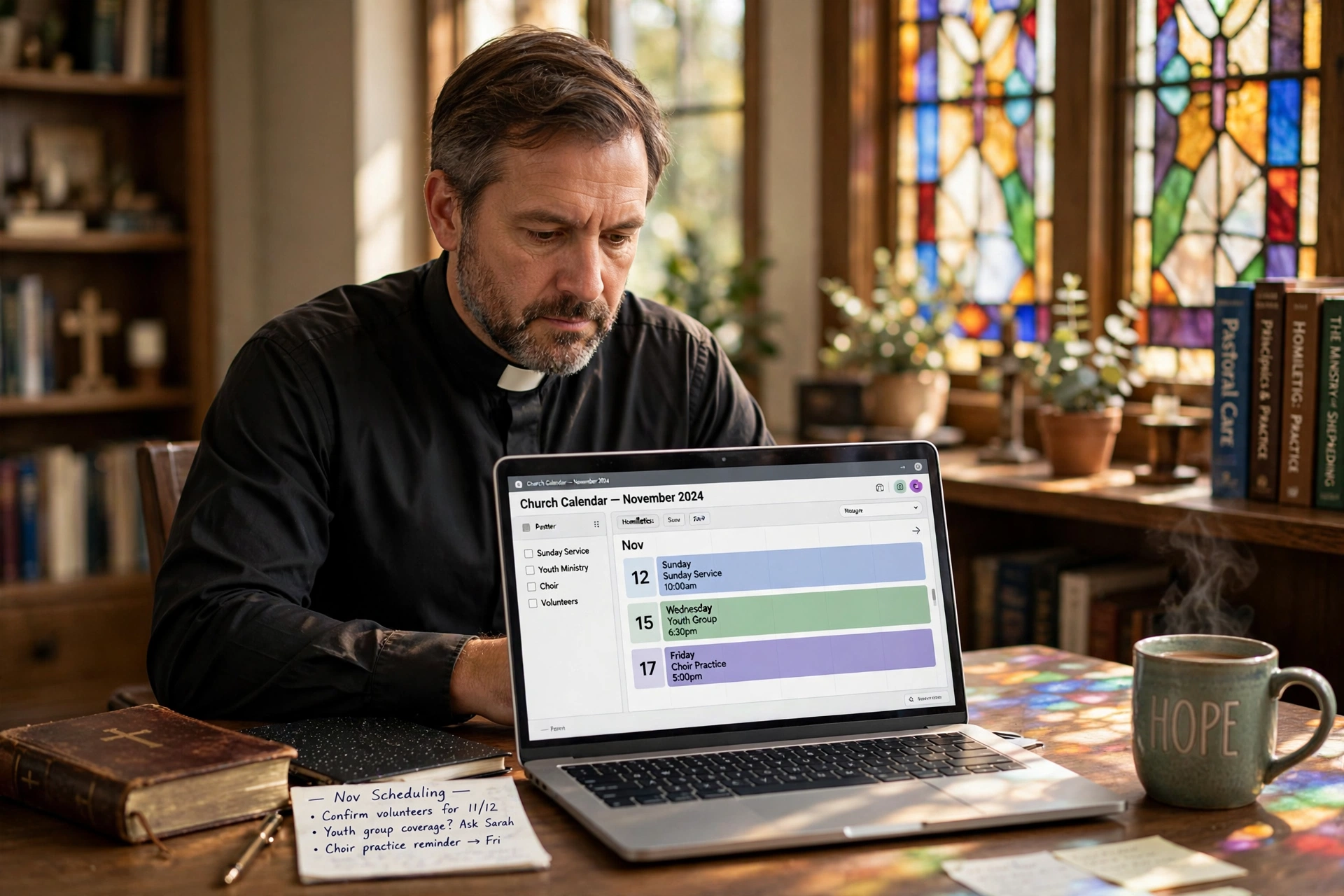
How Does Pastor Scheduling Software Work?
The chaos of a ministry often stems from a simple failure of coordination: the back-and-forth emails, the forgotten counseling appointments, and the overlapping commitments of a busy church calendar. Most leaders try to solve this with a paper planner or a generic digital calendar, but these tools lack the nuance required for pastoral care. Modern pastor scheduling software works by creating a synchronized bridge between a leader's availability and a congregation's needs, automating the booking process through a public-facing interface while protecting the pastor's private boundaries.
In my experience working with church leaders, the biggest friction point isn't the act of scheduling itself, but the "administrative leakage" that happens between the request and the actual appointment. When a member has to wait three days for a text confirmation, the urgency of their spiritual or emotional need can be overshadowed by the friction of the process. By implementing a dedicated system, a ministry moves from a reactive state—where the pastor is constantly firefighting their inbox—to a proactive state where the calendar is a managed asset.
Understanding the Core Mechanics of Ministerial Scheduling
To understand how these systems operate, we have to look past the simple calendar view. At its core, pastor scheduling software is a set of logic gates designed to manage time and access. It combines three primary components: the Availability Engine, the Intake Layer, and the Synchronization Hub.
📚
Definition
The Availability Engine is the backend logic that allows a minister to define specific "windows" of time for different types of interaction (e.g., 15 minutes for quick check-ins, 60 minutes for deep pastoral counseling) and automatically hides those slots once they are booked.
The Availability Engine ensures that a pastor doesn't have to manually check their calendar every time someone wants to meet. Instead, the system cross-references the pastor's integrated personal calendar (like Google Calendar or Outlook) and only presents open slots to the user. This eliminates double-booking, which is one of the most common causes of burnout in ministry.
The Intake Layer is where the interaction begins. Rather than a vague email saying "I need to talk," the software uses custom forms. This allows the pastor to gather essential context—such as the nature of the visit, the urgency, or the specific ministry area—before the meeting even starts. According to research from the Barna Group, pastoral burnout is frequently linked to an imbalance between administrative burdens and actual spiritual care. By automating the intake, the software reduces the cognitive load on the leader.
Finally, the Synchronization Hub ensures that every stakeholder is notified. Once a slot is picked, the system sends automated confirmations and reminders. This isn't just about convenience; it's about stewardship. When a member of the congregation receives a reminder 24 hours before a counseling session, the "no-show" rate drops significantly, ensuring that the pastor's limited time is used effectively.
Why Automated Scheduling Is Essential for Modern Ministry
The shift toward digital scheduling isn't about replacing the personal touch of ministry with a machine; it's about removing the administrative barriers that prevent personal touch from happening. When a pastor spends five hours a week managing their calendar, that is five hours taken away from sermon preparation, prayer, and direct visitation.
The impact of poor time management in the church is measurable. High-stress environments without clear boundaries lead to rapid attrition in leadership. According to data from Lifeway Research, a significant percentage of pastors report feeling overwhelmed by the demands of their role, often citing the inability to disconnect from ministry tasks during their personal time. Automated scheduling allows a pastor to set "hard boundaries"—blocking off Sabbath time, family dinner, and study hours—without having to explain those boundaries repeatedly to well-meaning but insistent congregants.
Now here's where it gets interesting: the data shows that congregations actually prefer the autonomy of digital booking. In a professionalized society, people are accustomed to the efficiency of online appointments. When a church provides a streamlined way to request pastoral care, it signals that the church is organized and that the leader's time is valued.
The consequences of sticking to manual methods are severe. Beyond the risk of double-booking, there is the "forgotten member" syndrome. In a manual system, the squeaky wheel gets the grease—the person who calls five times gets the appointment, while the quiet member struggling in silence is overlooked. A transparent scheduling system ensures that access to the pastor is democratized and tracked, allowing leadership to see who has been visited and who might be slipping through the cracks.
Implementing Your Scheduling System: A Step-by-Step Guide
Moving from a paper system to a digital one can feel daunting, but the transition is straightforward if done logically. The mistake I made early on—and that I see constantly—is trying to open the calendar to everyone immediately without setting strict guardrails. This leads to a flooded calendar and immediate burnout.
Step 1: Audit Your Time Blocks
Before touching the software, you must define your "Ministry Archetypes." Not all meetings are equal. A wedding rehearsal requires different time and energy than a 15-minute phone call or a 90-minute hospital visit. Create categories:
- Urgent Pastoral Care: High priority, shorter windows.
- Counseling Sessions: Longer blocks, specific days of the week.
- Administrative/Study: Hard blocks that are completely invisible to the public.
Step 2: Configure Your Availability Engine
Once in your pastor scheduling software, map these archetypes to your calendar. For example, set Tuesdays from 9:00 AM to 12:00 PM exclusively for counseling. This creates a psychological "mode" for the pastor, reducing the stress of switching between administrative tasks and deep emotional labor.
Step 3: Build Your Intake Forms
Don't just ask for a name and email. Use the intake layer to qualify the request. Ask: "Is this a first-time request or a follow-up?" or "What is the primary goal of this meeting?" This allows the pastor to enter the meeting prepared, which increases the quality of the care provided.
Step 4: Distribute Your Booking Link
Integrate your link into the church website, the digital bulletin, and the pastor's email signature. Instead of saying "Email me to schedule a time," the call to action becomes "Pick a time that works for you here."
Step 5: Monitor and Adjust
Review your calendar every 30 days. If you find that you are exhausted by Thursdays, you likely haven't blocked enough "recovery time" between sessions. Use the software to add "buffer times"—automatic 15-minute gaps between appointments to allow for notes, prayer, and mental resetting.
💡
Key Takeaway
The power of scheduling software isn't in the booking; it's in the boundaries. A calendar that is "always open" is a recipe for burnout; a calendar with intentional blocks is a tool for sustainable ministry.
Choosing the Right Tool: Professional vs. Generic Approaches
Many ministries start by using free tools or generic appointment software. While these might work for a small group, they often fail as the congregation grows because they lack the specific context of ministry. The difference lies in the balance between flexibility and control.
| Feature | Manual/Paper Method | Generic AI/Booking Tools | Pastor Agenda Approach |
|---|---|---|---|
| Setup Speed | Instant (but chaotic) | Fast | Fast & Tailored |
| Boundary Control | Low (reliant on memory) | Moderate (standard blocks) | High (Ministry-specific archetypes) |
| Intake Quality | Random/Vague | Basic (Name/Email) | Contextual (Pastoral needs) |
| Error Rate | High (Double bookings) | Low | Near Zero |
| Member Experience | High Friction | Moderate | Seamless & Professional |
Generic tools often treat a pastoral appointment like a haircut or a sales call. They lack the nuance of "grace periods" or the ability to categorize meetings by spiritual urgency. Some "cheap" AI tools attempt to automate the interaction entirely, but in a ministry context, too much automation feels cold and impersonal.
The professional approach, as seen in Pastor Agenda, focuses on "invisible automation." The technology handles the tedious parts—the reminders, the time-zone conversions, the calendar syncing—so that when the pastor and the member finally meet, the technology disappears, and the human connection takes center center stage.
Common Misconceptions About Digital Scheduling
There is often a resistance to these tools rooted in a misunderstanding of what they actually do. Most guides get this wrong by framing it as a "productivity hack," when it is actually a "presence hack."
Myth 1: "It's too impersonal for a church."
The opposite is true. There is nothing more impersonal than a pastor forgetting an appointment or being distracted during a session because they are stressed about their schedule. When the logistics are handled seamlessly, the pastor can be 100% present with the person in front of them. Efficiency in administration creates space for intimacy in ministry.
Myth 2: "My congregation won't know how to use it."
This is a common fear, but it is largely unfounded. From teenagers to seniors, the "pick a time" interface has become a global standard. For those who truly struggle with technology, the pastor can still manually add them to the calendar on the backend. The software doesn't replace the personal invitation; it simply streamlines the acceptance of it.
Myth 3: "I'll lose control of my time."
Many leaders fear that by putting a link "out there," people will take over their lives. In reality, you have more control than ever. You are no longer at the mercy of your inbox. You decide exactly when you are available. If you decide that Fridays are for family, you simply don't open Friday slots. The software acts as a polite, digital gatekeeper that never forgets a rule.
Myth 4: "It's only for large mega-churches."
Actually, small churches need this more. In a mega-church, there is often an administrative assistant to handle the calendar. In a small church, the pastor is the CEO, the janitor, and the counselor. The software becomes the "virtual assistant" that the small church cannot afford to hire.
Frequently Asked Questions
Will using pastor scheduling software make me seem inaccessible?
On the contrary, it often makes you more accessible. When people know exactly how to get on your calendar without the anxiety of "bothering" you with an email that might go unanswered, they are more likely to reach out for help. The transparency of a booking system removes the psychological barrier of the "ivory tower." By defining your availability, you are telling your congregation, "I have set aside this specific time because you are a priority to me," which is a powerful message of care.
How do I handle emergency pastoral visits with an automated system?
An automated system is for scheduled care, not crisis care. In your booking instructions and on your website, you should clearly distinguish between "Scheduled Counseling" and "Emergencies." Provide a separate protocol for crises—such as a specific phone number or a contact for the deacon board. The software is designed to protect your time from the "non-urgent but pressing" requests, which actually frees up your mental and emotional capacity to respond more effectively when a true emergency arises.
Can I integrate this with my existing church management software?
Most modern scheduling tools, including Pastor Agenda, are designed to play well with others. The goal is to avoid creating another "data silo." By syncing with your primary calendar (Google, Outlook, iCloud), the scheduling software ensures that your entire digital life is in harmony. If you add a personal doctor's appointment to your private calendar, that slot immediately disappears from your public booking page, ensuring you never have to apologize for a scheduling conflict.
What happens if a member books a slot but then can't make it?
The system handles this through automated rescheduling and cancellation links. Instead of a long email chain trying to find a new time, the member can simply click a "Reschedule" button in their confirmation email. This shifts the administrative burden from the pastor to the user. You can even set a "cancellation window" (e.g., 24 hours), which encourages members to respect your time while still providing them with a flexible way to manage their appointments.
Is my data and my congregation's data secure?
Security is paramount when dealing with pastoral care. Professional scheduling software uses encrypted connections (SSL) and follows strict data privacy standards to ensure that the names and contact details of your members are not exposed. Unlike a physical notebook that can be lost or a shared spreadsheet that can be accidentally emailed to the wrong person, a dedicated platform provides controlled access and secure backups, ensuring that your ministry's records remain confidential.
Final Thoughts on Pastor Scheduling Software
The transition to a digital system is not about adopting a trend; it is about the sustainable stewardship of a leader's most precious resource: time. When you implement pastor scheduling software, you are not just installing a tool; you are establishing a culture of respect and order within your ministry.
By removing the friction of the "scheduling dance," you reduce your own stress and increase the quality of the care you provide to your congregation. You move from being a manager of calendars to a minister of people. The goal is always to ensure that the administrative engine runs so smoothly in the background that the only thing the congregant notices is the undivided attention and care they receive during their appointment.
If you are ready to stop firefighting your inbox and start reclaiming your time, explore the tools at Pastor Agenda. Your ministry deserves a system that supports your calling instead of hindering it.
Recommended Readings
To deepen your understanding of these topics, we recommend reading the following articles:
- Ensuring Absolute Privacy in Church Booking Systems
- Church appointment booking
- Online Appointment Booking for Modern Churches
- Pastoral counseling scheduling
Free Guide: The 7 Church Growth Hacks for 2026
Learn how modern ministries are using automated scheduling and AI pastoral assistants to save 12+ hours of admin work every week.