📖This article is part of the complete guide to Pastoral Scheduling Software: The Ultimate Guide.
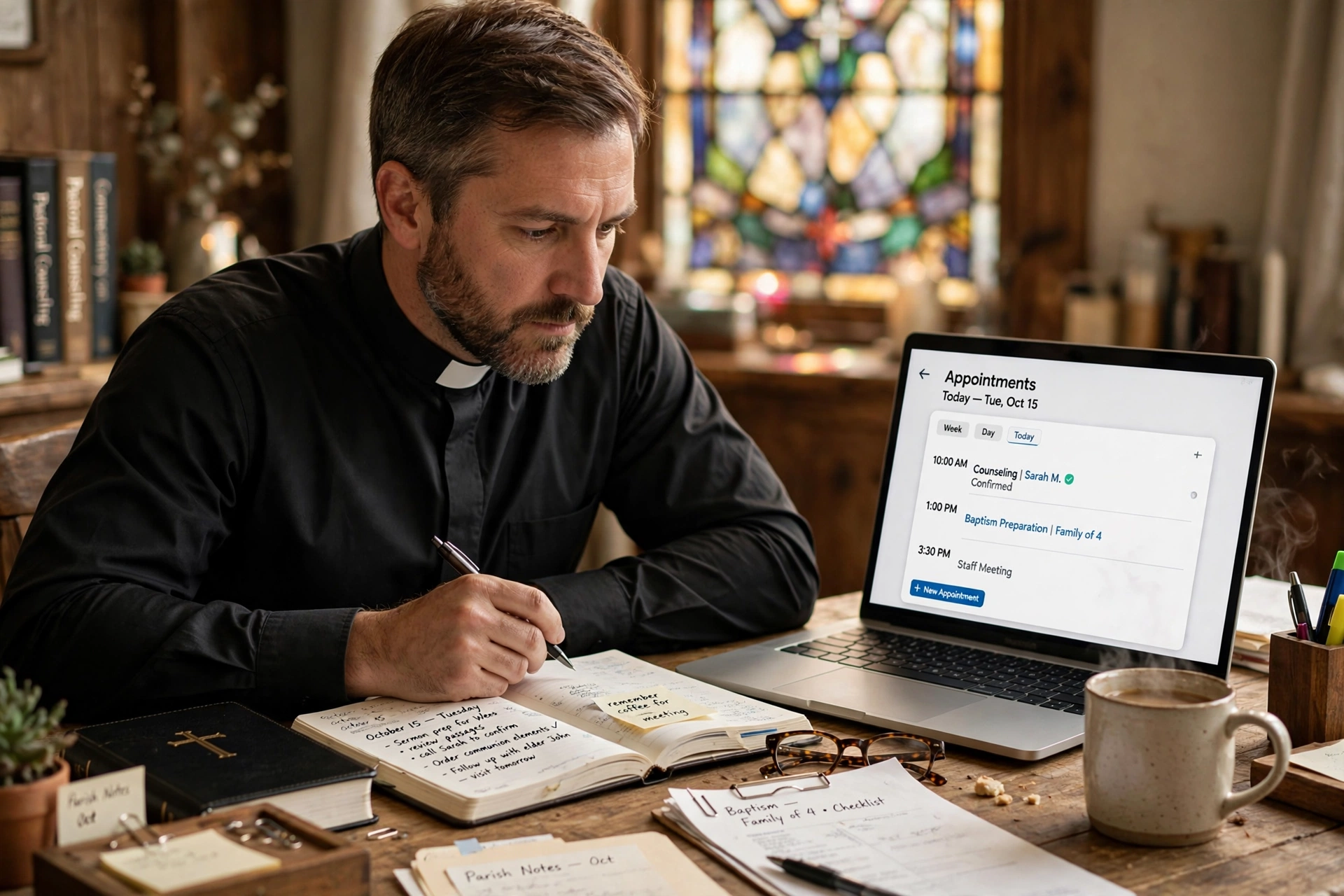
Managing a ministry calendar is fundamentally different from managing a corporate sales pipeline. In my experience working with dozens of faith communities, the most common point of friction isn't the technology itself, but the lack of 'pastoral nuance' in the tools being used. When a congregant needs urgent pastoral counseling, a generic 'pick a time' link can feel cold, clinical, and detached from the shepherd-flock relationship.
For a comprehensive overview of how to optimize your ministry's time, explore our guide on pastoral scheduling software.
What Are Calendly Alternatives for Churches?
📚
Definition
Calendly alternatives for churches are appointment booking platforms that either offer specialized features for religious organizations or provide more flexible configurations than generic corporate tools to accommodate the erratic nature of ministry work.
When we talk about these alternatives, we aren't just talking about different software; we are talking about a shift in philosophy. Generic tools are built for "lead conversion." They want to minimize the time between a prospect seeing a page and booking a call. However, in a church setting, the goal is "pastoral care." The tool must allow for boundaries, emergency overrides, and a level of privacy that generic corporate links often ignore.
In the current 2026 landscape, the search for calendly alternatives for churches usually stems from a need for better integration with church management systems (ChMS) or a desire for a more "sacred" user experience. Most generic tools treat a meeting as a transaction. For a pastor, a meeting is a ministry opportunity. This distinction is where most generic tools fail. When we developed the logic behind Pastor Agenda, we realized that the "buffer time" feature in corporate apps wasn't enough; ministers need "spiritual decompression time" and the ability to categorize appointments by urgency (e.g. hospital visit vs. routine budget meeting).

Why Does Finding the Right Alternative Matter for Your Ministry?
Using a corporate-first tool in a religious context creates a "digital divide" between the leader and the congregation. The primary reason this matters is that the administrative burden of a poorly configured tool often falls on the pastor, leading to burnout. According to research from the Barna Group, pastoral burnout is frequently linked to the blurring of boundaries between professional duties and personal recovery time. A tool that doesn't respect these boundaries, or makes the booking process feel robotic, exacerbates this stress.
Furthermore, data privacy is an essential concern. In a ministry context, the information shared during the booking process (e.g. "I need to talk about a marriage crisis") is highly sensitive. Generic tools often store this data in a way that isn't optimized for the confidentiality requirements of a clergy member. When using specialized calendly alternatives for churches, you ensure that the data flow is secure and that the interface reflects the welcoming nature of the church.
Consider the impact on your congregation. A member struggling with grief does not want to feel like a "ticket" in a queue. They want to feel seen. By implementing a system that allows for a more personalized greeting, specific intake questions that guide the pastor's preparation, and a seamless flow into the church's existing ecosystem, you transform a utility into a tool for care. This is why many leaders are now looking toward How to Choose the Best Appointment Scheduler for Ministry Leaders to find a balance between efficiency and empathy.
How to Implement a Faith-Based Scheduling System?
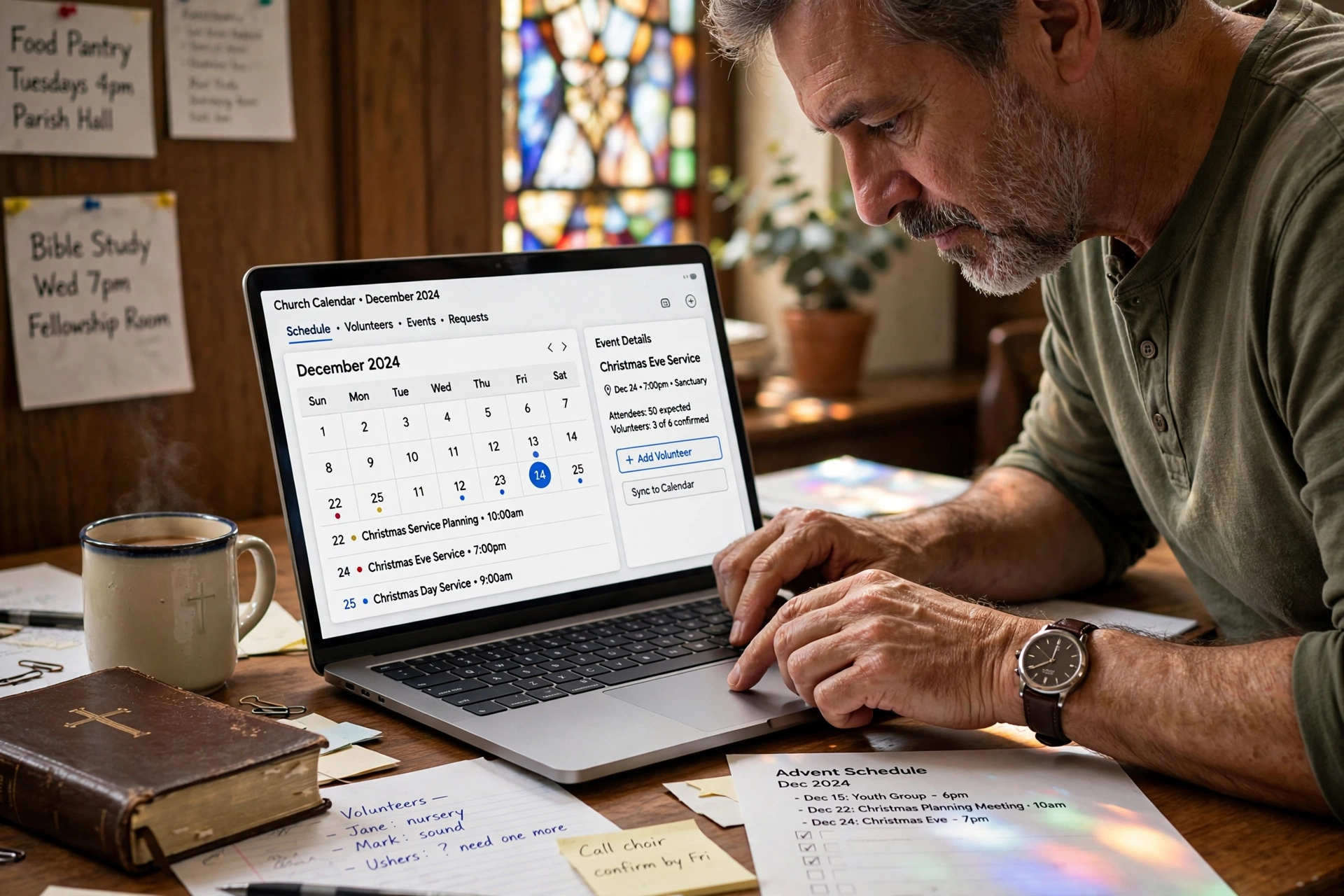
Implementing a new scheduling system requires more than just sending out a link. It requires a strategic alignment of your availability with your ministry priorities. The first step is to define your "Ministry Availability Zones." Instead of opening your entire calendar, create specific blocks for different types of care. For example, Tuesday mornings for administrative tasks, Wednesday afternoons for pastoral counseling, and Friday mornings for sermon preparation.
Once these zones are established, configure your chosen tool to reflect these priorities. If you are using a specialized platform like Pastor Agenda, you can create different booking links for different needs. A "Crisis Link" can have a shorter lead time and more open availability, while a "Mentorship Link" can be limited to once a month. This prevents your calendar from being hijacked by non-urgent requests while ensuring that those in crisis can still find a path to you.
Next, integrate the tool with your communication channels. Don't just put the link in your email signature. Embed the booking page directly into your church website's "Contact the Pastor" section. Use a welcome message that reinforces the pastoral nature of the meeting. For example: "I look forward to walking with you through this season. Please select a time that works best for you, and I will prepare my heart and mind for our conversation."
Finally, set up automated but warm reminders. A generic "You have an appointment" email is insufficient. Configure your reminders to include a brief encouraging scripture or a note of anticipation. This maintains the spiritual connection even during the administrative phase. For those comparing specific toolsets, seeing Acuity Scheduling vs PastorAgenda for Churches: Honest 2026 Comparison can help determine if a highly customizable generic tool is better or if a purpose-built ministry tool is the right fit.
The Traditional vs. Generic vs. Modern Approach
To understand where these alternatives fit, we must compare the evolution of church scheduling. The traditional way was based on secretaries and phone calls, which is high-touch but slow. The generic AI/Corporate way is fast but cold. The modern approach, exemplified by Pastor Agenda, combines the efficiency of automation with the warmth of ministry.
| Feature | Traditional (Phone/Paper) | Generic Corporate Tools | Modern Ministry Approach |
|---|---|---|---|
| Booking Speed | Slow (Back-and-forth) | Instant | Instant & Guided |
| Emotional Tone | Very Warm/Personal | Clinical/Transactional | Warm & Intentional |
| Boundary Control | Manual/Difficult | Rigid/Binary | Dynamic/Pastoral |
| Privacy | High (Physical files) | Moderate (Cloud) | High (Ministry-focused) |
| Integration | None | Generic API | Church-Centric Ecosystem |

Common Mistakes When Choosing Calendly Alternatives for Churches
One of the most frequent errors I see is "Over-Availability." Pastors often feel a spiritual obligation to be available 24/7, and they configure their scheduling tools to reflect this. This is a recipe for burnout. The mistake is thinking that accessibility equals availability. True pastoral care requires a rested leader. You must set strict boundaries in your software to protect your study and family time.
Another critical mistake is the "Generic Intake Form." Many churches use the default questions provided by corporate tools, such as "Company Name" or "Job Title." This is an immediate signal to the congregant that the tool wasn't designed for them. You must customize your intake fields to ask ministry-relevant questions: "Is this a first-time visit?", "Would you like a prayer request included?", or "Which specific ministry area does this pertain to?"
Lastly, avoid the "Set it and Forget it" mentality. Your ministry needs change throughout the year. During Advent or Easter, your availability will differ from a random Tuesday in August. A common failure is not adjusting the scheduling parameters to reflect the liturgical calendar. I recommend a quarterly review of your booking settings to ensure they still align with the current needs of the congregation and your personal health.
Best Practices for Pastoral Scheduling
To maximize the effectiveness of your booking system, follow these high-impact strategies. First, implement "Sabbath Buffers." Ensure that your system automatically blocks out one full day a week where no appointments can be booked. This is not just a productivity tip; it is a spiritual necessity. According to guidelines from the National Association of Evangelicals (NAE), maintaining a healthy balance between ministry and personal spiritual growth is fundamental to long-term leadership sustainability.
Second, use "Tiered Booking." Not every meeting is equal. Create different levels of access. For example, new visitors might have a simplified booking process, while long-term members have access to more specific counseling slots. This allows you to manage your energy levels based on the nature of the interaction.
Third, integrate your scheduling with a feedback loop. After a meeting is completed, use the software to send a brief, gentle follow-up. This could be a simple "It was a blessing to meet with you today; please let me know how I can continue to pray for you." This turns a technical event into a continuing pastoral relationship.
💡
Key Takeaway
The goal of scheduling software in a church is not to save time, but to create a more intentional space for meaningful connection.
Fourth, prioritize a mobile-first experience. Most congregants will book appointments via their smartphones during a break in their workday. If your chosen alternative has a clunky mobile interface, you are creating a barrier to care. Test the booking flow on multiple devices to ensure there is zero friction between the need and the appointment.
Fifth, maintain a "Manual Override" option. While automation is great, some situations, like a death in the family, cannot wait for a booking link. Ensure your website clearly states that for urgent emergencies, a phone call is still the preferred method. Automation should supplement pastoral care, not replace the human element of the ministry.
Frequently Asked Questions
Is a free version of a corporate tool enough for a small church?
While free versions may cover the basic need for a booking link, they often lack the ability to create multiple event types or custom intake forms. For a small church, the risk is not the cost, but the "transactional feel" of the free tier. When a member sees a "Powered by [Company]" banner on every page, it reminds them they are using a business tool. Investing in a dedicated ministry tool or a paid, highly customized alternative allows you to remove these corporate markers and maintain a focused, spiritual atmosphere during the booking process.
How do I handle emergency pastoral visits with a scheduling tool?
Scheduling tools are designed for planned events, but ministry is often unplanned. The best practice is to maintain a separate "Emergency Protocol." On your booking page, include a clear disclaimer: "For immediate crises or emergency hospital visits, please call [Phone Number] directly instead of using this link." This ensures that the software manages your routine care while your phone manages your urgent care, preventing a critical delay in support for a member in distress.
Can these tools integrate with my existing Church Management System (ChMS)?
Many generic alternatives struggle with ChMS integration, often requiring complex third-party connectors like Zapier. However, modern ministry-specific alternatives are built with this in mind. The ideal workflow is one where a booking in your calendar automatically updates the member's profile in your database. This allows you to see a history of care and interactions without switching between three different apps, which is essential for maintaining comprehensive pastoral records.
Will my congregation find an online booking link impersonal?
It depends entirely on the framing. If the link is presented as "Book a slot in my calendar," it can feel corporate. If it is presented as "I have reserved these specific times to focus entirely on you and your needs," it becomes an act of service. By customizing the greeting and the intake questions, you transform the tool from a barrier into a bridge. Most congregants actually appreciate the clarity and the lack of phone-tag, provided the tone remains warm and pastoral.
How do I protect the privacy of sensitive counseling appointments?
Privacy is the most critical aspect of pastoral scheduling. Avoid using tools that store sensitive intake data in an unencrypted or overly accessible format. Ensure that only the pastor (and perhaps a designated administrator) has access to the booking notes. Furthermore, use "Generic Event Names" for public-facing calendars. Instead of "Marriage Counseling with John and Jane," the calendar should simply show "Pastoral Appointment," protecting the identity and the nature of the meeting from anyone who might accidentally see the screen.
Recommended Readings
To deepen your understanding of these topics, we recommend reading the following articles:
- How to Choose the Best Appointment Scheduler for Ministry Leaders
- Ensuring Absolute Privacy in Church Booking Systems
- Church Appointment Booking
- Online Appointment Booking for Modern Churches
Conclusion
Choosing among the various calendly alternatives for churches is not about finding the most features, but about finding the right fit for your specific call. A tool that prioritizes corporate conversion over pastoral connection will eventually create a rift in how your congregation perceives your accessibility. By focusing on boundary settings, personalized intake, and ministry-centric design, you can remove the administrative weight from your shoulders and spend more time where it truly matters: with your people.
Whether you choose a highly customized generic tool or a purpose-built platform like Pastor Agenda, remember that the software serves the ministry, not the other way around. The goal is to create an environment where the logistics of scheduling vanish, leaving only the space for spiritual growth and support.
For a deeper dive into optimizing your ministry's time and technology, return to our Pastoral Scheduling Software: The Ultimate Guide and start building a system that supports both your congregation and your own well-being.
Visit pastoragenda.com to discover how we can help you reclaim your time for what truly matters.
Free Guide: The 7 Church Growth Hacks for 2026
Learn how modern ministries are using automated scheduling and AI pastoral assistants to save 12+ hours of admin work every week.