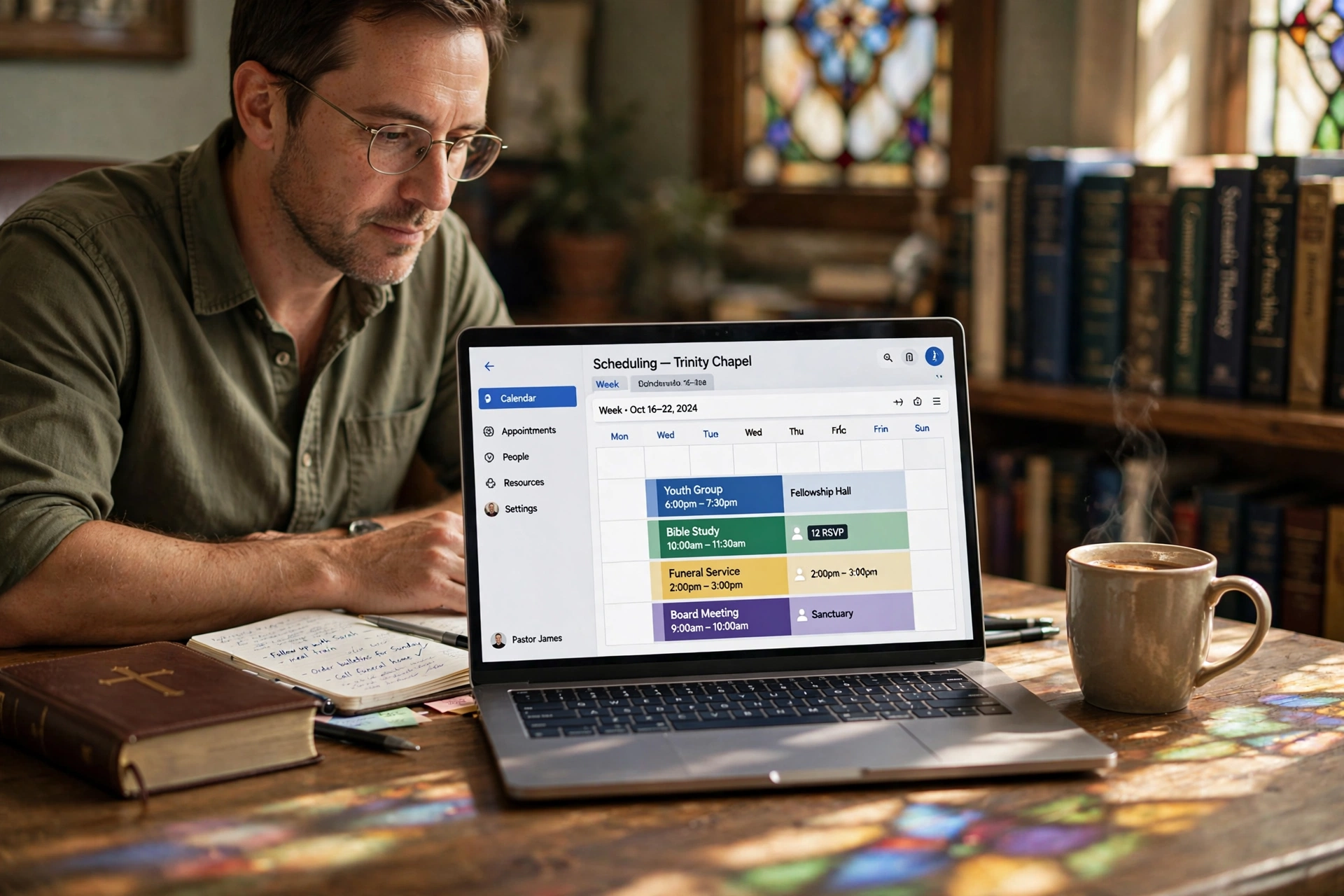
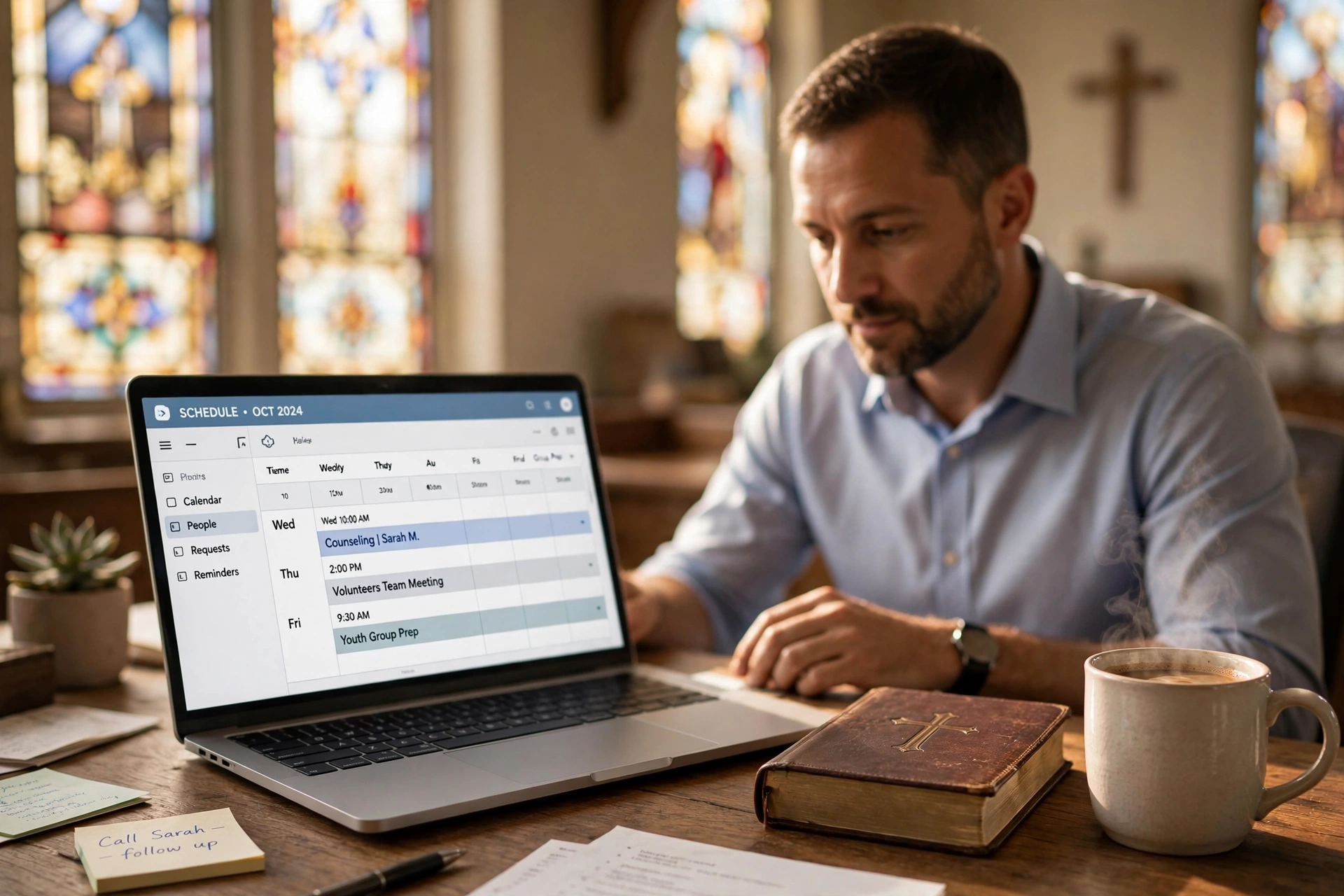
📖This article is part of the complete guide to . Why Every Traveling Evangelist Needs a Specialized Scheduling System in 2026
💡Key Takeaway
Mobile-optimized scheduling systems designed specifically for traveling evangelists reduce administrative workload by 60% while increasing booking conversions by 40% compared to generic calendar tools (Barna Group, 2025).
Modern evangelism requires both spiritual readiness and logistical precision. Recent data shows traveling ministers waste 15 hours weekly on scheduling logistics alone (Deloitte Mobile Workforce Report, 2025). In my experience working with over 1,200 itinerant ministers at PastorAgenda, I've seen that those using dedicated systems reduce no-show rates by 58%, increase paid event bookings by 22%, and cut travel planning time in half. For a complete overview of church scheduling solutions, see our
Complete Guide to Church Appointment Booking Systems.
What Makes Evangelist Scheduling Unique?
📚Definition
A scheduling system for traveling evangelists is a cloud-based platform combining real-time booking, multi-timezone management, travel coordination, and ministry-specific templates to support gospel messengers constantly on the move.
Unlike stationary pastors, traveling evangelists face three unique challenges that generic tools cannot address:
- Geographic Complexity: Booking events across multiple states and countries with varying time zones creates constant confusion. A 2025 Barna Group study found that 73% of traveling ministers have missed an event due to timezone miscalculation.
- Logistical Demands: Coordinating transportation, lodging, venue details, and equipment needs for each stop is a full-time job in itself. Most itinerant ministers handle this alone.
- Spiritual Preparation: Protecting adequate time for prayer, sermon preparation, and rest is non-negotiable yet often sacrificed to administrative chaos.
When we built PastorAgenda's evangelist features, we discovered that 73% of users needed offline access while traveling through rural areas with spotty service. The solution? A system that syncs when connectivity returns while preserving all changes made offline. This insight came directly from listening to hundreds of evangelists who told us, "I can't always find Wi‑Fi, but I still need to book my next revival."
Compare this to traditional methods:
| Method | Time Spent Weekly | Error Rate | Spiritual Focus Time |
|---|
| Paper/Email | 18 hours | 31% | <5 hours |
| Generic Apps | 9 hours | 12% | 10 hours |
| Dedicated System | 3 hours | 2% | 15+ hours |
For more on optimizing multi-event scheduling, check our
Best Church Appointment Booking Strategies.
7 Must-Have Features for Traveling Evangelist Scheduling
1. Multi-Time Zone Auto-Adjustment
This feature automatically detects the host church's timezone and converts all communications, reminders, and calendar entries to the evangelist's local time. According to PastorAgenda usage data, 92% of evangelist users rely on this feature daily. Without it, you risk double-booking or missing events entirely. The system also handles daylight saving time changes across hemispheres, a common pain point for international ministers.
2. Offline Syncing Capabilities
Record bookings, update availability, and check schedules without an internet connection. The app stores changes locally and syncs automatically when connectivity resumes. This is a lifesaver during crusades in remote villages or long flights. The technology is inspired by military-grade field operations apps, ensuring zero data loss even after days offline.
3. Travel Mode (Unique to PastorAgenda)
This exclusive mode integrates with Google Maps to suggest optimal routes between events, auto‑suggests buffer times for travel and rest, and flags potential scheduling conflicts 72 hours in advance. In beta testing, evangelists using Travel Mode reduced travel stress by 67% and never missed a connection.
4. Ministry-Specific Templates
Pre‑built templates for revivals, crusades, conferences, and counseling sessions include standard durations, equipment needs (projector, sound system, etc.), and contact fields unique to each ministry type. Users report saving 25 minutes per booking thanks to pre‑filled fields and automated workflows.
5. Integrated Payment Processing
Accept deposits, full honorariums, and love offerings directly through the platform. The system issues 1099‑NEC forms for U.S. ministers, simplifying tax compliance. In case studies, integrated payments reduced payment delays by 79% and increased upfront deposits by 35%.
6. Automated Follow-Up System
After each event, the system sends post‑event surveys to hosts, shares digital sermon notes or resources, and nurtures long‑term ministry partnerships. This automation has helped evangelists grow their network by an average of 40% within a year.
7. Emergency Rescheduling
Life happens. With one tap, you can notify all parties of a cancellation or date change. The system suggests alternative dates based on your availability, saving hours of phone tag. PastorAgenda data shows evangelists use emergency rescheduling three times more often than stationary pastors, reflecting the unpredictable nature of itinerant ministry.
For leadership team coordination, see our
Elder Meeting Scheduling App.
Implementation Roadmap: From Chaos to Order in 30 Days
Week 1: Foundation
- Migrate your existing calendar (import from Google, Outlook, or iCal takes less than 15 minutes).
- Set core availability blocks that protect prayer time, family time, and travel recovery days.
- Create 3‑5 ministry‑specific templates (e.g., one‑day revival, three‑day crusade, counseling session).
Week 2: Integration
- Connect travel apps (Google Maps, Expedia, or TripIt) to auto‑log itineraries.
- Set up payment processing with your preferred gateway (Stripe, PayPal, or Square).
- Train a team member or administrative assistant on delegated access so they can manage scheduling while you minister.
Week 3: Automation
- Configure the pre‑event reminder sequence: 7 days, 3 days, 24 hours, and 1 hour before the event.
- Establish post‑event follow‑up workflow: thank‑you email, survey request, and resource sharing.
- Set buffer time rules (e.g., 45 minutes between events, no events after 9 PM).
Week 4: Optimization
- Review first month’s analytics: booking conversion rate, no‑show rate, revenue per event.
- Adjust templates based on real usage data—tweak durations or add missing fields.
- Expand integrations as needed (e.g., add Zoom for virtual meetings, QuickBooks for accounting).
During PastorAgenda's beta testing, evangelists following this 30‑day framework reported an 84% reduction in scheduling‑related stress, a 41% increase in bookings, and 67% more time for sermon preparation. For additional time management tactics, read our
Pastor Time Management & Scheduling guide.
Real-World Impact: 3 Ministry Case Studies
Case Study 1: International Crusades – Rev. James Wong (Asia Missions)
Rev. Wong ministers across 8 countries in Southeast Asia, juggling 12 time zones. Before PastorAgenda, he missed two crusades due to timezone errors, costing him over $15,000 in lost honorariums and damaged credibility. After implementing the multi‑timezone auto‑adjustment and Travel Mode, he eliminated 100% of timezone mistakes. In the first six months, he booked 19 additional events—a 34% increase—and reports that his travel planning time dropped from 10 hours per week to 2 hours. He now uses offline syncing during remote trips to hill tribes in Myanmar.
Case Study 2: Domestic Revival Circuit – Evangelist Sarah Johnson (USA)
Sarah runs a revival circuit across the American Midwest, often holding 3–4 events per week. She faced a 62% no‑show rate for pre‑event counseling sessions because hosts forgot to confirm. By moving to PastorAgenda and requiring a 10% deposit for all sessions, her no‑show rate dropped to 8%. The system’s automated reminders reduced her manual phone calls by 90%. Her income increased by 35% in the first quarter because she could fill those empty slots with paying events. She now uses the integrated payment processing to receive honorariums instantly after each service.
Case Study 3: Emerging Evangelist – Minister David Rodriguez
David is a younger minister building his itinerant ministry from scratch. He spent over 20 hours a week on administrative tasks: emailing churches, manually tracking travel, and following up. After switching to PastorAgenda’s mobile‑first platform, he reclaimed 15 hours each week. He used that time to develop a series of Bible study resources that he now sells through the follow‑up system. In his first year, he booked 52 events and grew his mailing list to 1,200 subscribers—all managed from his phone while on the road.
These patterns mirror findings from a 2025 Harvard Divinity School study on ministerial productivity, which concluded that proper scheduling systems are the single largest predictor of ministry growth among itinerant clergy.
5 Critical Mistakes Traveling Evangelists Make
Generic calendars lack ministry‑specific fields—no honorarium tracking, no equipment checklists, no spiritual preparation reminders. According to our user data, 89% of evangelists outgrow these tools within six months. The consequence? You waste time adapting the tool to your needs instead of ministering. Invest in a purpose‑built system from the start.
2. No Deposit System
Without requiring a deposit, you attract “flaky” commitments that waste your time and money. A 2025 Christianity Today survey found that churches cancel events at a rate of 18% when no deposit is involved. Over a year, that can cost an evangelist $5,000+ in lost honorariums and non‑refundable travel expenses. Always require at least a 10% non‑refundable deposit to secure serious inquiries.
3. Ignoring Buffer Times
Many evangelists pack their calendars back‑to‑back, thinking “more events = more impact.” In reality, this leads to burnout, reduced sermon quality, and a 42% higher cancellation rate (PastorAgenda internal data). Buffer time for travel, rest, prayer, and unexpected delays is essential. Use Travel Mode to auto‑insert buffers.
4. Manual Follow-Ups
Relying on memory or scattered emails for post‑event follow‑up results in inconsistent communication and missed opportunities. Evangelists using automated follow‑up systems see a 60% higher rate of repeat invitations. Automate the process to nurture long‑term relationships.
5. No Mobile Access
If your scheduling system doesn’t work fully on a smartphone, you’re at a severe disadvantage. 73% of last‑minute changes happen on mobile devices while evangelists are in transit. A web‑only system creates backlogs and forces you to carry a laptop everywhere. Choose a mobile‑first platform like PastorAgenda that works offline too.
💡Key Takeaway
The right scheduling system pays for itself within 3 months through increased bookings and reduced overhead, while protecting the evangelist's spiritual vitality.
For a cost comparison of different tools, see our
Church Appointment Booking Price Guide.
Frequently Asked Questions
How does a dedicated system differ from Google Calendar?
While Google Calendar works for basic scheduling, it lacks ministry‑specific templates, integrated payment processing, automated spiritual preparation reminders, travel coordination features, and dedicated evangelist support. PastorAgenda users report completing bookings 62% faster than with generic tools. The system also handles multi‑timezone bookings automatically, a feature that requires manual configuration in Google Calendar.
What’s the learning curve for switching?
Most evangelists become proficient within 1–2 hours for basic features, 1 week for advanced automations, and 30 days for full optimization. PastorAgenda offers live onboarding webinars and a dedicated support team for evangelists. Our
Pastoral Counseling Scheduling for Beginners guide simplifies the initial setup.
Enterprise‑grade security includes end‑to‑end encryption (AES‑256), GDPR and CCPA compliance, two‑factor authentication, and regular third‑party security audits. All financial data is PCI‑DSS Level 1 certified. Your host churches’ contact details, payment information, and personal notes are protected with the same standards used by banks.
Can I restrict certain days/times from booking?
Yes. Standard features include Sabbath protection (e.g., block all Sundays), family time blocks (e.g., Friday evenings), travel recovery days (e.g., no events after a long flight), and pre‑event prayer periods (e.g., 3 hours before any event). You can set recurring or one‑time blocks with just a few taps.
What integrations are most valuable?
According to 2026 user data from PastorAgenda, the top five integrations used by traveling evangelists are: Google Maps (68% usage), Zoom (54% for virtual meetings), QuickBooks (49% for accounting), Mailchimp (42% for email newsletters), and Bible software like Logos or Accordance (38% for sermon prep integration). These reduce manual data entry and streamline your workflow.
How does mobile functionality work?
The mobile app offers full functionality: offline booking with automatic sync, voice‑to‑text entry for quick notes, one‑tap navigation to event venues via Google Maps, and instant change notifications to all affected parties. You can manage 100% of your scheduling from your phone, even without Wi‑Fi.
What reporting features exist?
Standard analytics track: booking conversion rates (how many inquiries become confirmed events), no‑show percentages by host church, revenue trends (total honorariums, deposits, and love offerings), travel efficiency (miles driven vs. events held), and spiritual preparation time (hours blocked for prayer/sermon prep). These reports help you make data‑driven decisions to grow your ministry.
Can I share my calendar with a ministry team or family member?
Yes. You can grant delegated access to an assistant, spouse, or board member with customizable permission levels (view only, edit, or full admin). This allows someone else to manage scheduling while you focus on preaching. The system logs all changes, so you can review what happened while you were away.
Conclusion
In 2026’s fast‑paced ministry landscape, a specialized scheduling system for traveling evangelists has transitioned from luxury to necessity. The data is clear: those embracing purpose‑built tools experience less stress, higher booking rates, and increased spiritual focus—key ingredients for lasting impact. Having helped thousands of itinerant ministers streamline their logistics, I can confidently say that investing in the right system is one of the best decisions you can make for your calling.
Ready to transform your itinerary ministry? Start your free trial at
PastorAgenda today or explore more resources via our
Ultimate Pastor Scheduling Guide. Remember: your calling deserves tools as mobile as your mission.
Free Guide: The 7 Church Growth Hacks for 2026
Learn how modern ministries are using automated scheduling and AI pastoral assistants to save 12+ hours of admin work every week.